

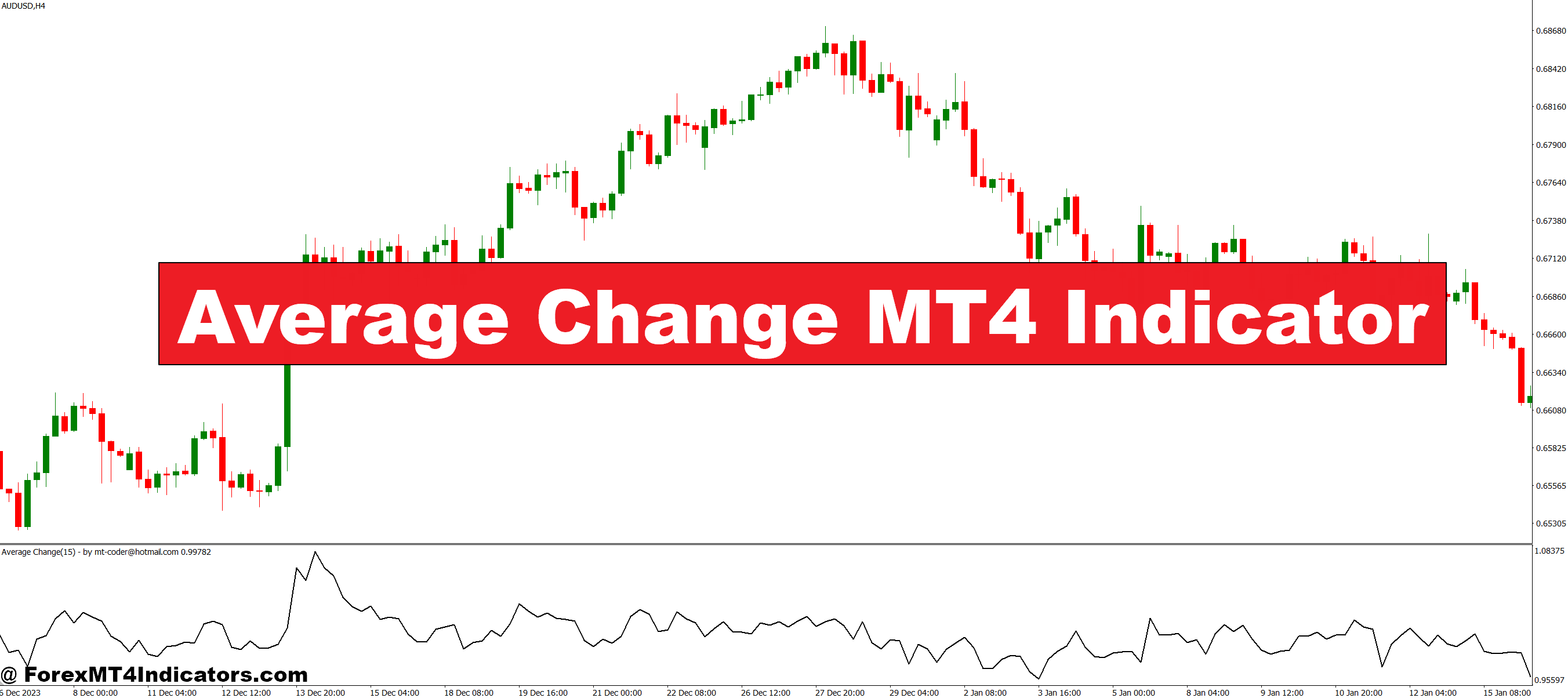
The Average Change MT4 Indicator calculates the average difference between closing prices over a set period. By smoothing out market noise, it provides a clearer picture of price momentum. Traders can quickly identify whether the market is gaining strength or losing momentum, making it easier to enter or exit trades. The indicator is customizable, allowing users to adjust the period length to suit different trading styles, from scalping to swing trading. Its visual cues on the MT4 platform make trend analysis intuitive, even for beginners.
Benefits of Using the Indicator
One of the biggest advantages of the Average Change MT4 Indicator is its simplicity. It provides clear signals without overwhelming the trader with unnecessary data. By highlighting average price changes, it helps identify overbought or oversold conditions, potential trend reversals, and areas of support or resistance. Traders can use it alongside other indicators or as a standalone tool. With consistent use, it can improve timing for entry and exit points, reducing emotional trading decisions and boosting overall confidence in the market.
Trading Tips
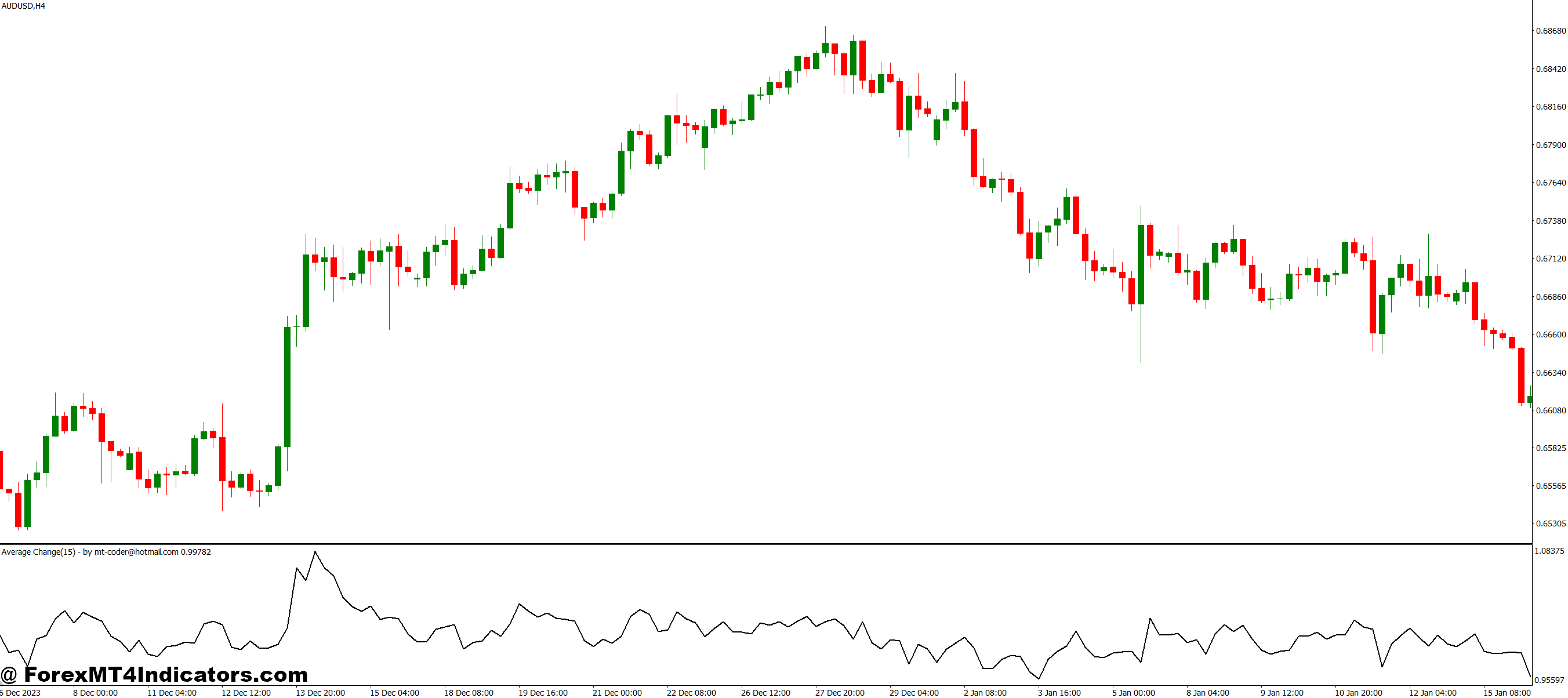
To maximize its effectiveness, traders should combine the Average Change MT4 Indicator with basic price action analysis. For instance, when the indicator shows a rising average change while the price breaks a resistance level, it could signal a strong buy opportunity. Conversely, a falling average change near a support level might hint at a potential sell or short trade. Regularly monitoring the indicator alongside key news events can also help avoid false signals and improve trade accuracy.
How to Trade with Average Change MT4 Indicator
Buy Entry

- Look for the indicator to show a rising average change, signaling increasing upward momentum.
- Confirm with a bullish price action pattern (like a breakout above resistance or bullish candlestick formation).
- Consider entering when the price closes above the recent swing high.
- Optional: Use a small stop-loss below the nearest support level to manage risk.
Sell Entry
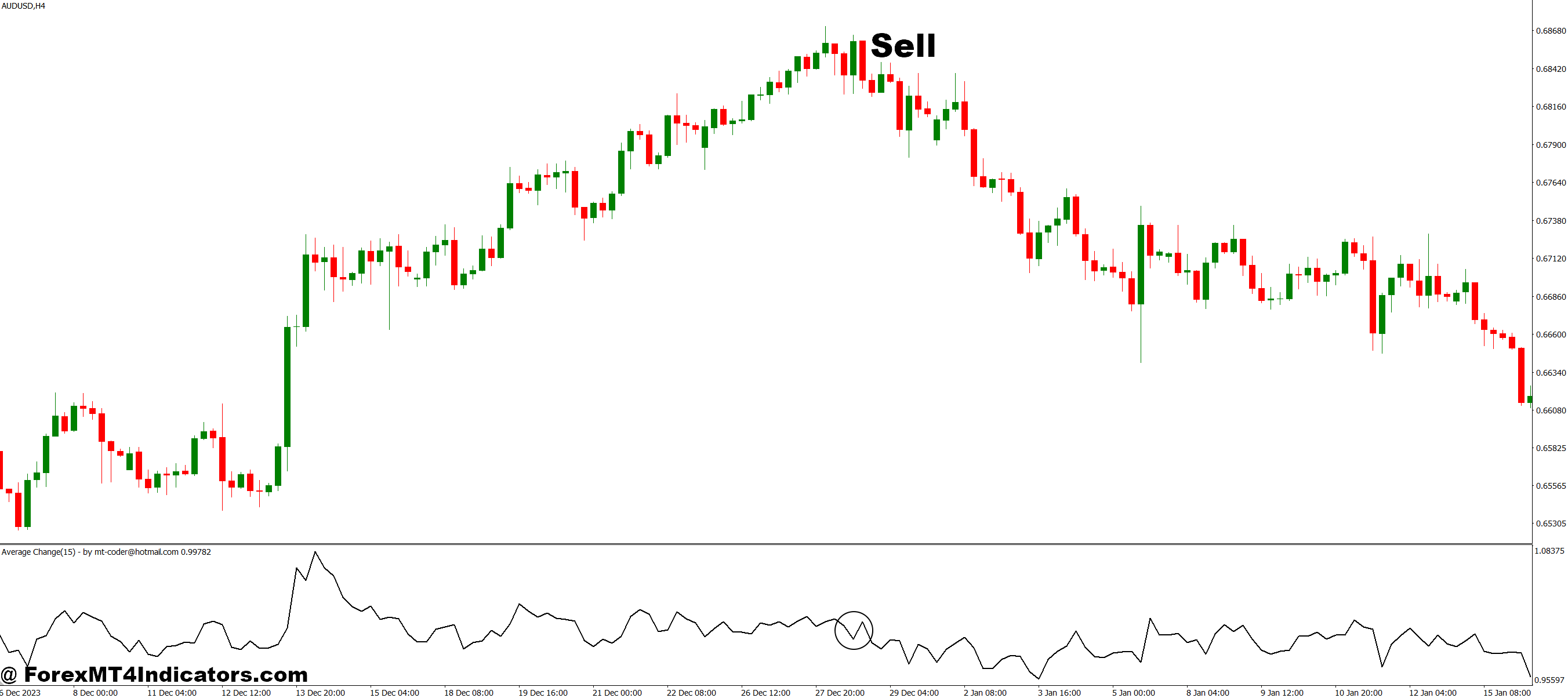
- Look for the indicator to show a falling average change, indicating weakening momentum or a potential downward trend.
- Confirm with a bearish price action signal (like a breakdown below support or a bearish candlestick pattern).
- Consider entering when the price closes below the recent swing low.
- Optional: Place a stop-loss above the nearest resistance level to limit losses.
Conclusion
The Average Change MT4 Indicator is a powerful yet easy-to-use tool for traders seeking clarity in volatile markets. By focusing on average price movements, it reduces guesswork, highlights trends, and supports better trading decisions. Whether used by beginners or experienced traders, this indicator can simplify market analysis and improve confidence when executing trades.
Recommended MT4/MT5 Broker
XM Broker
- Free $50 To Start Trading Instantly! (Withdraw-able Profit)
- Deposit Bonus up to $5,000
- Unlimited Loyalty Program
- Award Winning Forex Broker
- Additional Exclusive Bonuses Throughout The Year
- Exclusive 90% VIP Cash Rebates for all Trades!

Already an XM client but missing out on cashback? Open New Real Account and Enter this Partner Code: VIP90
(Free MT4 Indicators Download)



Enter Your Email Address below, download link will be sent to you.