

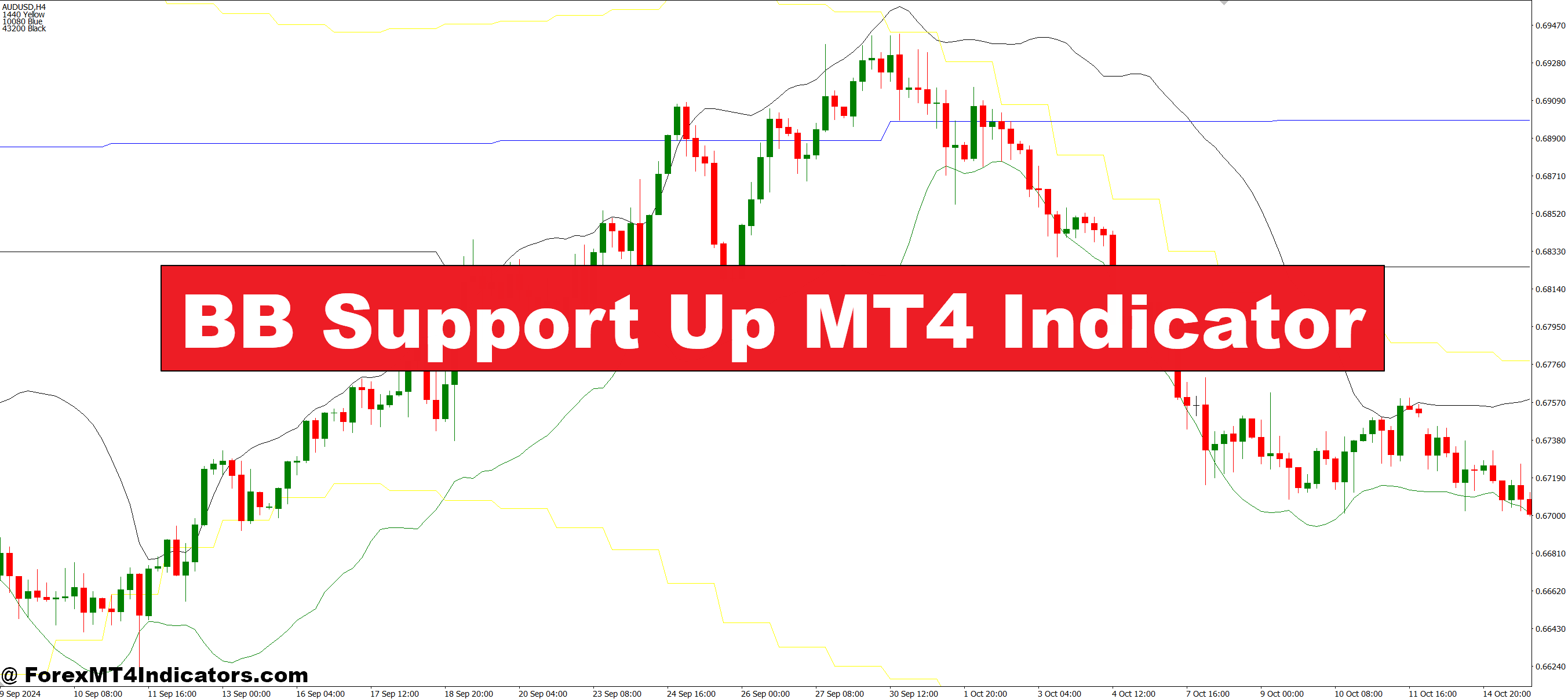
The BB Support Up MT4 Indicator is designed to highlight strong support levels using Bollinger Bands as its core foundation. It automatically identifies areas where price tends to bounce, allowing traders to anticipate potential upward movements. Unlike standard indicators, it emphasizes zones of interest rather than exact points, giving a clearer picture of market dynamics. Traders can use it on multiple timeframes, making it versatile for both short-term and long-term trading strategies. Its visual alerts simplify analysis, especially for beginners, by reducing the need to manually calculate support levels.
Key Features and Benefits
This indicator offers several advantages:
- Visual Support Zones: Clear colored lines show where the price may reverse.
- Multi-Timeframe Compatibility: Works on M1 to D1 charts for flexible trading.
- Alerts: Sends notifications when price approaches support, so traders don’t miss opportunities.
- Ease of Use: Simple interface suitable for beginners and advanced traders alike.
By focusing on support levels, it helps reduce emotional trading and improves decision-making, ensuring trades are backed by technical reasoning rather than guesswork.
How Traders Can Use It Effectively
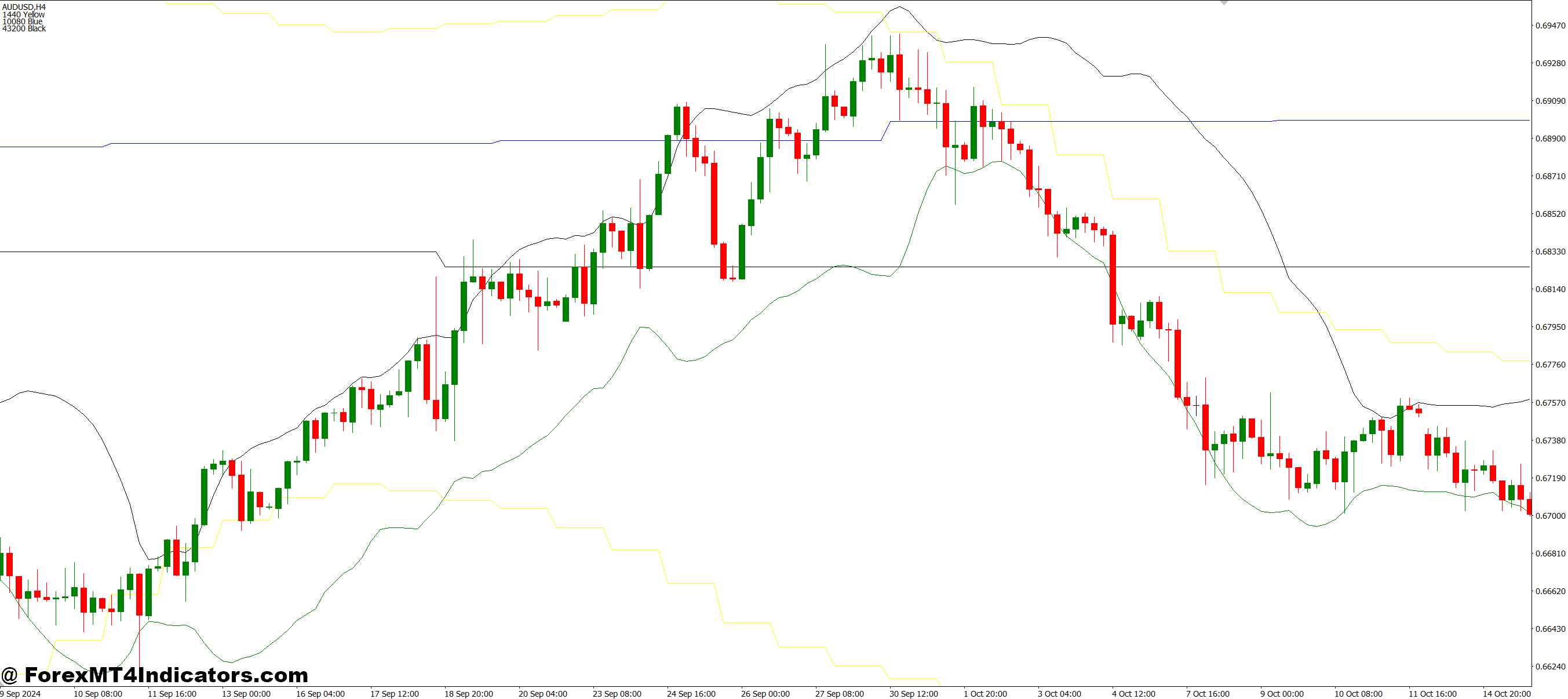
Traders can combine the BB Support Up MT4 Indicator with other tools like trend indicators or volume oscillators to confirm signals. A typical approach involves waiting for the price to touch the support zone and showing signs of reversal, such as bullish candlestick patterns. Risk management remains crucial; setting stop-loss slightly below support ensures protection in case of unexpected market movements. Over time, traders learn to recognize strong vs. weak support zones, improving their entry timing and overall profitability.
How to Trade with BB Support Up MT4 Indicator
Buy Entry

- Price approaches the highlighted support zone.
- A bullish candlestick pattern appears near support (e.g., hammer, engulfing, or pin bar).
- Optional confirmation: upward trend or increasing volume.
- Place a stop-loss slightly below the support zone to manage risk.
- Take profit can be set at the next resistance level or based on the risk-reward ratio.
Sell Entry

- Price breaks below the identified support zone.
- Close below support is confirmed on a higher timeframe (e.g., H1 or H4).
- Optional confirmation: downward trend or declining volume.
- Place a stop-loss slightly above the broken support zone.
- Take profit can be set at the next major support or based on your risk-reward plan.
Conclusion
The BB Support Up MT4 Indicator makes identifying support levels simple and visual, giving traders more confidence in their entries and exits. By highlighting potential bounce zones and providing alerts, it reduces guesswork and improves trading decisions. Whether for beginners or experienced traders, this tool can be a valuable addition to any MT4 trading setup, helping users trade smarter and with less stress.
Recommended MT4/MT5 Broker
XM Broker
- Free $50 To Start Trading Instantly! (Withdraw-able Profit)
- Deposit Bonus up to $5,000
- Unlimited Loyalty Program
- Award Winning Forex Broker
- Additional Exclusive Bonuses Throughout The Year
- Exclusive 90% VIP Cash Rebates for all Trades!

Already an XM client but missing out on cashback? Open New Real Account and Enter this Partner Code: VIP90
(Free MT4 Indicators Download)



Enter Your Email Address below, download link will be sent to you.