

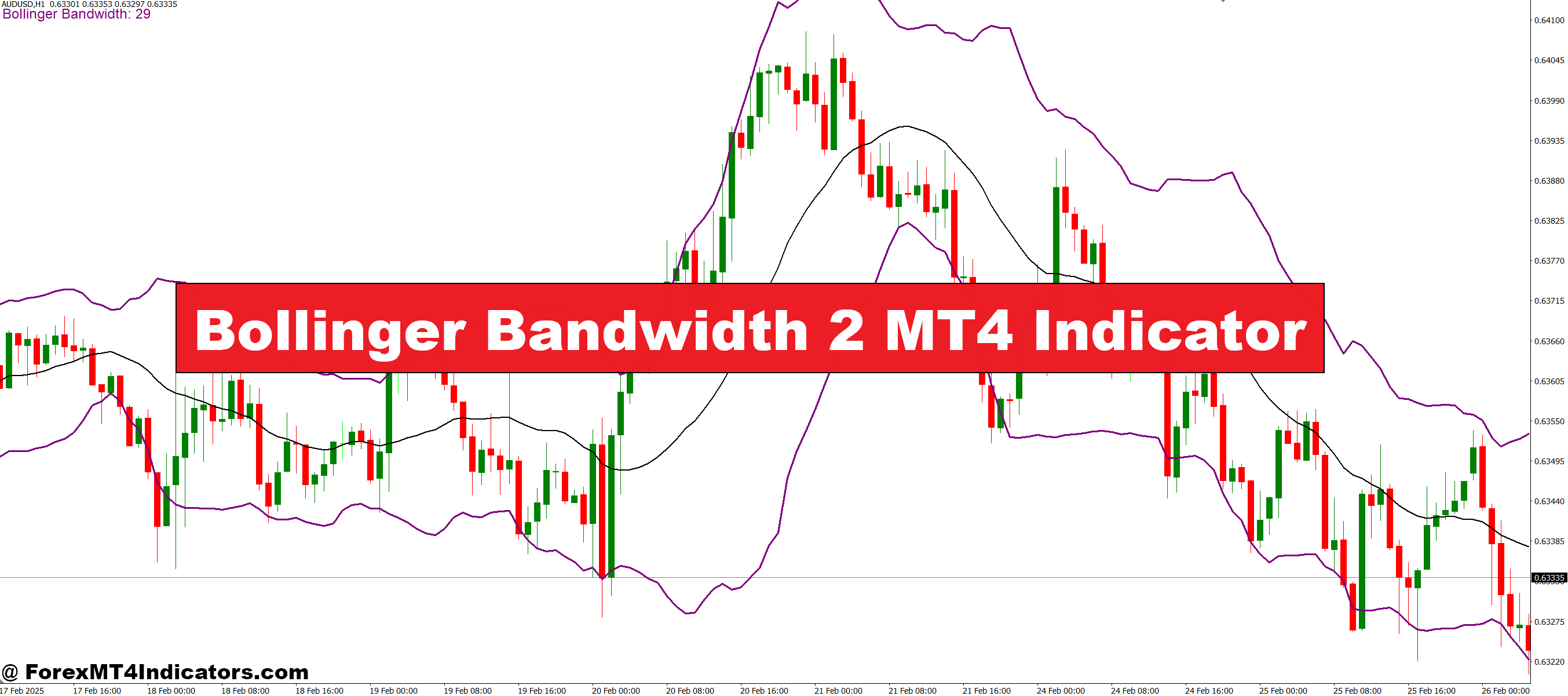
The Bollinger Bandwidth 2 MT4 Indicator is built to show how much the market is expanding or contracting. It converts the width of the Bollinger Bands into a simple line graph, making volatility easy to read. When the line rises, it signals growing volatility. When it drops, it shows the market tightening. This simple visual makes it easy for traders to understand when big moves might be coming.
Why Traders Use It
Many traders rely on this indicator to catch early hints of price breakouts. When the bandwidth drops to a low level, it often means the market is in a squeeze, and a breakout may follow. When it starts rising quickly, it suggests strong movement and active price behavior. Traders like this indicator because it works across all major markets, including forex, stocks, and commodities.
How It Helps in Daily Trading
The indicator gives traders a clear way to track changes in volatility without guessing. They can compare the bandwidth levels with the main chart to find breakout points or trend strength. Some traders also combine it with support and resistance levels to confirm the direction of upcoming moves. Its simple layout fits well for beginners and experienced traders who want quick insights.
Best Market Conditions for Use

This indicator works best in markets that switch between quiet and active phases. When the bands tighten, traders know the market is preparing for a strong move. When the bands expand, they can manage exits or protect profits. It’s instrumental in the U.S. trading sessions where volatility often picks up.
How to Trade with Bollinger Bandwidth 2 MT4 Indicator
Buy Entry

- Look for the bandwidth line at a very low level, indicating the market is in a squeeze.
- Wait for the bandwidth line to start rising, signaling increasing volatility.
- Confirm that price breaks above the upper Bollinger Band or shows bullish momentum on the main chart.
- Enter a buy trade when both the rising bandwidth and price breakout are confirmed.
- Set a stop loss just below the recent support or lower Bollinger Band.
- Take profit at resistance levels or based on your risk-reward strategy.
Sell Entry

- Identify the bandwidth line at a very low level, showing the market is consolidating.
- Wait for the bandwidth line to rise, indicating a potential breakout is about to happen.
- Confirm that price breaks below the lower Bollinger Band or shows bearish momentum.
- Enter a sell trade when both the rising bandwidth and price breakout align.
- Place a stop loss just above the recent resistance or upper Bollinger Band.
- Take profit at support levels or according to your risk-reward plan.
Conclusion
The Bollinger Bandwidth 2 MT4 Indicator provides traders with a clean, easy way to measure volatility. By understanding market squeezes and expansions, they can prepare for breakouts and avoid confusion during slow periods. It’s a simple tool that helps traders make clearer decisions and stay ahead of sudden price movements.
Recommended MT4/MT5 Broker
XM Broker
- Free $50 To Start Trading Instantly! (Withdraw-able Profit)
- Deposit Bonus up to $5,000
- Unlimited Loyalty Program
- Award Winning Forex Broker
- Additional Exclusive Bonuses Throughout The Year
- Exclusive 90% VIP Cash Rebates for all Trades!

Already an XM client but missing out on cashback? Open New Real Account and Enter this Partner Code: VIP90
(Free MT4 Indicators Download)



Enter Your Email Address below, download link will be sent to you.