

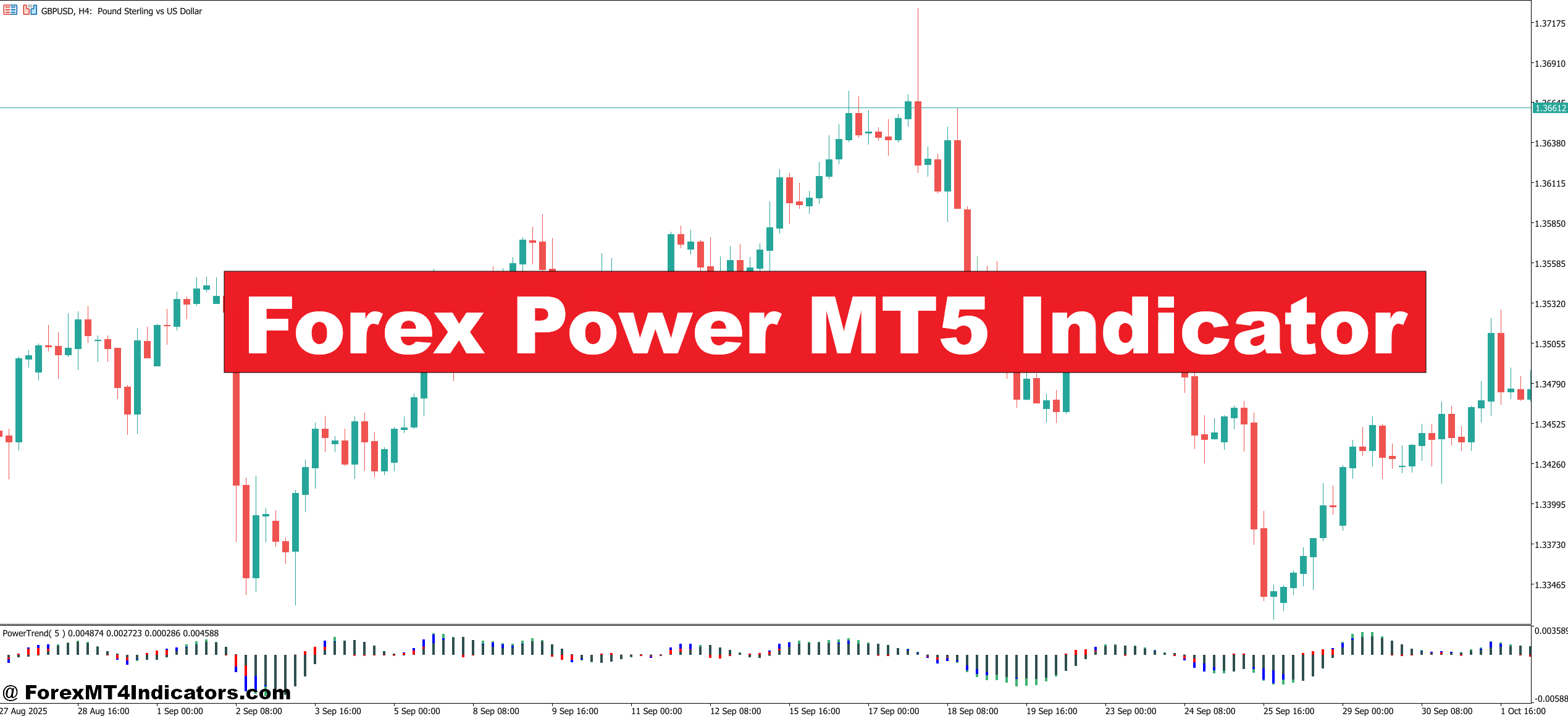
The Forex Power MT5 Indicator is a strength-based technical analysis tool designed for MetaTrader 5. It tracks the relative power of major currencies such as USD, EUR, GBP, JPY, and AUD. Instead of analyzing a single pair in isolation, it compares multiple pairs at the same time.
Most versions display colored lines or bars that represent each currency’s strength. When EUR rises while USD falls, the EUR/USD pair naturally becomes more attractive for long trades. Traders see this shift before it shows clearly on price charts.
Compared to classic indicators like RSI or MACD, this tool looks at the market from a broader angle. RSI focuses on one pair and one timeframe. Forex Power looks across pairs and tries to answer a different question: which currency is in control right now?
That makes it popular among traders who like trend-following strategies or basket-style analysis.
How It Works – Logic and Calculation
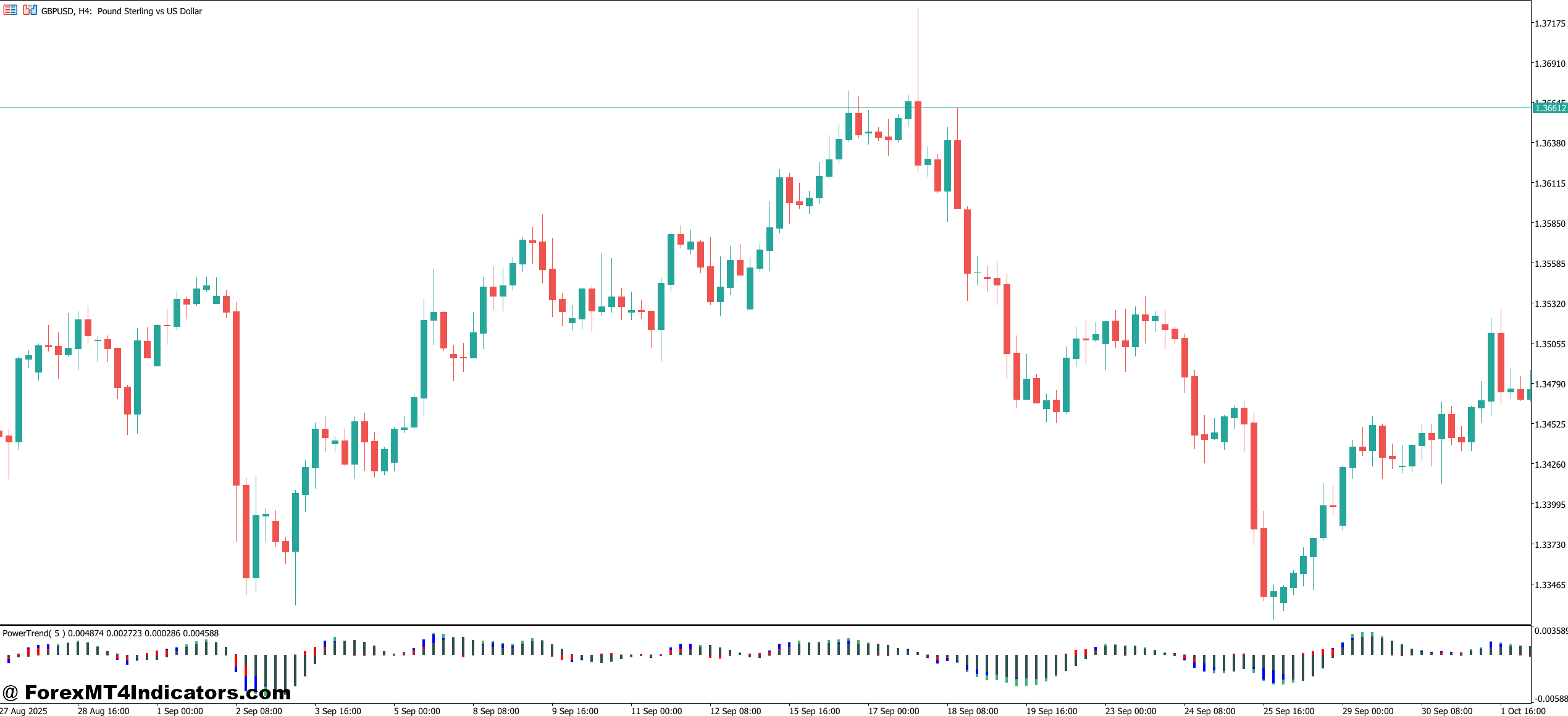
Behind the scenes, the indicator calculates strength by measuring price movement across several currency pairs. For example, to calculate EUR strength, it checks how EUR performs against USD, GBP, JPY, and CHF over a chosen period. Those movements are normalized and combined into one value.
A simplified version of the logic works like this:
- If EUR/USD rises and EUR/JPY rises, EUR gains strength.
- If GBP/EUR falls, EUR gains strength again.
- If EUR/AUD drops, EUR loses strength.
These results are plotted as a line or histogram. Many traders use a lookback period between 14 and 28 bars. On a 1-hour chart, that means strength is calculated using roughly the last 14 to 28 hours of data.
During high-impact news like NFP, the indicator reacts quickly because price spreads widen and volatility spikes. When testing this on volatile NFP days, traders often notice sharp divergence between USD and other currencies within minutes of the release.
That responsiveness can help identify momentum early. But it can also create noise during low-liquidity sessions, especially around the Asian open.
Practical Trading Applications
Traders usually apply the Forex Power MT5 Indicator in two main ways: trend confirmation and pair selection.
Example 1: Trend Confirmation
On EUR/USD, 1-hour chart:
- EUR strength line climbs from 0.3 to 1.1.
- USD strength drops from 0.8 to -0.4.
Price breaks above a 50-period moving average at the same time. That alignment tells traders the move has both price action and currency strength behind it. A buy trade near 1.0870 with a 25-pip stop and 50-pip target makes sense under those conditions.
Example 2: Pair Selection
Suppose GBP shows the strongest reading while JPY is the weakest. Traders don’t waste time on GBP/USD or GBP/CHF. They go straight to GBP/JPY, where the strength gap is widest. On the 30-minute chart, a pullback to previous resistance near 184.20 can offer a cleaner entry.
But it’s not a magic filter. During sideways markets, strength lines often cross each other, causing whipsaw. Experienced traders avoid entries when all currencies cluster near zero. That usually means chop.
Forex Power MT5 Indicator Settings and Customization
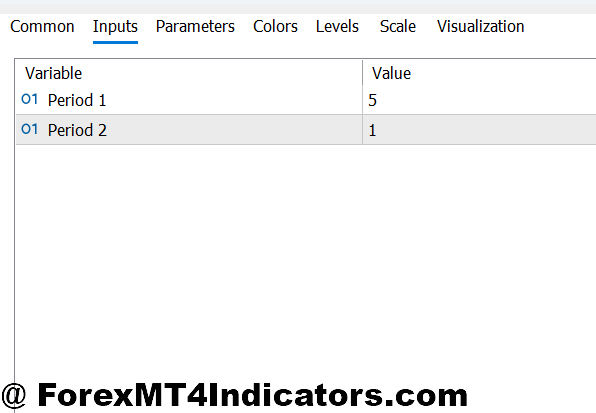
Most versions of the indicator allow users to adjust:
- Lookback period: Common settings are 14, 21, or 28. Shorter periods react faster but give more false signals.
- Smoothing level: Higher smoothing reduces noise but delays entries.
- Displayed currencies: Traders can hide minor currencies if they only trade majors.
- Timeframe sync: Some use M15 for entries and H1 for strength confirmation.
For scalping on EUR/USD, traders often set the lookback to 14 on M5 charts. For swing trading on H4, 28 or even 40 gives more reliable data.
One practical tip: avoid changing settings every week. Keep them stable for at least 50 trades. That’s the only way to judge if the tool fits the strategy.
Advantages and Limitations
Advantages:
- Helps avoid trading weak pairs.
- Highlights momentum shifts earlier than price patterns alone.
- Works well with support and resistance strategies.
- Encourages discipline by narrowing trade focus.
Limitations:
- Struggles in ranging markets.
- Can lag during sudden reversals.
- Depends on broker data feed accuracy.
- Doesn’t replace price action or risk management.
No tool reads news or central bank policy. During unexpected rate decisions, even strong currencies can reverse sharply.
Comparison With Similar Indicators
Compared to RSI:
- RSI measures overbought and oversold conditions.
- Forex Power measures relative strength between currencies.
Compared to MACD:
- MACD tracks momentum within one pair.
- Forex Power compares multiple pairs at once.
Compared to the standard Currency Strength Meter:
- Both aim to show power shifts.
- Forex Power MT5 Indicator often updates faster and allows deeper customization.
What makes this different? It gives context. A bullish pattern on EUR/USD means more when EUR is strong across the board.
Risk and Trading Reality

Trading forex carries substantial risk. No indicator guarantees profits. Strength tools reduce bad trades, but they don’t eliminate losses. Traders still face slippage, spread changes, and emotional mistakes.
Many professionals combine this indicator with:
- Support and resistance zones
- Session timing (London and New York overlap)
- Fixed risk per trade, often 1% or less
When traders ignore those basics, even the best signals fail.
How to Trade with Forex Power MT5 Indicator
Buy Entry

- Confirm strongest currency vs weakest currency – Buy only when EUR or GBP is the top strength line and USD or JPY is the weakest on the 1-hour or 4-hour chart, showing at least a 1.5 strength gap.
- Wait for pullback to support – Enter buy on EUR/USD after a 15–30 pip retracement into a previous support zone instead of chasing the breakout.
- Align with higher timeframe trend – Take buy trades only if the daily chart is making higher highs and higher lows to avoid countertrend traps.
- Enter after candle close – Place buy after a full 1-hour candle closes above resistance by 5–10 pips to reduce fake breakouts.
- Use fixed stop-loss – Set stop-loss 20–30 pips below entry on H1 or 40–60 pips on H4 to protect capital.
- Target realistic profit – Aim for 1:2 risk-reward, such as 25-pip stop and 50-pip take profit on GBP/USD.
- Avoid low-volatility sessions – Do not buy during Asian session ranges under 30 pips or before major news like NFP.
Sell Entry

- Confirm weakest currency vs strongest currency – Sell only when USD or JPY shows top strength and EUR or GBP is weakest with at least 1.5 strength difference.
- Wait for pullback to resistance – Enter sell on EUR/USD after price pulls back 15–25 pips into resistance instead of selling the low.
- Trade with trend direction – Sell only if the 4-hour chart shows lower highs and lower lows to avoid fighting momentum.
- Enter after bearish close – Place sell after a 1-hour candle closes 5–10 pips below support to confirm breakdown.
- Control risk per trade – Risk no more than 1%–2% per trade with a 20–30 pip stop-loss on H1 or 50 pips on H4.
- Set structured profit target – Use 40–80 pip take profit on GBP/USD based on previous swing low.
- Stay out during news spikes – Do not sell during CPI or interest rate announcements when spreads widen and signals fail.
Conclusion
The Forex Power MT5 Indicator helps traders see which currencies lead and which lag. It filters out weak setups and points attention toward pairs with momentum. It works best when combined with market structure and clear risk rules. It doesn’t fix emotional trading, but it reduces guesswork.
Key takeaways stand out clearly. It tracks currency strength across multiple pairs. It supports trend confirmation and pair selection. It performs well in trending sessions and poorly in tight ranges. Used wisely, it adds structure to decision-making without replacing price analysis.
For traders who struggle with random entries, this tool offers a more focused approach. The next step isn’t blind trust. It’s testing the indicator on a demo account across different sessions and pairs, then deciding if its signals match the trader’s style and discipline.
Recommended MT4/MT5 Broker
XM Broker
- Free $50 To Start Trading Instantly! (Withdraw-able Profit)
- Deposit Bonus up to $5,000
- Unlimited Loyalty Program
- Award Winning Forex Broker
- Additional Exclusive Bonuses Throughout The Year
- Exclusive 90% VIP Cash Rebates for all Trades!

Already an XM client but missing out on cashback? Open New Real Account and Enter this Partner Code: VIP90
(Free MT4 Indicators Download)



Enter Your Email Address below, download link will be sent to you.