

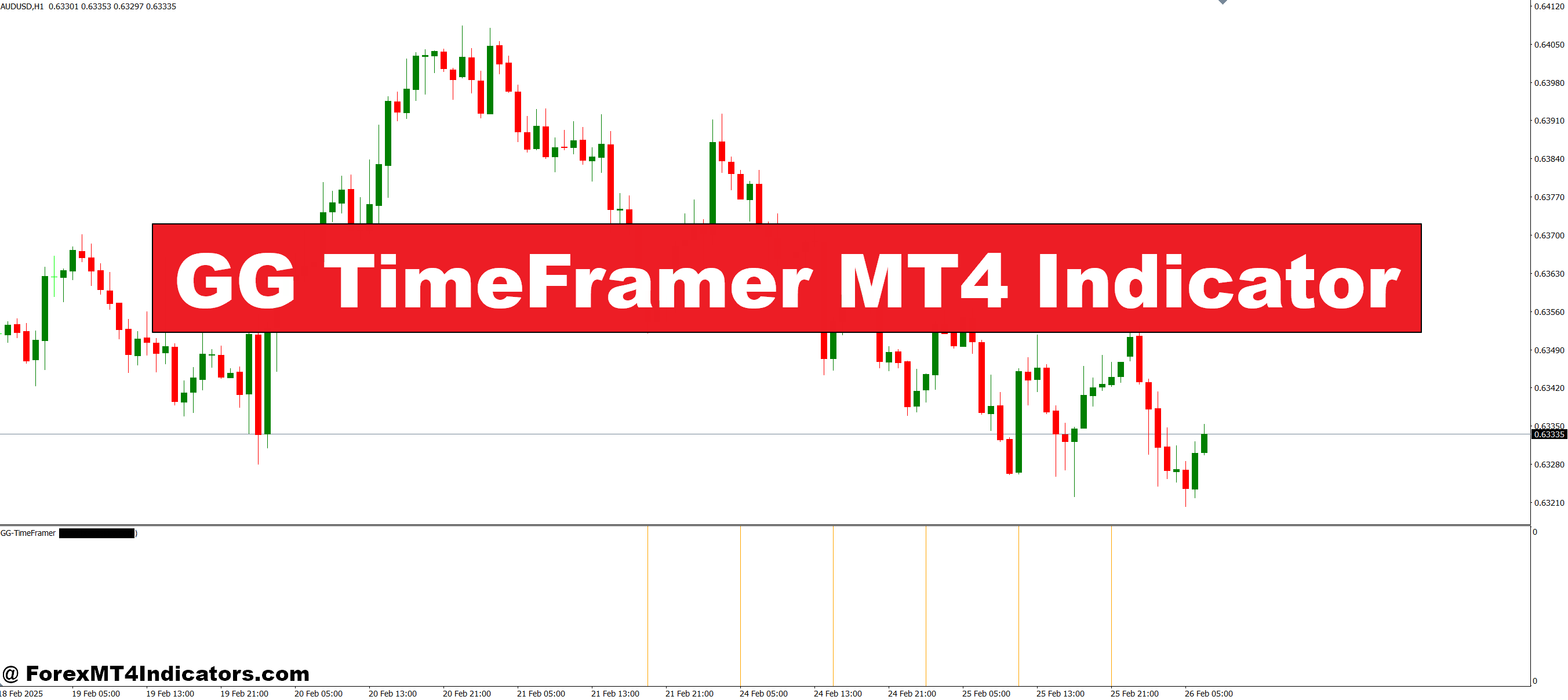
The GG TimeFramer MT4 Indicator is designed to solve this issue. By automatically consolidating essential timeframe data on a single chart, it provides traders with a clear and easy-to-understand view of market trends. With this tool, you can make informed decisions faster and trade with confidence, reducing stress and improving accuracy.
What is GG TimeFramer MT4 Indicator?
The GG TimeFramer MT4 Indicator is a powerful tool for multi-timeframe analysis. Instead of manually checking multiple charts, it gathers crucial information from different timeframes and displays it in one convenient location. This allows traders to understand both short-term and long-term market movements at a glance. By identifying trends and momentum shifts across various periods, it makes spotting trade opportunities easier and more reliable.
Key Features and Benefits
Clear Visual Signals
The indicator uses color-coded signals and easy-to-read charts to show trends and potential trade setups. Green, red, and neutral colors help traders quickly identify bullish, bearish, or sideways movements. This reduces confusion and ensures you never miss critical market changes.
Fully Customizable Settings
Traders can adjust the indicator to fit their style. You can select which timeframes to track, customize alert notifications, and choose display settings that suit your strategy. Whether you are a scalper, day trader, or swing trader, GG TimeFramer adapts to your needs.
Integrates with Other Tools
GG TimeFramer works well with other indicators. Pairing it with trend, momentum, or oscillators can help confirm trade setups. This combination enhances your trading decisions and increases the probability of success.
Saves Time and Effort
Instead of flipping between multiple charts, this indicator consolidates everything on one screen. This saves time, reduces errors, and allows you to focus more on strategy and less on chart management.
How to Use GG TimeFramer MT4 Indicator
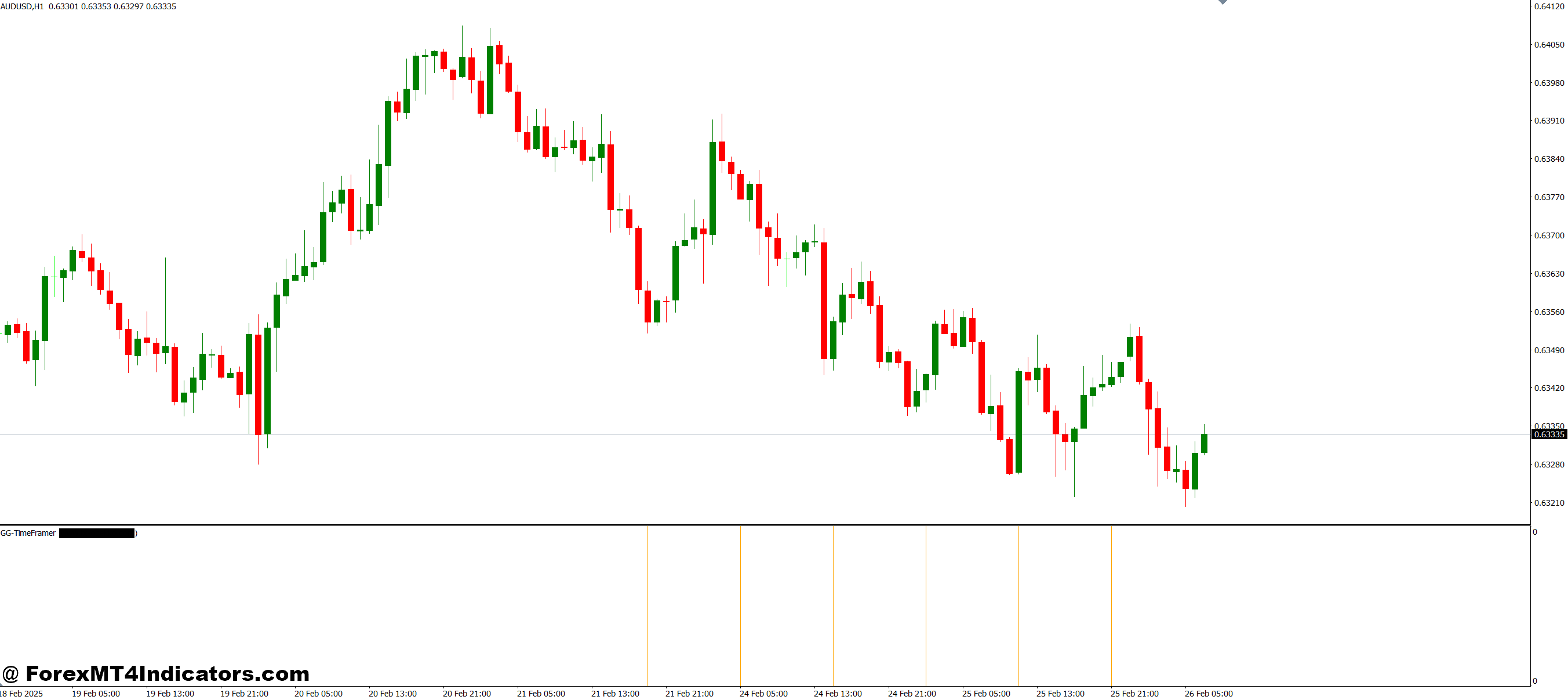
- Step 1: Install the indicator on your MT4 platform and attach it to your preferred chart.
- Step 2: Select the timeframes you want to monitor, such as 1H, 4H, or Daily.
- Step 3: Observe the color-coded trend signals to identify bullish or bearish setups.
- Step 4: Combine signals with other indicators or price action for confirmation.
How to Trade with GG TimeFramer MT4 Indicator
Buy Entry

- The trend shows bullish signals across multiple timeframes.
- The indicator displays green or upward momentum colors.
- Confirm with other tools like moving averages or RSI before entry.
- Place stop loss below recent support levels.
Sell Entry

- The trend shows bearish signals across multiple timeframes.
- The indicator displays red or downward momentum colors.
- Confirm with other tools like trend lines or stochastic indicators.
- Place stop loss above recent resistance levels.
Conclusion
The GG TimeFramer MT4 Indicator is an essential tool for anyone serious about multi-timeframe trading. By providing clear, customizable, and actionable insights, it helps traders stay ahead of market movements, make smarter decisions, and reduce the guesswork that often leads to losses. Whether you are a beginner or an experienced trader, this indicator can enhance your trading toolkit and improve overall performance.
Recommended MT4/MT5 Broker
XM Broker
- Free $50 To Start Trading Instantly! (Withdraw-able Profit)
- Deposit Bonus up to $5,000
- Unlimited Loyalty Program
- Award Winning Forex Broker
- Additional Exclusive Bonuses Throughout The Year
- Exclusive 90% VIP Cash Rebates for all Trades!

Already an XM client but missing out on cashback? Open New Real Account and Enter this Partner Code: VIP90
(Free MT4 Indicators Download)



Enter Your Email Address below, download link will be sent to you.