

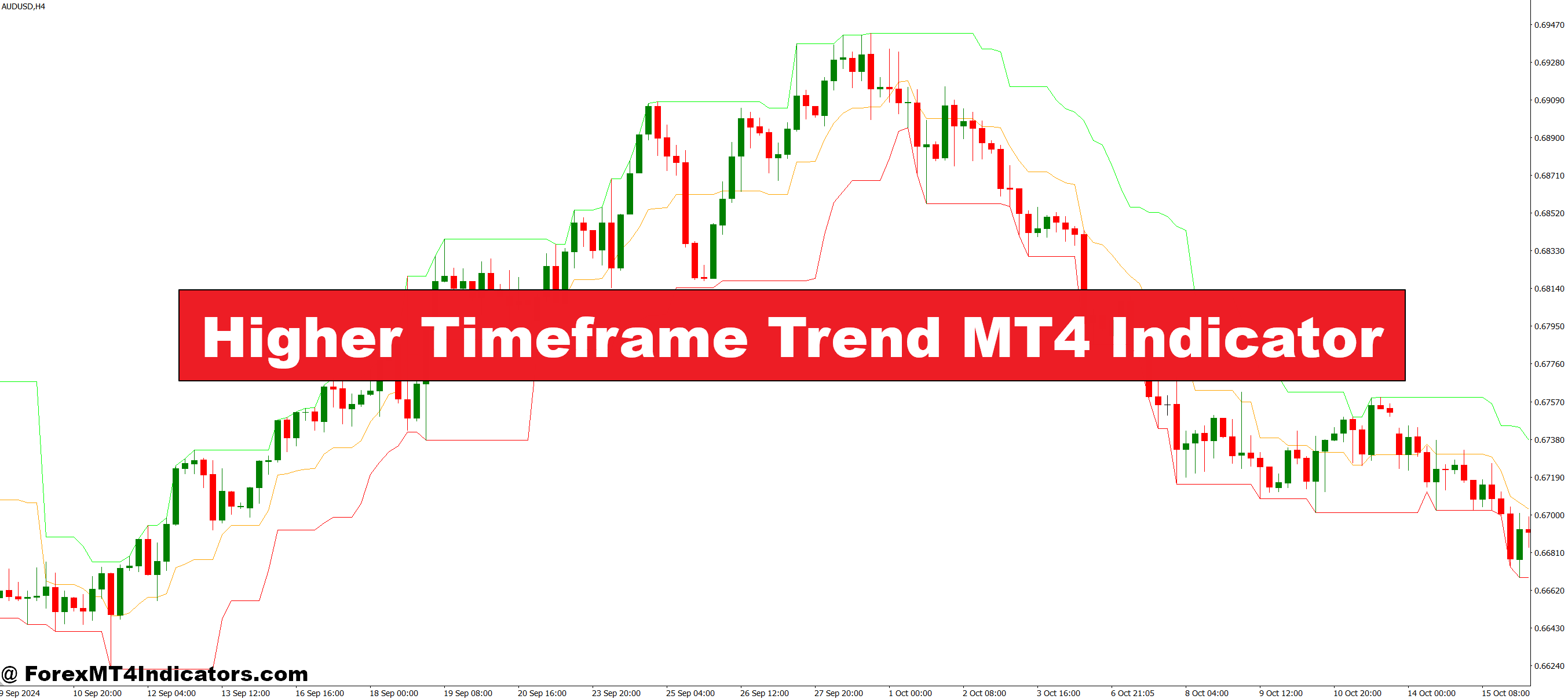
The Higher Timeframe Trend MT4 Indicator reads market direction from higher charts like H1, H4, or Daily and displays it on the trader’s active chart. This helps them understand whether the overall trend is bullish, bearish, or ranging. They don’t need to switch between multiple charts because the signal is shown instantly. The indicator acts like a guide, making it easier to stay aligned with stronger trend movements.
Why Traders Prefer Higher Timeframe Confirmation
Many traders rely on higher timeframe trends because they offer more stable and reliable market direction. The indicator highlights these long-term movements so users can avoid random noise from lower charts. It allows them to take trades with higher confidence and reduces the chances of being trapped in minor pullbacks. By seeing the bigger trend, they can choose better entry points and trade with more patience.
Improving Entries and Exits
The indicator helps traders plan their trades more clearly. When the higher timeframe shows a strong bullish trend, they look for buy signals on lower timeframes. When it shows a bearish trend, they focus on sell setups. This keeps their strategy simple and consistent. It also helps them filter bad trades and avoid going against strong market momentum.
Suitable for All Trading Styles
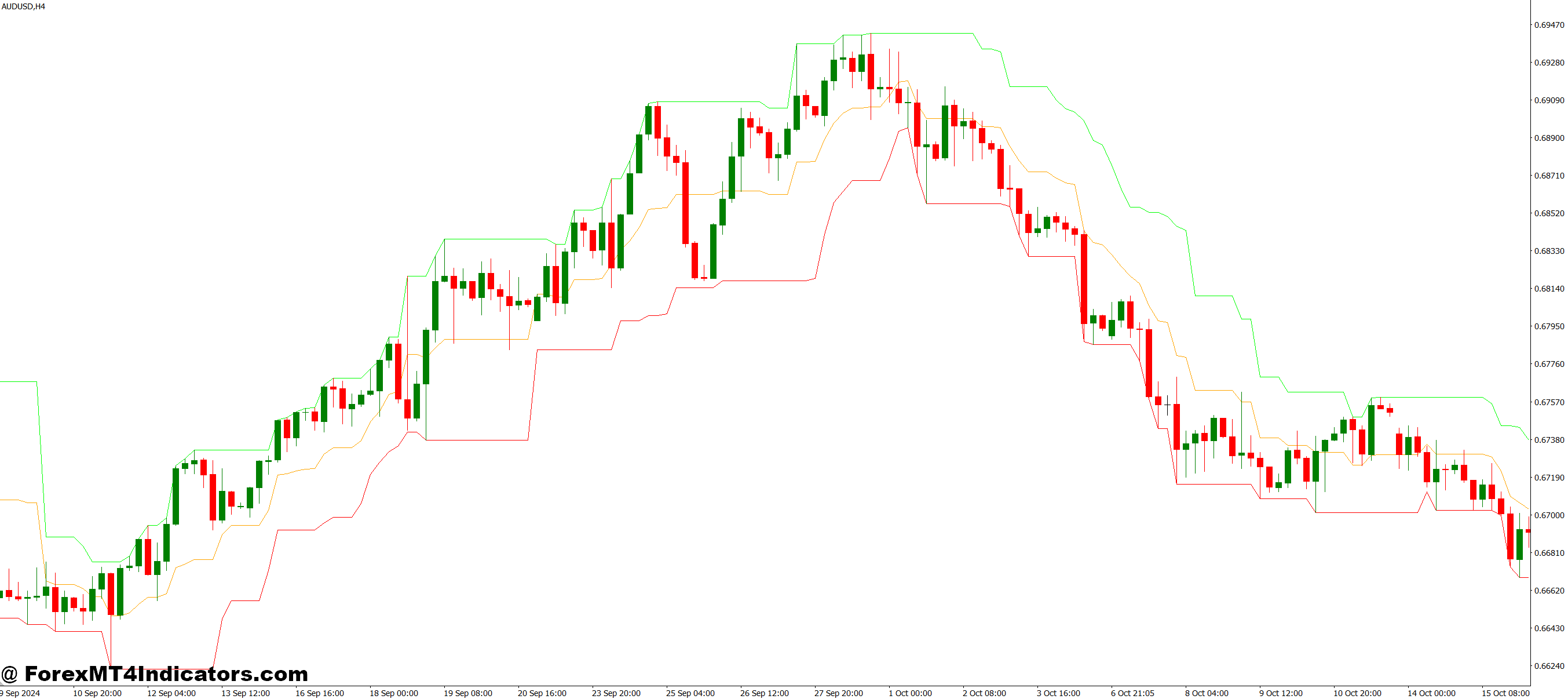
Whether someone trades forex, gold, indices, or crypto, the indicator works the same. It supports scalpers, day traders, and swing traders by giving them the direction of higher charts. This makes it easier to keep discipline and stick to the market’s main movement. Traders in the U.S. often use higher timeframe analysis to improve accuracy, and this tool helps them do it faster.
How to Trade with Higher Timeframe Trend MT4 Indicator
Buy Entry
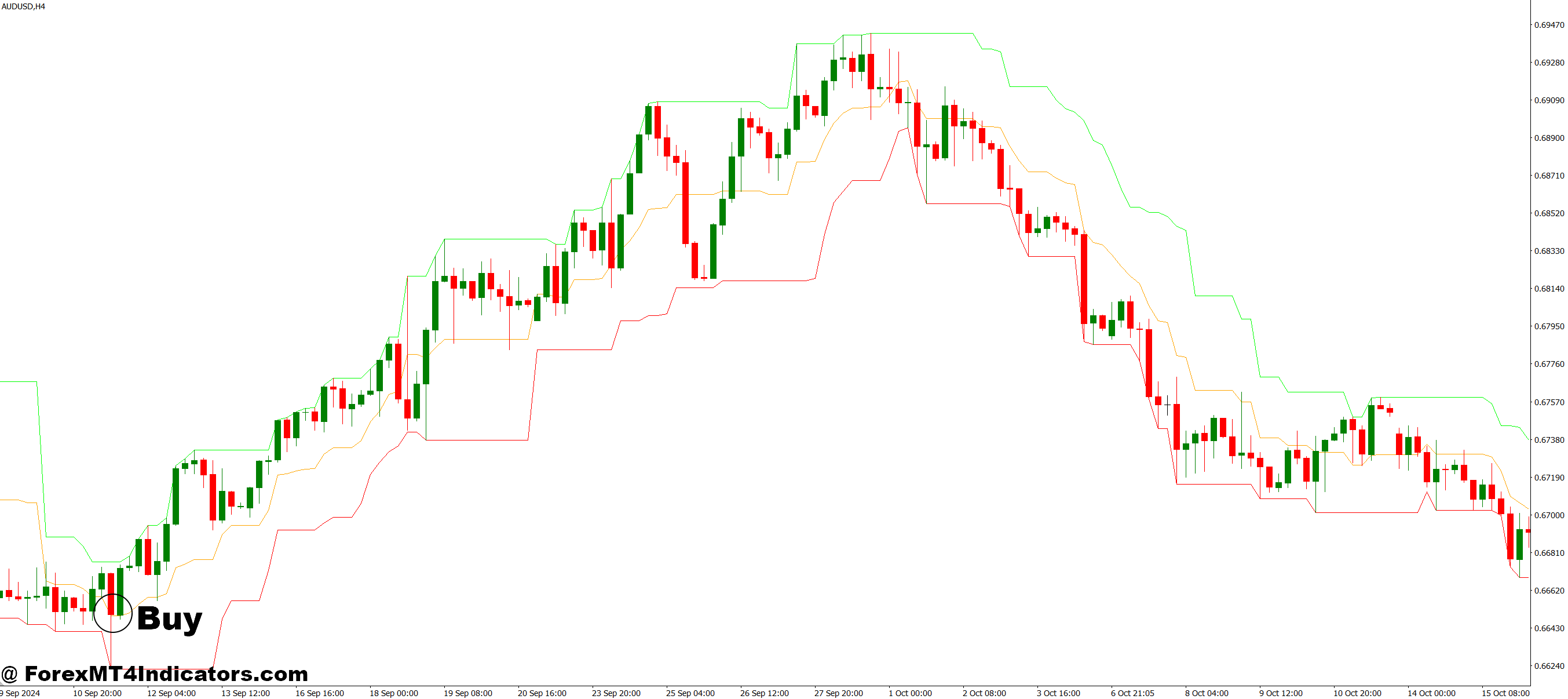
- The higher timeframe trend must show bullish direction (uptrend).
- Wait for the lower timeframe price to make a small pullback against the main trend.
- Enter a buy trade when a bullish candle forms in the direction of the higher timeframe trend.
- Make sure the price is above key support or above the moving average (if you use one).
- Place stop-loss below the recent swing low or pullback area.
- Target the next resistance level or use a trailing stop to ride the trend.
Sell Entry

- The higher timeframe trend must show bearish direction (downtrend).
- Wait for the lower timeframe price to retrace upward toward resistance.
- Enter a sell trade when a bearish candle forms in the direction of the higher timeframe trend.
- Make sure the price is below support or below the moving average (if you use one).
- Place stop-loss above the recent swing high or pullback area.
- Target the next support level or trail your stop to follow the trend.
Conclusion
The Higher Timeframe Trend MT4 Indicator is a simple but powerful tool that helps traders stay aligned with the market’s main direction. By showing the bigger trend on any chart, it reduces confusion and strengthens trading decisions. It’s an easy way to avoid false signals and focus on high-quality entries.
Recommended MT4/MT5 Broker
XM Broker
- Free $50 To Start Trading Instantly! (Withdraw-able Profit)
- Deposit Bonus up to $5,000
- Unlimited Loyalty Program
- Award Winning Forex Broker
- Additional Exclusive Bonuses Throughout The Year
- Exclusive 90% VIP Cash Rebates for all Trades!

Already an XM client but missing out on cashback? Open New Real Account and Enter this Partner Code: VIP90
(Free MT4 Indicators Download)



Enter Your Email Address below, download link will be sent to you.