


The HML Rainbow MT4 Indicator is built using several moving averages, each representing different timeframes. These moving averages are color-coded to create a rainbow effect on the chart. When the lines spread apart, it indicates a strong trend, while tight clustering suggests market consolidation. This color-based visualization allows traders to instantly recognize whether the market is trending or ranging without complex analysis.
How It Helps Traders
By tracking price movements across multiple layers, the indicator provides a smooth and responsive view of the trend’s health. Traders can use it to identify entry and exit zones more accurately. When all lines move in the same direction, it signals a clear trend continuation. On the other hand, when lines start crossing or changing order, it may indicate a potential reversal or correction. This makes it a reliable guide for both short-term scalpers and long-term swing traders.
Best Settings and Usage Tips

The indicator works on all timeframes, but it’s especially effective on H1 and H4 charts. Traders can customize the colors and number of moving averages based on personal preference. Combining it with oscillators like RSI or MACD can further improve accuracy. To maximize performance, it’s important to trade only when the rainbow lines are clearly aligned and avoid choppy markets where lines frequently overlap.
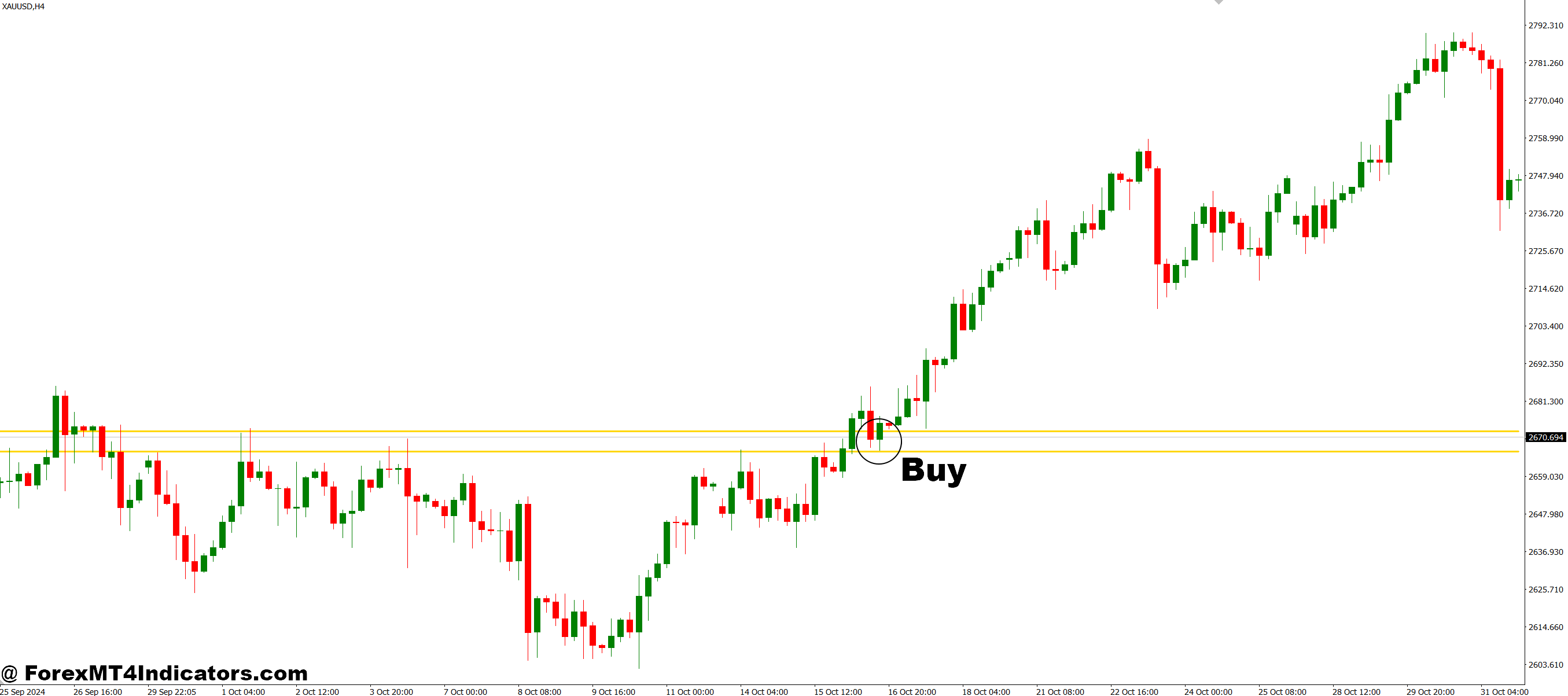
How to Trade with HML Rainbow MT4 Indicator

Conclusion
The HML Rainbow MT4 Indicator transforms complex trend analysis into a simple visual guide. Its layered color system gives traders a clearer understanding of market direction and strength. Whether trading forex, commodities, or indices, it helps improve timing and reduce emotional decisions. With this indicator, traders can finally bring consistency and confidence to their trading strategy.
Recommended MT4/MT5 Broker
XM Broker
- Free $50 To Start Trading Instantly! (Withdraw-able Profit)
- Deposit Bonus up to $5,000
- Unlimited Loyalty Program
- Award Winning Forex Broker
- Additional Exclusive Bonuses Throughout The Year
- Exclusive 90% VIP Cash Rebates for all Trades!

Already an XM client but missing out on cashback? Open New Real Account and Enter this Partner Code: VIP90
(Free MT4 Indicators Download)



Enter Your Email Address below, download link will be sent to you.