

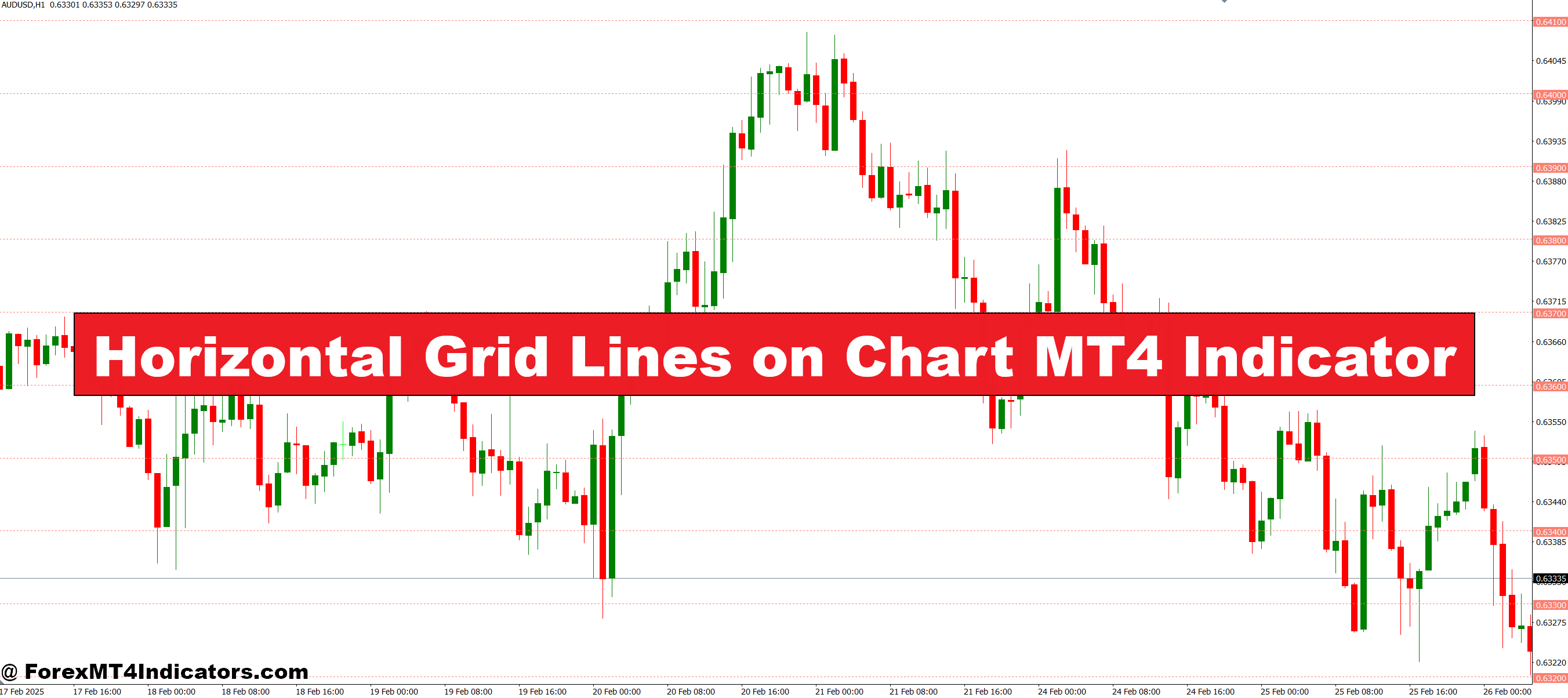
The Horizontal Grid Lines MT4 Indicator addresses this problem by providing clear, customizable horizontal lines across your chart. These lines act as visual guides, helping traders quickly spot price levels that matter. With this tool, navigating charts becomes easier, reducing errors and improving decision-making.
How the Indicator Works
The Horizontal Grid Lines MT4 Indicator automatically draws horizontal lines at fixed intervals across your chart. These lines can be adjusted to match your preferred price spacing, allowing traders to focus on significant levels. By providing a clear visual reference, it simplifies chart reading, even for beginners. Instead of relying solely on mental calculations or cluttered tools, traders can instantly see where the price may react, making trend analysis and range trading more intuitive.
Benefits for Traders
This indicator is particularly helpful for spotting support and resistance zones, which are crucial for effective trading. It can enhance strategies like breakout trading, scalping, or swing trading by clearly marking price levels where the market may pause or reverse. Additionally, it reduces the risk of entering trades at the wrong time since traders can visually anticipate key levels. By keeping charts organized and easy to read it saves time and mental effort.
Customization and Ease of Use

Traders can customize line colors, thickness, and intervals to fit their trading style. Whether someone prefers a minimalistic setup or a more detailed grid, the indicator adapts to different chart preferences. Installation is straightforward, and it works seamlessly with other MT4 tools. Its simplicity and flexibility make it suitable for both new and experienced traders looking for an edge in technical analysis.
How to Trade with Horizontal Grid Lines on Chart MT4 Indicator
Buy Entry

- Price approaches a horizontal line that has historically acted as support.
- Look for a bounce off the line with bullish candlestick patterns (e.g., hammer, engulfing).
- Confirm the uptrend using other indicators like moving averages or RSI.
- Place a buy order slightly above the support line with a stop loss below the line.
Sell Entry

- Price approaches a horizontal line that has historically acted as resistance.
- Wait for a reversal or rejection at the line with bearish candlestick patterns (e.g., shooting star, bearish engulfing).
- Confirm the downtrend with other indicators such as MACD or trend lines.
- Place a sell order slightly below the resistance line with a stop loss above the line.
Conclusion
The Horizontal Grid Lines MT4 Indicator is a simple yet powerful tool for traders who want better chart clarity and quicker decision-making. Highlighting key price levels and providing a clean visual guide helps reduce errors and enhances trading efficiency. For anyone looking to trade smarter, this indicator is a practical addition to their MT4 toolkit.
Recommended MT4/MT5 Broker
XM Broker
- Free $50 To Start Trading Instantly! (Withdraw-able Profit)
- Deposit Bonus up to $5,000
- Unlimited Loyalty Program
- Award Winning Forex Broker
- Additional Exclusive Bonuses Throughout The Year
- Exclusive 90% VIP Cash Rebates for all Trades!

Already an XM client but missing out on cashback? Open New Real Account and Enter this Partner Code: VIP90
(Free MT4 Indicators Download)



Enter Your Email Address below, download link will be sent to you.