

The Instrument MT4 Indicator is designed to help traders view and manage different trading instruments without constantly switching charts. It places an instrument panel directly on the chart, allowing them to pick any asset with a single click. This feature makes the trading process smoother and keeps the charts clean and easy to read. Traders in the United States appreciate tools like this because they save time and help them stay focused during busy sessions.
Why This Indicator Is Helpful
Instead of opening several windows, the trader can select instruments instantly and stay organised. This reduces screen clutter and makes chart analysis more efficient. It also helps beginners who struggle with managing multiple charts at once. By offering quick access to different markets, the indicator supports better focus and allows traders to respond faster when price movements occur.
How Traders Use It
Users simply load the indicator onto their chart, choose the available instrument list, and start switching between pairs with one click. This simple workflow is ideal for anyone who follows several markets—forex, indices, metals, or crypto. They can check different charts quickly without breaking their flow, which improves decision-making. The ease of use makes it suitable for both new and experienced traders.
Key Benefits for MT4 Users

The indicator helps traders stay organised, reduces chart fatigue, and supports better time management. It creates a smooth navigation experience inside MT4 and lets traders focus more on strategy instead of technical chart switching. Many traders prefer such tools because they bring convenience, especially when monitoring volatile markets or testing new strategies.
How to Trade with Instrument MT4 Indicator
Buy Entry
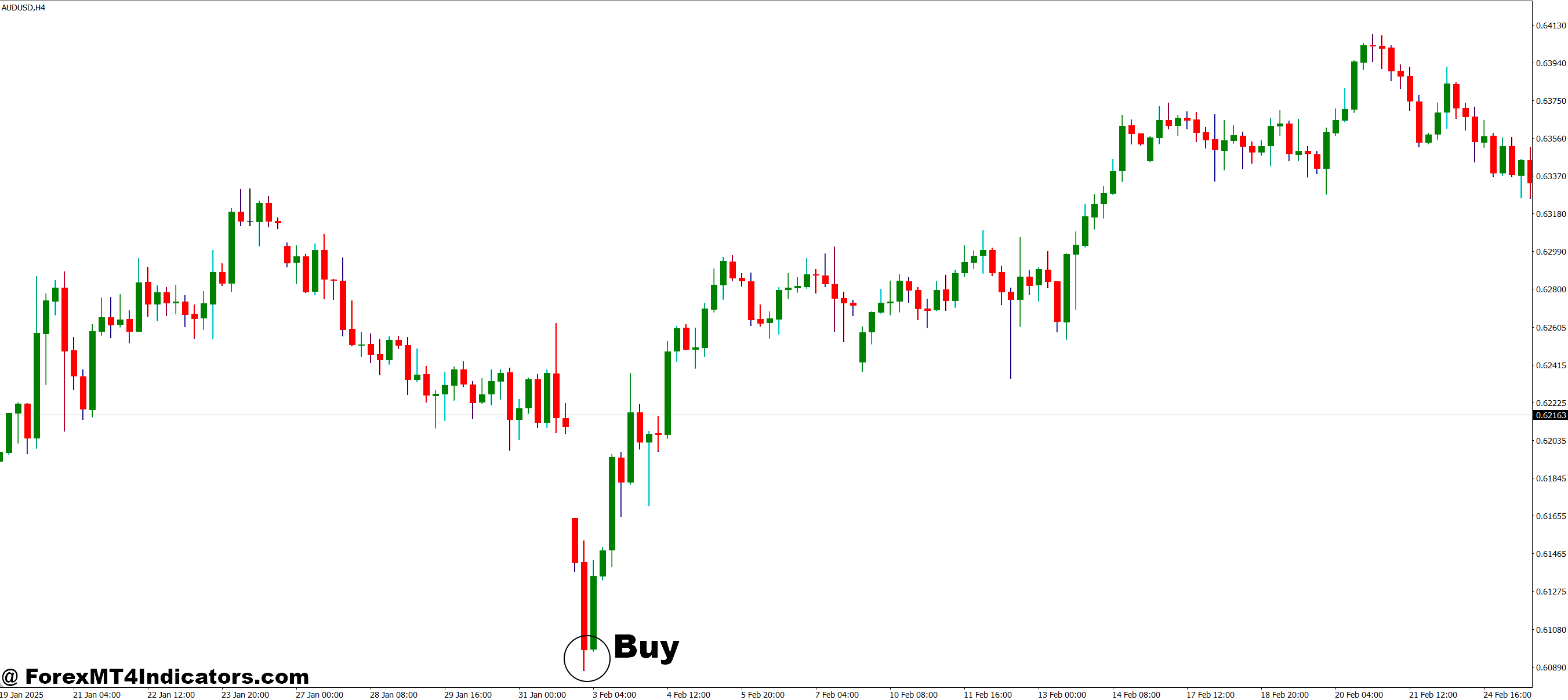
- Open the indicator and switch through instruments to find a chart showing a clear uptrend.
- Confirm the trend using tools like higher highs, moving averages, or bullish price action.
- Identify a pullback to a support level or trendline.
- Wait for a bullish candle confirmation before entering a buy position.
- Check other instruments quickly to compare strength and pick the most promising one.
- Place a stop-loss below the recent swing low.
Sell Entry
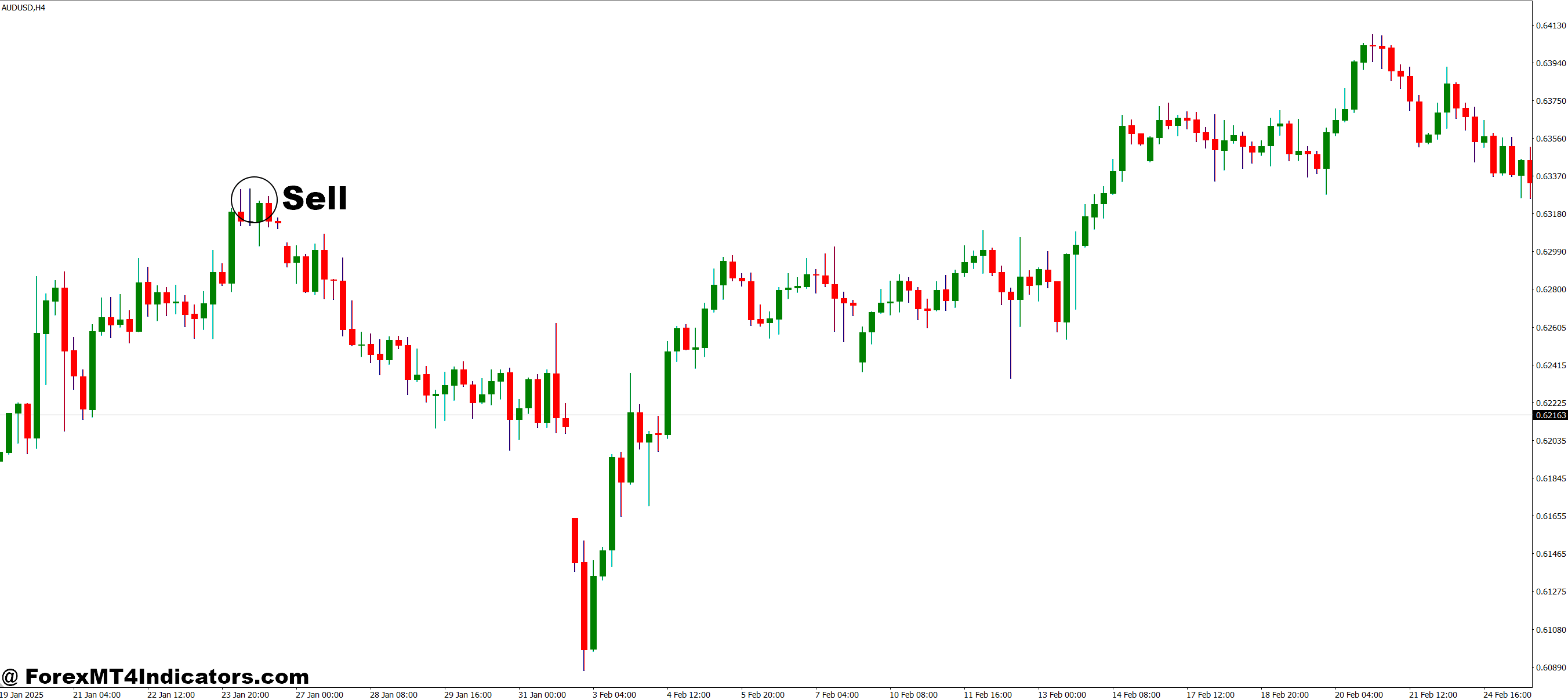
- Use the indicator to switch charts until you find a clear downtrend.
- Confirm the trend with lower lows, moving averages, or bearish price action signals.
- Look for a pullback to a resistance area or trendline.
- Wait for a strong bearish candle before taking a sell entry.
- Compare multiple charts to ensure you are trading the strongest downtrend.
- Place a stop-loss above the recent swing high.
Conclusion
The Instrument MT4 Indicator is a simple but powerful tool that improves chart navigation and helps traders manage multiple instruments with ease. It reduces clutter, saves time, and makes analysis more efficient. For traders who want a cleaner and smoother workflow on MT4, this indicator provides a practical and user-friendly solution. Let the tool handle navigation so the trader can focus on what truly matters, smart and confident trading decisions.
Recommended MT4/MT5 Broker
XM Broker
- Free $50 To Start Trading Instantly! (Withdraw-able Profit)
- Deposit Bonus up to $5,000
- Unlimited Loyalty Program
- Award Winning Forex Broker
- Additional Exclusive Bonuses Throughout The Year
- Exclusive 90% VIP Cash Rebates for all Trades!

Already an XM client but missing out on cashback? Open New Real Account and Enter this Partner Code: VIP90
(Free MT4 Indicators Download)



Enter Your Email Address below, download link will be sent to you.