

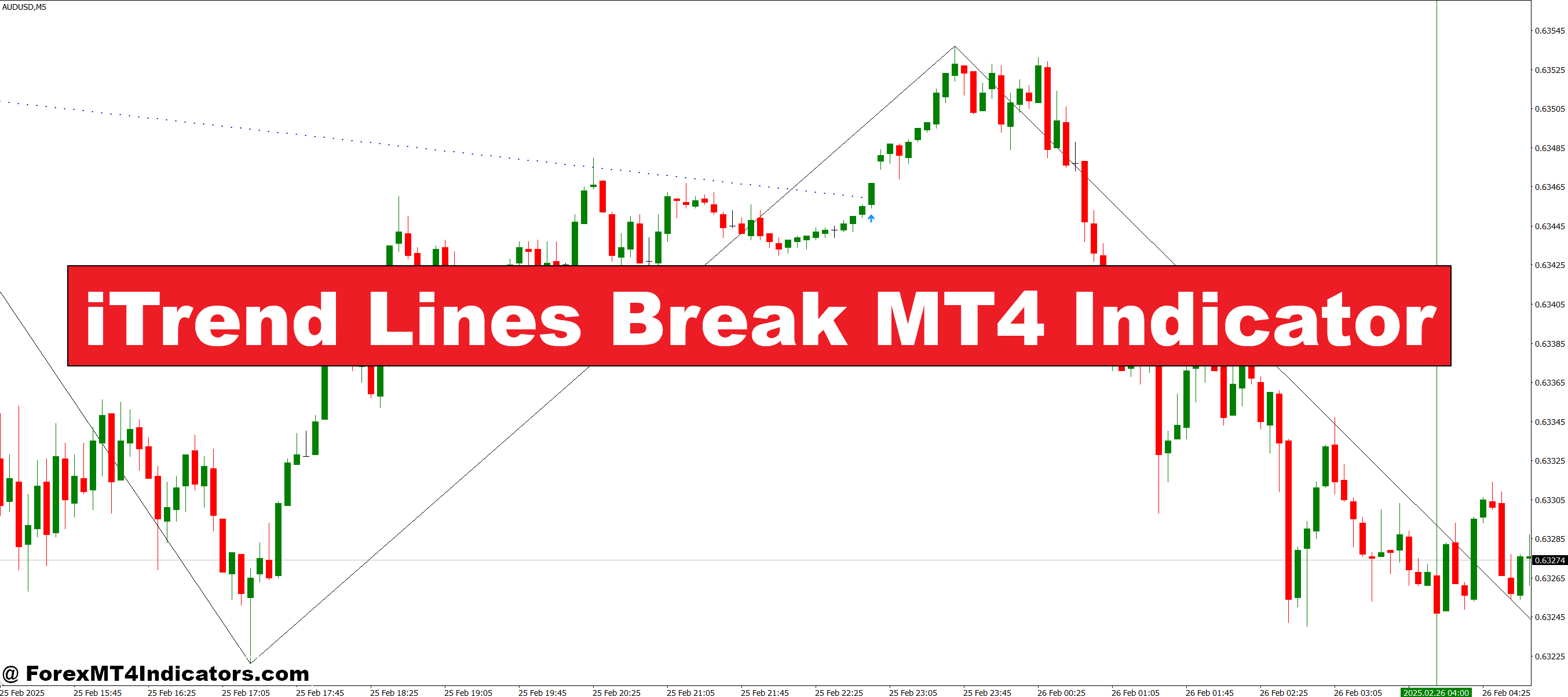
The iTrend Lines Break MT4 Indicator monitors price movements and identifies when a trend line is broken. It visually marks the break points on your chart, making it easy to see potential trend reversals or strong continuation signals. Unlike manual trend line drawing, this indicator reacts quickly, removing the guesswork and helping traders spot opportunities early. Tracking breaks accurately allows users to plan entries and exits with more confidence, improving overall trading strategy.
Key Features and Benefits
This indicator is designed to simplify trading by providing precise trend line break alerts. Traders can customize settings such as sensitivity to trend breaks and alert types. It works across different timeframes, whether someone is day trading or analyzing longer-term trends. The visual clarity reduces chart clutter, allowing traders to focus on key signals without distraction. Ultimately, it saves time and reduces stress, helping both beginners and experienced traders make informed decisions.
Trading Strategies with the iTrend Lines Break MT4 Indicator

Using this tool effectively means understanding how to react to a trend line break. Traders can combine it with support and resistance levels or other indicators to confirm signals. For example, a break of a major trend line can signal a potential buy or sell setup depending on the direction. The indicator can also help in identifying stop-loss placement, minimizing risks while maximizing profit potential. Its adaptability makes it a practical addition to any trading plan.
How to Trade with iTrend Lines Break MT4 Indicator
Buy Entry

- Wait for the price to break above a downward trend line.
- Confirm the break with a bullish candlestick pattern (e.g., engulfing, hammer).
- Check for support levels nearby to ensure the break is strong.
- Enter the trade after the candle closes above the trend line.
- Place a stop-loss below the broken trend line to manage risk.
- Consider taking profit at the next resistance level or based on the risk-reward ratio.
Sell Entry

- Wait for the price to break below an upward trend line.
- Confirm the break with a bearish candlestick pattern (e.g., shooting star, engulfing).
- Check for resistance levels nearby to validate the strength of the break.
- Enter the trade after the candle closes below the trend line.
- Place a stop-loss above the broken trend line to limit potential loss.
- Consider taking profit at the next support level or using a risk-reward strategy.
Conclusion
The iTrend Lines Break MT4 Indicator is a powerful tool for traders seeking clarity in volatile markets. By highlighting trend line breaks automatically, it removes guesswork and provides actionable signals for both entries and exits. With proper use, it can enhance trading confidence, reduce stress, and help traders make smarter, more timely decisions. Whether you are new to trading or an experienced trader, this indicator is a reliable companion for navigating price movements effectively.
Recommended MT4/MT5 Broker
XM Broker
- Free $50 To Start Trading Instantly! (Withdraw-able Profit)
- Deposit Bonus up to $5,000
- Unlimited Loyalty Program
- Award Winning Forex Broker
- Additional Exclusive Bonuses Throughout The Year
- Exclusive 90% VIP Cash Rebates for all Trades!

Already an XM client but missing out on cashback? Open New Real Account and Enter this Partner Code: VIP90
(Free MT4 Indicators Download)



Enter Your Email Address below, download link will be sent to you.