

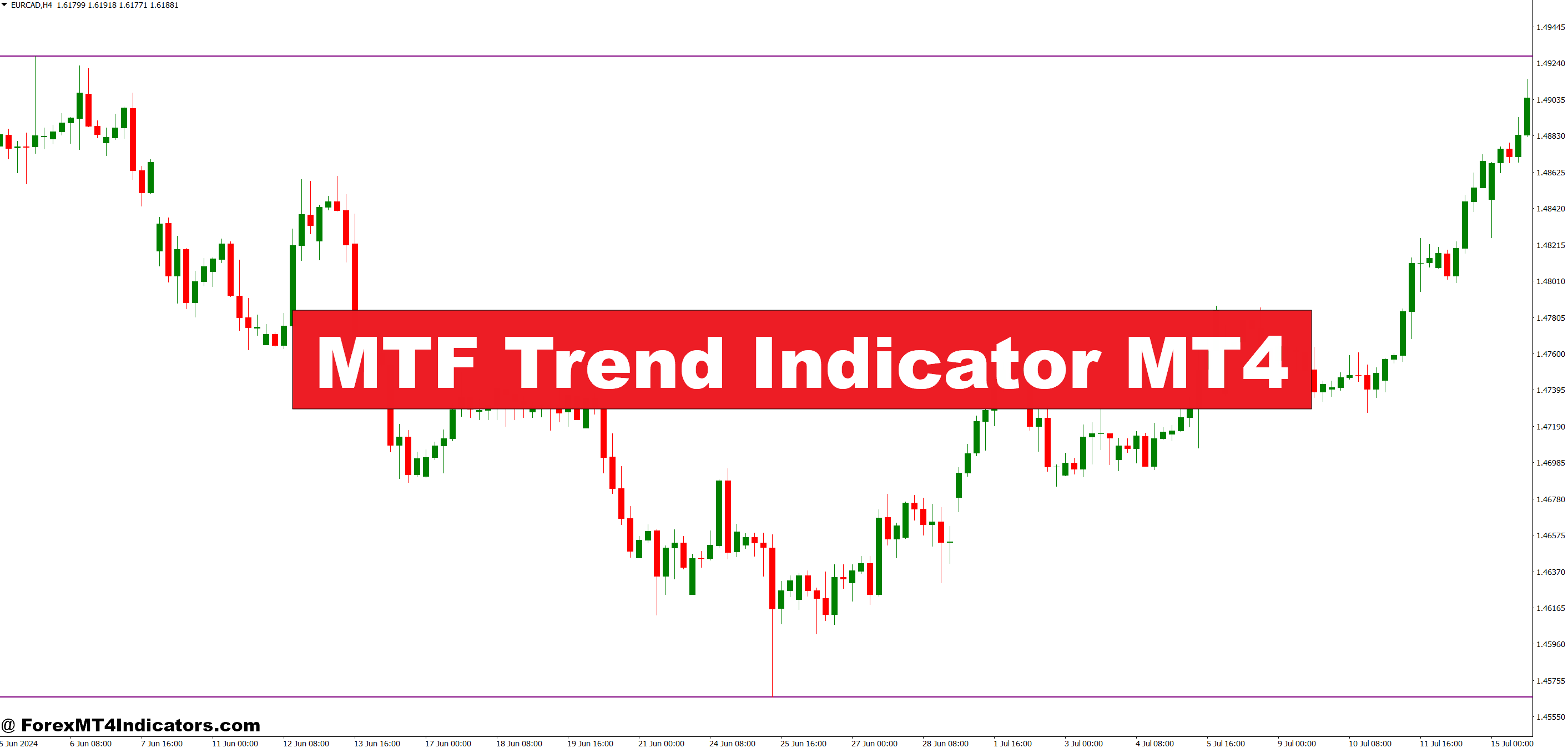
The MTF Trend Indicator MT4 steps in to solve that gap. It shows trend direction from higher timeframes directly on the active chart, helping traders align entries with broader market flow. Instead of guessing the bigger picture, traders can see it clearly and act with more confidence. Here’s how it works in real trading conditions and where it fits best.
What the MTF Trend Indicator MT4 Is
The MTF Trend Indicator MT4 is a multi-timeframe trend-following tool designed for MetaTrader 4. Its main purpose is simple: show higher timeframe trend direction without switching charts. Traders can analyze momentum on the 1-hour, 4-hour, or daily timeframe while executing trades on lower charts like M15 or M5.
Most versions of this indicator rely on moving average logic, trend filters, or a blend of both. For example, a common setup tracks a 50-period and 200-period moving average on a higher timeframe and projects that trend onto the current chart using colors, arrows, or histogram blocks.
Here’s the thing. It doesn’t predict price. It confirms direction. That distinction matters because trend confirmation reduces emotional trades and helps traders stay on the right side of momentum.
How the Indicator Works Behind the Scenes

The MTF Trend Indicator MT4 calculates trend data from a selected higher timeframe and synchronizes it with the active chart. Suppose a trader is on EUR/USD M15 and sets the indicator to read H1 and H4 trends.
If the H1 moving average slope is bullish and the H4 confirms upward momentum, the indicator displays a bullish signal. If those timeframes disagree, it may show neutral or mixed signals, warning traders to stay cautious.
When testing this during volatile NFP days, many traders notice fewer impulsive entries. Price may spike aggressively on M5, but the higher timeframe filter blocks trades against the dominant direction.
Some versions update in real time, while others lock the higher timeframe candle until it closes. That detail matters. Locked calculations reduce repaint risk but react slower. Real-time versions feel faster but can flip signals during sharp moves.
Practical Trading Applications with Real Examples
In practice, traders often pair this indicator with price action or oscillators. For example, on GBP/USD H1, the MTF Trend Indicator MT4 showed a bearish trend based on the H4 timeframe. Price retraced into a previous resistance zone near 1.2680.
On the M15 chart, a bearish engulfing candle formed while the indicator stayed red. That alignment gave confidence to short the pair, targeting 30–40 pips toward the session low. The trade worked because the higher timeframe trend supported the entry.
Scalpers use it differently. A trader on USD/JPY M5 might only take buy setups when the H1 trend is bullish. That filter alone can cut losing trades nearly in half during choppy Asian sessions.
But it’s not magic. During sideways markets, the indicator can flip colors frequently. That’s where patience matters.
MTF Trend Indicator MT4 Settings

Most MTF Trend Indicator MT4 versions allow traders to adjust:
- Higher timeframe selection (H1, H4, D1)
- Moving average periods, such as 50 or 200
- Signal display style (lines, bars, arrows)
- Alert options for trend changes
For intraday traders, using H1 as the higher timeframe works well. Swing traders often prefer H4 or daily trends. On volatile pairs like GBP/JPY, slightly longer periods reduce noise.
And don’t ignore session behavior. During London open, faster settings catch momentum early. During low-volume hours, slower filters prevent chop-induced losses.
Advantages, Limitations, and Honest Trade-Offs

The biggest advantage is clarity. Traders see the bigger picture without chart flipping. That saves time and reduces emotional entries. It also pairs well with support and resistance strategies.
But there are limits. The indicator lags during reversals. It won’t catch tops or bottoms. During consolidation, signals can become unreliable.
Compared to single-timeframe trend indicators, MTF tools offer context. Compared to indicators like Ichimoku or Supertrend, they focus less on structure and more on directional alignment. Each has a place. The key is knowing when to trust which tool.
Trading forex carries substantial risk. No indicator guarantees profits.
How to Trade with MTF Trend Indicator MT4
Buy Entry

- Confirm higher timeframe trend – Trade only when the 4-hour and daily MTF trend both show bullish on EUR/USD; skip buys if H4 is bullish but daily is flat.
- Wait for pullback, not breakouts – Enter after a 10–25 pip pullback on the 1-hour chart into support instead of chasing green candles.
- Check candle close above trend line – Buy only if the 1-hour candle closes above the MTF trend line; ignore wicks that fail to close strong.
- Align momentum, not just color – Combine the MTF buy signal with RSI above 50 but below 70 to avoid buying after a 40–50 pip spike.
- Place stop-loss with structure – Set stop-loss 15–30 pips below the recent swing low, not a fixed number.
- Target realistic profits – Aim for 1.5R to 2R targets (for example, 30–50 pips if risking 20 pips).
- Avoid range-bound sessions – Don’t buy during Asian session chop on GBP/USD if price is stuck in a 20–25 pip box.
Sell Entry

- Confirm bearish bias on higher TFs – Sell only when both H1 and H4 MTF trend show red on GBP/USD; avoid trades if daily trend is neutral.
- Sell retracements, not dumps – Wait for price to retrace 15–30 pips into resistance on the 1-hour chart before entering.
- Candle close below MTF trend line – Enter sell only after a full candle closes below the trend line; ignore fast spikes below it.
- Use momentum filter – Take sells when RSI stays below 50; avoid entries if RSI is already below 30 (oversold risk).
- Protect capital first – Place stop-loss 20–35 pips above recent highs or structure, not above random round numbers.
- Scale expectations with volatility – During London session, target 40–60 pips; during low volume, reduce target to 20–30 pips.
- Skip news-driven candles – Don’t sell right after red news spikes (like NFP) when candles exceed 50–70 pips in one move.
Conclusion
The MTF Trend Indicator MT4 works best as a directional filter, not a standalone system. Traders who respect its role tend to see steadier results.
That said, it won’t save trades in choppy markets, and it won’t predict reversals. Used with patience, proper position sizing, and realistic expectations, it becomes a reliable guide rather than a signal machine. The real edge comes from how traders apply it, not just from installing it on a chart.
Recommended MT4/MT5 Broker
XM Broker
- Free $50 To Start Trading Instantly! (Withdraw-able Profit)
- Deposit Bonus up to $5,000
- Unlimited Loyalty Program
- Award Winning Forex Broker
- Additional Exclusive Bonuses Throughout The Year
- Exclusive 90% VIP Cash Rebates for all Trades!

Already an XM client but missing out on cashback? Open New Real Account and Enter this Partner Code: VIP90
(Free MT4 Indicators Download)



Enter Your Email Address below, download link will be sent to you.