

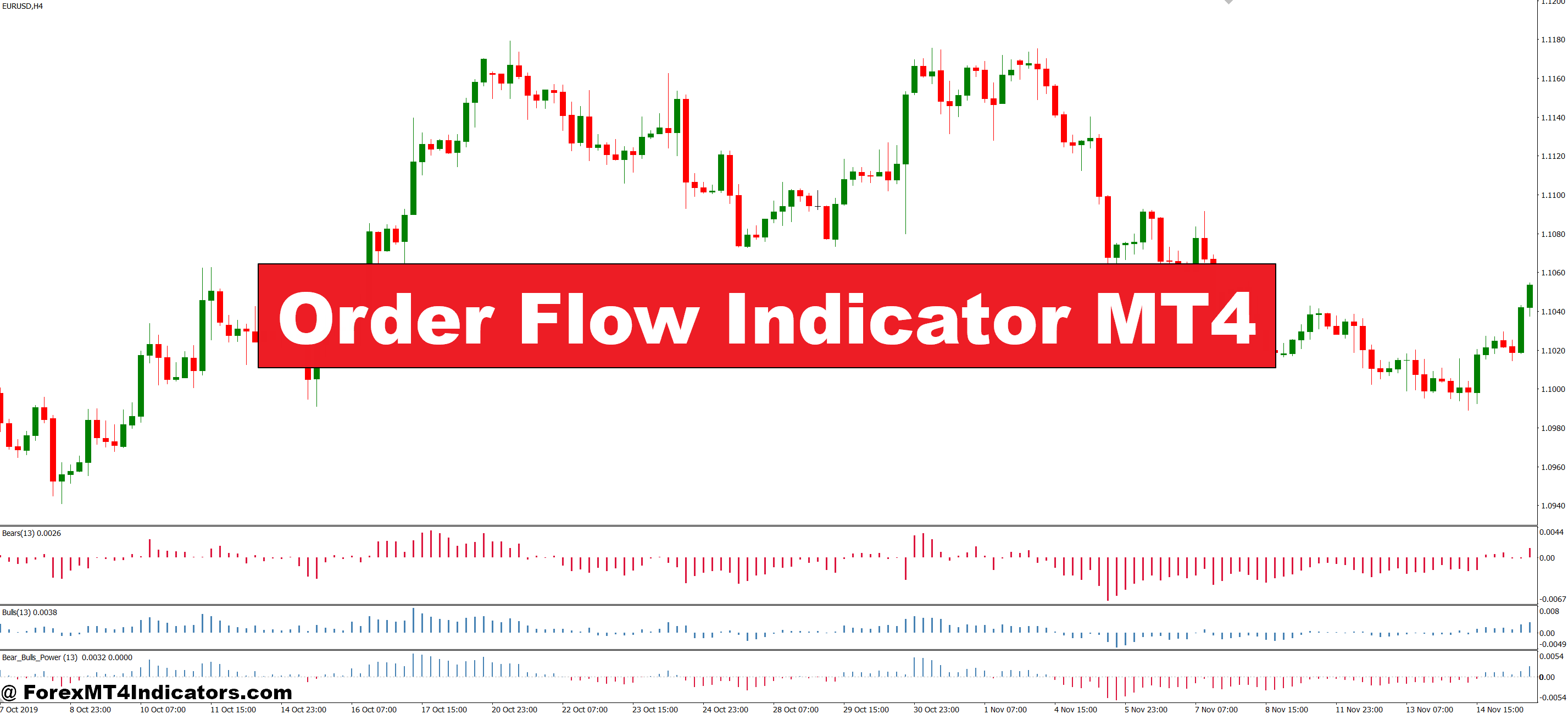
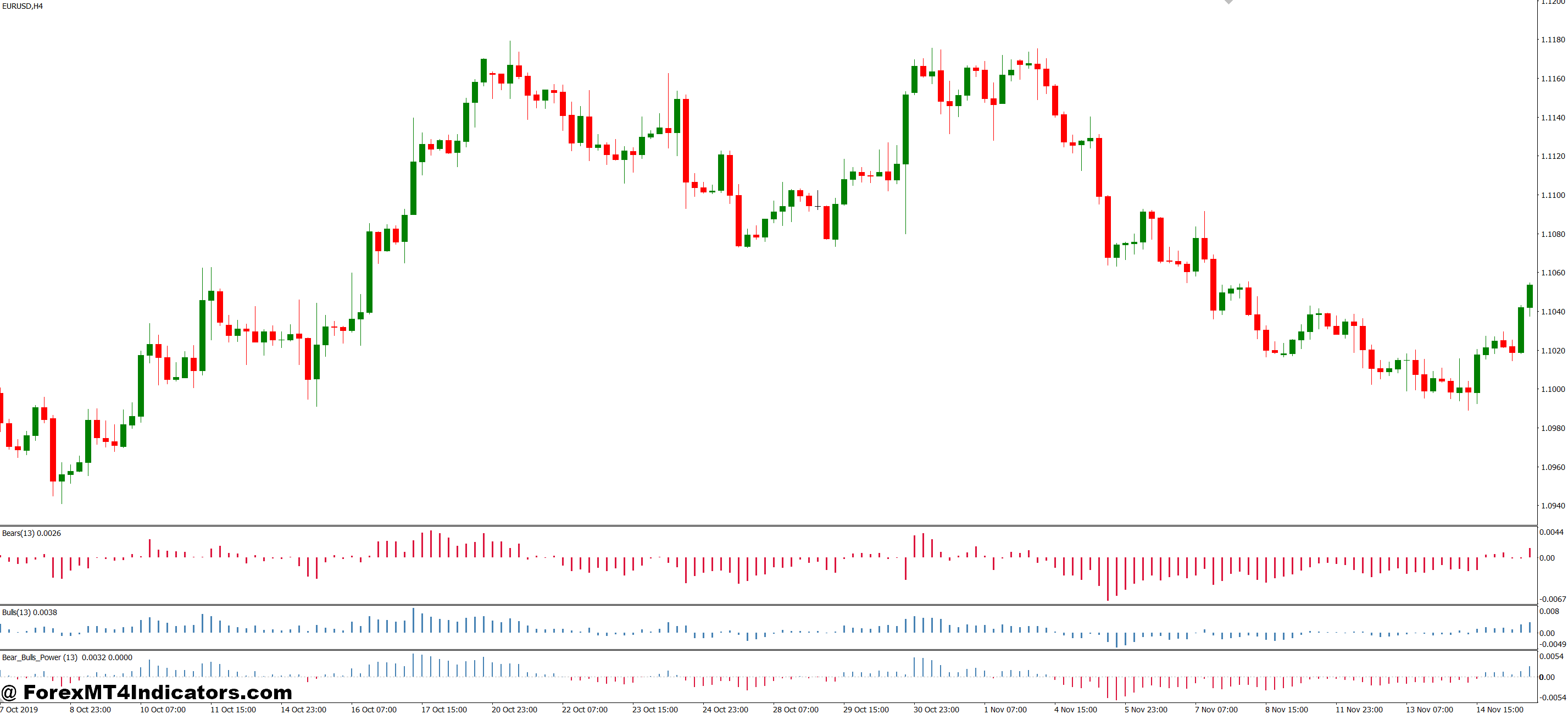
The Order Flow Indicator MT4 bridges this gap by displaying real-time buying and selling pressure directly on your MetaTrader 4 charts. Instead of guessing where smart money is positioned, traders can observe actual transaction data as it happens, spotting accumulation and distribution patterns that precede major moves.
What the Order Flow Indicator Actually Shows
Order flow analysis tracks the actual transactions occurring in the market—who’s buying, who’s selling, and at what intensity. The MT4 version translates this tick-level data into visual representations that show volume at specific price levels. Unlike lagging indicators that rely on past closes, order flow reveals current market participation.
The indicator displays volume profiles and delta calculations (buy volume minus sell volume) in histogram format alongside your price chart. When you see heavy buying at a price level that keeps getting tested, that’s institutional players building positions. When selling pressure dominates during an uptrend, smart money is distributing to late buyers.
Here’s what makes it different from your standard volume indicator: Standard volume shows total transactions without distinguishing direction. Order flow separates aggressive buyers (market orders hitting the ask) from aggressive sellers (market orders hitting the bid). That distinction matters because market orders reveal urgency—someone willing to pay the spread to get filled immediately.
How Real Traders Use Order Flow Data
Let’s get practical. GBP/USD is grinding higher on the 15-minute chart, making higher highs. Your momentum indicators show continuation potential. But the order flow indicator reveals something else: selling volume is spiking at each new high while buying pressure weakens. This divergence warned of the 80-pip reversal that caught long traders off-guard during the London session last Tuesday.
The indicator works best when combined with price action context. During choppy sessions—the kind that whipsaw range traders mercilessly—order flow helps distinguish real breakouts from false ones. A breakout accompanied by surging buy-side volume and increasing delta has legs. A breakout with declining volume and neutral delta? That’s a trap waiting to spring.
Scalpers rely on order flow for precise entries. When scalping EUR/JPY on the 5-minute chart, watching for volume spikes at key levels provides entry confirmation that shaves seconds off reaction time. Those seconds translate to better fills and reduced slippage on fast-moving pairs.
But there’s a learning curve. New users often misinterpret short-term volume spikes as trend signals when they’re just noise. The 1-minute chart will show constant volume fluctuations that mean nothing for position trades. Context matters—a volume spike matters more when it occurs at a tested support level than in the middle of nowhere.
Customizing Settings

The default settings work for intraday trading on major pairs, but they’re not one-size-fits-all. Day traders typically set the lookback period to 20-50 bars on 15-minute or 1-hour charts. This captures enough data to spot institutional activity without cluttering the display with noise.
Swing traders need wider parameters. Setting the lookback to 100-200 bars on 4-hour or daily charts reveals longer-term accumulation patterns that develop over days or weeks. When order flow confirms a multi-day base forming on USD/CAD, that’s where position traders find high-probability entries with favorable risk-reward ratios.
The color scheme matters more than you’d think. Most traders use green for buy-side dominance and red for sell-side, but adjusting transparency helps distinguish between recent and historical volume. Setting recent bars to full opacity while fading older data keeps the focus on current market sentiment.
Volume threshold filters separate signal from noise. On volatile pairs like GBP/JPY, setting minimum volume thresholds filters out small transactions that don’t represent institutional flow. During Asian sessions with lighter volume, lowering these thresholds prevents missing legitimate signals.
Comparing Order Flow to Traditional Indicators
Standard indicators like RSI or MACD react to price changes that already happened. Order flow shows you why those price changes occurred. When RSI hits oversold and price bounces, order flow reveals whether that bounce came from genuine buying interest or just short covering—critical information that RSI alone can’t provide.
Volume indicators like OBV (On-Balance Volume) accumulate total volume but treat a tiny uptick the same as a strong surge. Order flow’s delta calculation weights the intensity of buying versus selling, providing nuance that total volume metrics miss. During trending markets, OBV confirms direction, but it doesn’t warn when distribution begins. Order flow catches that shift in real-time.
The downside? Order flow requires more screen time and active monitoring than set-and-forget indicators. It’s also less useful during low-liquidity periods when retail order flow dominates and institutional participation drops off. Asian session traders often find order flow less reliable than during London or New York hours when major players are active.
Where It Helps and Where It Doesn’t
Order flow excels at confirming high-probability setups and filtering false signals on liquid pairs during active sessions. Traders who previously struggled with premature entries find that waiting for order flow confirmation improves win rates measurably. The indicator prevents chasing moves that lack institutional support—a mistake that accounts for significant losses in retail accounts.
That said, order flow won’t make bad trades good. It’s a confirmation tool, not a crystal ball. Even perfect order flow signals fail when fundamentals shift unexpectedly or when algorithmic trading creates temporary distortions. The indicator also performs poorly on exotic pairs where thin liquidity makes volume data unreliable.
Installation requires tick data, which some brokers don’t provide with sufficient granularity. Without quality data, the indicator’s calculations become questionable. Traders need to verify their broker streams genuine tick data rather than interpolated minutes-based information.
How to Trade with Order Flow Indicator MT4
Buy Entry

- Delta turns positive at support – Wait for buy volume to exceed sell volume by at least 60% when EUR/USD tests a key support level on the 1-hour chart before entering long.
- Volume spike on breakout – Enter long only when order flow shows 2-3x average volume during an upside breakout; false breakouts typically show declining volume within 15 minutes.
- Accumulation at lows – Watch for sustained buying pressure (3+ consecutive green bars on indicator) during sideways price action near session lows on GBP/USD 4-hour charts.
- Divergence confirmation – Go long when price makes lower lows but order flow delta shows higher lows, indicating hidden buying—set stop 20-30 pips below the swing low.
- Institutional buying clusters – Enter when you spot large buy orders (volume bars 150%+ above average) stacking at whole numbers like 1.1000 on EUR/USD during London open.
- Rejection of selling pressure – Take longs when heavy sell volume fails to push price lower and buy-side immediately absorbs it—common reversal pattern at daily support zones.
- Skip Asian session signals – Avoid buy signals during low-liquidity Asian hours (00:00-06:00 GMT) when retail flow dominates and institutional participation drops below 30%.
- Risk 1-2% maximum – Never risk more than 2% of account equity on order flow signals alone; combine with price action confirmation for entries exceeding 1% risk.
Sell Entry

- Delta turns negative at resistance – Enter short when sell volume dominates by 60%+ as price tests resistance on the 15-minute or 1-hour chart—common at round numbers.
- Distribution during rallies – Go short when order flow shows consistent selling (red bars) while price makes higher highs on GBP/USD—indicates smart money exiting into retail buying.
- Volume dies on breakout attempts – Sell when upside breakouts show declining volume and neutral delta within 10-20 pips of resistance; real breakouts sustain heavy buying.
- Bearish divergence pattern – Short when price hits new highs but order flow delta weakens or turns negative—place stop 15-25 pips above the swing high.
- Heavy selling at key levels – Enter short when volume spikes 200%+ above average with dominant sell-side pressure at previous swing highs on 4-hour EUR/USD charts.
- Failed buyer absorption – Take shorts when buy attempts can’t absorb persistent selling pressure at resistance—price stalls despite aggressive buying for 30+ minutes.
- Avoid news releases – Never trade order flow signals 15 minutes before or 30 minutes after major news (NFP, FOMC, CPI)—erratic volume distorts institutional footprints.
- Confirm with price action – Don’t short based solely on order flow; wait for bearish candlestick rejection or break of minor support to confirm—reduces false signals by 40%.
Moving Forward with Order Flow
Order flow analysis adds a dimension to trading that price-based indicators simply can’t match—the ability to see transaction-level market dynamics as they unfold. For traders tired of being on the wrong side of sudden reversals, the insight into buying and selling pressure provides an edge worth developing. The indicator won’t eliminate losses or replace sound risk management, but it does offer visibility into market mechanics that separate informed traders from the crowd reacting to what already happened.
Start by paper trading with order flow on major pairs during peak volume hours. Watch how volume patterns develop around key levels, and note when order flow diverges from price action. Those divergences, when they align with solid technical setups, point to opportunities where institutional activity contradicts retail positioning. That’s where the real edge lives—seeing what others miss because they’re watching the wrong data.
Recommended MT4/MT5 Broker
XM Broker
- Free $50 To Start Trading Instantly! (Withdraw-able Profit)
- Deposit Bonus up to $5,000
- Unlimited Loyalty Program
- Award Winning Forex Broker
- Additional Exclusive Bonuses Throughout The Year
- Exclusive 90% VIP Cash Rebates for all Trades!

Already an XM client but missing out on cashback? Open New Real Account and Enter this Partner Code: VIP90
(Free MT4 Indicators Download)



Enter Your Email Address below, download link will be sent to you.