

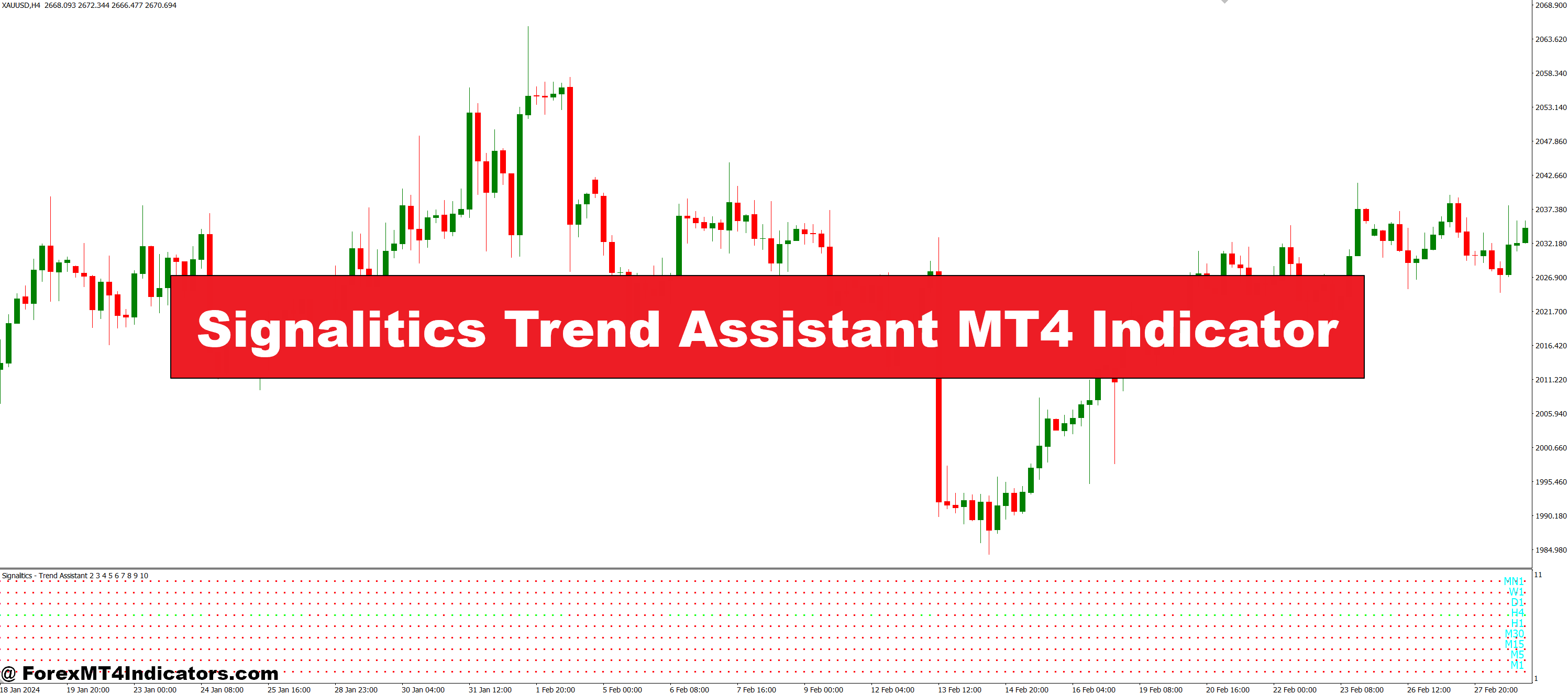
The Signalitics Trend Assistant MT4 Indicator is a visual tool developed for MetaTrader 4 that helps traders identify trend direction more easily. It highlights bullish and bearish market conditions using color-coded signals or arrows directly on the chart. This makes it easier for traders to make decisions at a glance, without constantly flipping between indicators or timeframes. It’s especially useful for beginners or anyone who wants a simplified view of what the market is doing.
How It Works on the Chart
Once applied to a chart, the indicator uses a combination of trend-following algorithms to determine the current market sentiment. It typically shows arrows or color changes whenever a new trend is forming or reversing. Green signals might indicate a buy trend, while red signals could suggest a potential sell. The goal is to cut through market noise and highlight the dominant trend so traders can align their entries and exits more effectively. It works well on various timeframes, making it flexible for both scalpers and swing traders.
Benefits of Using the Indicator
The main benefit of the Signalitics Trend Assistant is that it simplifies trend analysis. Traders no longer need to second-guess the direction of the market. It can also help reduce emotional trading by giving clear visual confirmation before entering a trade. Another advantage is its real-time responsiveness—it adjusts based on live price movements, keeping traders updated as trends shift. While no indicator is perfect, this one adds a layer of clarity that many traders find helpful in day-to-day decision-making.
Best Practices for Maximum Results

For the best results, traders should not rely solely on the Signalitics Trend Assistant. It works best when combined with basic support and resistance zones or confirmation from another indicator like RSI or MACD. Traders should also test it on a demo account first to get a feel for how it performs in different market conditions. Setting clear stop-loss and take-profit levels remains essential, as the tool is a guide, not a guarantee. Still, it offers a strong foundation for building better trading habits.
How to Trade with Signalitics Trend Assistant MT4 Indicator
Buy Entry
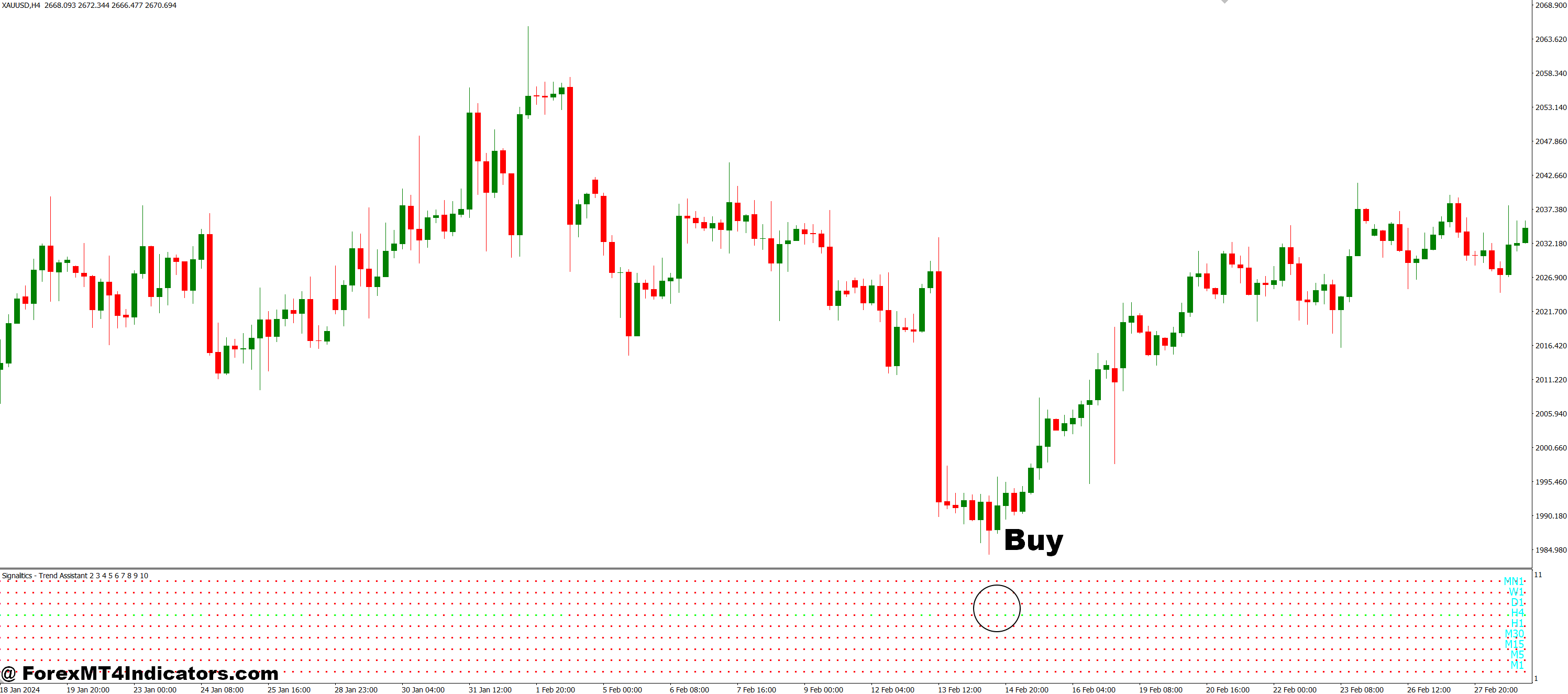
- Wait for a green signal or upward arrow to appear on the chart.
- Confirm that the price is above the moving average (if used in your setup).
- Make sure the previous trend was bearish or neutral before entering.
- Enter a buy trade on the opening of the next candle after the signal.
- Place a stop-loss just below the recent swing low.
- Set a take-profit at the next resistance level or use a trailing stop.
Sell Entry
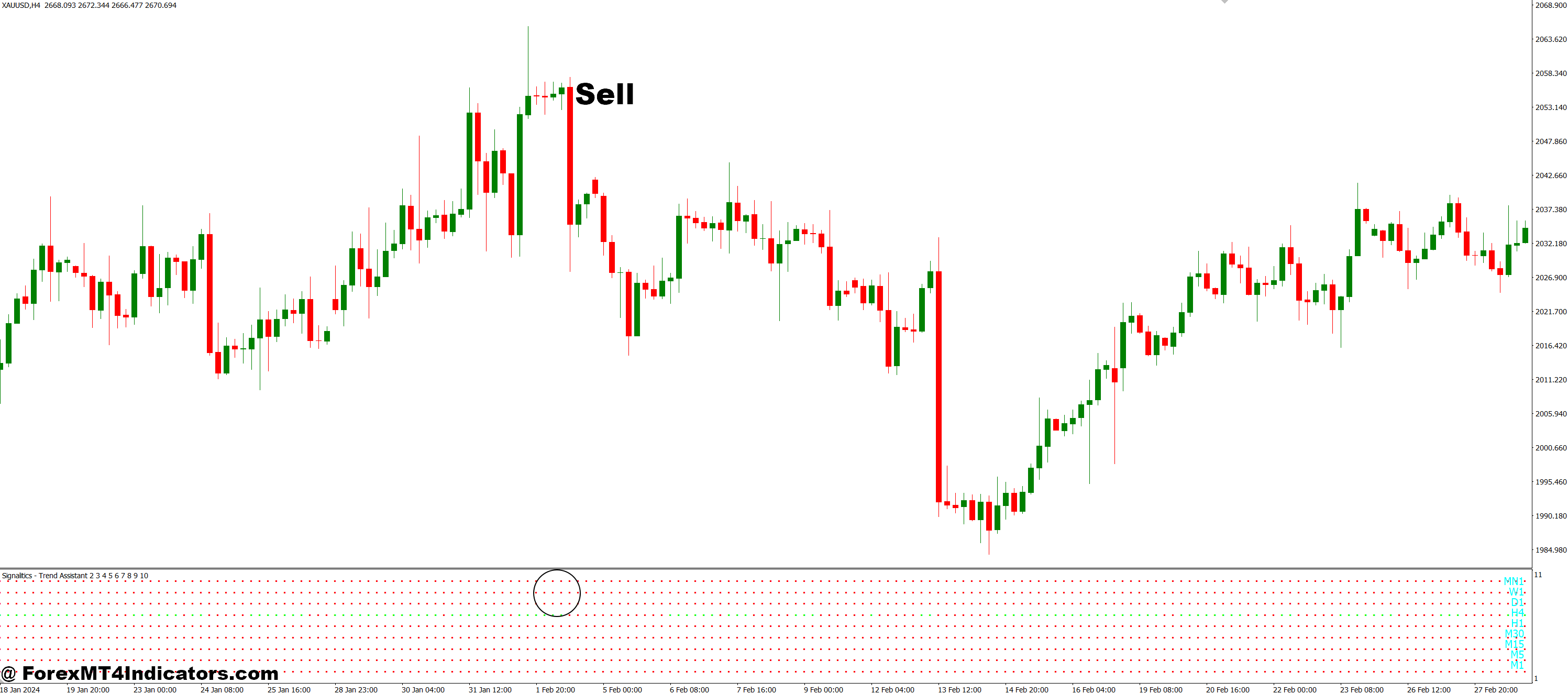
- Wait for a red signal or downward arrow to appear on the chart.
- Confirm that the price is below the moving average (if using one).
- Check that the previous trend was bullish or neutral before entering.
- Enter a sell trade on the opening of the next candle after the signal.
- Place a stop-loss just above the recent swing high.
- Set a take-profit at the next support level or use a trailing stop.
Conclusion
The Signalitics Trend Assistant MT4 Indicator offers a practical solution to one of the biggest challenges in trading—identifying trends. With its user-friendly display and real-time updates, it helps traders make smarter, quicker decisions. Whether you’re just starting out or looking to streamline your strategy, this indicator is worth adding to your toolbox.
Recommended MT4/MT5 Broker
XM Broker
- Free $50 To Start Trading Instantly! (Withdraw-able Profit)
- Deposit Bonus up to $5,000
- Unlimited Loyalty Program
- Award Winning Forex Broker
- Additional Exclusive Bonuses Throughout The Year
- Exclusive 90% VIP Cash Rebates for all Trades!

Already an XM client but missing out on cashback? Open New Real Account and Enter this Partner Code: VIP90
(Free MT4 Indicators Download)



Enter Your Email Address below, download link will be sent to you.