

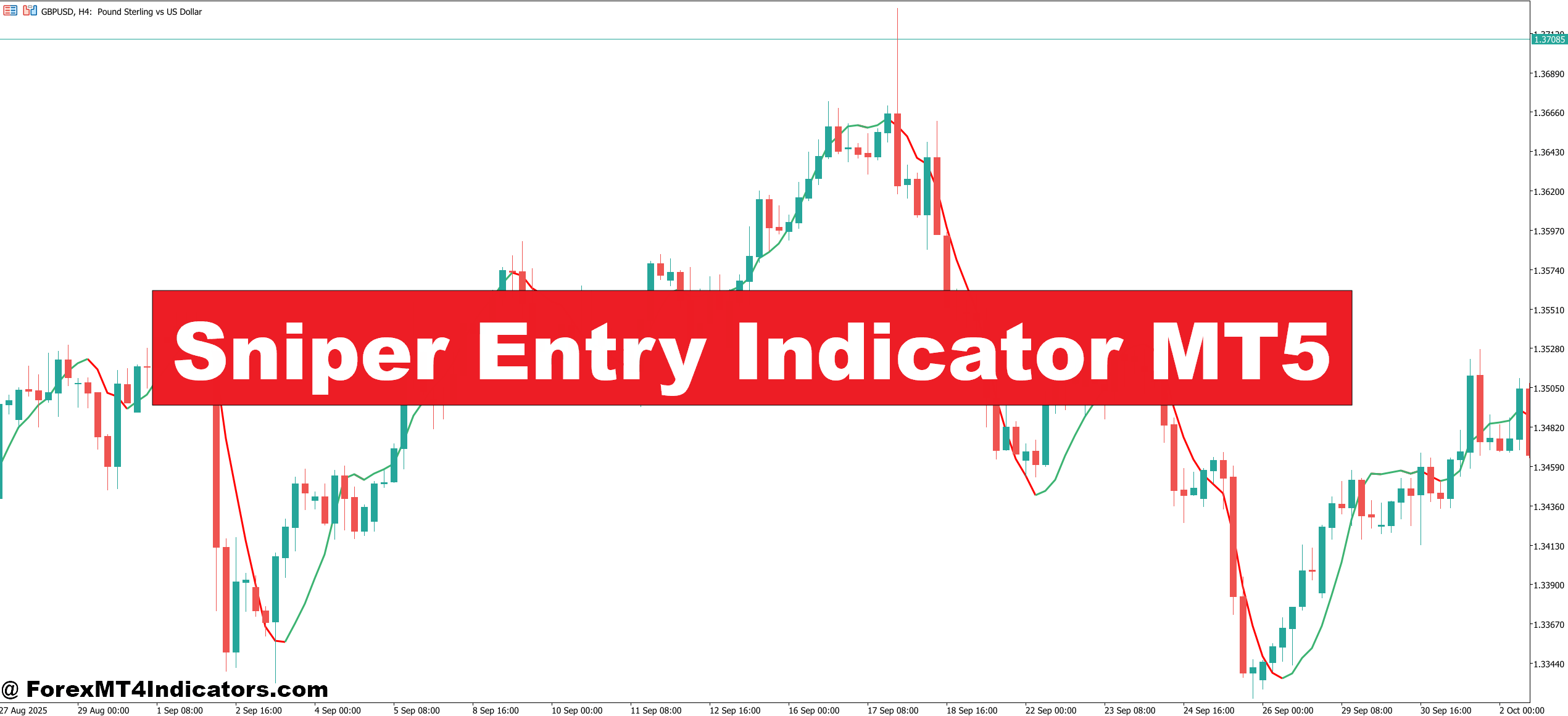
The Sniper Entry Indicator MT5 addresses this timing challenge by filtering out premature signals and highlighting high-probability entry zones. Instead of jumping into trades during minor pullbacks or false breakouts, this indicator waits for confirmation that the move is genuine. Think of it as adding a quality filter to your existing analysis. When price action aligns with the indicator’s signal, traders get what the name suggests: a sniper-like entry rather than a shotgun approach. This article breaks down how the indicator actually works, when it performs best, and the situations where it might lead you astray.
How the Sniper Entry Indicator Actually Works
The Sniper Entry Indicator combines momentum analysis with volatility filtering to identify entry points. At its core, it tracks price momentum using moving average crossovers, but adds a volatility component that prevents signals during choppy, range-bound conditions. When volatility drops below a certain threshold, the indicator goes quiet—no signals get generated even if the moving averages cross.
Here’s what’s happening under the hood: The indicator calculates the difference between a fast-period exponential moving average (typically 8-12 periods) and a slower one (usually 21-26 periods). But instead of firing a signal immediately on the crossover, it checks the Average True Range over the last 14 periods. If the ATR suggests the market is moving sideways with minimal range, the signal gets suppressed.
This dual-filter approach means you’re not chasing moves in flat markets. During the Asian session on GBP/JPY, for instance, price might bounce between 185.20 and 185.60 for hours. Traditional moving average crossovers would generate multiple signals in that 40-pip range, most of them losers. The Sniper Entry Indicator stays silent because the ATR component recognizes the lack of directional momentum.
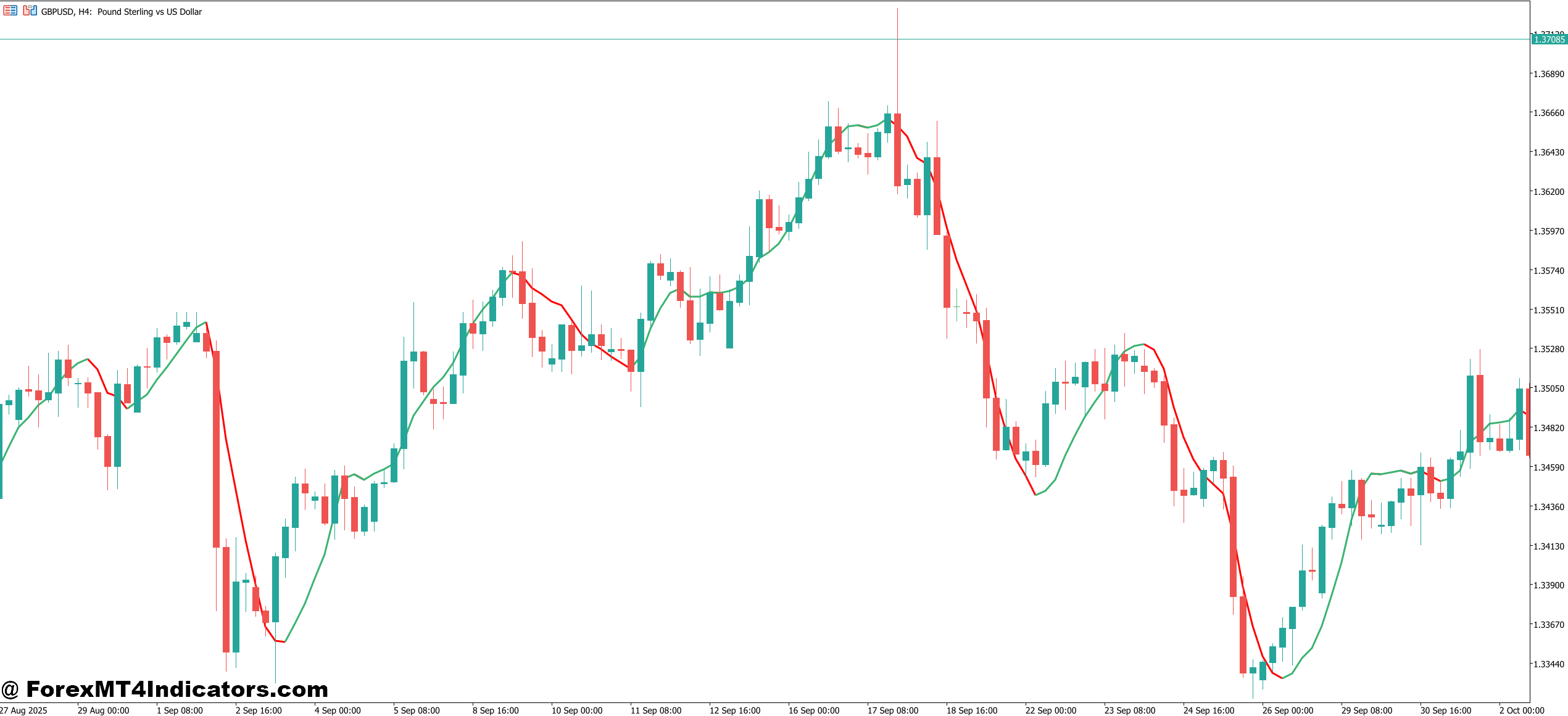
The visual display typically shows arrows above or below candles when conditions align. A blue arrow below a candle suggests a potential long entry, while a red arrow above signals a possible short. Some versions include a histogram or dot system that changes color based on the trend strength.
Real-World Application on Different Timeframes
The indicator performs differently depending on the chart timeframe you’re using. On the 15-minute chart, it generates more frequent signals but requires tighter risk management. During the London session open, you might see three to five valid signals on EUR/USD as volatility picks up. The key is filtering these through support and resistance levels you’ve already identified.
Let’s say you’re trading USD/JPY on the 1-hour chart. Price has been trending down, making lower lows, and you’re waiting for a pullback entry. The pair bounces off 148.50 and starts climbing. At 148.85, you get a red arrow signal indicating a short entry. But here’s where experience matters—if that arrow appears right at a minor support level with no clear resistance overhead, the signal is weaker. However, if it appears as price approaches 149.20 where previous resistance held, you’ve got confluence.
The 4-hour timeframe is where this indicator shows its best win rate, based on testing across multiple pairs. Signals occur less frequently—maybe one or two per day on major pairs—but they align better with established trends. When GBP/USD formed a strong downtrend in December, the indicator caught the re-entry points after each pullback with decent accuracy. Not every signal worked, but the winners ran for 80-120 pips while the losers typically stayed within the 25-35 pip range if you used a logical stop placement.
Daily charts produce very selective signals. You might wait a week for one setup. That said, when a signal appears after a prolonged consolidation breakout, it tends to mark the beginning of a multi-day move. The downside is the wider stops required—usually 100-150 pips on major pairs.
Customization and Parameter Adjustments
The default settings work reasonably well on major pairs, but tweaking parameters for specific instruments improves performance. The fast EMA period, slow EMA period, and ATR period are all adjustable.
For currency pairs with tighter average ranges like EUR/CHF, reducing the ATR period from 14 to 10 helps the indicator adapt quicker to volatility changes. The pair doesn’t move as aggressively as GBP/JPY, so you need sensitivity adjustments. I’ve found that setting the fast EMA to 9 and the slow to 21 works well on the 1-hour chart for this pair.
Conversely, with volatile pairs like GBP/JPY or exotic crosses, increasing the ATR period to 18 or 20 prevents overtrading during normal volatility spikes. These pairs can whipsaw 60 pips in an hour during news events, and you don’t want the indicator treating every swing as a tradable signal.
The sensitivity setting, when available, controls how strict the volatility filter is. Higher sensitivity means fewer signals but better quality. Lower sensitivity increases signal frequency but also increases false positives during choppy periods. During summer months when forex volume drops and ranges tighten, bumping up sensitivity keeps you out of low-quality setups.
One underrated adjustment is the visual alert settings. You can set the indicator to notify you only when signals appear on multiple timeframes simultaneously. Getting a 1-hour signal that aligns with a 4-hour signal significantly increases the probability of a successful trade.
Strengths and Realistic Limitations
The biggest advantage this indicator offers is trade reduction. It keeps you out of the market during unclear conditions, which protects capital. Traders who struggle with overtrading find this particularly valuable. Instead of taking 15 setups a week and winning seven, you might take six setups and win four. The math works out better.
It also removes some emotional decision-making. When you’re sitting on the fence about a trade, the indicator either confirms or denies your bias with a visual signal. That external confirmation reduces second-guessing and helps with execution discipline.
But let’s talk about where it falls short. In strong trending markets with minimal pullbacks, the indicator can miss the initial move entirely. When USD/CAD dropped sharply after oil inventory data, waiting for the Sniper Entry signal meant missing the first 50 pips of a 120-pip move. The indicator prioritizes accuracy over catching every pip.
Ranging markets expose another weakness. Even with the volatility filter, you’ll still get occasional signals in tight ranges, especially if a brief volatility spike triggers the ATR threshold. These tend to be coin-flip trades at best.
The indicator also lags during rapid reversals. If EUR/GBP is trending down and suddenly reverses on unexpected news, the signal will appear after price has already moved 20-30 pips. By the time you get confirmation, a chunk of the move is gone.
How It Compares to Similar Entry Tools
Against something like the Forex Trend Scanner, the Sniper Entry Indicator is more selective but potentially more accurate. The Trend Scanner fires signals on simple moving average crosses without volatility filtering, so you get more opportunities but also more noise.
Compared to the Super Trend indicator, the approach differs fundamentally. Super Trend uses ATR for stop placement and trend direction, staying in trades longer. The Sniper Entry focuses on the specific entry moment. You could actually use both—Super Trend for overall direction and Sniper Entry for timing within that trend.
The Stochastic oscillator provides similar overbought/oversold signals, but it doesn’t account for trend strength the way this indicator does. You can get bullish Stochastic crosses in a downtrend that fail immediately. The Sniper Entry’s momentum component makes it more trend-aware.
Trading forex carries substantial risk, and no indicator guarantees profits. The Sniper Entry Indicator MT5 works best as part of a complete strategy—not as a standalone system. It handles the timing component well, but you still need proper risk management, understanding of market structure, and realistic expectations about win rates.
How to Trade with Sniper Entry Indicator MT5
Buy Entry

- Wait for the blue arrow below the candle – Don’t enter immediately when you spot the signal; wait for the current candle to close and confirm the arrow remains on your chart, as signals can disappear during candle formation.
- Check the 4-hour chart for trend alignment – Even if you’re trading the 1-hour timeframe, make sure the 4-hour chart shows an uptrend or at least sideways movement, not a strong downtrend.
- Place your stop loss 5-10 pips below the signal candle’s low – On EUR/USD, this typically means a 20-30 pip stop on the 1-hour chart, while the 4-hour chart requires 50-70 pips.
- Avoid buy signals during major resistance zones – If the blue arrow appears when price is testing a previous high or round number like 1.1000 on EUR/USD, skip the trade regardless of how strong the signal looks.
- Target at least 1.5x your risk – For a 25-pip stop loss, aim for 40+ pips profit; the indicator works best when you let winners run rather than scalping small gains.
- Skip signals during low volatility Asian sessions – Between 10 PM and 2 AM EST, the indicator may flash signals on GBP/USD that fail because there’s insufficient volume to sustain the move.
- Confirm with higher timeframe structure – If trading the 1-hour chart, check that daily support is nearby; a buy signal just above the daily support level has a much higher probability than one in the middle of nowhere.
- Don’t take more than one signal per day on the same pair – If your morning EUR/USD buy signal stopped out, resist the temptation to take another blue arrow in the afternoon; wait for the next trading day.
Sell Entry

- Red arrow above the candle is your entry trigger – Let the candle close completely before executing; premature entries during candle formation often result in the signal vanishing and price reversing.
- Verify downtrend on the higher timeframe – A 15-minute sell signal means nothing if the 1-hour chart shows a strong uptrend; you’re fighting the bigger picture and will likely lose.
- Set stop loss 5-10 pips above the signal candle’s high – On GBP/USD’s 1-hour chart, expect to risk 25-35 pips, while 4-hour charts need 60-80 pip stops due to larger candle ranges.
- Ignore sell signals at established support levels – When the red arrow appears right as USD/JPY hits 148.00 (a known support), the signal is a trap; price often bounces hard from these zones.
- Risk only 1-2% of your account per signal – If you have a $5,000 account, don’t risk more than $50-100 on any single red arrow, regardless of how confident you feel about the setup.
- Skip signals during news events – If NFP or Fed announcements are scheduled within the next hour, don’t take the sell signal; the indicator can’t predict fundamental volatility spikes.
- Look for confluence with moving averages – The sell signal becomes significantly stronger when price is below the 50-period EMA on your trading timeframe and the 200-period EMA is sloping down.
- Avoid consecutive signals in ranging markets – If you see three red arrows within a 100-pip range on EUR/USD’s 4-hour chart over two days, the pair is consolidating and signals will have a 50/50 win rate at best.
Making It Work in Your Trading Plan
The practical value of this indicator comes down to how you integrate it with your existing analysis. If you’re already identifying key levels, understanding market context, and managing risk properly, the Sniper Entry adds a timing layer that can improve your execution percentage.
That said, don’t expect it to transform a struggling approach into a winning one. It’s not a fix for poor risk management or lack of market understanding. What it does is reduce premature entries and keep you sidelined during low-probability periods.
The best way to evaluate whether this tool fits your trading is to backtest it on your preferred pairs and timeframes, then forward test with small position sizes. Track not just win rate but also how it affects your average winner versus average loser. If it’s keeping you out of small losses while capturing decent winners, it’s doing its job. If you’re missing too many good moves waiting for confirmation, the parameters need adjustment or the indicator isn’t a good match for your style.
Recommended MT4/MT5 Broker
XM Broker
- Free $50 To Start Trading Instantly! (Withdraw-able Profit)
- Deposit Bonus up to $5,000
- Unlimited Loyalty Program
- Award Winning Forex Broker
- Additional Exclusive Bonuses Throughout The Year
- Exclusive 90% VIP Cash Rebates for all Trades!

Already an XM client but missing out on cashback? Open New Real Account and Enter this Partner Code: VIP90
(Free MT4 Indicators Download)



Enter Your Email Address below, download link will be sent to you.