

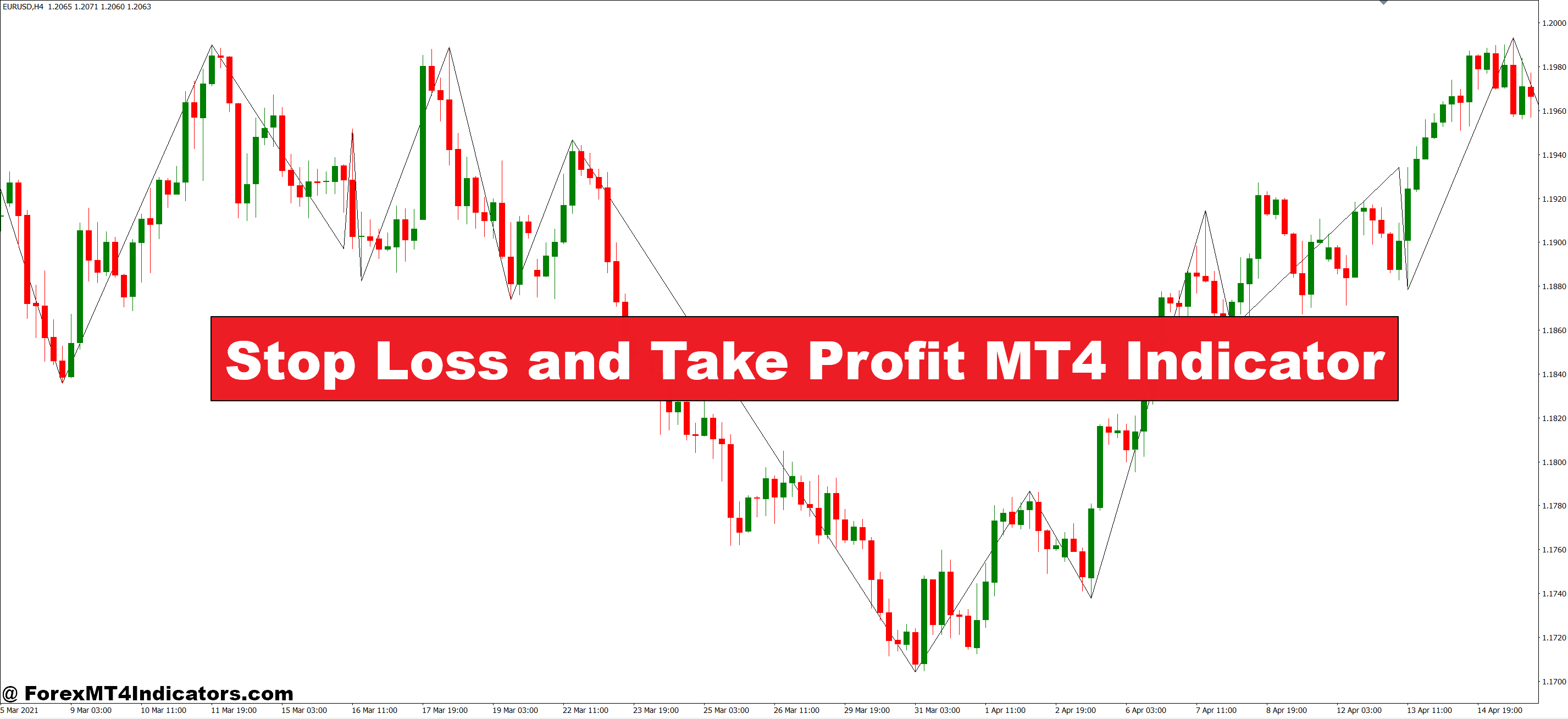
A stop loss and take profit indicator automatically calculates and displays exit levels for your trades based on customizable risk parameters. Unlike manually placing stops, this tool uses mathematical formulas—typically ATR (Average True Range), percentage-based calculations, or fixed pip distances—to determine where your protective stop and profit target should sit.
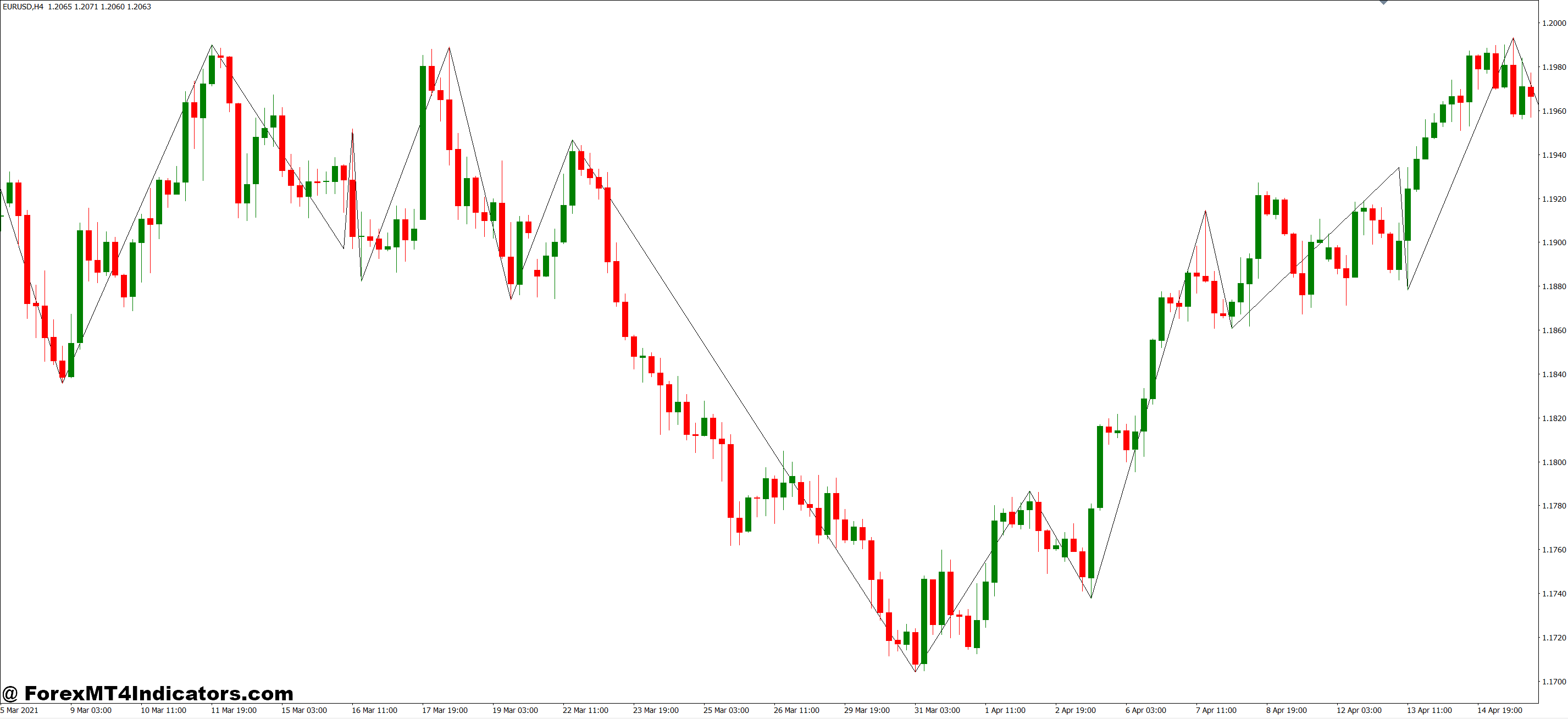
The indicator plots these levels as horizontal lines or zones on your chart. When you enter a trade, you can instantly see where to place your stop loss order to limit potential damage and where to set your take profit to secure gains. Some advanced versions adjust these levels dynamically as price moves, trailing your stop to protect accumulated profits.
Here’s what separates it from basic manual stop placement: the calculations factor in current market volatility. A 20-pip stop on GBP/JPY during Tokyo session might be reasonable, but that same 20 pips during London open? You’ll get stopped out by normal noise. This indicator adapts.
How the Calculations Work Behind the Scenes
Most stop loss and take profit indicators use one of three calculation methods:
- ATR-based calculation measures recent price volatility. If the 14-period ATR on EUR/USD is 45 pips, the indicator might place your stop at 1.5x ATR (67.5 pips) from entry. Take profit typically sits at 2x or 3x the stop distance, giving you a favorable risk-to-reward ratio. When I tested this on choppy Friday afternoons, the wider ATR-based stops kept me in trades that would’ve hit fixed 30-pip stops three times over.
- Percentage-based methods use account risk instead of price movement. Set it to risk 2% of your account, and the indicator calculates the exact pip distance needed based on your lot size. Your stop on a 0.5 lot position will differ from a 1.0 lot position—even on the same currency pair.
- Fixed pip distance works exactly how it sounds. You tell the indicator “50 pips stop, 100 pips target” and it plots them from your entry. Simple but inflexible. This approach ignores whether you’re trading the sleepy August doldrums or a volatile central bank announcement day.
The better indicators combine these methods. You might use ATR for stop placement but set take profit at a fixed 2:1 ratio regardless of volatility.
Real Trading Application: Where It Actually Helps
Let’s get practical. You spot a bullish pin bar rejection on USD/CAD at the 1.3500 support level on the 4-hour chart. You enter long at 1.3515.
Without the indicator, you’re guessing. “Maybe a 40-pip stop? Or 50 to be safe?” You check the previous swing low, eyeball some space, and hope for the best. Your take profit? “I’ll close when it feels right.”
With a stop loss and take profit indicator using 1.5x ATR, here’s what happens: The 14-period ATR reads 32 pips. Your stop calculates to 48 pips below entry at 1.3467—just below that support zone where your trade idea actually invalidates. Take profit, set at 3:1, plots at 144 pips above entry (1.3659). Now you’ve got clear levels backed by volatility data, not gut feeling.
The real value shows up during news events. I once held a USD/JPY position through a Fed announcement using static 30-pip stops. Got whipsawed out on the initial spike before price moved my direction for 150 pips. An ATR-based indicator would’ve widened that stop to 65 pips that day—enough buffer to survive the fake-out.
Customization Settings That Actually Matter
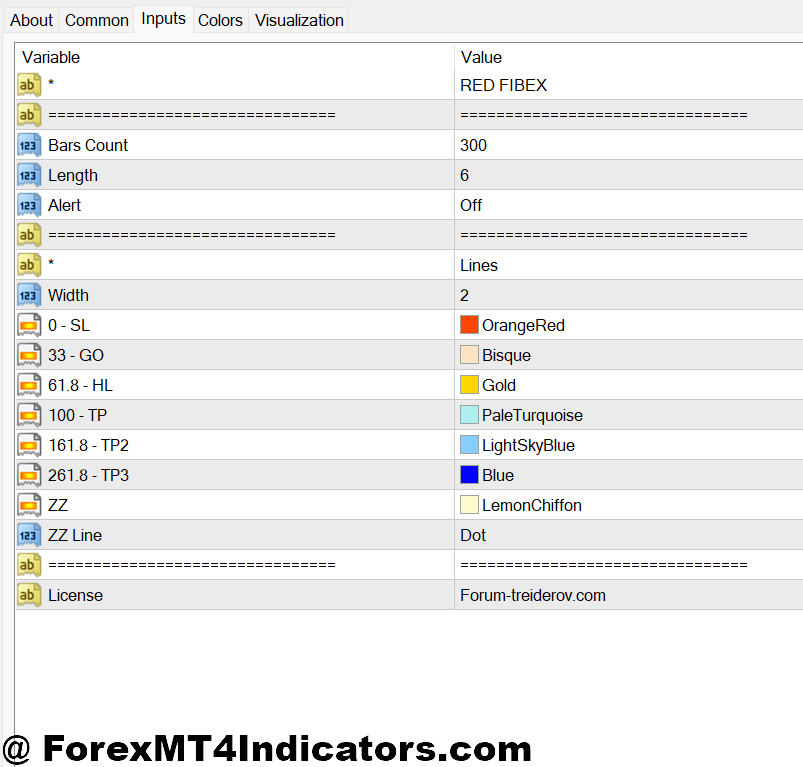
The standard 14-period ATR works fine for swing trading, but day traders should drop it to 7 or 10 periods for more responsive levels. Longer timeframes like daily charts can stretch to 20-period ATR without getting too sluggish.
Your risk-to-reward ratio setting determines take profit placement. Conservative traders stick with 2:1 (risk 50 pips to make 100). Aggressive scalpers might use 1.5:1 but trade higher probability setups. I’ve found 2.5:1 hits the sweet spot on trending pairs—high enough to capture meaty moves but realistic enough to actually fill.
The ATR multiplier needs adjustment based on market conditions. Quiet Asian session trading on EUR/USD? Use 1.2x ATR for tighter stops. Wild commodity currency swings during risk-off events? Bump it to 2x ATR or you’ll donate money to random noise.
Some indicators include a trailing stop feature. Once price moves X pips in your favor, the stop shifts to breakeven or locks in partial profits. This works brilliantly on strong trends but chops you out of ranging consolidations before the real move happens. Test it thoroughly before relying on it.
The Honest Assessment: What It Won’t Do

This indicator won’t fix bad trade entries. If you’re longing resistance in a downtrend, perfectly calculated stops just mean you lose money more efficiently. Your directional bias and entry timing still matter most.
It also can’t predict black swan events. A 1.5x ATR stop looks smart until your broker widens spreads to 50 pips during a flash crash and you get stopped out 30 pips beyond your intended level. Slippage exists. Account for it.
The automated calculations sometimes conflict with obvious chart structure. Your indicator might place a stop at 1.3467, but there’s a massive support zone at 1.3480. Blindly following the indicator’s level ignores critical market context. Use it as a guide, not gospel.
That said, the advantages outweigh these limitations. You eliminate emotional exit decisions. You get consistent risk management across all trades. You save mental energy for the important stuff—like analyzing setups and managing overall portfolio exposure. And you stop leaving money on the table by closing winners too early.
How It Stacks Up Against Manual Stop Placement
Manually setting stops gives you complete control and lets you factor in support/resistance levels the indicator might miss. But it also invites inconsistency. Your risk-per-trade jumps around based on how aggressive or conservative you feel that day.
Compared to static pip-based stops, the ATR approach adapts to market conditions. A fixed 40-pip stop gets wrecked on GBP pairs during UK data releases but might be too wide on USD/CHF during quiet hours. The indicator adjusts automatically.
Other indicators like Parabolic SAR or Chandelier Exit also provide dynamic stop levels, but they’re primarily designed for trailing stops in established trends. The stop loss and take profit indicator works from the moment you enter, whether you’re catching a reversal or riding a trend.
How to Trade with Stop Loss and Take Profit MT4 Indicator
Buy Entry

- Confirm uptrend structure – Only enter longs when price is making higher highs and higher lows on the 4-hour or daily chart, not during choppy sideways action.
- Wait for pullback completion – Enter after price touches a support level or moving average and shows bullish rejection, typically a pin bar or engulfing candle on EUR/USD or GBP/USD.
- Set stop below swing low – Place your stop 5-10 pips beneath the most recent lower wick or support zone, usually 30-50 pips depending on ATR readings.
- Target 2:1 minimum ratio – If risking 40 pips, your take profit should sit at least 80 pips above entry, ideally near previous resistance or psychological levels.
- Avoid trading during major news – Skip BUY signals within 30 minutes before or after NFP, FOMC, or central bank announcements when spreads widen and slippage increases.
- Check daily timeframe bias – Don’t take 1-hour BUY signals if the daily chart shows a strong downtrend; trade with the larger trend, not against it.
- Use 1-2% account risk maximum – Calculate lot size so your stop loss equals exactly 1-2% of account balance, never risk more even if the setup looks perfect.
- Exit partial at 1:1 – Close half your position when price reaches profit equal to your risk, then trail the stop on remaining position to breakeven.
Sell Entry

- Identify downtrend confirmation – Enter shorts only when price creates lower lows and lower highs on 4-hour charts, avoiding sideways consolidation zones.
- Wait for resistance rejection – Look for bearish engulfing or shooting star patterns at previous resistance on GBP/USD or USD/JPY before entering.
- Position stop above swing high – Place stop loss 5-10 pips above the recent upper wick or resistance level, typically 35-60 pips on volatile pairs.
- Set realistic profit targets – Take profit should be 2-3 times your stop distance, placing it near support levels or previous swing lows for higher fill probability.
- Skip during low liquidity hours – Avoid SELL signals between 5 PM – 8 PM EST when spreads widen and price action becomes unreliable on most pairs.
- Verify with momentum indicators – Don’t sell just because the indicator plots levels; confirm with RSI below 50 or MACD showing bearish crossover on your timeframe.
- Never move stop farther away – If price approaches your stop loss, accept the loss; widening stops turns small losses into account-damaging drawdowns.
- Avoid selling at major support – Skip SELL signals within 20 pips of daily or weekly support zones where institutional buyers typically defend price aggressively.
Final Thoughts on Automated Exit Planning
It forces discipline you probably lack otherwise. That alone makes it valuable. You’ll still blow trades on bad entries and miss opportunities from hesitation, but at least your exits become systematic.
The ATR-based calculation gives you volatility-adjusted levels that actually make sense for current conditions. Your risk-to-reward stays consistent. You stop second-guessing whether to close positions early or let them run.
But remember—trading forex carries substantial risk, and no indicator guarantees profits. This tool manages exits, not win rates. You still need solid analysis, proper position sizing, and realistic expectations about what markets can deliver.
Start by testing it on a demo account. See how the calculated stops compare to your manual placements. Notice where it saves you from emotional closes and where it conflicts with obvious chart levels. Then adjust the settings until it complements your strategy instead of fighting it.
The goal isn’t perfection. It’s consistency and removing emotional interference from a process that should be mechanical. That’s where most traders fail, and where a simple indicator can make the biggest difference.
Recommended MT4/MT5 Broker
XM Broker
- Free $50 To Start Trading Instantly! (Withdraw-able Profit)
- Deposit Bonus up to $5,000
- Unlimited Loyalty Program
- Award Winning Forex Broker
- Additional Exclusive Bonuses Throughout The Year
- Exclusive 90% VIP Cash Rebates for all Trades!

Already an XM client but missing out on cashback? Open New Real Account and Enter this Partner Code: VIP90
(Free MT4 Indicators Download)



Enter Your Email Address below, download link will be sent to you.