

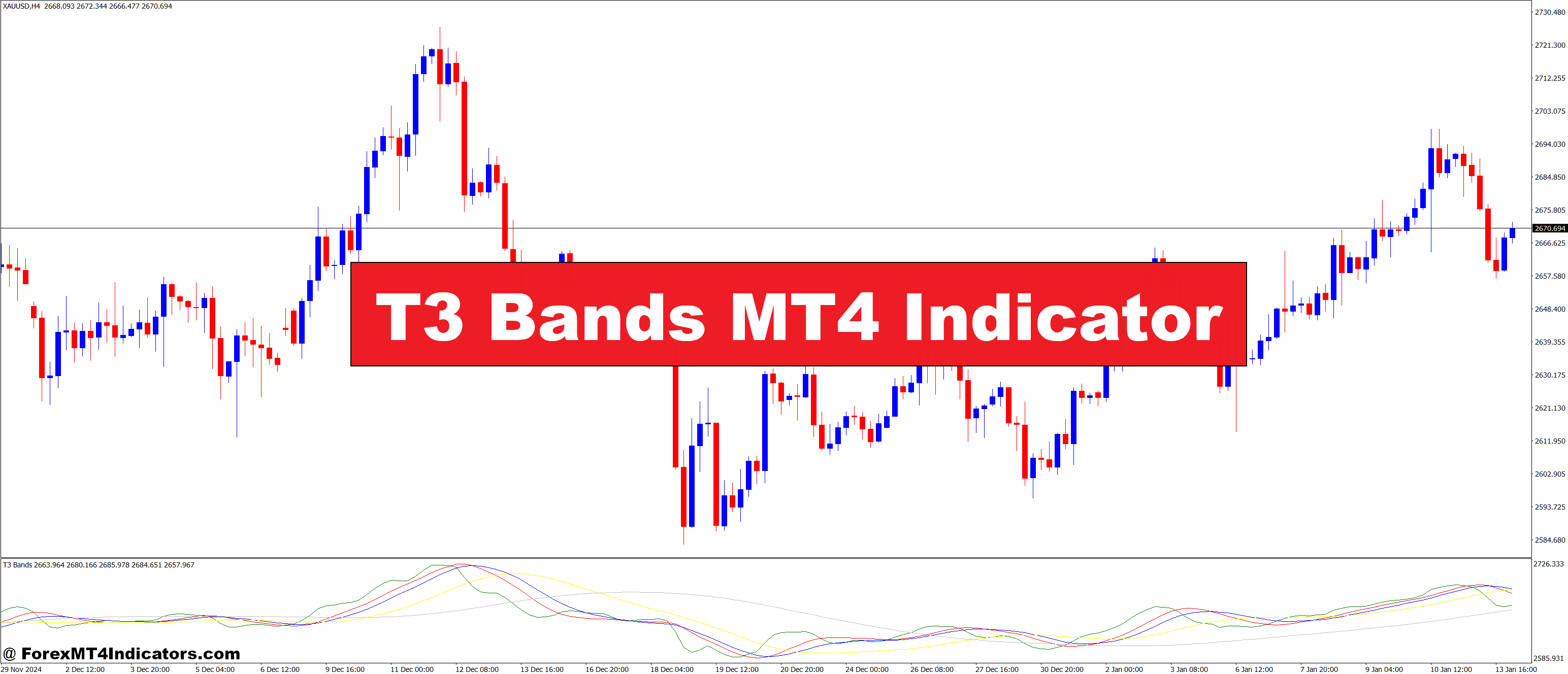
The T3 Bands MT4 Indicator is a technical analysis tool designed to help traders identify trends more accurately by applying the T3 moving average. This average is known for being smoother and more responsive to price changes compared to traditional moving averages like the SMA (Simple Moving Average) or EMA (Exponential Moving Average). What makes the T3 Bands stand out is its ability to reduce lag, which is one of the common issues with traditional moving averages. The indicator provides a clearer picture of market direction and is particularly useful for identifying trend reversals early.
The T3 Bands come with two distinct lines that represent upper and lower boundaries, based on the T3 moving average. These lines help traders visualize potential areas where price action might reverse or consolidate. It’s designed to give you timely signals about potential market moves, reducing the risk of entering trades too late. With these signals, traders can react faster and make decisions with more confidence.
How Does the T3 Bands MT4 Indicator Work
The T3 Bands MT4 Indicator works by calculating the T3 moving average, which is a weighted average designed to respond more swiftly to price changes. The key advantage of the T3 method over simpler moving averages is that it offers a smoother and more reliable signal, making it easier to identify trends without getting caught in the noise of daily market fluctuations.
When the price moves outside of the T3 Bands, it can signal a potential trend reversal or continuation. Traders can use the crossing of price above or below the bands as a way to gauge market sentiment. For instance, if the price breaks above the upper band, it may indicate a strong bullish trend. Conversely, if the price drops below the lower band, it could be a sign of a bearish trend or potential market weakness.
The indicator works well across all timeframes, but it’s especially effective for traders who are looking for timely entries and exits. Its responsiveness to price changes allows traders to stay ahead of trends, making it easier to capture profits before they peak.
Benefits of Using the T3 Bands MT4 Indicator
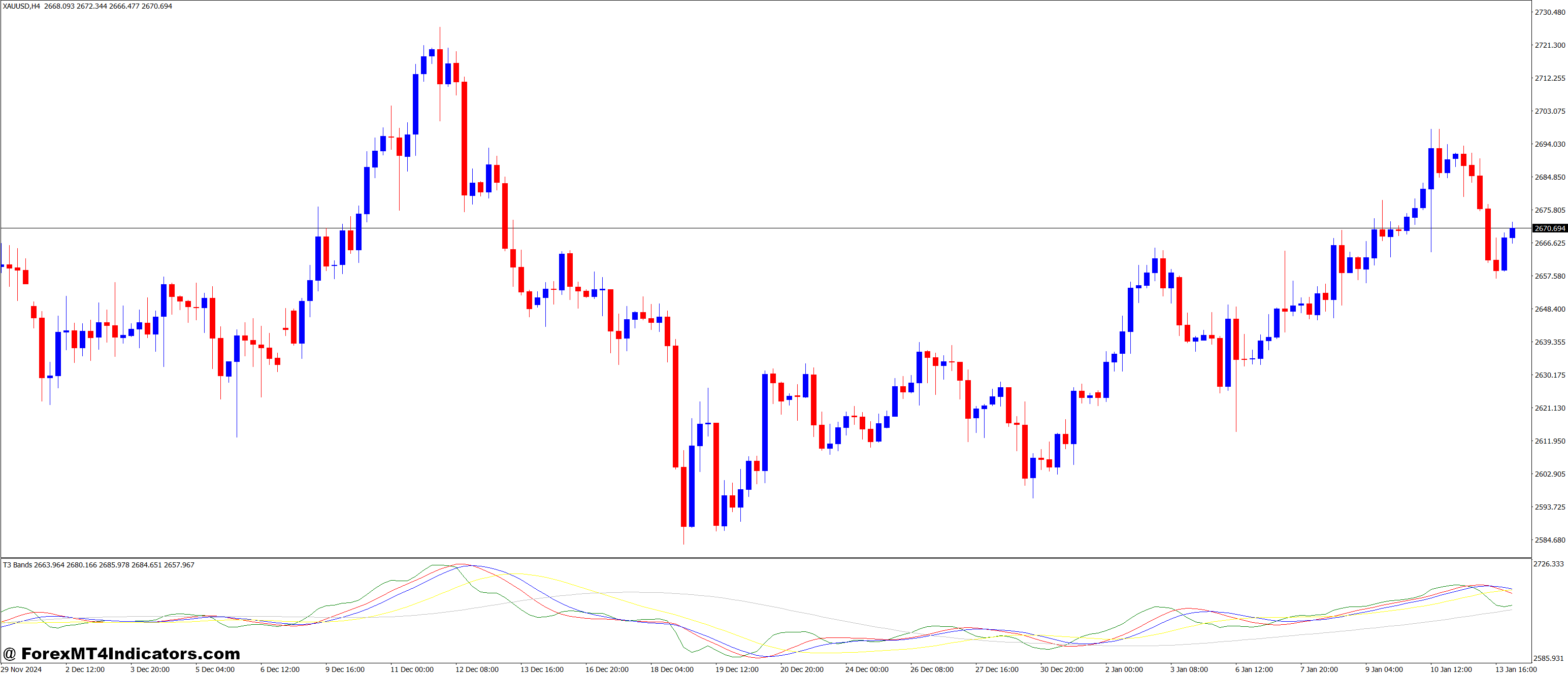
- Clear Trend Signals: The T3 Bands provide a clear visual representation of market trends, making it easier for traders to spot potential market shifts. By using the upper and lower bands as a guide, traders can confidently enter or exit trades based on well-defined trend signals.
- Reduced Market Noise: One of the main issues in trading is the overwhelming amount of market noise, which can lead to poor decision-making. The T3 Bands help to filter out this noise by smoothing out price action, making it easier for traders to focus on the most important movements. This is especially helpful for new traders who might feel overwhelmed by too much information on the chart.
- Versatility Across Timeframes: Whether you are a day trader or a swing trader, the T3 Bands MT4 Indicator can be adapted to fit different strategies. It works well on shorter timeframes, such as 1-minute or 5-minute charts, as well as longer timeframes like 4-hour or daily charts. This flexibility makes it suitable for various trading styles.
- Improved Timing for Entries and Exits: The T3 Bands indicator allows traders to enter and exit positions at the right time. It’s an essential tool for those who rely on trend-following strategies, as it helps pinpoint potential breakouts or reversals before they happen. This can lead to more profitable trades and reduced risk.
How to Trade with T3 Bands MT4 Indicator
Buy Entry
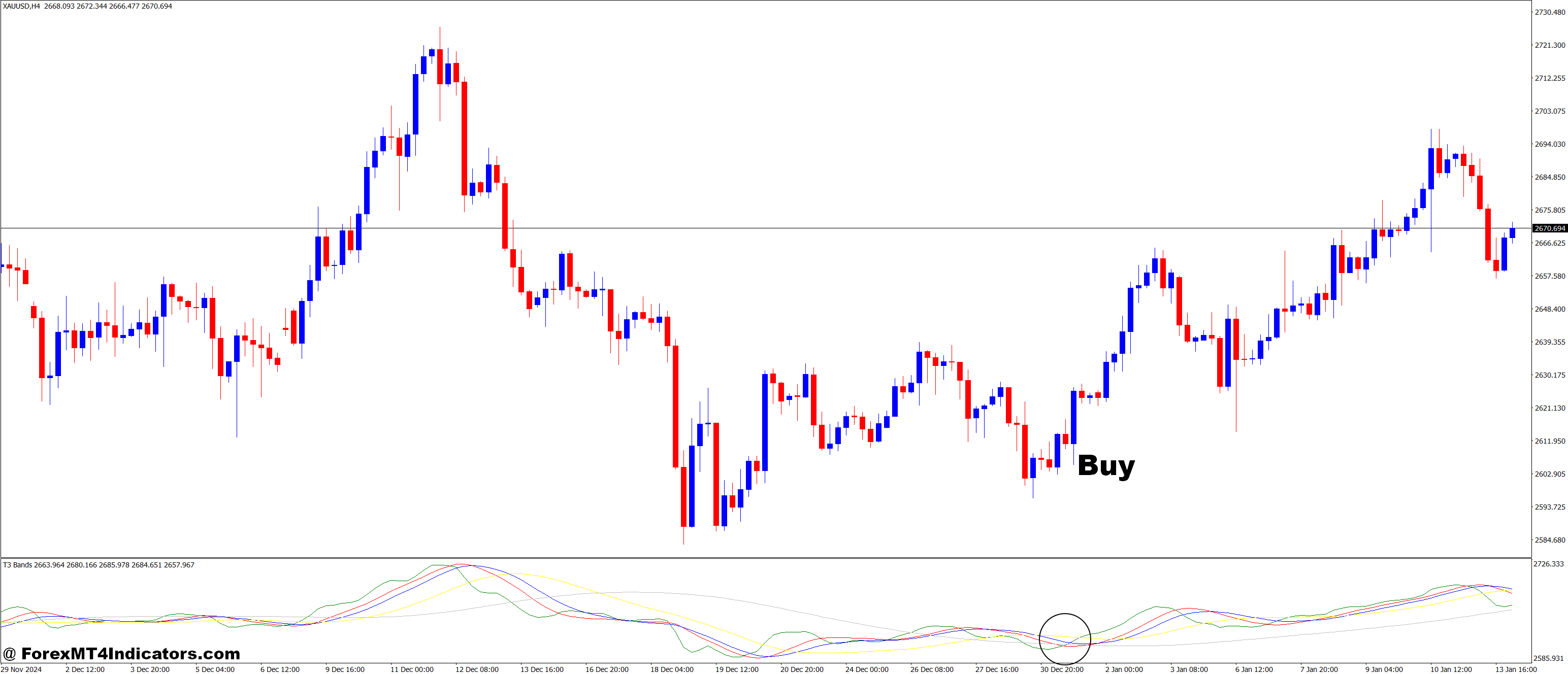
- Wait for the price to break above the upper T3 Band.
- Ensure the price closes above the upper band for confirmation.
- Look for additional confirmation from other indicators, such as RSI or MACD, to verify the bullish trend.
- Enter the trade when the price stays above the upper band and shows signs of continued upward momentum.
- Set a stop loss just below the T3 Band or previous swing low to manage risk.
Sell Entry

- Wait for the price to break below the lower T3 Band.
- Ensure the price closes below the lower band for confirmation.
- Look for additional confirmation from other indicators, such as RSI or MACD, to verify the bearish trend.
- Enter the trade when the price stays below the lower band and shows signs of continued downward momentum.
- Set a stop loss just above the T3 Band or previous swing high to manage risk.
Conclusion
The T3 Bands MT4 Indicator offers a powerful solution for traders seeking to improve their market analysis. By providing smooth, accurate trend signals, it helps eliminate uncertainty and gives traders a clear advantage in making profitable trades. With its versatility and ability to reduce market noise, this indicator is a must-have for anyone serious about trading. If you’re looking to enhance your trading strategies, the T3 Bands MT4 Indicator could be the tool you need to take your trading to the next level. Whether you’re just starting out or an experienced trader, this indicator can provide the insights you need to stay ahead of the market.
Recommended MT4/MT5 Broker
XM Broker
- Free $50 To Start Trading Instantly! (Withdraw-able Profit)
- Deposit Bonus up to $5,000
- Unlimited Loyalty Program
- Award Winning Forex Broker
- Additional Exclusive Bonuses Throughout The Year
- Exclusive 90% VIP Cash Rebates for all Trades!

Already an XM client but missing out on cashback? Open New Real Account and Enter this Partner Code: VIP90
(Free MT4 Indicators Download)



Enter Your Email Address below, download link will be sent to you.