

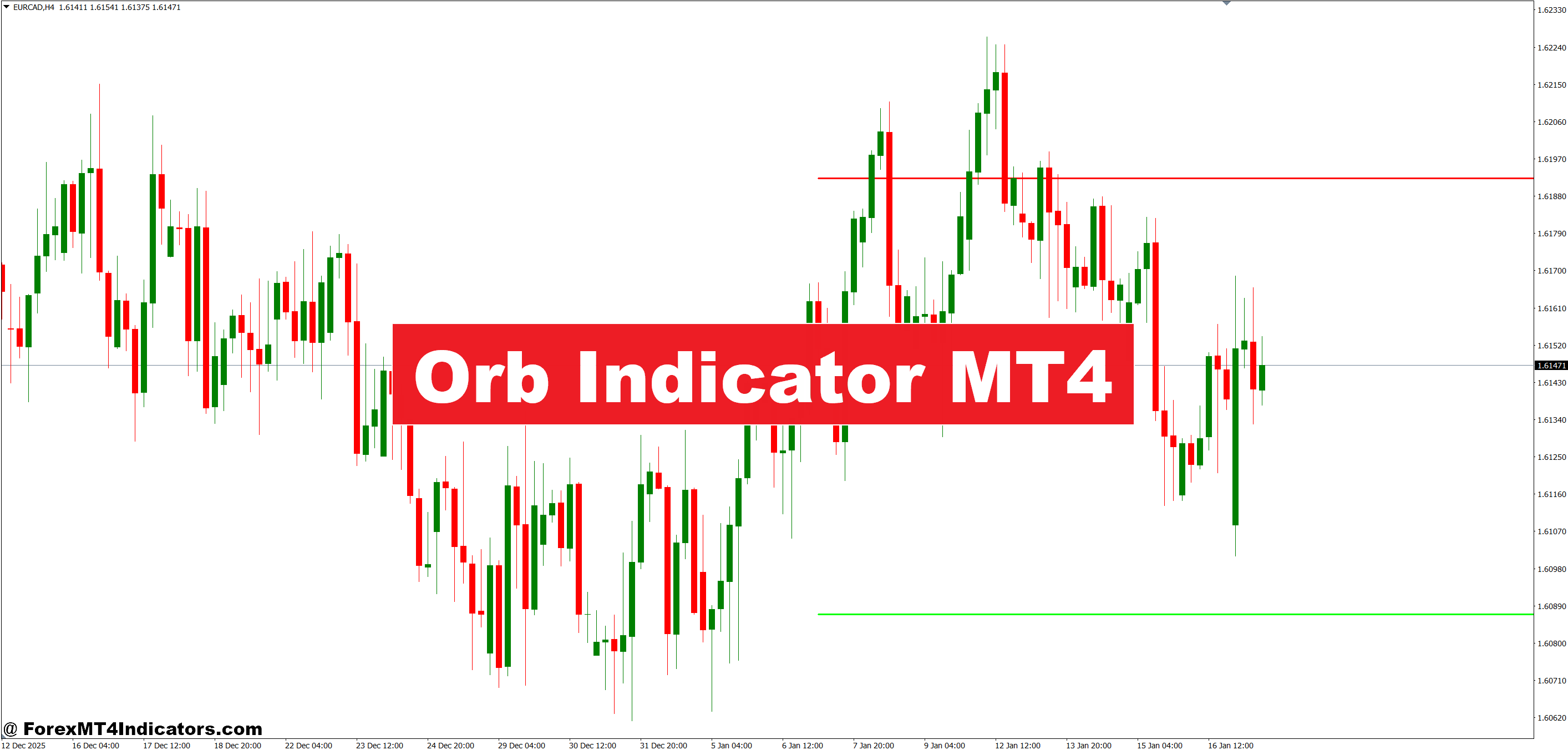
The Orb Indicator MT4 addresses this exact challenge. By mapping the opening range—the high and low established during the first period of a trading session—it creates objective reference points for breakout trades. Instead of guessing where momentum might accelerate, traders get visual boundaries that price must cross to signal a potential trending move.
What the Orb Indicator Actually Measures
The Opening Range Breakout indicator plots horizontal lines marking the highest high and lowest low during a specified opening period. Most traders configure it for the first 30 to 60 minutes of major sessions—London (3:00 AM EST), New York (9:30 AM EST), or Asian (7:00 PM EST). These lines remain static throughout the session, creating a “box” that contains the initial price action.
The logic stems from institutional trading patterns. Large players often test both sides of the opening range before committing capital to a directional move. When price breaks and holds above the range high or below the range low, it frequently signals that bigger participants have chosen a direction. The indicator doesn’t predict—it marks where recent participants established value, giving traders a framework for entries.
How It Functions in Live Trading Conditions
The user wants specific examples with currency pairs, timeframes, and realistic scenarios. I need to provide concrete trading situations that demonstrate actual usage. Let me include details about how traders apply this in practice.
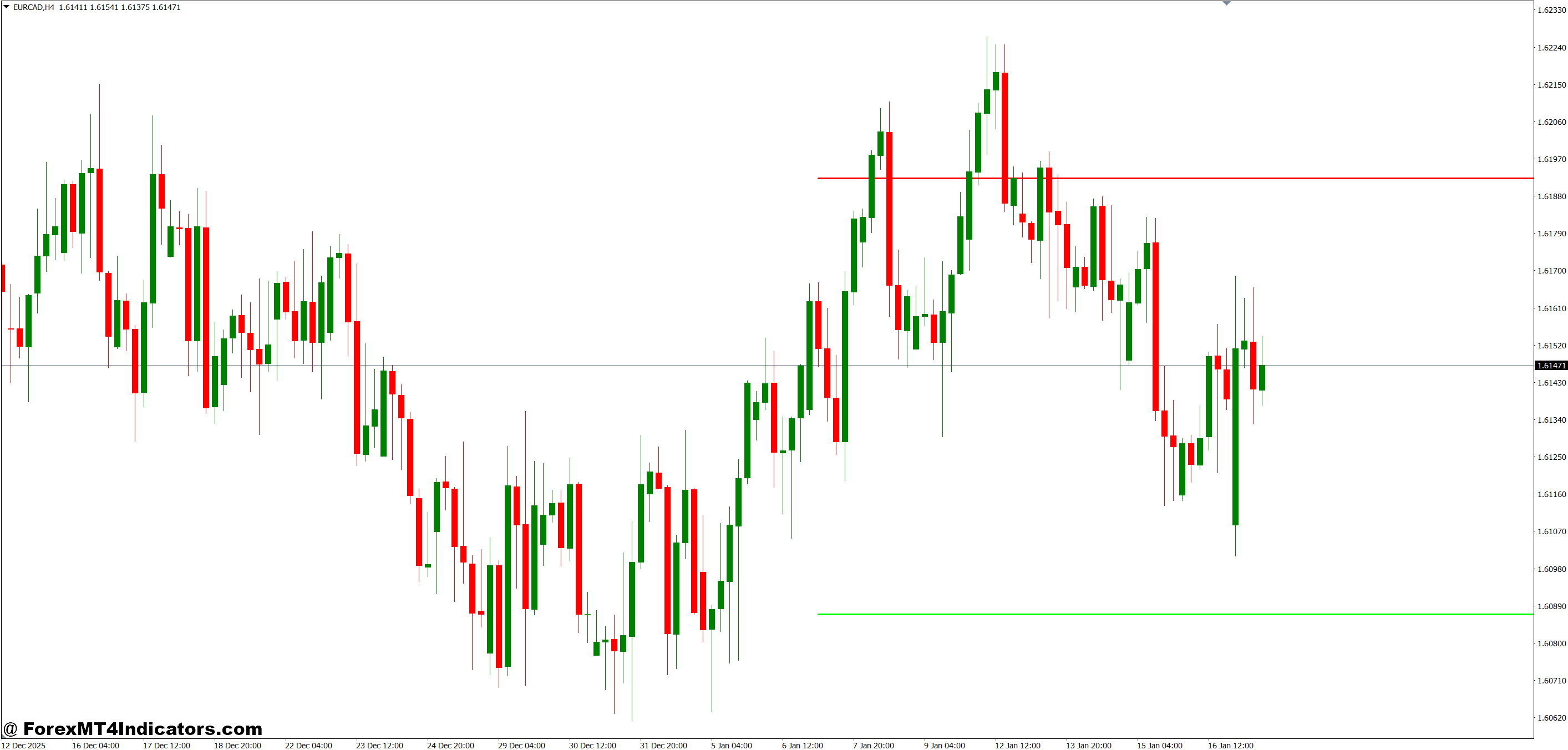
Let’s walk through a real application. On Tuesday morning, GBP/USD opens at 1.2650 during the London session. Within the first hour, price reaches a high of 1.2685 and a low of 1.2638. The Orb Indicator draws two horizontal lines at these levels. These become your key reference points.
Throughout the session, price consolidates between these boundaries. At 11:30 AM EST, a strong bullish candle closes at 1.2692—above the opening range high. Traders watching the Orb Indicator recognize this as a potential breakout signal. The move continues to 1.2730 over the next three hours because the break confirmed directional intent from institutional flows.
Here’s what makes it different from just watching price: the indicator automatically updates each session, removing subjective interpretation. You don’t debate whether 1.2684 or 1.2686 was the true high. The tool calculates and displays it. This objectivity prevents the hesitation that kills breakout trades.
That said, false breaks happen. Price might spike 5 pips above the range, trigger stops, then reverse back inside. Smart traders wait for a candle close beyond the range, not just a wick. Some require a retest of the broken level before entering. The indicator shows the zones—your trading plan determines the execution rules.
Customizing Settings for Different Markets
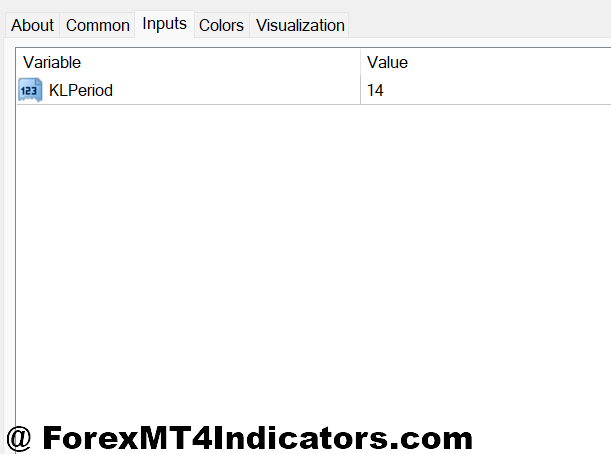
The default 60-minute opening range works well for major pairs during high-liquidity sessions. But volatile pairs like GBP/JPY might need a 45-minute window to capture the true opening sentiment without including early noise. Conversely, slower pairs like AUD/NZD could use a 90-minute range to ensure enough price discovery occurs.
Timeframe matters too. On a 15-minute chart, you’ll see the opening range form bar by bar, giving precise entry timing. The 1-hour chart provides cleaner signals with less micromanagement. Some traders overlay the indicator on multiple timeframes—using the 4-hour chart’s opening range as a broader filter while executing on the 15-minute.
Color customization helps visual clarity. Set the upper range line to green and lower to red, making breakout direction immediately obvious. Adjust line thickness if you’re monitoring multiple pairs simultaneously. The goal is instant recognition when scanning charts.
One advanced technique: compare the current day’s opening range width to the previous five days. A significantly narrower range often precedes expansion—the breakout could be larger than usual. A wider opening range might indicate most of the day’s movement already occurred, reducing breakout potential.
Advantages That Make It Valuable
The Orb Indicator removes guesswork from session opens. You know exactly where price established initial boundaries, which matters because these levels often attract order flow throughout the day. Support and resistance traders reference the same zones, creating self-fulfilling price reactions.
It works across markets. Forex, indices, commodities—any instrument with distinct session opens can benefit. Gold traders use it around the New York open when volume surges. Stock index futures traders apply it at the 9:30 AM equity market open.
The visual simplicity is another strength. Unlike oscillators requiring interpretation of overbought/oversold zones, the Orb Indicator gives binary information: price is inside or outside the range. This clarity suits newer traders still developing pattern recognition skills while remaining useful for veterans executing systematic strategies.
Limitations and Realistic Expectations
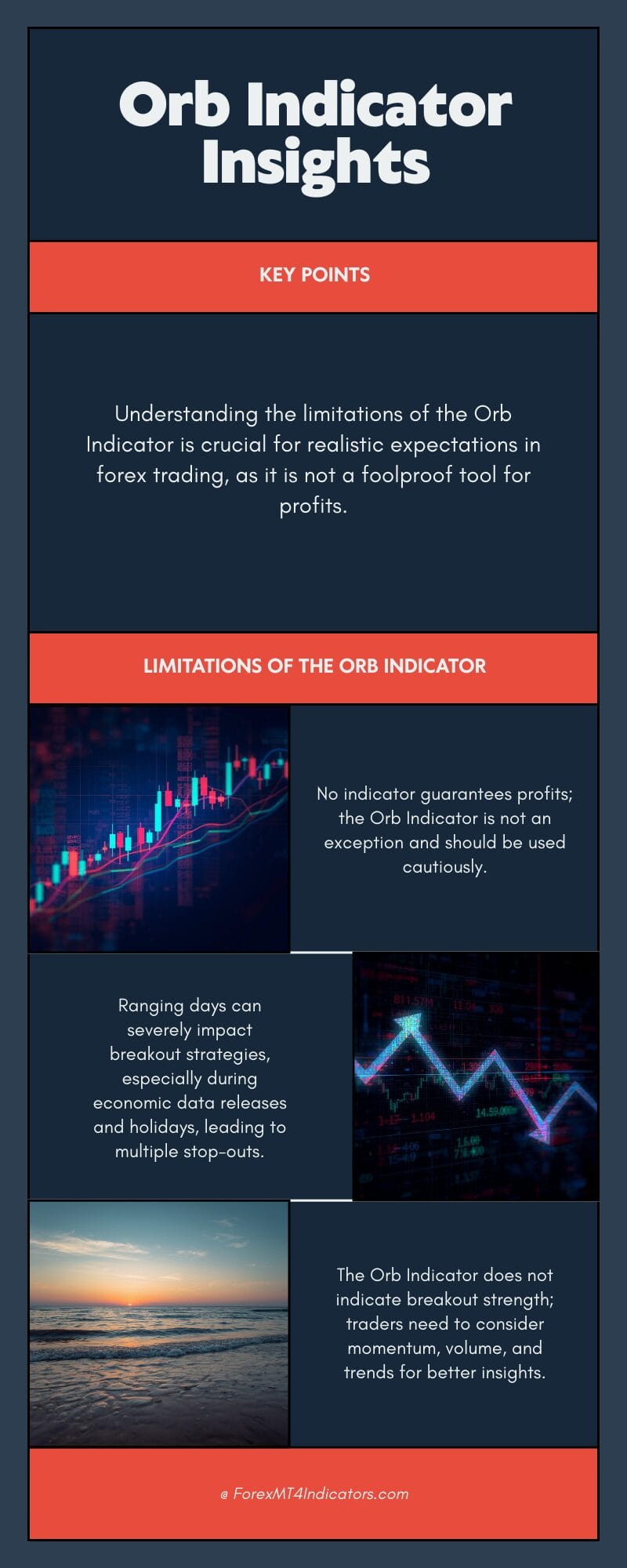
No indicator guarantees profits, and the Orb is no exception. Ranging days destroy breakout strategies. When major economic data looms or holiday conditions thin liquidity, price might whipsaw above and below the opening range multiple times without establishing a trend. You’ll get stopped out repeatedly if you don’t filter for appropriate market conditions.
The indicator also offers no information about strength. A break above the range high could lead to a 100-pip trend or a 15-pip false move. You need additional context—momentum indicators, volume analysis, or higher timeframe trend alignment—to gauge conviction behind breaks.
Weekends create gaps that distort Monday’s opening range. If EUR/USD closes Friday at 1.0950 and opens Monday at 1.0920, that 30-pip gap skews the range calculation. Experienced traders either skip Monday setups or adjust their range period to start after the gap settles.
Trading forex carries substantial risk. No indicator guarantees profits. The Orb Indicator is a tool for identifying potential opportunities, not a standalone trading system. Proper risk management, position sizing, and market awareness remain essential regardless of which technical tools you employ.
Practical Integration With Other Analysis
The Orb Indicator shines when combined with price action confirmation. Wait for a breakout candle to close beyond the range, then look for a pullback to the broken level. If price retests the opening range high (now acting as support) and bounces, you’ve got confluence: breakout structure plus support confirmation.
Pair it with a 200-period moving average on the 1-hour chart. Breakouts in the direction of the larger trend have higher success rates than counter-trend breaks. If the 200 MA slopes upward and price breaks above the opening range high, probability favors continuation. Breaks against the trend often fail or produce smaller moves.
Volume indicators add another dimension. A breakout on expanding volume suggests conviction; thin volume breaks frequently reverse. While MT4 doesn’t always provide reliable forex volume, tick volume serves as a proxy for activity levels.
How to Trade with Orb Indicator MT4
Buy Entry
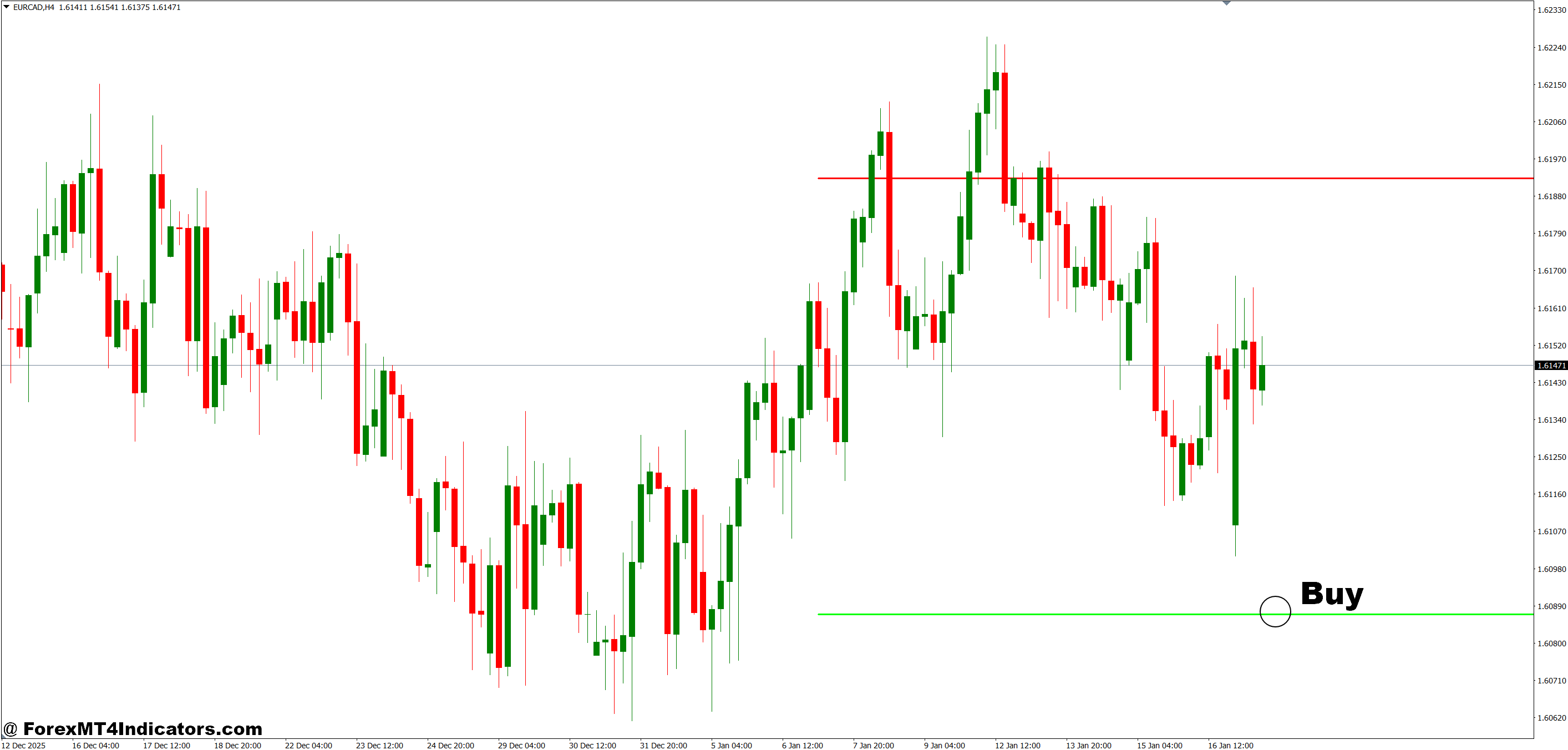
- Candle close above opening range high – Wait for a 15-minute or 1-hour candle to fully close 3-5 pips above the upper boundary before entering, confirming the break isn’t just a wick spike.
- Retest the broken range as support – Enter when price pulls back to test the opening range high (now support) and forms a bullish rejection candle, ideally within 1-2 hours of the initial break.
- Opening range break during London session – Take EUR/USD or GBP/USD buy setups between 3:00-5:00 AM EST when liquidity is strongest and breakouts have higher follow-through probability.
- Align with higher timeframe trend – Only take buy signals when the 4-hour or daily chart shows an uptrend (price above 200 EMA), filtering out low-probability counter-trend trades.
- Set stop loss 5-10 pips below range low – Place your stop beneath the opening range’s lower boundary to protect against full reversals while giving the trade room to breathe.
- Target 1.5x to 2x the range width – If the opening range is 30 pips wide, aim for 45-60 pip profit targets, scaling the reward to the session’s established volatility.
- Skip trades during major news events – Avoid buy entries within 30 minutes before or after NFP, CPI, or central bank announcements when whipsaws invalidate technical setups.
- Require volume confirmation – Enter only when the breakout candle shows higher tick volume than the previous 5 candles, indicating genuine institutional participation rather than retail stops being hunted.
Sell Entry
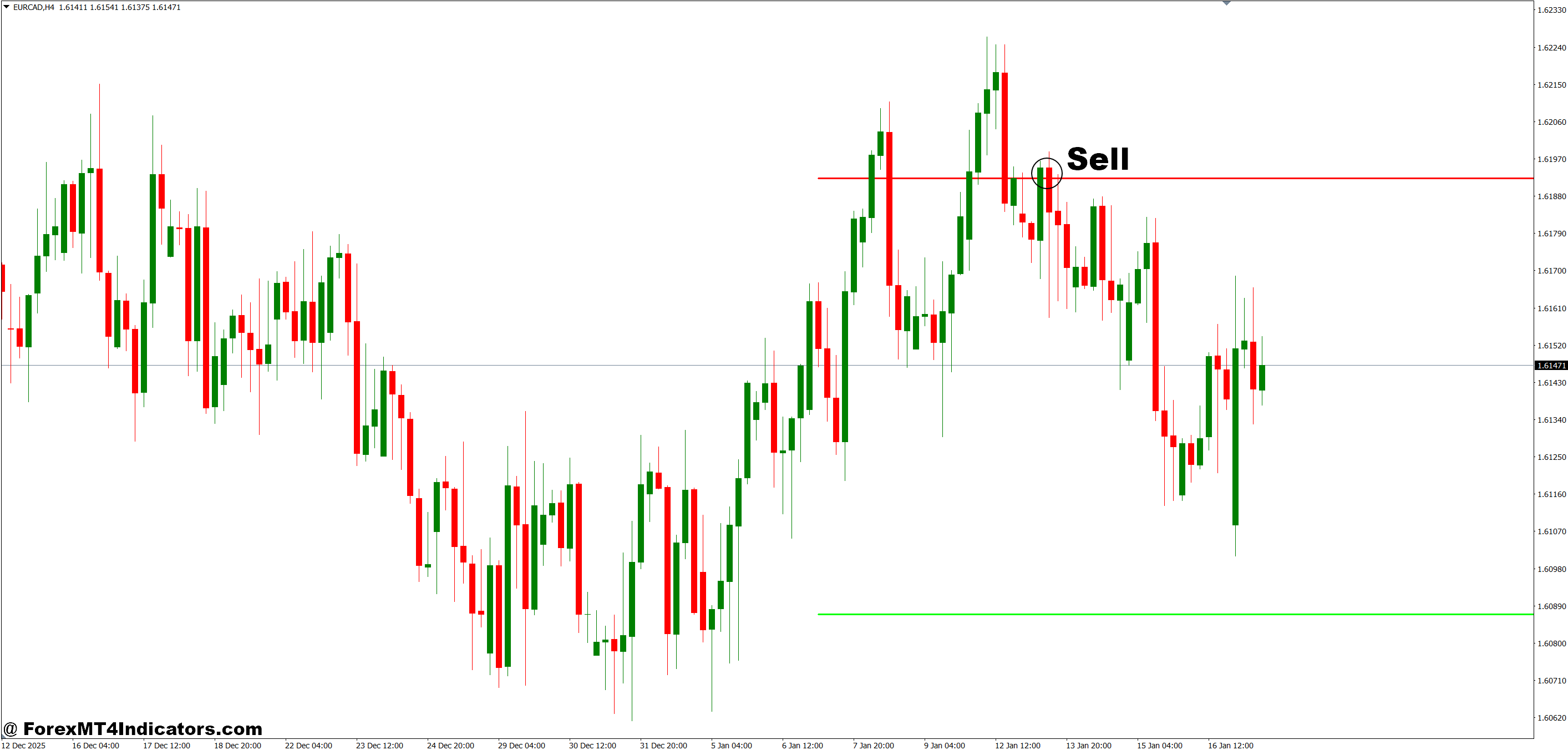
- Candle close below opening range low – Enter short when a 15-minute or 1-hour candle closes 3-5 pips beneath the lower boundary, confirming sellers have control beyond just a temporary dip.
- Wait for pullback to broken support – Take sell entries when price retests the opening range low (now resistance) and rejects with a bearish engulfing or pin bar on the 15-minute chart.
- New York session breakdown – Focus on GBP/USD or EUR/USD sell setups from 8:00-10:00 AM EST when U.S. traders enter and can accelerate downward momentum.
- Confirm with lower timeframe momentum – Check that the 15-minute chart shows lower highs and lower lows forming after the break, not just sideways chop below the range.
- Position stop loss 5-10 pips above range high – Set protective stops just beyond the opening range’s upper boundary to limit risk if the breakdown fails and reverses.
- Scale out at resistance levels – Take partial profits at yesterday’s low or the next 4-hour support zone, then trail stops on the remainder for extended moves.
- Avoid selling in strong uptrends – Skip sell signals when the daily chart shows price in a clear uptrend with higher highs—counter-trend breakdowns often fail quickly and stop you out.
- Ignore narrow ranges below 15 pips – Don’t trade breakdowns from opening ranges tighter than 15 pips on EUR/USD or GBP/USD, as they signal low volatility days with minimal directional potential.
Making It Work for Your Trading Style
Day traders might monitor the opening range on 5-minute charts for multiple currency pairs, taking quick scalps when breaks occur with momentum. Swing traders could use the daily opening range (Asian session through London open) to frame larger position trades held for several days.
The key is consistency. Define your opening range period, stick with it, and track results. Does the first 30 minutes produce clearer signals than 60 minutes on your preferred pairs? Does waiting for a retest improve your win rate enough to offset missed opportunities? Only systematic review answers these questions.
Don’t chase breaks hours after they occur. The farther price extends from the opening range, the more likely a retracement or consolidation. Best opportunities typically emerge within 2-4 hours of the break. Later entries face increased reversal risk as profit-taking begins.
Remember: The Orb Indicator marks where price established initial value during each session. It highlights potential breakout zones based on participant behavior patterns. What it doesn’t do is predict which breaks succeed or fail, determine how far moves extend, or eliminate the need for sound risk management. Use it as one component of a complete trading approach, not a magic solution to market complexity.
Level up your trading
Learn to read the chart — not just the indicator
eBook · Instant PDF
Video Course · 12 modules
Recommended MT4/MT5 Brokers
- ✓ *FREE *$50 to start (withdrawable)
- ✓ Deposit bonus up to $5,000
- ✓ Negative balance protection
Trading forex and CFDs carries a significant risk of loss and is not suitable for everyone. Broker links are affiliate links — we may earn a commission at no cost to you.
Free MT4 Indicator Download

Enter Your Email Address below, download link will be sent to you.