

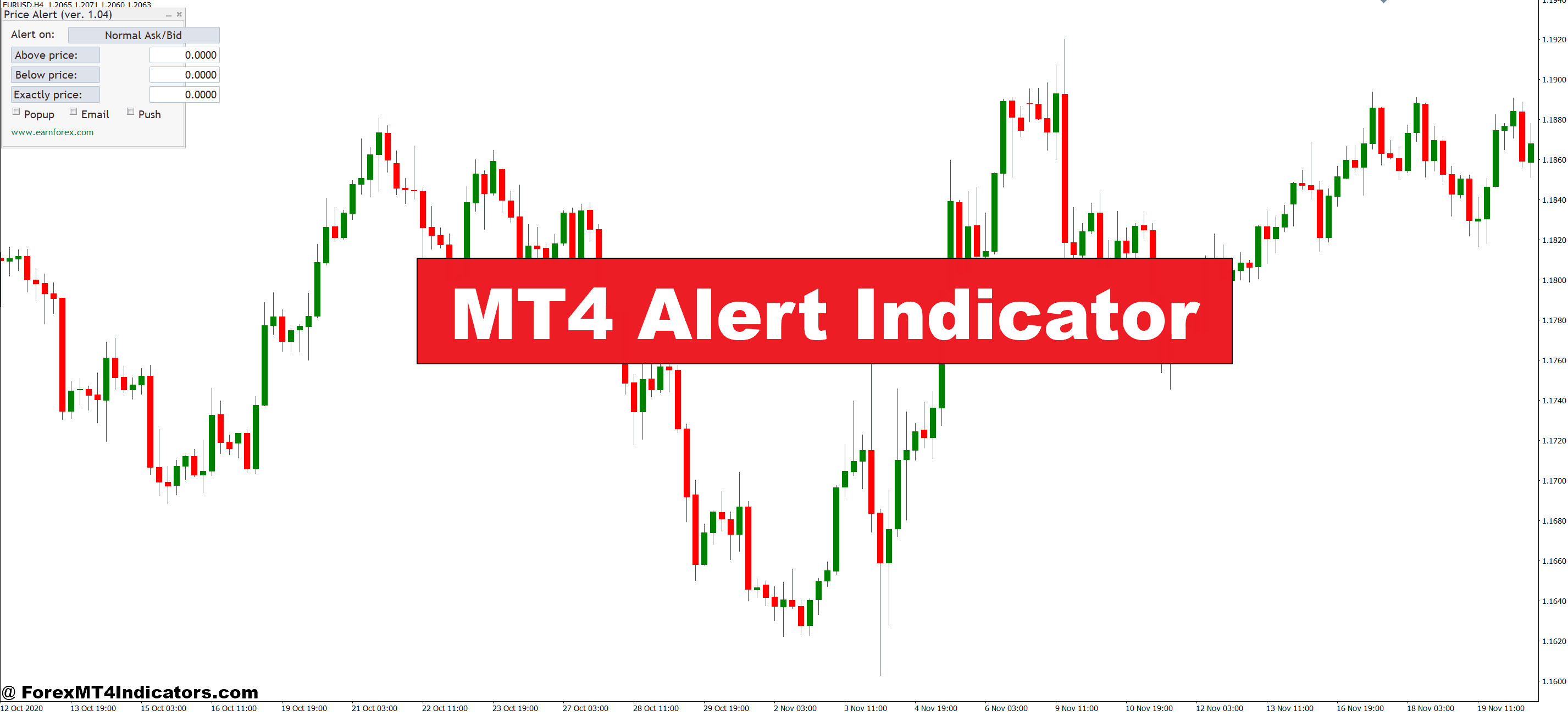
The MT4 Alert Indicator solves this by acting as your trading assistant. It monitors your charts 24/7 and notifies you the instant your conditions are met, whether that’s a price level breach, indicator crossover, or pattern formation. This article breaks down how these alert tools work, how to use them effectively, and what experienced traders need to know before relying on them.
Understanding MT4 Alert Indicators
An MT4 Alert Indicator is a custom tool programmed into the MetaTrader 4 platform that triggers notifications based on predefined market conditions. Unlike standard indicators that simply display data on your charts, alert indicators actively monitor price action and technical signals, then notify traders through popup windows, email, or mobile push notifications when specific criteria are met.
These tools work by continuously scanning incoming price data against the parameters you’ve set. When a match occurs say, the RSI crosses above 70 or price breaks a trendline the indicator fires an alert. The programming runs in the background, checking every new tick or candle close depending on how it’s coded.
What separates alert indicators from manual monitoring is consistency. Humans get tired, distracted, or miss subtle movements. An alert indicator never blinks. If you set it to notify you when the 50 EMA crosses the 200 EMA on the 4-hour chart, it’ll catch that cross whether it happens at 3 AM or during your lunch break.
How Traders Actually Use Alert Indicators
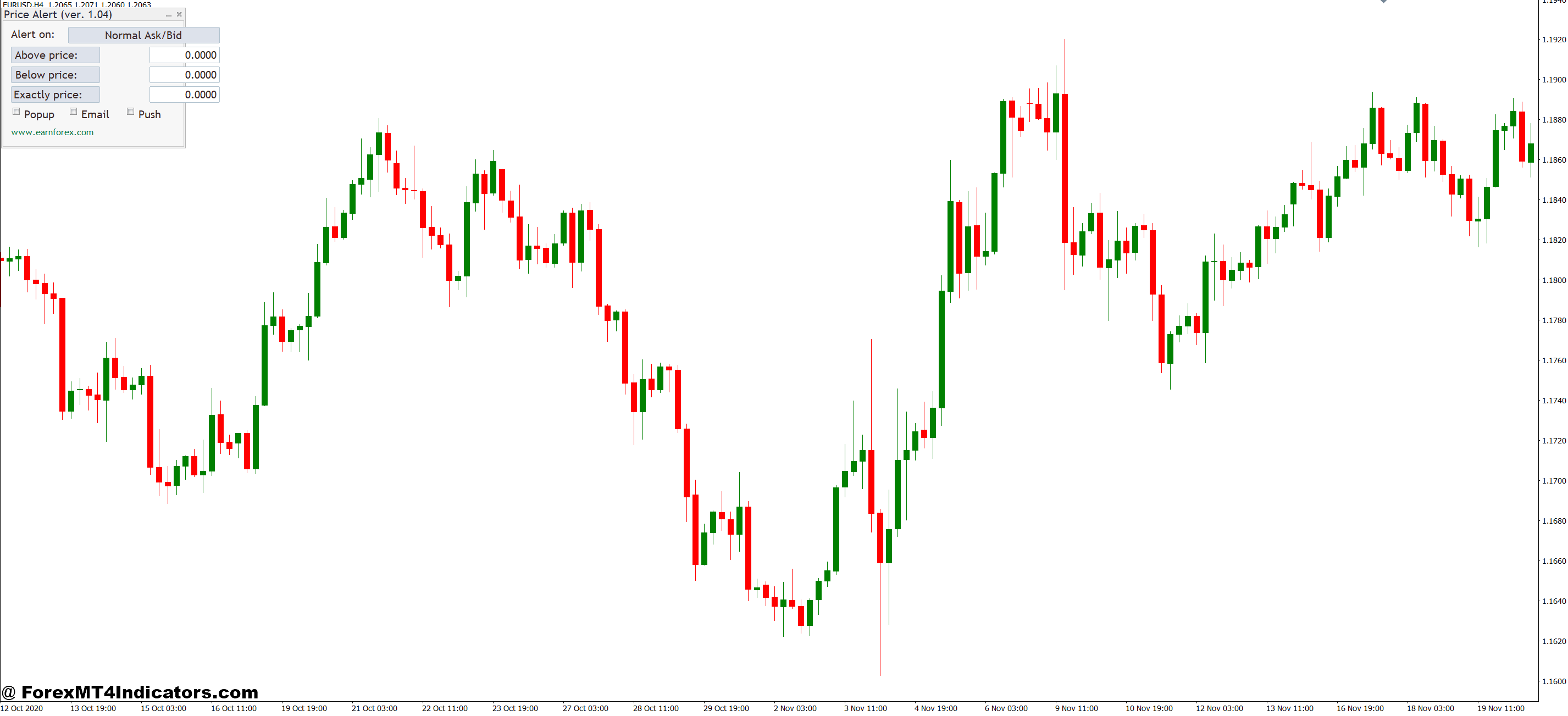
The practical application goes beyond simple price alerts. Experienced traders combine multiple conditions to filter out noise. For instance, a trader might set an alert that triggers only when three things align: price closes above the 20-period moving average, MACD shows bullish momentum, and volume increases by 30% above the average. This multi-layered approach reduces false signals significantly.
Here’s a real-world example: A swing trader watches GBP/JPY for breakout opportunities. Instead of monitoring the pair continuously, they set alerts at key levels 139.50 resistance and 137.80 support. When price approaches within 10 pips of either level, an alert fires. The trader then checks the setup in real-time, assesses the context, and decides whether to take the trade. This approach saved one trader roughly 15 hours per week of screen time while catching 80% of the valid setups.
Day traders often use time-based alerts combined with technical conditions. An alert might trigger only during the London session open (8:00-9:00 AM GMT) when volatility typically spikes, and only if the ATR is above a certain threshold. This prevents getting alerts during slow Asian session chop when false breakouts are common.
Configuring Alert Settings for Different Trading Styles
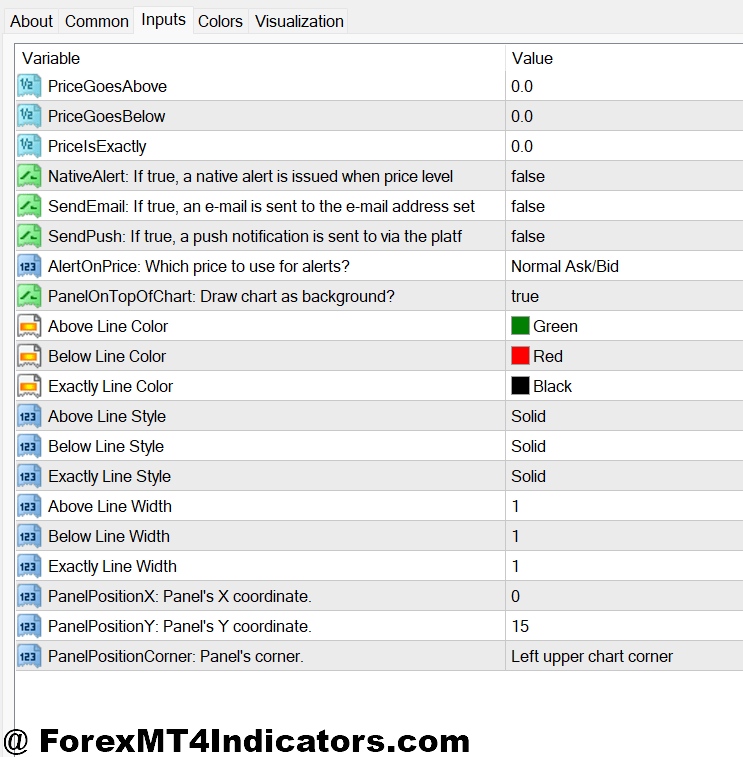
The default settings on most alert indicators need adjustment to match your trading approach. Scalpers operating on the 5-minute chart need immediate popup alerts with sound notifications every second counts. They typically set tight parameters, like a 10-pip price movement or candlestick pattern completion.
Swing traders, on the other hand, benefit more from email or mobile alerts since they’re checking setups once or twice daily rather than every few minutes. A swing trader might configure alerts on the daily chart for things like Fibonacci retracement level touches or weekly pivot point approaches. The alert fires, they receive an email, and they review the setup when convenient no rush.
One often-overlooked setting is the alert frequency. Some indicators can fire repeatedly if the condition remains true, which creates alert fatigue. Smart traders set their indicators to alert once per signal, then reset only after the condition is no longer met. This prevents getting 20 notifications for the same EUR/USD resistance touch.
For currency pairs with different volatility profiles, separate alert configurations make sense. An alert set for 30-pip movements on GBP/USD might need to be 50 pips for more volatile pairs like GBP/NZD, or just 15 pips for the typically calm USD/CHF.
The Real Advantages (and Honest Limitations)
Alert indicators deliver three major benefits. First, they liberate traders from screen addiction. You can live your life, run errands, or focus on other work while your trading opportunities get monitored. Second, they remove emotion from the monitoring process. There’s no anxiety about missing moves or temptation to take premature entries because you’re bored. Third, they enable multi-timeframe and multi-pair strategies that would be impossible to manually monitor.
But here’s what they don’t do: Alert indicators won’t make you a profitable trader if your strategy is flawed. They’re notification tools, not crystal balls. A trader who can’t identify quality setups manually won’t magically become successful just because they get alerts. The indicator is only as good as the conditions you program into it.
Another limitation is false signals. Markets produce whipsaws price briefly touches your alert level then immediately reverses. An alert fires, you jump in, and the trade fails. This happens. Alert indicators can’t distinguish between a legitimate breakout and a fake-out. That’s where trader discretion matters. The alert gets you to the chart; you still need to validate the setup.
Technical glitches occasionally occur. Internet disconnections, platform crashes, or incorrectly coded indicators can cause missed alerts. Some traders run redundant systems maybe setting alerts both in MT4 and on TradingView to avoid missing critical notifications due to technical failures.
Comparing Alert Indicators to Other Notification Methods
Standard MT4 includes basic alert functionality where you right-click a price level and set an alert. This works fine for simple price-based notifications but lacks the sophistication of custom indicators. You can’t set multi-conditional alerts or indicator-based triggers with the native tool.
Third-party services like TradingView or dedicated alert apps offer more flexibility and better mobile integration. TradingView’s alert system, for example, lets traders create complex conditional alerts with cleaner interfaces. That said, MT4 alert indicators have the advantage of working directly within the platform most forex traders already use daily. There’s no platform-switching or external dependency.
Some brokers offer proprietary alert systems through their mobile apps. These typically provide basic price alerts but lack the customization of dedicated MT4 indicators. For traders who already have a working MT4 setup with their preferred indicators, adding alert functionality to existing tools makes more logical sense than learning a new platform.
Making Alert Indicators Work for Your Trading
The key to success with MT4 alert indicators is treating them as setup filters, not trade signals. When an alert fires, that’s your cue to analyze the chart with fresh eyes. Check the broader context: What’s the higher timeframe trend? Is there news pending? Does the setup match your trading plan criteria?
Start with conservative alert parameters. It’s better to get fewer, higher-quality alerts than to be bombarded with notifications for every minor price movement. A trader testing a new alert indicator might begin with just 2-3 alerts per day on their primary currency pair, then expand once they’ve validated the signals are worth their attention.
Keep a log of alert performance. Track how many alerts lead to valid setups versus false signals. If you’re getting 20 alerts daily but only 2 turn into trades, your parameters likely need tightening. Aim for a ratio where at least 30-40% of alerts represent genuine trading opportunities worth analyzing.
Remember: Trading forex carries substantial risk. No indicator, alert system, or notification tool guarantees profits. Alert indicators are organizational aids that help manage attention and time they don’t reduce market risk or improve win rates beyond helping you catch more of the setups you already know how to trade.
Final Thoughts
MT4 Alert Indicators serve one primary purpose: getting traders to their charts at the right moments. They shine when monitoring multiple currency pairs across different timeframes, catching breakouts during off-hours, or simply maintaining work-life balance without missing valid setups. The technology handles the tedious watching; traders handle the decision-making.
The most successful implementation combines reasonable alert parameters, proper validation once notified, and realistic expectations about what the tool can deliver. It won’t make a losing strategy profitable, but it will make a winning strategy more manageable and less time-intensive. Think of it as hiring an assistant who taps your shoulder when something interesting happens what you do with that information is still entirely up to you.
Recommended MT4/MT5 Broker
XM Broker
- Free $50 To Start Trading Instantly! (Withdraw-able Profit)
- Deposit Bonus up to $5,000
- Unlimited Loyalty Program
- Award Winning Forex Broker
- Additional Exclusive Bonuses Throughout The Year
- Exclusive 90% VIP Cash Rebates for all Trades!

Already an XM client but missing out on cashback? Open New Real Account and Enter this Partner Code: VIP90
(Free MT4 Indicators Download)



Enter Your Email Address below, download link will be sent to you.