

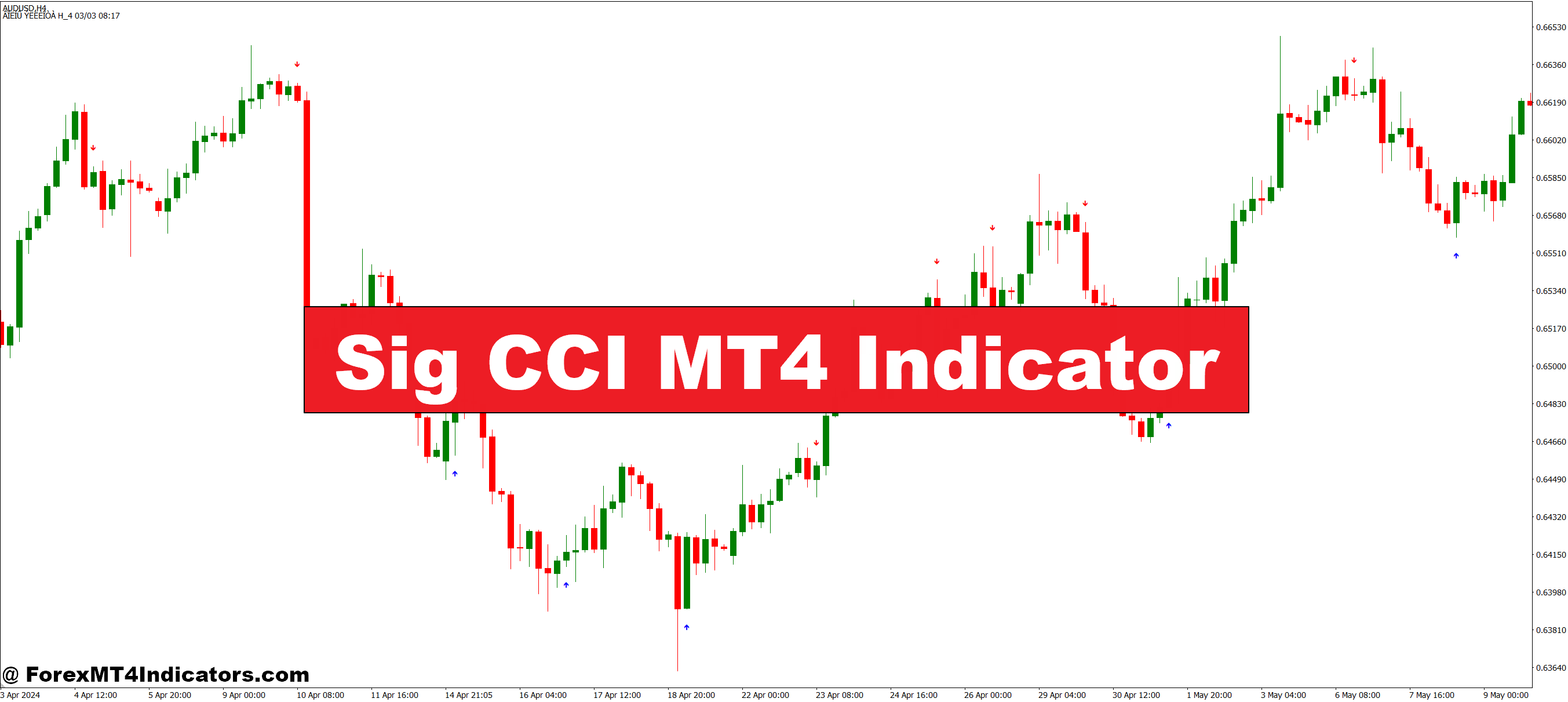
The Sig CCI MT4 Indicator is based on the Commodity Channel Index (CCI), a popular momentum-based tool used by traders worldwide. It measures the deviation of the price from its average, helping traders identify overbought or oversold conditions. What makes this indicator special is its simplicity and visual clarity. It often comes with signals that clearly mark potential buy and sell points on the chart, reducing guesswork and helping traders act quickly. This makes it suitable for beginners and experienced traders alike who want a reliable tool to guide their decisions.
How It Helps Traders Spot Trends
One of the biggest challenges in trading is recognizing when a trend is starting or ending. The Sig CCI MT4 Indicator solves this problem by signaling momentum shifts before they become obvious on regular price charts. When the CCI line moves above a certain level, it can indicate a strong upward trend; when it drops below a level, it signals a potential downtrend. By following these signals, traders can enter trades at optimal moments and exit before reversals, improving their chances of success while minimizing risks.
Making Trading Easier and More Efficient

Besides trend spotting, the Sig CCI MT4 Indicator helps reduce emotional trading. Instead of relying on guesswork or gut feelings, traders can trust clear, objective signals. It also works on multiple timeframes, making it versatile for day traders, swing traders, and even longer-term strategies. With its easy-to-read visuals and alerts, traders can monitor charts with less stress, focus on strategy, and make better trading decisions.
How to Trade with Sig CCI MT4 Indicator
Buy Entry

- Wait for the CCI line to cross above the +100 level, indicating strong bullish momentum.
- Confirm that the market trend is upward on a higher timeframe (e.g., 1H or 4H chart).
- Look for the Sig CCI signal arrow or marker pointing up on the chart.
- Enter a buy trade when the signal appears, preferably after a small pullback for better risk management.
- Place a stop loss below the recent swing low to protect against reversals.
Sell Entry

- Wait for the CCI line to cross below the -100 level, indicating strong bearish momentum.
- Confirm that the market trend is downward on a higher timeframe.
- Look for the Sig CCI signal arrow or marker pointing down on the chart.
- Enter a sell trade when the signal appears, ideally after a minor retracement.
- Place a stop loss above the recent swing high to limit potential losses.
Conclusion
The Sig CCI MT4 Indicator is a practical, easy-to-use tool that can simplify trading while increasing confidence. By clearly highlighting momentum changes and potential trade setups, it helps traders spot trends early, reduce emotional mistakes, and trade smarter. For anyone looking to streamline their trading process and make more informed decisions, this indicator is a valuable addition to their toolkit.
Recommended MT4/MT5 Broker
XM Broker
- Free $50 To Start Trading Instantly! (Withdraw-able Profit)
- Deposit Bonus up to $5,000
- Unlimited Loyalty Program
- Award Winning Forex Broker
- Additional Exclusive Bonuses Throughout The Year
- Exclusive 90% VIP Cash Rebates for all Trades!

Already an XM client but missing out on cashback? Open New Real Account and Enter this Partner Code: VIP90
(Free MT4 Indicators Download)



Enter Your Email Address below, download link will be sent to you.