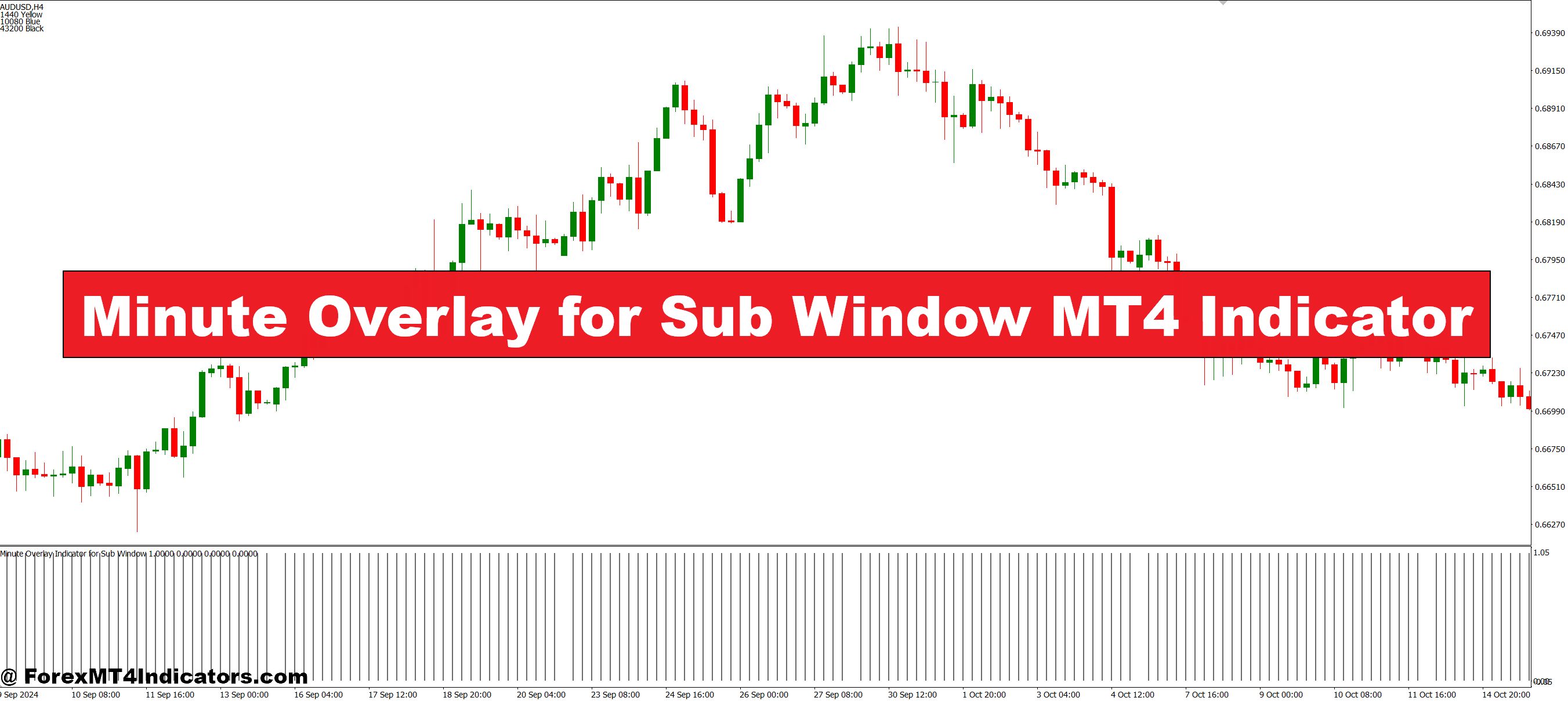
The Minute Overlay for Sub Window MT4 Indicator is designed to provide a clear view of price movements across different minute intervals. Unlike standard indicators that are limited to a single timeframe, this tool overlays minute-level data in a separate sub-window. Traders can quickly identify short-term trends, reversals, and market momentum without constantly switching charts. Keeping the main chart clean reduces clutter and allows for faster, more accurate analysis. This makes it ideal for day traders or scalpers who rely on precise timing for their trades.
Key Features and Benefits
One of the main benefits of this indicator is its versatility. It can display multiple minute-based overlays simultaneously, giving traders a broader perspective of the market. The indicator also supports customization of colors, line types, and time intervals, so it can fit any trader’s style. Visualizing the market in a more detailed way helps traders identify entry and exit points with better confidence. This means fewer missed trades and more opportunities to capitalize on short-term price movements.
How It Improves Trading Decisions
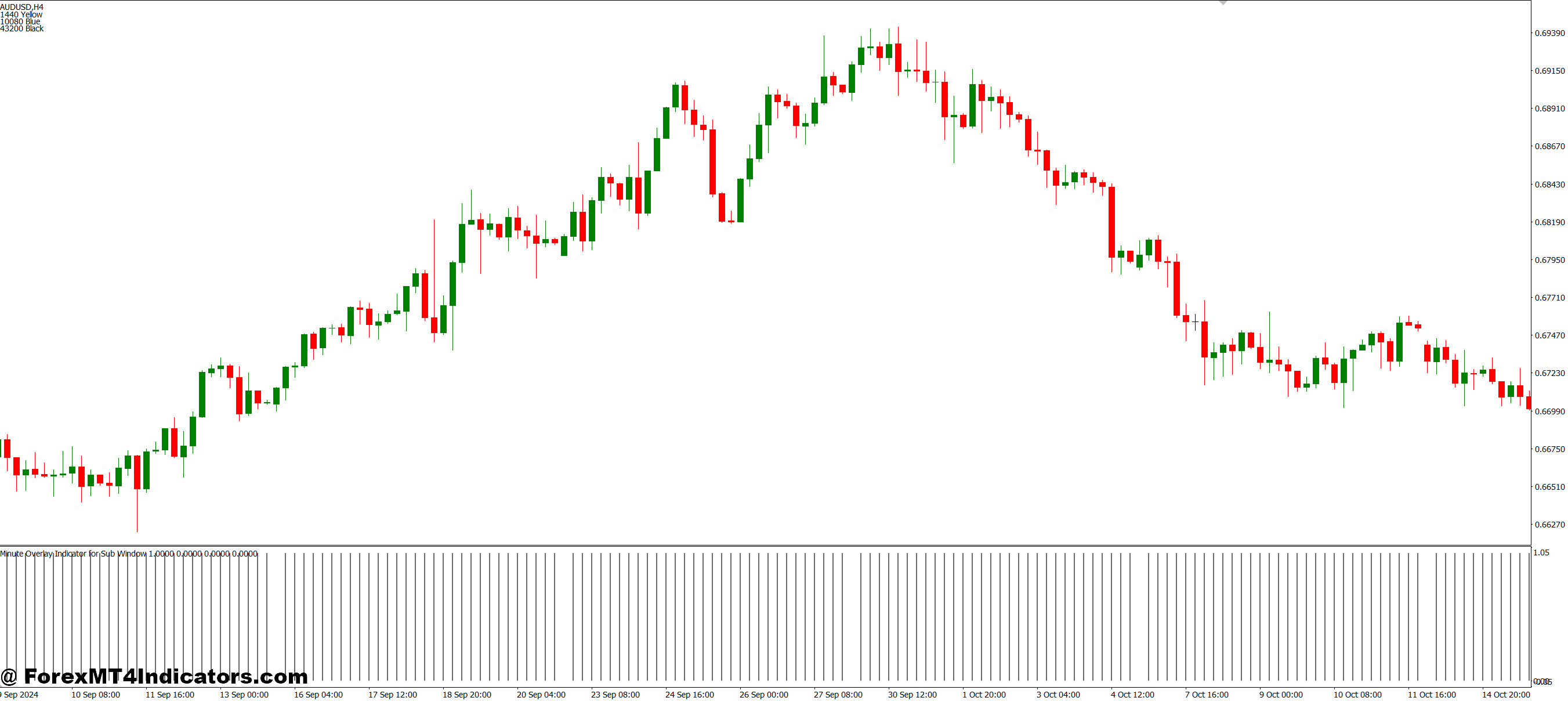
By showing minute-level data in a sub-window, the indicator helps traders avoid the common mistake of over-analyzing the main chart. It allows them to focus on patterns and signals relevant to their strategy, whether that’s scalping, swing trading, or intraday trading. Traders can also combine it with other indicators like moving averages or oscillators to validate signals and improve accuracy. Overall, it provides a more efficient workflow, saving time and reducing the risk of emotional trading decisions.
How to Trade with Minute Overlay for Sub Window MT4 Indicator
Buy Entry
- Look for the minute overlay lines in the sub-window to show upward movement or a short-term bullish trend.
- Confirm that the main chart or other supporting indicators (like moving averages or RSI) are also signaling an uptrend.
- Ensure there is a clear break above a recent high or resistance level on the minute overlay.
- Enter a buy trade when the above conditions align and the market momentum is strong.
- Set a stop-loss below the recent swing low to manage risk.
Sell Entry
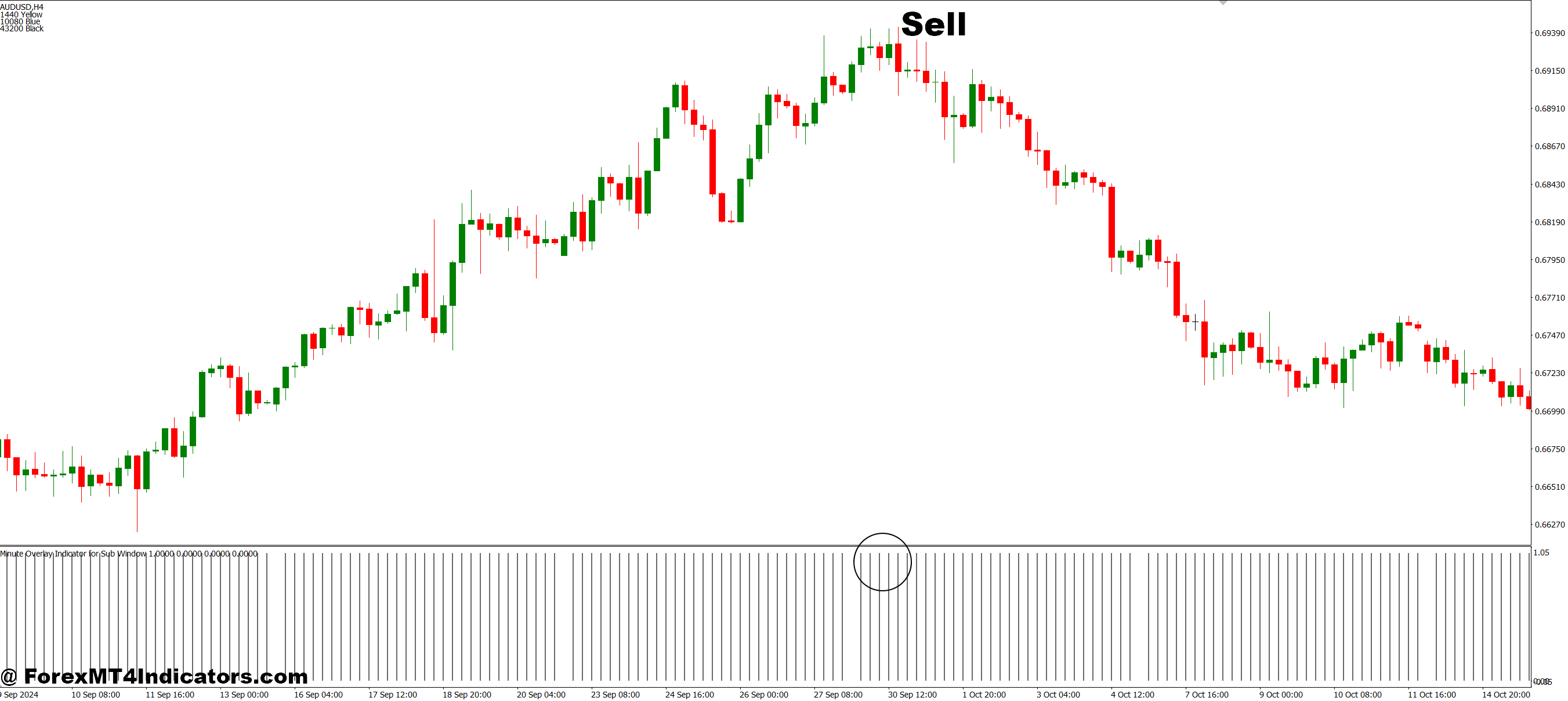
- Observe the minute overlay lines indicating downward movement or a short-term bearish trend.
- Confirm that the main chart or other indicators are also showing a downtrend.
- Wait for a break below a recent low or support level on the minute overlay.
- Enter a sell trade once the downward momentum is confirmed by the overlay and supporting signals.
- Place a stop-loss above the recent swing high to limit potential losses.
Conclusion
The Minute Overlay for Sub Window MT4 Indicator is a practical solution for traders who want to monitor minute-by-minute price action without cluttering their main chart. By providing a clear, customizable view of short-term trends and signals, it enhances decision-making and helps traders execute trades with confidence. Whether you are a beginner or an experienced trader, this indicator simplifies market analysis and makes trading more precise and manageable.
Level up your trading
Learn to read the chart — not just the indicator
eBook · Instant PDF
Video Course · 12 modules
Recommended MT4/MT5 Brokers
- ✓ *FREE *$50 to start (withdrawable)
- ✓ Deposit bonus up to $5,000
- ✓ Negative balance protection
Trading forex and CFDs carries a significant risk of loss and is not suitable for everyone. Broker links are affiliate links — we may earn a commission at no cost to you.
Free MT4 Indicator Download

Enter Your Email Address below, download link will be sent to you.