

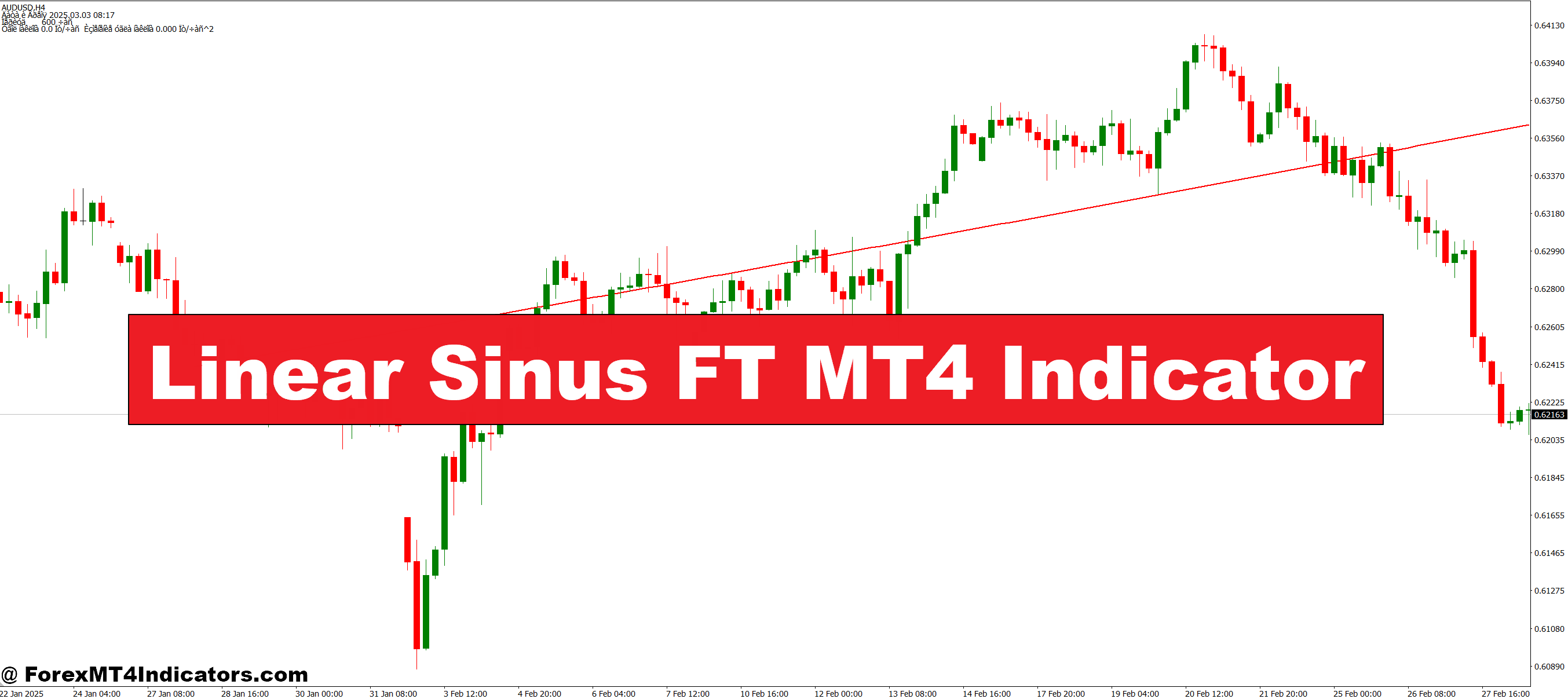
The Linear Sinus FT Indicator uses a unique combination of linear regression and sinusoidal smoothing to identify trends and potential reversals. By filtering out market noise, it produces smoother signals that are easier to interpret than traditional oscillators. Traders can quickly spot bullish and bearish trends, making it easier to time entries and exits. The indicator is particularly effective in markets that experience short-term fluctuations, as it prevents false signals and keeps the trader focused on the bigger trend.
Key Features and Benefits
This MT4 indicator provides real-time visual cues, including color-coded signals for bullish and bearish trends. It works across multiple timeframes, giving traders the flexibility to analyze both short-term and long-term trends. Additionally, the Linear Sinus FT Indicator is lightweight and does not slow down the MetaTrader platform, making it suitable for both beginner and experienced traders. Its simplicity ensures that traders can focus on strategy execution instead of decoding complicated charts.
Practical Trading Applications
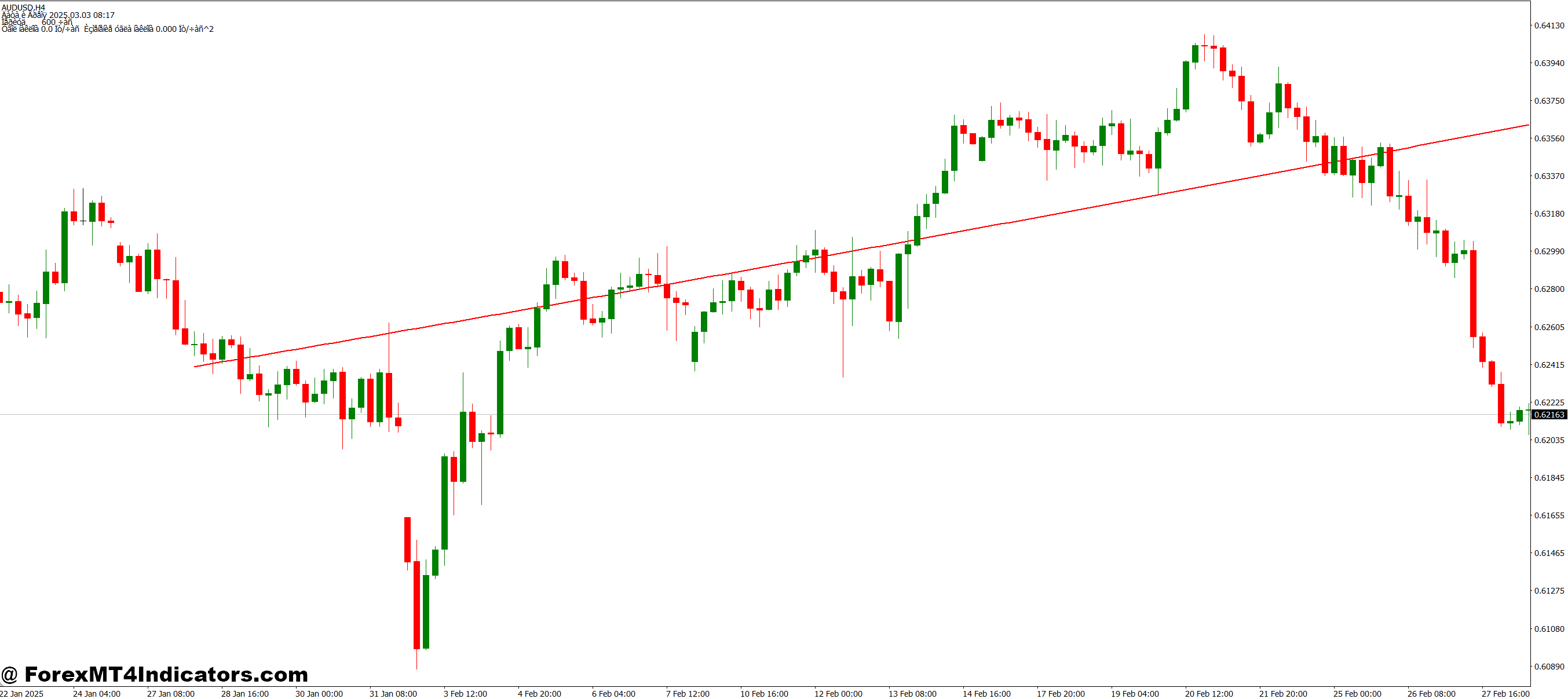
Traders can use the Linear Sinus FT MT4 Indicator for trend following, swing trading, and intraday strategies. It highlights potential trend reversals early, allowing traders to prepare for market shifts. Combined with other tools like support and resistance levels or moving averages, it becomes a powerful component of any trading plan. By reducing noise and offering a clear visual representation of market direction, it helps traders make more confident and informed decisions.
How to Trade with Linear Sinus FT MT4 Indicator
Buy Entry
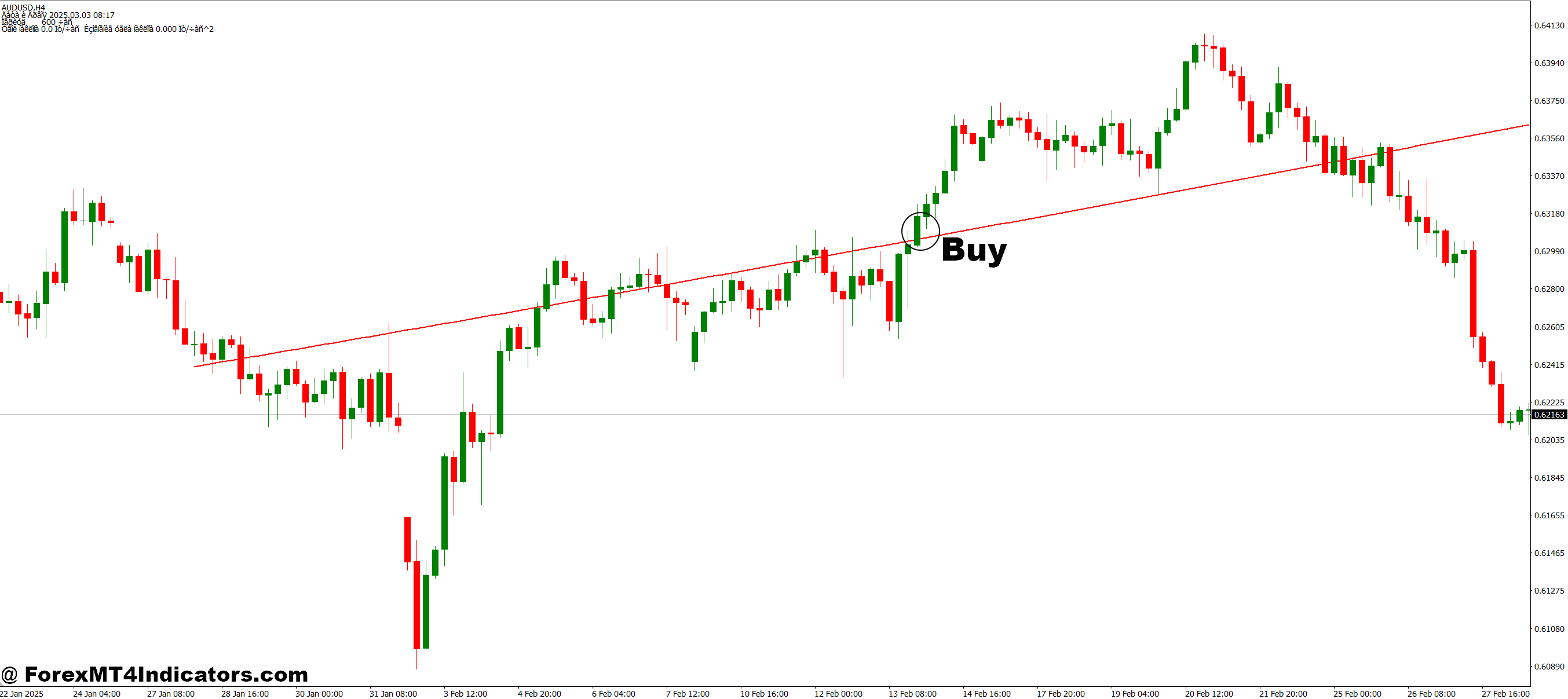
- Wait for the indicator line to turn green, indicating a bullish trend.
- Confirm that the price is above the Linear Sinus FT line for added trend strength.
- Ensure there is a recent higher low formation on the chart, showing upward momentum.
- Optional: Check for support levels nearby to strengthen the buy signal.
- Enter a buy trade once all conditions align and consider setting a stop-loss below the recent swing low.
Sell Entry
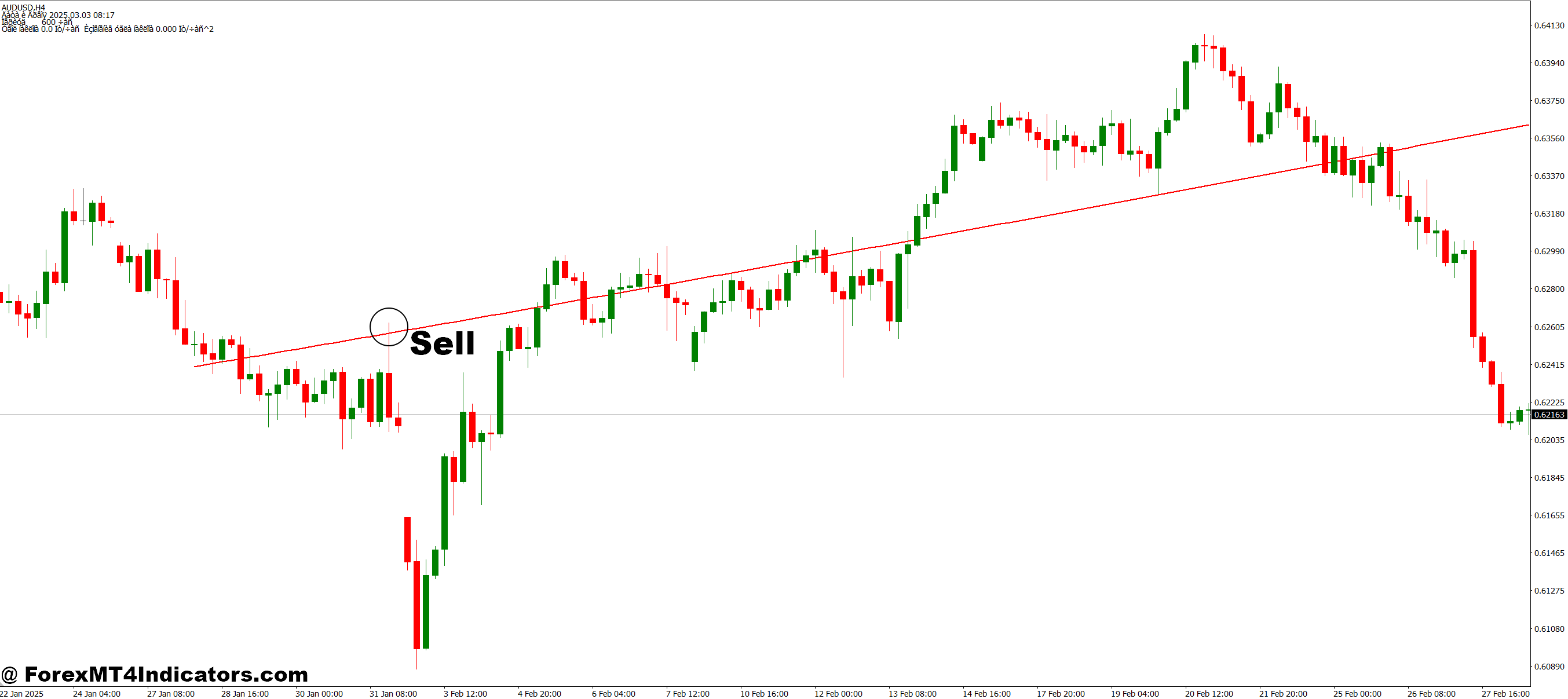
- Wait for the indicator line to turn red, signaling a bearish trend.
- Confirm that the price is below the Linear Sinus FT line for trend confirmation.
- Look for a recent lower high formation on the chart, showing downward momentum.
- Optional: Check for resistance levels above to strengthen the sell signal.
- Enter a sell trade once all conditions align and place a stop-loss above the recent swing high.
Conclusion
The Linear Sinus FT MT4 Indicator addresses the common problem of confusing market signals and missed opportunities. By smoothing price action and highlighting trends clearly, it empowers traders to act with confidence. Whether you are a beginner or an experienced trader, this indicator can simplify your trading process, reduce stress, and improve overall decision-making. Integrating it into your MT4 platform is a smart step toward smarter, more efficient trading.
Level up your trading
Learn to read the chart — not just the indicator
eBook · Instant PDF
Video Course · 12 modules
Recommended MT4/MT5 Brokers
- ✓ *FREE *$50 to start (withdrawable)
- ✓ Deposit bonus up to $5,000
- ✓ Negative balance protection
Trading forex and CFDs carries a significant risk of loss and is not suitable for everyone. Broker links are affiliate links — we may earn a commission at no cost to you.
Free MT4 Indicator Download

Enter Your Email Address below, download link will be sent to you.