

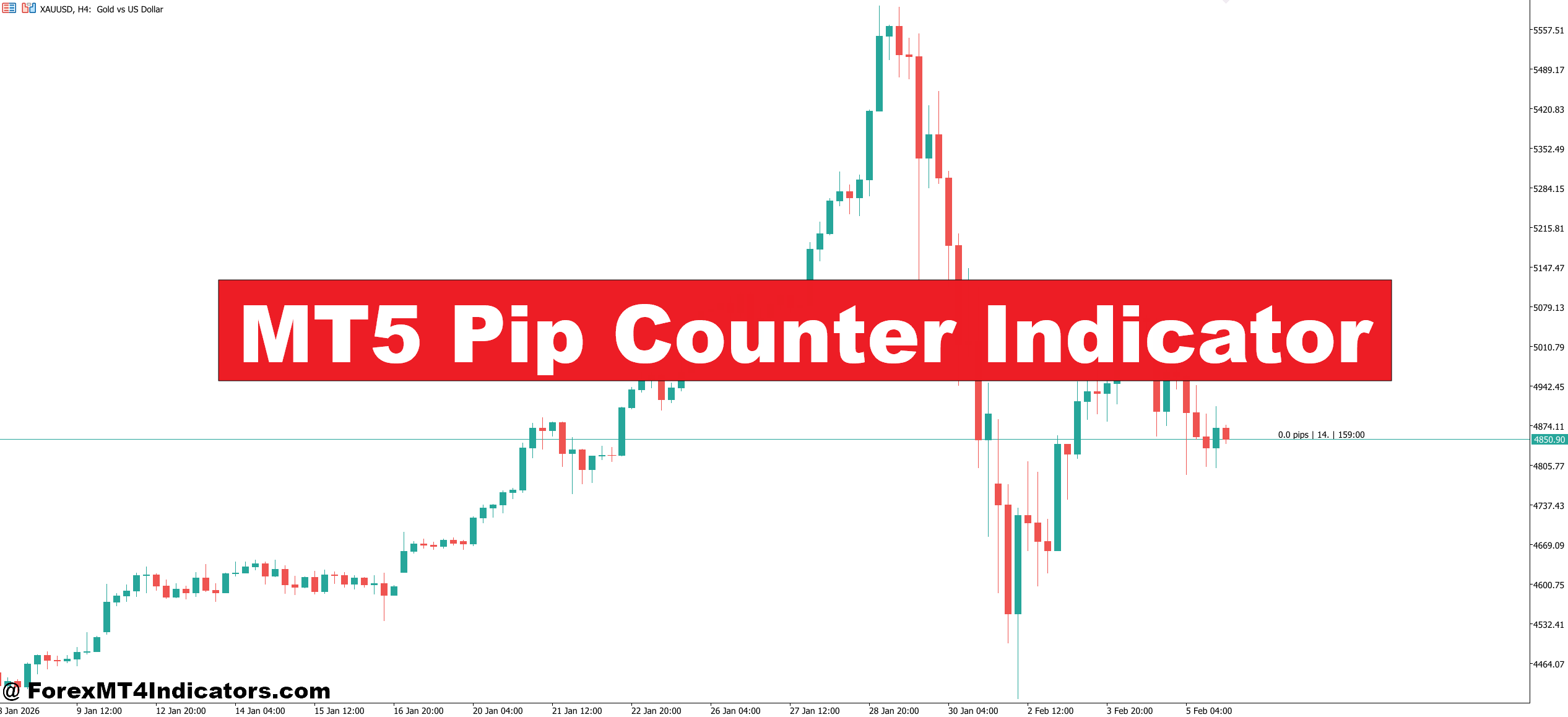
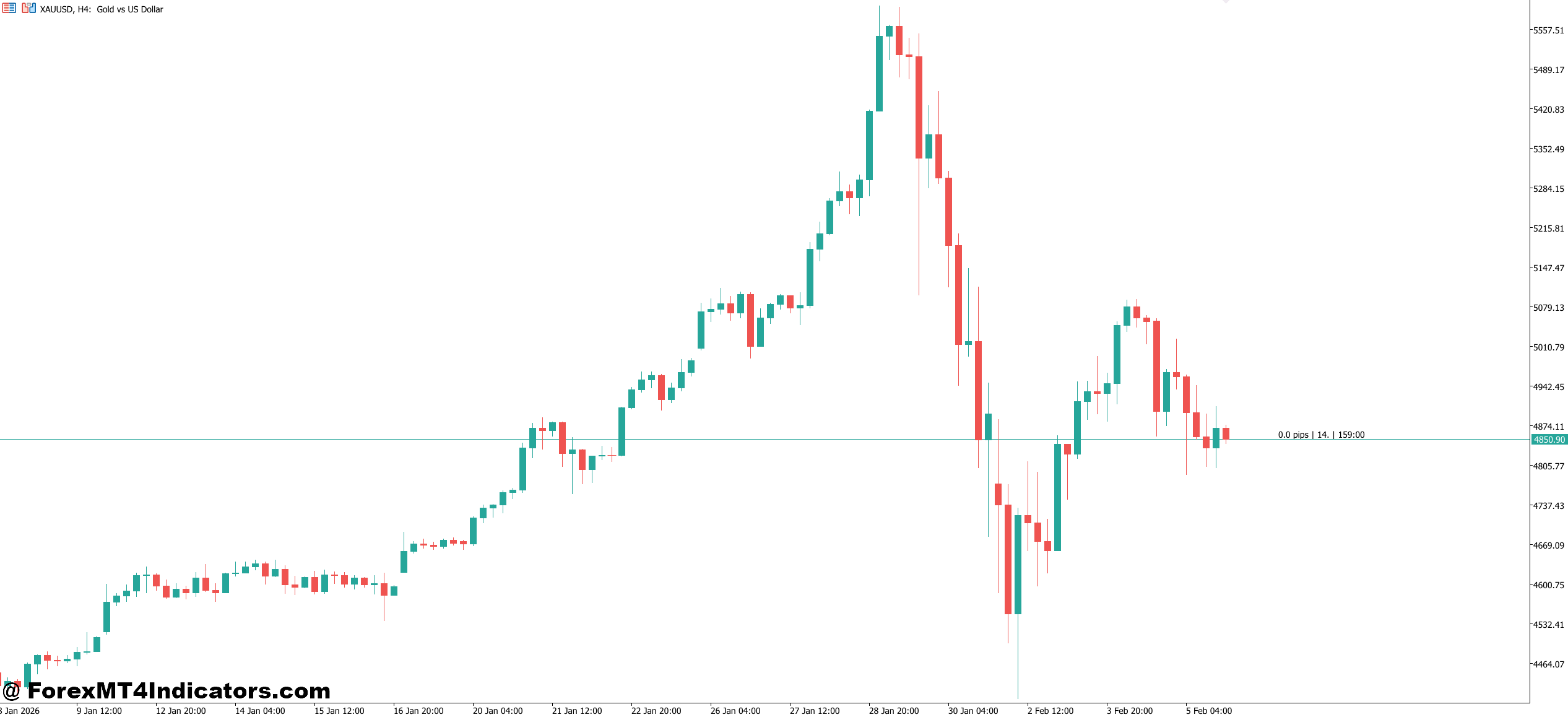
the MT5 Pip Counter Indicator is a technical tool built for the MetaTrader 5 platform that measures and displays pip movement on any currency pair or CFD instrument. Think of it as a live scoreboard for price action. Instead of eyeballing candle sizes or calculating distance between two price levels manually, the indicator does the math instantly and overlays the result on the chart.
Most versions of this indicator display the pip distance between the current price and a reference point — that reference might be the daily open, a specific candle’s high or low, or even a custom price level set by the trader. Some advanced builds also show the pip value of each open trade, total floating pips across all positions, and spread in pips.
Here’s what separates it from a simple price label: the MT5 Pip Counter Indicator accounts for the pip structure of each instrument automatically. It knows that on EUR/USD, one pip equals 0.0001, while on USD/JPY, one pip equals 0.01. Traders switching between pairs don’t need to adjust anything mentally — the indicator handles the conversion behind the scenes.
How the Indicator Calculates Pip Movement
The logic isn’t complicated, but it’s precise. The indicator takes two price values — say, the entry price and the current market price — subtracts one from the other, and divides the result by the pip size of that specific instrument. For a 5-digit broker quoting EUR/USD at 1.08450, a move to 1.08520 would register as 7.0 pips.
Some builds go further by factoring in the point value from MetaTrader 5’s symbol properties. This means the indicator reads the SYMBOL_POINT value directly from the platform and uses it as the divisor, which keeps calculations accurate even on exotic pairs or metals like XAU/USD where pip definitions can get tricky.
One thing experienced traders appreciate: good versions of this indicator distinguish between pips and points. On a 5-digit broker, 1 pip equals 10 points. Cheaper indicators sometimes confuse the two, which leads to inflated readings. A move of 30 points looks impressive until a trader realizes it’s actually just 3 pips. Always verify which unit your specific version is displaying.
Practical Ways Traders Use the Pip Counter
Intraday Scalping on EUR/USD. A scalper working the London session on a 5-minute chart sets the pip counter to measure distance from the session open. Thirty minutes into the session, the counter reads +18 pips from the open. The trader knows from backtesting that EUR/USD averages a 25-pip range in the first hour of London. That context — provided instantly by the indicator — tells them there’s roughly 7 pips of room left before the range typically exhausts. They tighten their stop instead of chasing.
Swing Trading GBP/JPY on the 4-Hour Chart. A swing trader enters long at 191.250 and wants a quick visual reference for how far the trade has moved without opening the terminal window. The pip counter sits on the chart, updating in real time. When it reads +85 pips, the trader knows they’re approaching their 100-pip target and starts watching for reversal signals.
Multi-Pair Monitoring. Day traders running six or eight charts benefit the most. Glancing at each chart and seeing “+12 pips” or “-8 pips” from the daily open gives an immediate sense of which pairs are moving and which are stuck in chop. No need to calculate anything — the data is right there.
MT5 Pip Counter Indicator Settings
Most MT5 Pip Counter Indicators offer a handful of adjustable parameters. The key ones to pay attention to include:
- Reference Price Mode — This controls what the indicator measures from. Options usually include daily open, weekly open, previous candle close, or a fixed custom price. For intraday traders, the daily open setting tends to be the most practical. Swing traders might prefer measuring from the weekly open or from their actual entry price.
- Display Position — Where the pip count appears on the chart matters more than people think. A counter buried in the corner gets ignored. Most traders place it near the current price or in the upper-right corner where the eye naturally travels.
- Font Size and Color — Simple, but it affects usability. On dark chart backgrounds, a white or bright green readout works best. On lighter themes, darker text prevents the numbers from washing out.
- Decimal Precision — Some indicators let traders choose between showing whole pips (e.g., 14) or fractional pips (e.g., 14.3). Scalpers often prefer fractional precision. Position traders usually don’t need it.
One tip that saves headaches: after installing any pip counter, test it against a known value. Open a demo trade, let it run 10 pips, and confirm the indicator reads 10 — not 100 points, not 1 pip. That five-second check prevents a lot of confusion later.
What the Pip Counter Does Well — And Where It Falls Short
The biggest advantage is speed. Mental pip calculations take time and invite errors, especially when a trader is managing three positions during a volatile NFP release. The indicator removes that friction entirely.
It also improves journaling accuracy. Traders who log their results in pips — and many do — get cleaner data when the counting is automated. Cleaner data leads to better performance reviews and sharper strategy adjustments over time.
But the indicator has limits. It doesn’t tell a trader when to enter or exit. It’s a measurement tool, not a signal generator. Traders who expect it to replace their strategy will be disappointed. And on some custom-built versions, lag can be an issue during high-volatility spikes — the displayed count might trail the actual price by a fraction of a second. For most trading styles, that lag is irrelevant. For high-frequency scalpers, it could matter.
Compared to the built-in “crosshair” measurement tool in MT5, the pip counter wins on convenience. The crosshair requires manual dragging between two points each time. The pip counter updates automatically. But the crosshair is more flexible for measuring historical distances between any two points on the chart — something most pip counters can’t do.
Final Thoughts
The MT5 Pip Counter Indicator won’t make or break a trading strategy, but it removes a layer of unnecessary friction from daily execution. It keeps pip tracking accurate across instruments, saves mental energy during fast-moving sessions, and supports better trade journaling over time. Traders who value clean data and quick visual references will find real utility in adding it to their chart setup. That said, it works best as a supporting tool alongside a tested strategy — not as a standalone solution. Before committing to any version, test it on a demo account first. Confirm the readings match reality, adjust the display settings to fit the workflow, and then let it do what it does best: count the pips so the trader can focus on the trade.
Level up your trading Learn to read the chart — not just the indicator eBook · Instant PDF Video Course · 12 modules Trading forex and CFDs carries a significant risk of loss and is not suitable for everyone. Broker links are affiliate links — we may earn a commission at no cost to you.Recommended MT4/MT5 Brokers
Free MT4 Indicator Download

Enter Your Email Address below, download link will be sent to you.