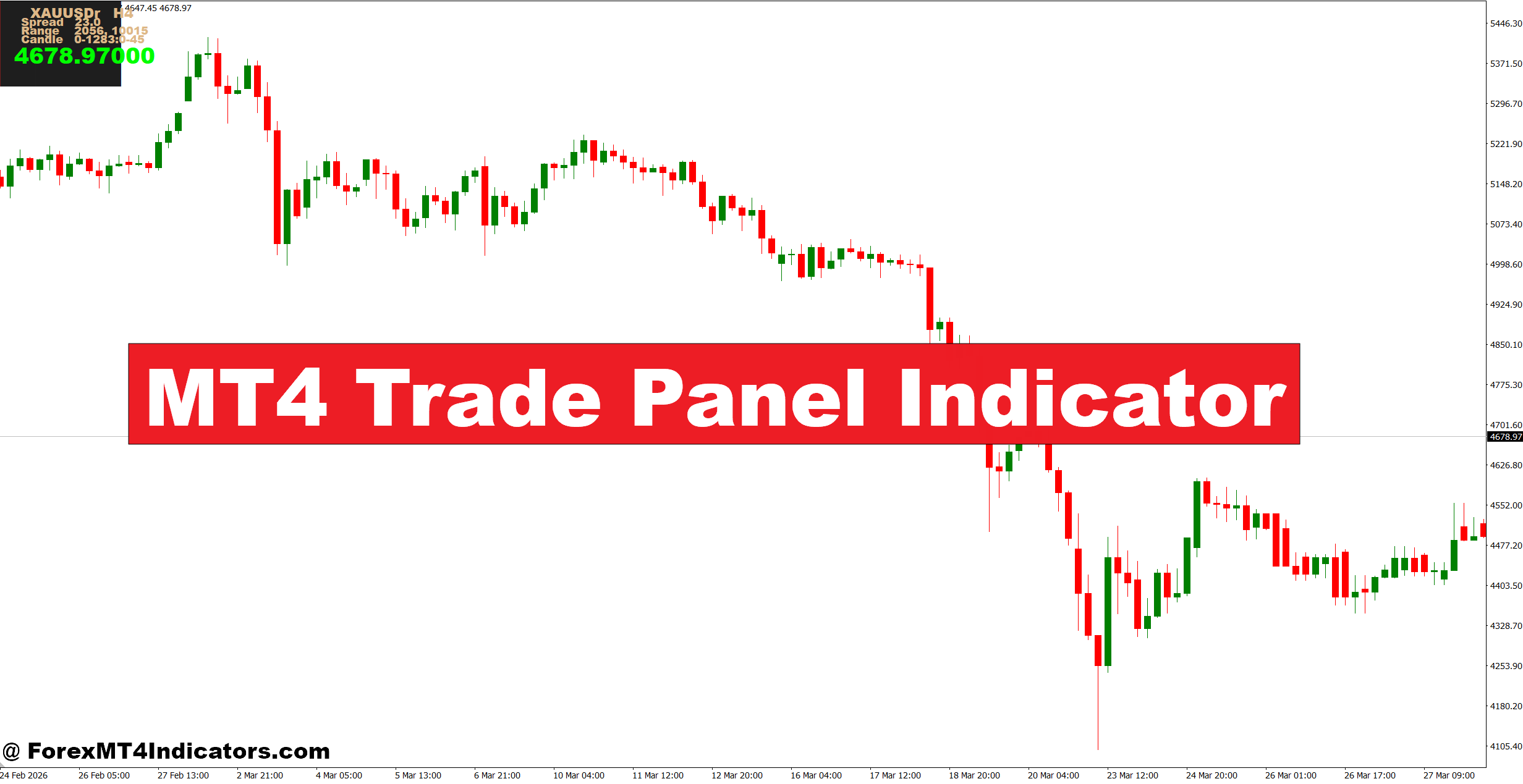
The MT4 Trade Panel Indicator is a chart-based trading interface that gives traders quick access to order and position-management functions. Depending on the version, the panel may display controls for market orders, pending orders, lot size, stop-loss, take-profit, spread, and open trade information.
Unlike an RSI or moving average, it usually doesn’t generate a traditional buy or sell calculation. Its main role is execution and trade management.
For example, a trader analyzing EUR/USD on the 1-hour chart may identify resistance near 1.0870 and wait for a bullish breakout. Once price closes above that level, the trader can use the panel to enter a position, define the stop-loss, and set a target without repeatedly opening MT4’s standard order window.
The exact features vary between MT4 Trade Panel versions. Some panels also include buttons for closing all trades, closing profitable positions, moving stops, or calculating position size based on account risk.
That distinction matters. A trade panel can make execution cleaner, but the trading decision still comes from price action, market structure, or another analysis method.
How the Trade Panel Works in Practice
Most trade panels communicate with the MT4 trading engine through the platform’s order functions. When a trader presses Buy or Sell, the indicator sends an order request using the selected symbol, volume, entry conditions, and risk parameters.
Position sizing is especially useful. Suppose an account contains $5,000 and the trader limits risk to 1%. The maximum planned loss is $50. If the EUR/USD setup has a 25-pip stop and the chosen position size would risk approximately $40, the trade fits within the predefined limit.
The basic calculation is:
Risk amount = Account equity × Risk percentage
Position size then depends on the stop distance and pip value. This approach is safer than choosing 0.10 or 0.20 lots simply because the number “looks reasonable.”
The panel may also calculate the distance between entry, stop-loss, and take-profit. A setup with a 20-pip stop and a 40-pip target gives a 1:2 risk-to-reward ratio.
But execution still depends on market conditions. During NFP releases, spreads can widen sharply and slippage can occur. A panel cannot guarantee the exact price shown when the order button is clicked.
Using the Indicator With Price Action
A trade panel becomes more useful when it supports a clear trading method rather than replacing one.
Consider GBP/USD on a 4-hour chart. Price has been making higher highs and higher lows, while the previous resistance around 1.2700 becomes support. If price pulls back toward 1.2700 and forms a bullish rejection candle, a trader could wait for confirmation on the 1-hour chart.
Suppose the planned entry is 1.2720, the stop is 1.2690, and the target is 1.2780. The setup risks 30 pips to target 60 pips. Before entering, the trader can check the lot size against the account’s risk limit.
A different situation occurs on USD/JPY during a choppy Asian session. Price may move repeatedly through a narrow 10–15 pip range. A trade panel makes it easy to place orders, but that doesn’t mean trades should be taken. The better decision may be to wait for a clean breakout and retest.
Here’s the thing: faster execution isn’t the same as better execution.
Traders should still check support and resistance, trend direction, spread, session timing, and nearby economic events before clicking Buy or Sell.
Settings and Customization for Different Markets
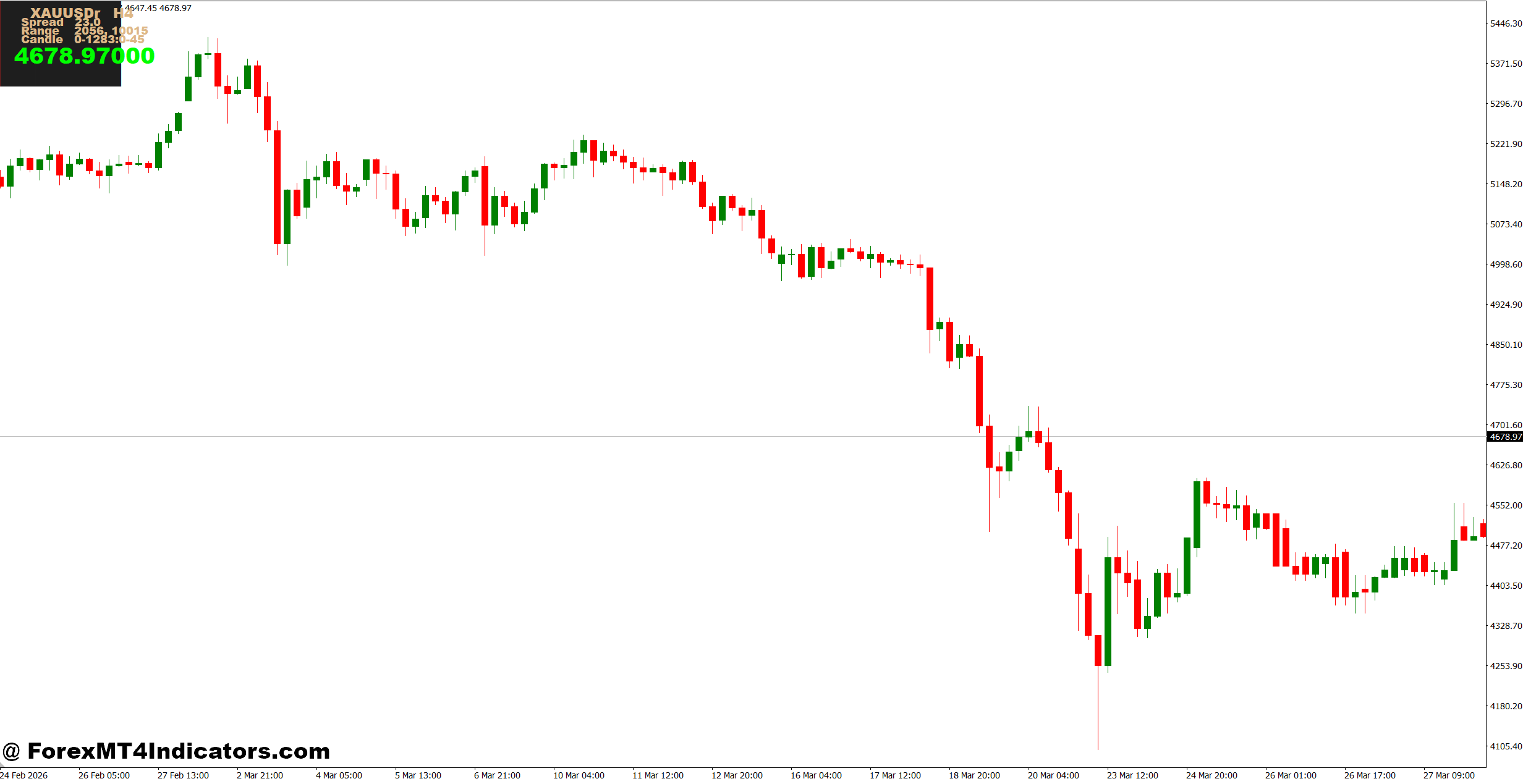
Trade panel settings should match the instrument and timeframe. A setup that works comfortably on EUR/USD may need different risk and stop parameters on gold or GBP/JPY.
For major forex pairs, a trader might use:
- Risk per trade: 0.5%–1%
- Minimum target: 20–30 pips
- Preferred risk-to-reward ratio: 1:1.5 or higher
- H1/H4 charts for broader structure
- M15/M30 charts for more precise entries
Gold requires more care because a normal intraday movement can be much larger than the movement seen on EUR/USD. A fixed 20-pip stop that seems reasonable for a major pair may be unsuitable for XAU/USD.
The panel’s display should also remain simple. Too many buttons, statistics, and trade controls can distract from the actual chart. Traders who use multiple monitors may prefer a larger panel, while those trading from a laptop may benefit from a compact layout.
Before using a panel with live funds, its order settings should be tested on a demo account. Traders should confirm that the Buy, Sell, Stop Loss, Take Profit, and close-position functions behave as expected.
Advantages, Limitations, and Alternatives
The biggest advantage is convenience. A trade panel can reduce the number of clicks required to place and manage an order. It can also make risk-based position sizing easier and keep important trade information visible on the chart.
Another benefit appears when managing several positions. Instead of opening individual order windows, traders may be able to modify stops or close selected trades from one interface.
Still, there are limitations.
The panel doesn’t predict future price movement. It won’t prevent a whipsaw, identify every fake-out, or turn a poor entry into a profitable one. Some versions may also depend on broker execution, and certain features can behave differently between brokers or account types.
Compared with the standard MT4 order window, a trade panel usually offers more convenience and customization. Compared with an RSI, MACD, or moving average, it serves a different purpose. Those indicators analyze price behavior; a trade panel primarily helps execute and manage the resulting trade.
For traders who already use a structured technical method, that distinction makes the tool easier to evaluate.
Trading forex carries substantial risk. No indicator guarantees profits. Stop-loss orders can suffer slippage, especially during major news events, and traders can lose more than planned under abnormal market conditions.
How to Trade with MT4 Trade Panel Indicator
Buy Entry
- Confirm H1 trend direction – Take BUY setups when EUR/USD forms higher highs and higher lows on the 1-hour chart.
- Wait for support retest – Enter after price rejects a key H1 support zone by 10–20 pips.
- Check H4 confirmation – Prefer BUY trades when the 4-hour trend remains bullish and price holds above support.
- Use a 20–30 pip stop – Place the stop below the recent swing low rather than using a random distance.
- Target at least 1:2 RR – A 25-pip stop should have a minimum 50-pip profit target.
- Risk only 0.5–1% – Adjust the MT4 Trade Panel lot size so one losing trade cannot seriously damage the account.
- Confirm daily structure – On GBP/USD, favor BUY signals when the daily chart supports the H1 bullish direction.
- Avoid major news entries – Don’t enter immediately before NFP, CPI, or interest-rate announcements because spreads and slippage can increase.
Sell Entry
- Confirm H1 bearish structure – Look for lower highs and lower lows before taking a SELL on EUR/USD.
- Wait for resistance rejection – Consider entry after price rejects H1 resistance by around 10–20 pips.
- Check H4 direction – Avoid SELL trades when the 4-hour chart shows strong bullish momentum.
- Set a 20–30 pip stop – Place the stop above the recent swing high or resistance zone.
- Aim for 1:2 RR – With a 30-pip stop, look for approximately 60 pips of potential profit.
- Limit risk to 0.5–1% – Use the trade panel to calculate a position size that matches the account’s risk limit.
- Check daily resistance – GBP/USD SELL setups are stronger when the daily chart also shows rejection from resistance.
- Skip choppy conditions – Don’t force SELL entries when price moves sideways inside a 15–25 pip range without clear direction.
Final Thoughts on the MT4 Trade Panel Indicator
The MT4 Trade Panel Indicator can be a useful addition to a disciplined forex workflow when its job is kept simple: execute trades, calculate appropriate position sizes, and manage open positions efficiently.
The main points are straightforward:
- It can reduce execution time and manual order-entry mistakes.
- Risk-based lot sizing is more useful than choosing fixed lots randomly.
- Price action, market structure, and economic conditions still determine whether a trade deserves consideration.
- Demo testing is essential before relying on any third-party panel with real money.
A trader who already has a tested strategy may find the panel valuable because it improves the execution process without changing the underlying method. The smarter approach is to treat it as a trading assistant, not a signal generator, and judge its value by how consistently it supports sound risk management.
Level up your trading
Learn to read the chart — not just the indicator
eBook · Instant PDF
Video Course · 12 modules
Recommended MT4/MT5 Brokers
- ✓ *FREE *$50 to start (withdrawable)
- ✓ Deposit bonus up to $5,000
- ✓ Negative balance protection
Trading forex and CFDs carries a significant risk of loss and is not suitable for everyone. Broker links are affiliate links — we may earn a commission at no cost to you.
Free MT4 Indicator Download
Enter Your Email Address below, download link will be sent to you.