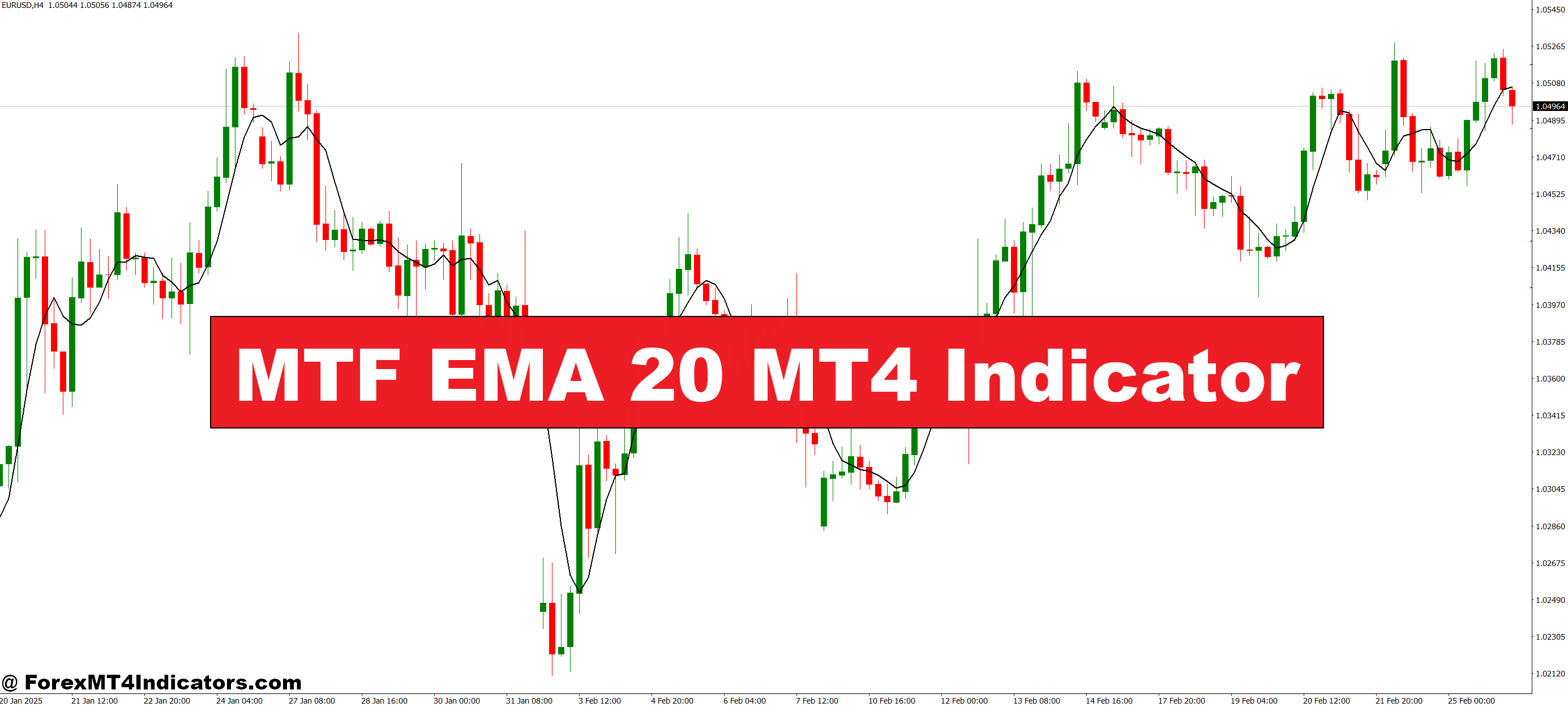
The MTF EMA 20 MT4 Indicator is designed for traders who want to keep their analysis simple yet powerful. It displays the 20 EMA from a higher timeframe, such as H1, H4, or Daily, right on the chart you’re currently trading. This helps traders see the broader trend while still making precise entries on lower timeframes. The indicator automatically updates with each new candle, ensuring that the displayed EMA is always accurate.
Why the 20 EMA Matters in Trading
The 20-period EMA is one of the most commonly used moving averages in forex, stocks, and commodities. It reacts faster to price changes compared to longer EMAs, making it a great tool for short-to-medium-term trading. Many traders use the 20 EMA as a dynamic support or resistance level. By viewing it from multiple timeframes, they can better understand where the market might reverse or continue its trend.
How Traders Use It for Better Results
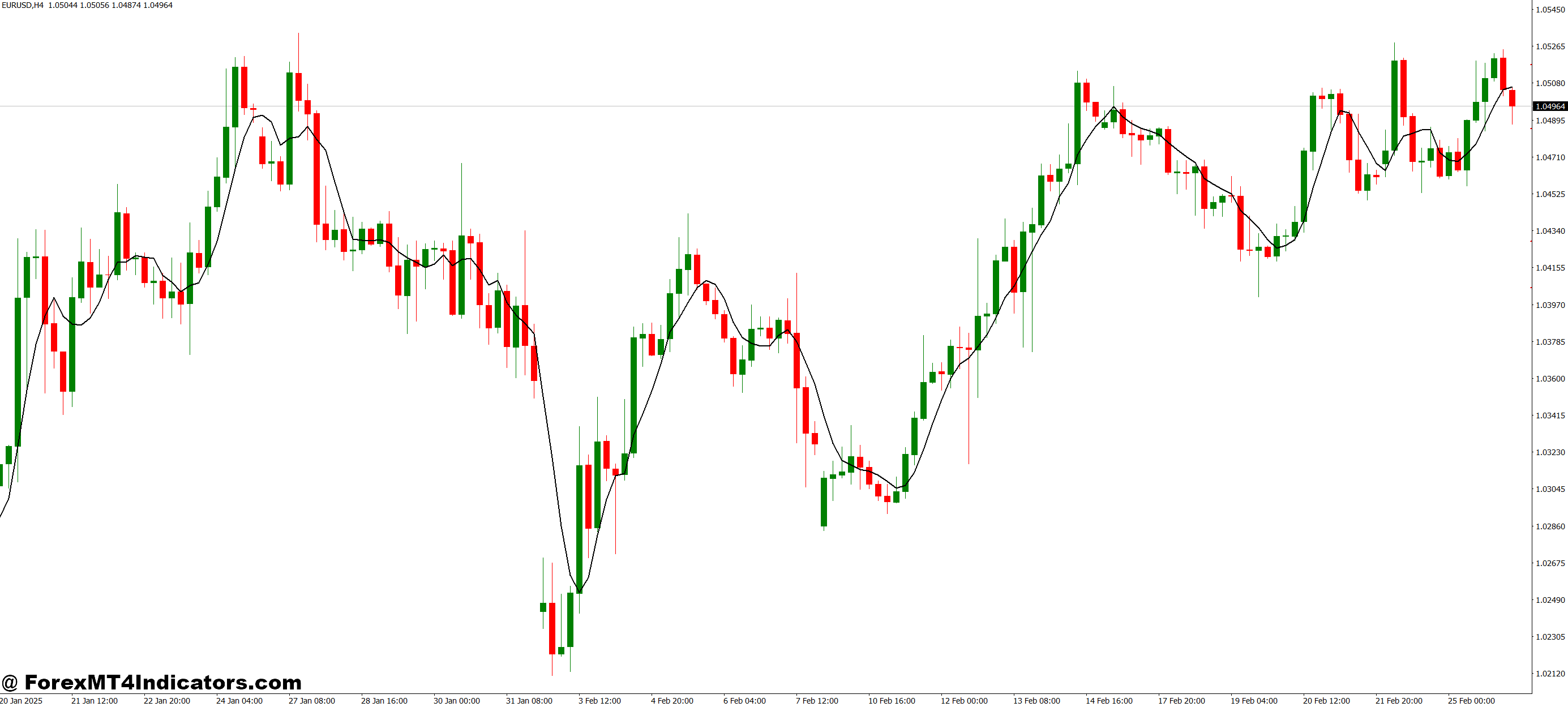
Using the MTF EMA 20 MT4 Indicator, traders can combine higher timeframe analysis with lower timeframe precision. For example, if the higher timeframe EMA is sloping upward, they focus on buy setups on the lower chart. If it’s pointing downward, they look for sell opportunities. This approach reduces false signals and improves the odds of trading in the right direction. It also helps them avoid trades that go against the market’s overall momentum.
How to Trade with MTF EMA 20 MT4 Indicator
Buy Entry
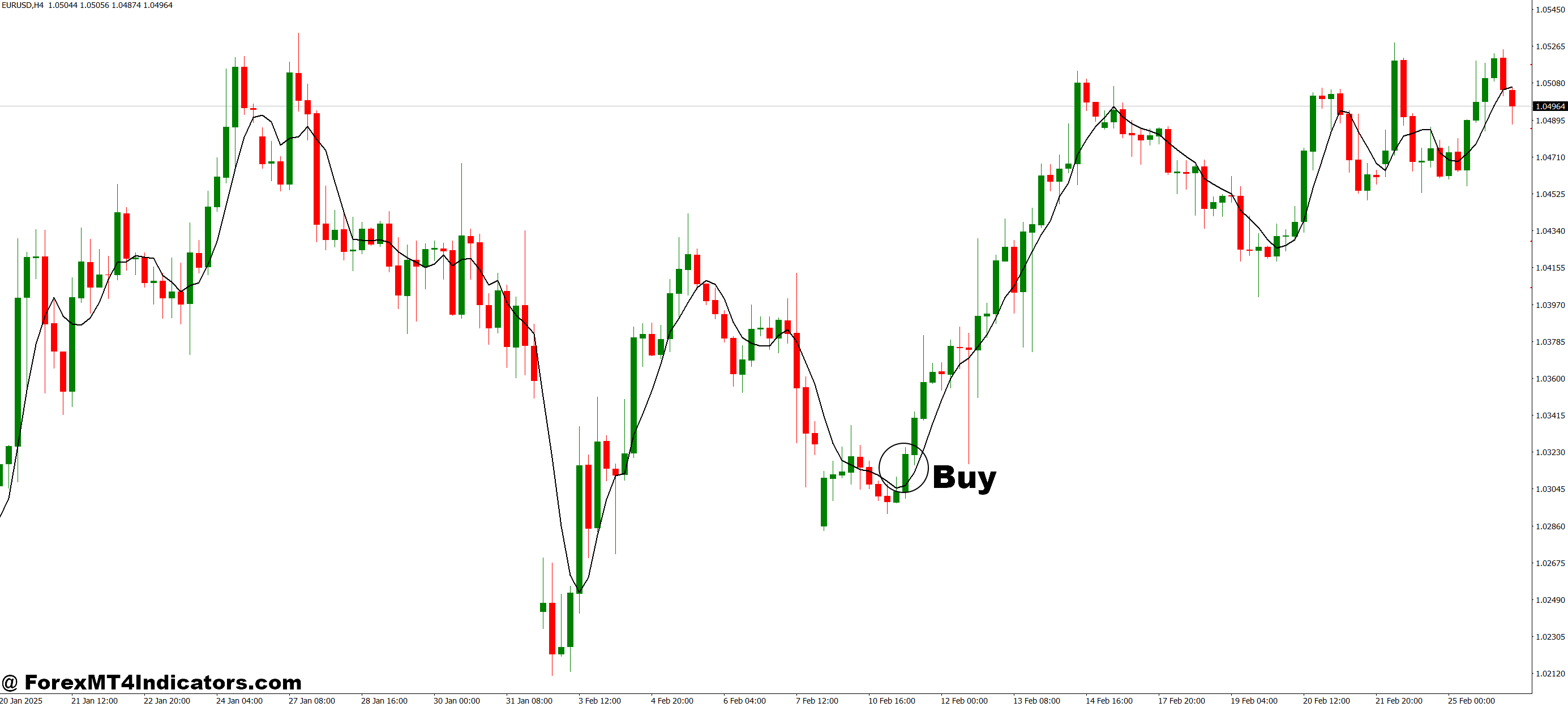
- Check if the higher timeframe EMA 20 (displayed by the indicator) is sloping upward.
- Ensure the current price on your trading chart is above the higher timeframe EMA line.
- Look for bullish candlestick patterns or strong upward momentum before entering.
- Enter the buy trade when a lower timeframe pullback touches or comes near the EMA line and then bounces up.
- Place a stop loss just below the recent swing low or EMA level.
Sell Entry
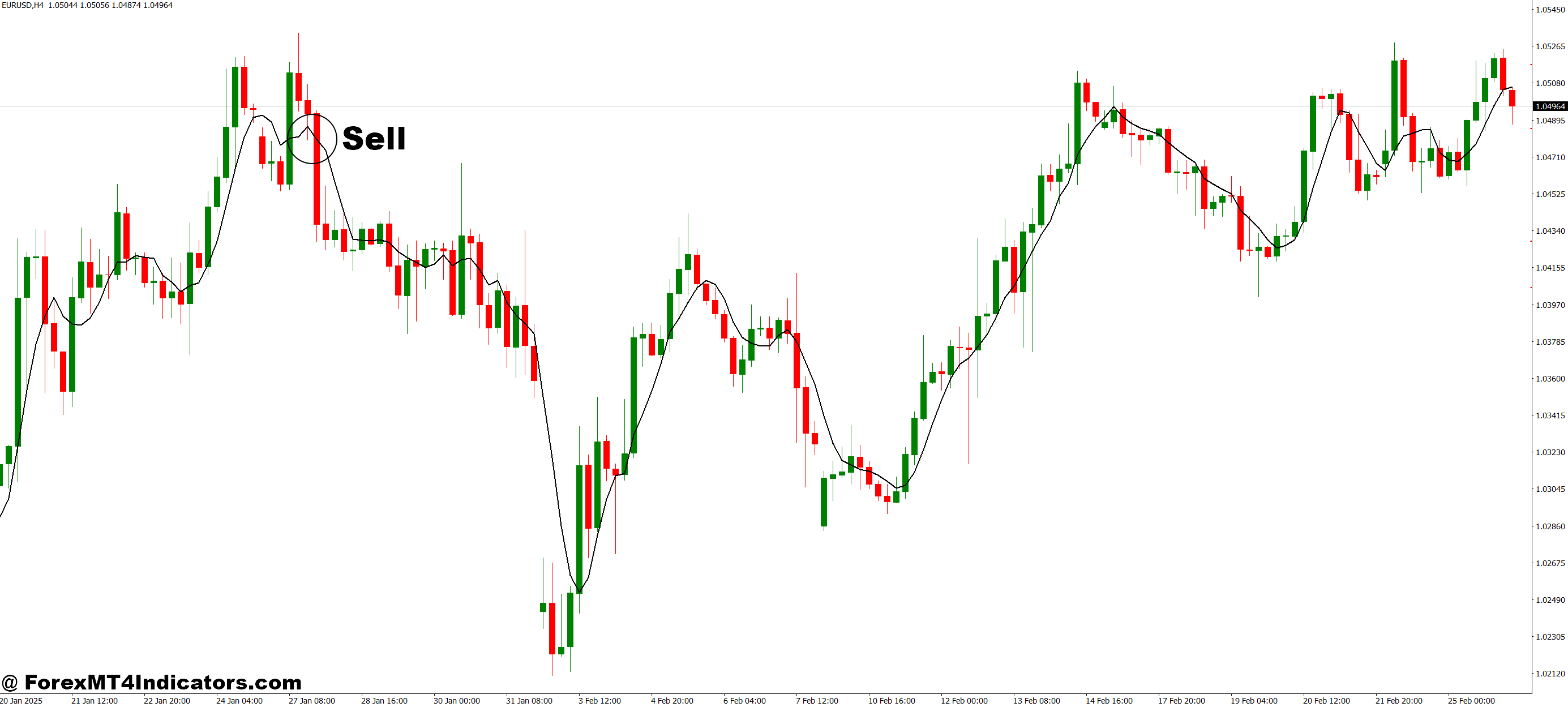
- Confirm that the higher timeframe EMA 20 is sloping downward.
- Ensure the current price is below the higher timeframe EMA line.
- Watch for bearish candlestick patterns or downward momentum signals.
- Enter the sell trade when a price pullback reaches or nears the EMA line and then drops again.
- Place a stop loss just above the recent swing high or EMA level.
Conclusion
The MTF EMA 20 MT4 Indicator is a smart tool for traders who want to align their trades with higher timeframe trends without wasting time switching charts. By displaying the 20 EMA from bigger timeframes directly on the active chart, it simplifies decision-making, reduces mistakes, and increases the chances of consistent wins. Whether someone is a beginner or an experienced trader, this indicator can be a valuable addition to their MT4 toolkit.
Level up your trading
Learn to read the chart — not just the indicator
eBook · Instant PDF
Video Course · 12 modules
Recommended MT4/MT5 Brokers
- ✓ *FREE *$50 to start (withdrawable)
- ✓ Deposit bonus up to $5,000
- ✓ Negative balance protection
Trading forex and CFDs carries a significant risk of loss and is not suitable for everyone. Broker links are affiliate links — we may earn a commission at no cost to you.
Free MT4 Indicator Download
Enter Your Email Address below, download link will be sent to you.