

Which FXOpen app do you need?
The FXOpen App product page describes client-portal functions. Its Google Play listing uses package ID com.fxopen.ewallet.mobile. The separate FXOpen Trading App listing uses fxopen.mobile.trader and describes TickTrader ECN order entry and account monitoring. Both list FXOpen Ltd as the developer.
The FXOpen review helps identify your legal entity before app setup. Store visibility and a shared developer name do not establish that your country or account is eligible for every function. Use the links on the appropriate regional broker site.
| Your task | Relevant route | Check first |
|---|---|---|
| Manage profile, balances or funding | FXOpen App or official client portal | Entity, verification and available payment methods |
| Manage TickTrader orders | FXOpen Trading App or TickTrader terminal | Trading account, server and position mode |
| Use an eligible MetaTrader account | Official MT4 or MT5 mobile route | Platform and entity compatibility |
Follow the broker’s official download route
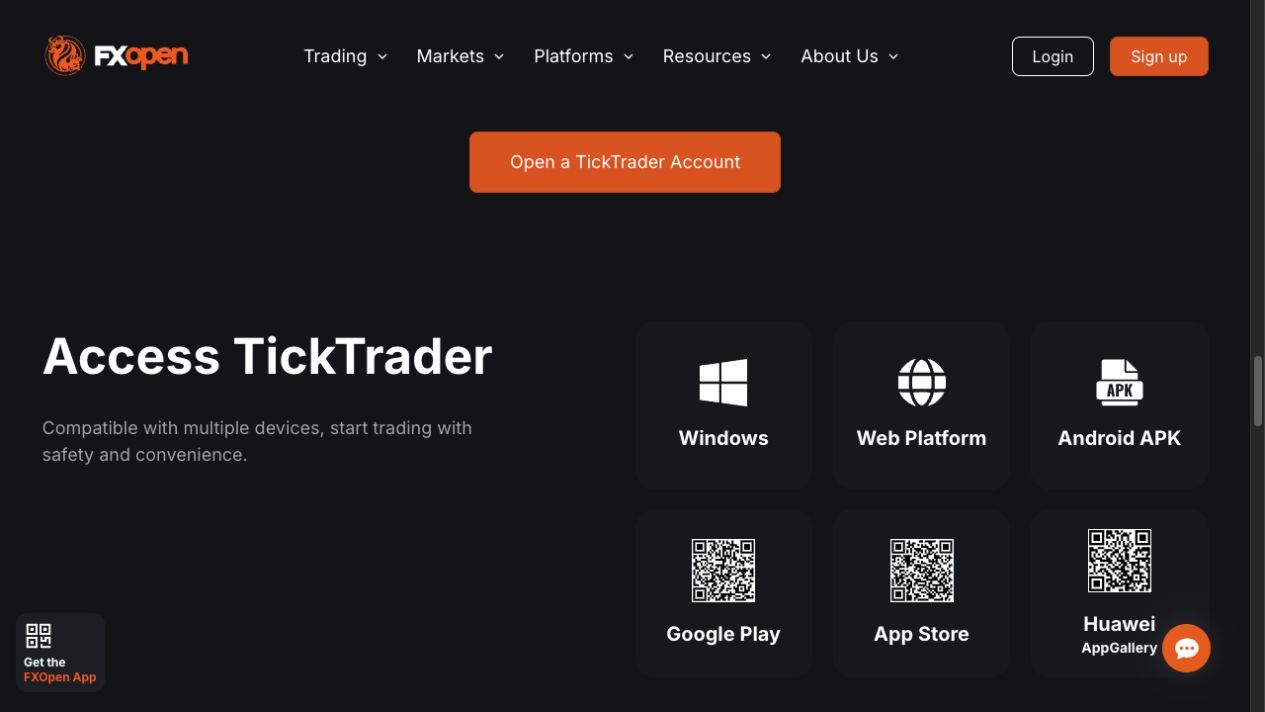
Start from the regional FXOpen website, use its app link and inspect the store’s developer and product name. Similar branding is not enough: a portal app and a trading terminal can both be legitimate while accepting different credentials and serving different purposes.
Both Android listings reviewed show an update dated 6 August 2026. That supports their current public presence; it is not a guarantee of performance on your device. We have not installed, funded or tested either app for this guide, and store ratings are not used as a house review score.
For iPhone or iPad, follow the regional broker’s App Store link and read the current compatibility requirements. Avoid inferring iOS features from an Android update note. If an official store link is unavailable in your region, ask the broker for an approved route rather than installing a lookalike application.
Set up access before moving funds
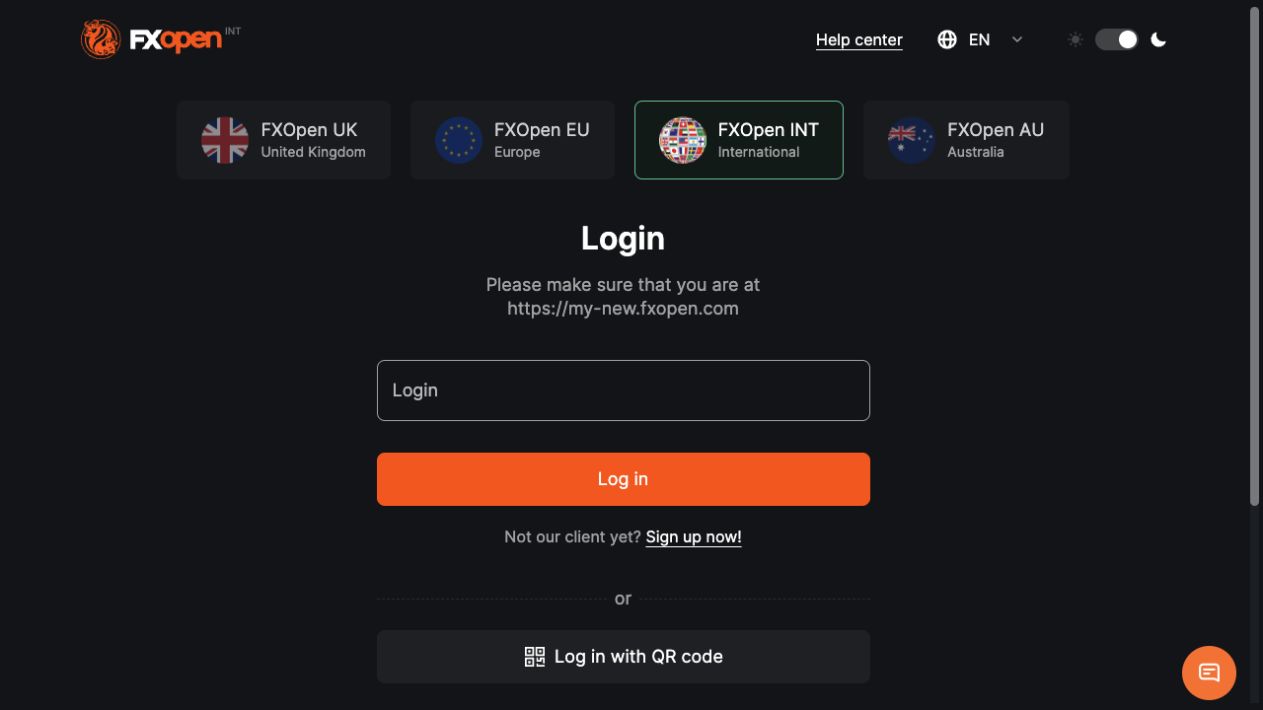
- Confirm the legal entity in your account agreement.
- Open the app linked by that entity and identify whether it is the portal or trading terminal.
- Use the appropriate account credentials and complete the authentication requested by the official flow.
- Confirm the account number and currency shown before making an account-management decision.
- Check transaction history after any submitted instruction rather than relying only on a notification.
The FXOpen login guide separates portal and trading credentials. The TickTrader guide explains why Gross and Net account modes matter once you enter the trading terminal. A balance displayed in the portal does not by itself prove that the same amount is available as trading margin.
The portal app’s recent Android notes include push authentication and some MetaTrader account-management functions. Those notes do not restore MetaTrader availability to an International account that is not eligible. Treat a feature as usable only when your actual account offers it.
Balance, transfer and withdrawal are different actions
The portal app can display available and locked balances and transaction history. Before a transfer, inspect the source account, destination account, currency and any displayed conversion. Moving funds between your own accounts is different from requesting money to leave the broker.
A withdrawal instruction also has a method, status and processing path. The app is an interface to that process; it does not remove account verification, payment-route rules or a bank’s own processing time. Retain the transaction reference and use the broker’s official support route for an unresolved status.
For trading, use the lot size calculator to plan a hypothetical position from a loss budget. Compare its inputs with the live account’s contract specification. A large available balance or a conveniently placed order button is not a reason to enlarge a position.
Troubleshoot without confusing the apps
If you cannot find charts, first check whether you opened the account-management app. If the trading app rejects a login, verify that the account is TickTrader-compatible and that the server and credentials match. An MT4 login should not be assumed to work in a TickTrader terminal.
If a funding balance looks unchanged, inspect the transaction record before submitting another instruction. If a trade seems missing, compare the account number and the broker order record. Record the app version, operating system, time and error message so official support can investigate the right event.
For a demo evaluation, use the FXOpen demo guide and practise switching between account views without placing live orders. If you prefer TradingView on mobile, first read the TradingView status checks; a historical mobile-integration announcement does not establish compatibility for every current account.
Protect authentication codes and do not send passwords to a person claiming to fix the app. Mobile convenience does not reduce forex and CFD loss risk. A device or connection problem can also affect your ability to manage a position, so understand the broker’s authorized support route before relying on one device.
Frequently asked questions
Are FXOpen App and FXOpen Trading App the same?
No. The current official Android listings describe a client-portal management app and a separate TickTrader ECN trading terminal. Use the portal for account administration and the compatible terminal for orders. Confirm the product name and official broker link before entering credentials.
Can I trade from the FXOpen App?
The dedicated FXOpen App is described as account-management software. The separate FXOpen Trading App supports TickTrader ECN trading. Do not assume that funding or balance controls in the portal app are the same as a trading terminal connected to your account.
Does downloading the app make me eligible for FXOpen?
No. Store availability does not replace residence checks, verification or the legal entity’s account conditions. Confirm which company would hold the account and what services it offers to you before depositing or relying on a particular platform.
Why do my MetaTrader credentials fail in the trading app?
The FXOpen Trading App listing specifies TickTrader ECN accounts. MetaTrader and TickTrader credentials are not interchangeable by assumption. Check the platform, account and server in the official portal, then use the matching terminal or ask official support for clarification.
Can an app withdrawal arrive instantly?
An app submission is not a bank-arrival guarantee. The payment method, account checks, broker processing and receiving institution still matter. Read the transaction status and retain its reference; check the account’s current withdrawal terms before treating available balance as immediately received money.
Sources and review scope
Checked 11 September 2026. This guide uses public official documents and platform instructions. It does not report a funded account, trade, withdrawal or live connectivity test. Account eligibility and the agreement for your legal entity take priority over general product pages.
Official broker websites
Read the current terms and restrictions for your actual residence. These links do not establish that a broker or service is available or authorised where you live.
Forex and CFD trading carries a significant risk of loss and is not suitable for everyone. These are affiliate links; we may earn a commission if you use them.