

Start with the account, then choose the terminal
The official ECN table makes TickTrader available across the listed entities, with account conditions that differ by company. The FXOpen review separates those companies; the account-types guide explains the current offering and retired account names.
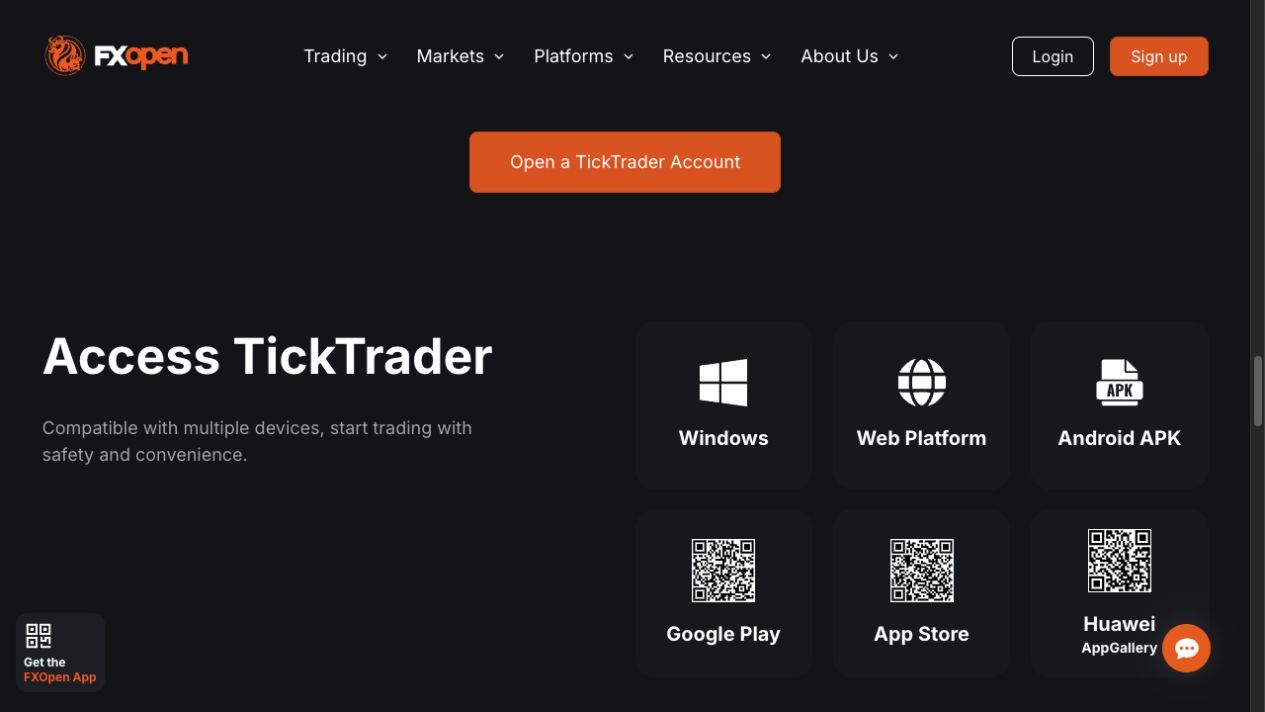
FXOpen’s TickTrader page links to Windows, web and mobile access. Use the regional broker’s own platform links and the credentials issued for the TickTrader account. A client-portal login handles administration; the terminal must connect to the intended trading account.
Before proceeding, confirm account currency, Gross or Net mode, tradable instruments and current fees. The same software can serve accounts with different leverage and protection. Do not infer a universal negative-balance guarantee from a general platform landing page; the legal entity’s agreement governs.
Gross versus Net: the opposite order is the crucial difference
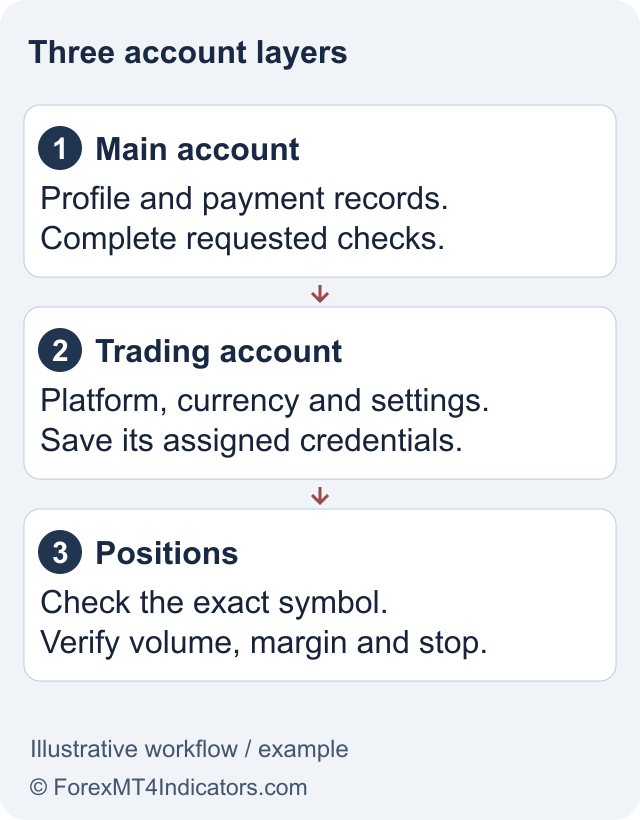
FXOpen’s Gross and Net guide describes Gross as separate position records, including opposing positions on one instrument. Net keeps a combined position for that instrument. Both are margin-trading arrangements; neither makes leveraged exposure risk-free.
| Question | Gross account | Net account |
|---|---|---|
| How is one instrument recorded? | Separate positions can coexist. | A combined position is maintained. |
| What can an opposite order do? | Create separate opposing exposure. | Reduce, close or reverse the existing position. |
| What should a strategy check? | Which individual position it modifies or closes. | The resulting combined exposure after the order. |
For an illustrative example, suppose a Net account holds a long position of 100 units. A sell of 40 units leaves 60 units long; a sell of 100 closes that exposure; a sell of 140 leaves 40 units short. These are position-accounting examples, not recommended trade sizes or a statement that every instrument accepts those quantities.
A useful first-session check
- Confirm demo or live status, account currency, server and position mode before opening a chart.
- Select a symbol from the account’s own list and inspect its volume units and contract specification.
- On demo, practise a market order, an appropriate pending order and cancellation. Check the resulting position and order records.
- Verify how stop-loss and take-profit instructions work for the selected mode and order type.
- Disconnect and reconnect, then compare the account record with the positions you expected to remain.
This sequence is a suggested evaluation, not a report that we traded the platform. Its purpose is to expose mismatches before they affect real money. A chart that looks familiar can hide a different order workflow or volume convention.
The margin calculator can illustrate the collateral implied by a hypothetical position. Compare it with the broker’s actual margin rules; margin is not the maximum possible loss, and opposite Gross positions can still create costs and management risk.
What happens to an MT4 EA or indicator?
The MT4 guide and MT5 guide describe different program environments. TickTrader has its own automation tools. FXOpen documents an Algo API and an MQL4 source converter, but the existence of these tools does not establish compatibility for a particular strategy.
The converter requires MQL4 source, rather than merely possession of a compiled EX4. Its output must be built, and errors can require manual work. The documented converted-EA route is for TickTrader Gross. Do not assume a Net account will reproduce a strategy built around separate MT4 positions.
Keep a migration checklist covering signals, sizing, stop placement, partial closure and reconnect behaviour. Compare results with the original specification, including losing and rejected-order cases. Conversion cannot carry a performance guarantee from one platform to another.
Troubleshoot the failed action
If login fails, compare the exact account and server with the portal record. If the account connects but an order does something unexpected, investigate position mode and volume units first. If an automated strategy fails, separate build errors from order rejections and from logic that runs but behaves incorrectly.
If you prefer charting through TradingView, use the TradingView connection-status guide before assuming the account is compatible. Its public integration history does not prove every current TickTrader account can connect.
Record an error message, timestamp, instrument and order ID for official support. Omit passwords and authentication codes. For an unresolved live order, use the broker’s official account support route promptly instead of experimenting with repeated orders. Forex and CFDs involve a high risk of loss; platform features are controls, not protection from market losses.
Frequently asked questions
Is TickTrader available at FXOpen International?
Current International ECN account material lists TickTrader. UK and EU pages also list the platform, but minimum funding, leverage and client protections differ. Confirm the account offered to your residence and the legal entity in the agreement before proceeding.
What is the difference between Gross and Net?
Gross can keep separate positions on the same instrument, including opposing ones. Net records combined exposure, so an opposite order can reduce, close or reverse a position. The distinction affects manual order management and automated strategies, even when their chart signals match.
Can I run an EX4 file directly in TickTrader?
The documented conversion route requires MQL4 source and produces code that needs building and checking. A compiled EX4 alone is not that source. Converted EAs have stated Gross-account requirements, and successful conversion does not prove correct execution or profitable results.
Does TickTrader support backtesting?
FXOpen’s dated product-update documentation describes an implemented TickTrader backtester. Some older comparison text still says it is coming soon. Check the current terminal and Algo documentation for the supported workflow; this review does not claim to have backtested a strategy.
Is TickTrader free of trading costs?
The platform page describes free access, but account trading costs still apply. Spreads, commissions, overnight charges and conversion can affect results. Check the entity and instrument schedule rather than treating free terminal software as a promise of free trades.
Sources and review scope
Checked 11 September 2026. This guide uses public official documents and platform instructions. It does not report a funded account, trade, withdrawal or live connectivity test. Account eligibility and the agreement for your legal entity take priority over general product pages.
Official broker websites
Read the current terms and restrictions for your actual residence. These links do not establish that a broker or service is available or authorised where you live.
Forex and CFD trading carries a significant risk of loss and is not suitable for everyone. These are affiliate links; we may earn a commission if you use them.