Last updated:
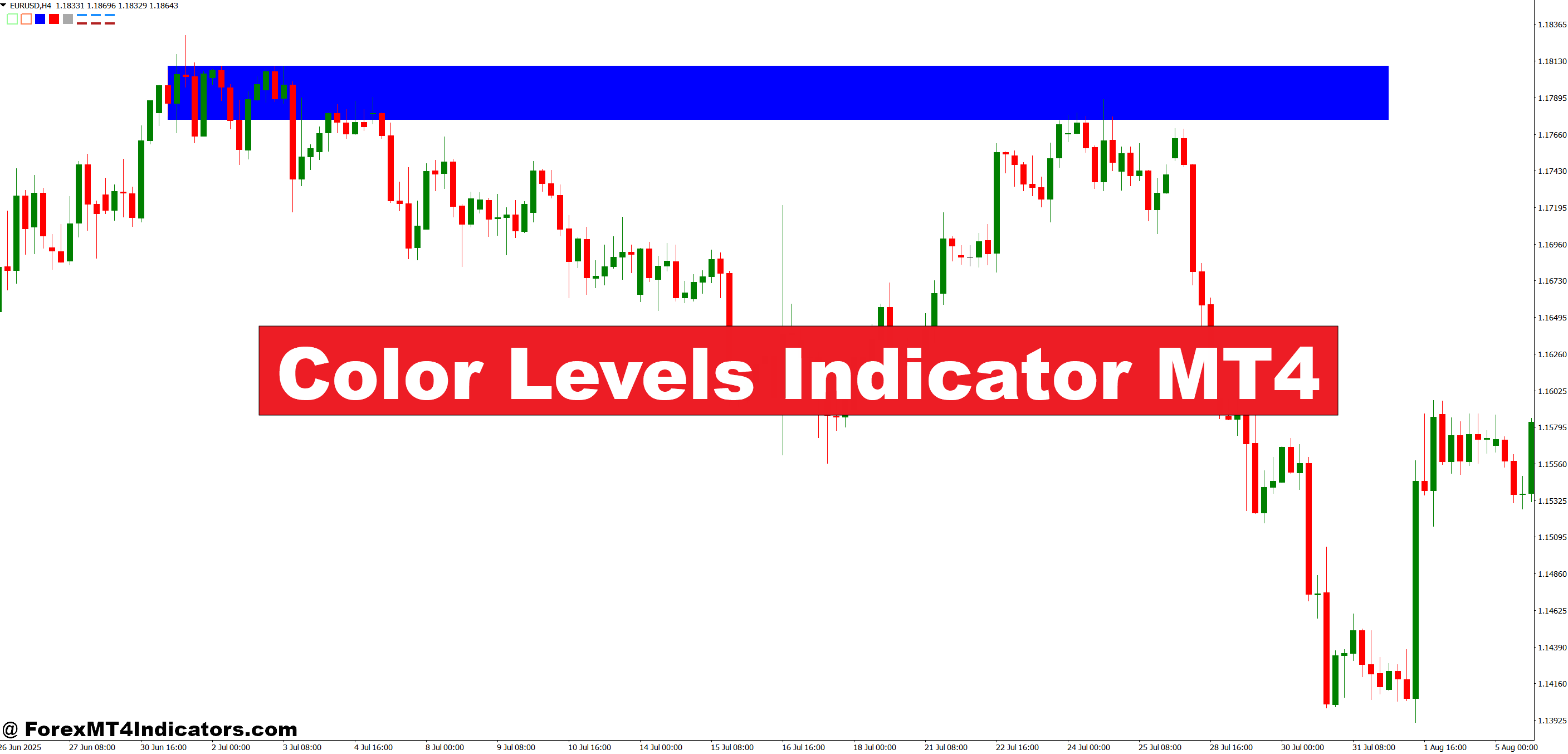
What does the Color Levels indicator do? It scans recent MT4 price history and marks the zones where price has repeatedly reacted — automated support and resistance levels, drawn in color on your chart. Download it free below, then use the settings section to adjust the lookback and zone colors. For an alternative auto-S/R tool, see the Automatic Support and Resistance indicator.
The indicator operates by scanning recent price history to identify zones where price has repeatedly reacted. Think of it as automated pattern recognition that marks areas where buyers or sellers have shown up consistently. The calculation typically looks back a specific number of bars (adjustable in settings) and identifies swing highs and lows that price has respected multiple times.
The “color” aspect comes from the visual bands it creates. Different colors often represent different zone strengths or types—some versions use blue for support zones, red for resistance, and yellow for areas that have acted as both. The width of these bands reflects the zone’s robustness; tighter bands indicate more precise levels, while wider ones show areas with multiple touches at slightly different prices.
What’s happening under the hood? The indicator calculates pivot points from recent swing highs and lows, then extends these as horizontal zones. It filters out weak levels that price only touched once, focusing on areas with at least two or three interactions. This filtering mechanism is what separates it from simple pivot point indicators that mark every swing without context.
Practical Trading Scenarios with Color Levels
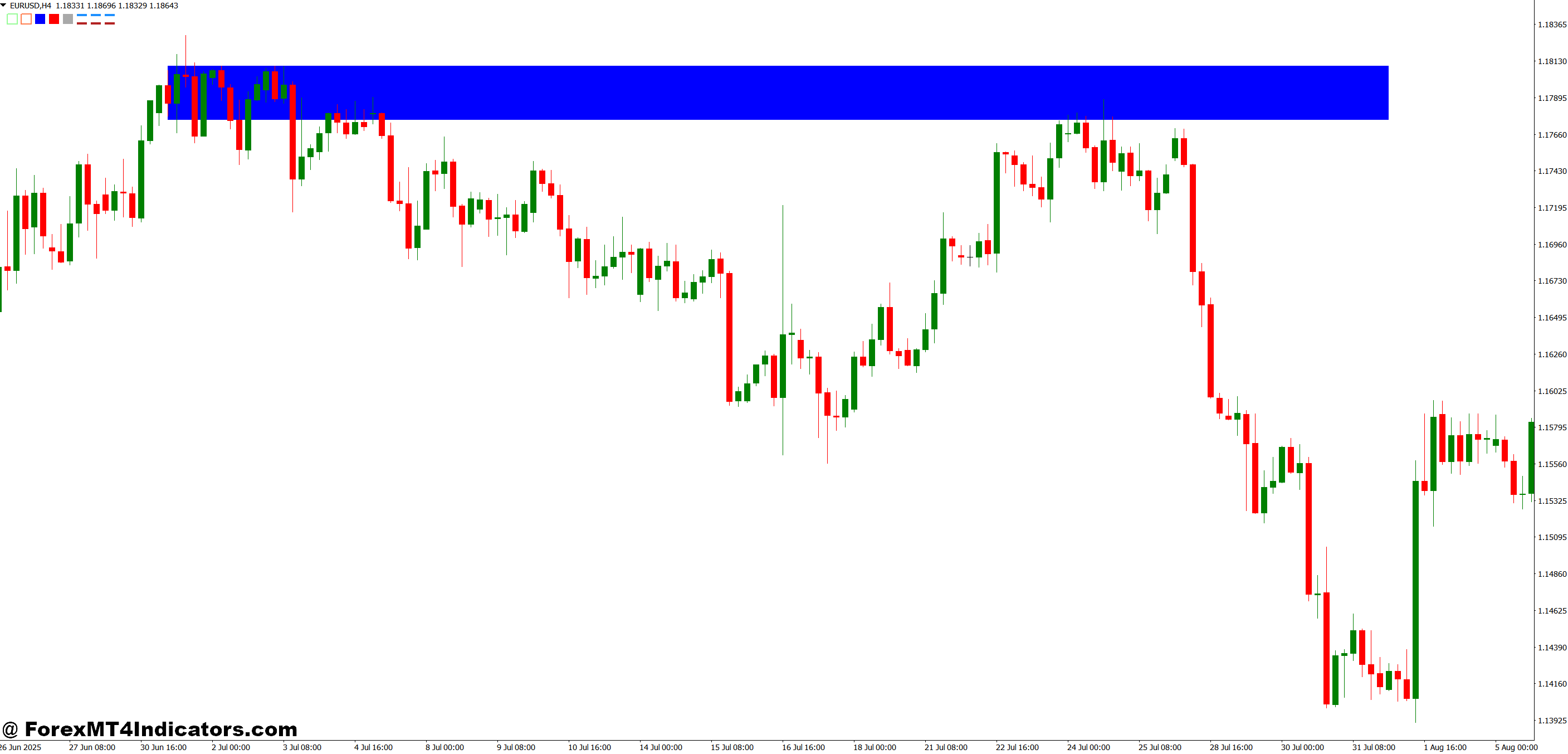
Let’s get specific. On GBP/USD’s 4-hour chart last month, the indicator marked a resistance zone around 1.2650. Price tested this level three times over two weeks, each time showing rejection candles with long upper wicks. Traders watching this pattern could position short entries near the zone’s upper boundary, placing stops just above at 1.2680. When price finally broke through on the fourth test, the previous resistance became a support zone—the indicator recolored it accordingly, signaling the shift in market structure.
Here’s where it gets practical for day traders: On the 15-minute EUR/JPY chart during Tokyo hours, the indicator marked a support zone at 158.20-158.35. Price dipped into this zone four times within a three-hour window. Each touch provided a low-risk long entry opportunity, with stops below 158.15 and targets at the nearest resistance zone marked above at 158.80. Two of those four setups worked cleanly, one hit breakeven, and one stopped out—a realistic win rate that underscores why position sizing matters more than indicator magic.
The tool shines during ranging markets. When AUD/USD spent two days chopping between 0.6420 and 0.6485, the Color Levels marked both boundaries clearly. Range traders could systematically sell near the top and buy near the bottom, while breakout traders watched for which level would crack first.
Color Levels Indicator MT4 Customization Settings
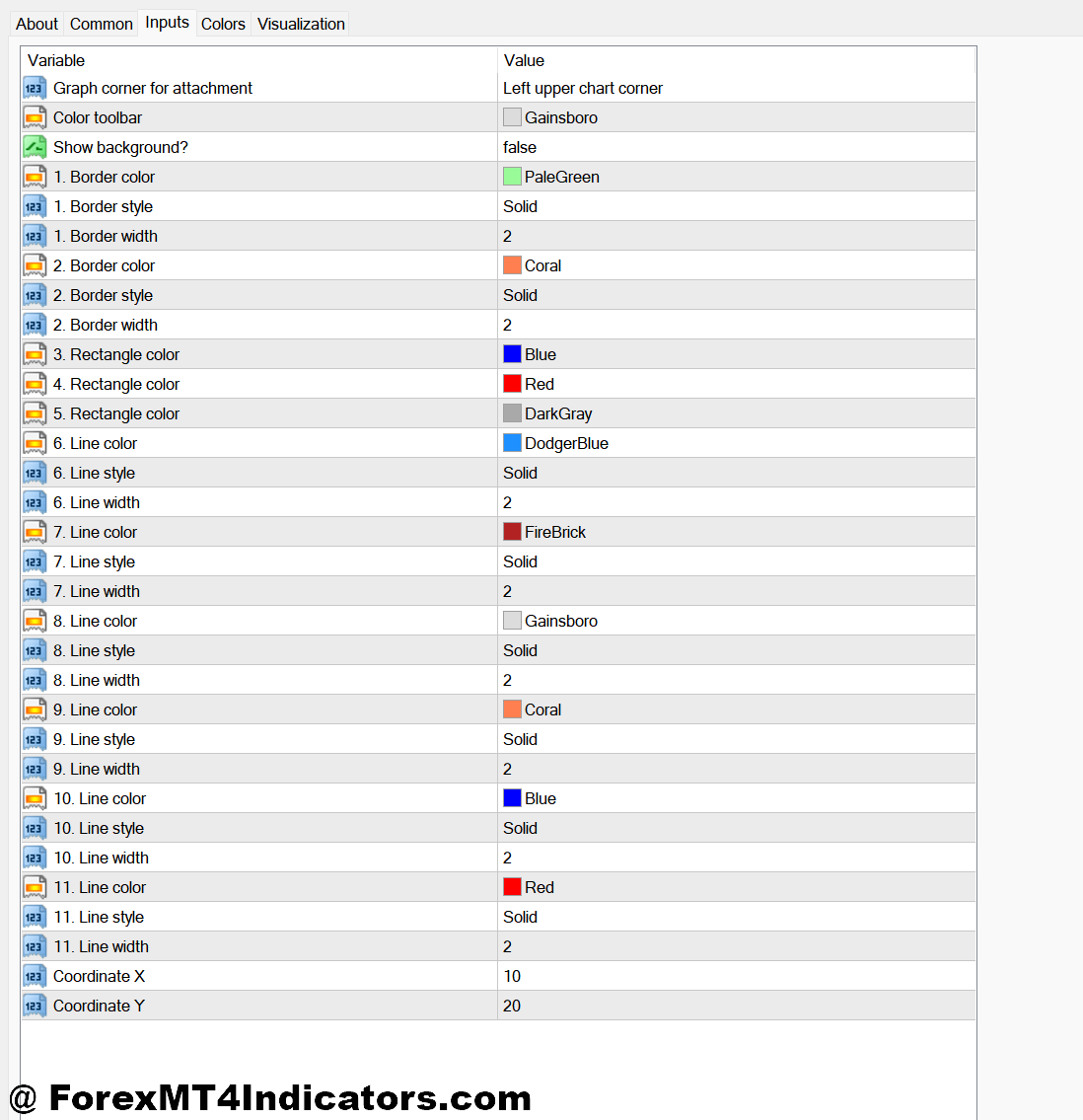
The lookback period is your first adjustment point. Setting it to 100 bars gives you broader, longer-term zones that work well on daily charts for swing trading. Drop it to 20-30 bars on the 1-hour chart, and you’ll get more responsive levels that adapt quickly to intraday price shifts—useful for active day trading but prone to false signals during whipsaw conditions.
The minimum touches parameter controls how many times price must interact with a level before the indicator marks it. Set this to two, and you’ll see more zones but with less reliability. Increase it to three or four, and you’ll get fewer but stronger levels. For volatile pairs like GBP/JPY, higher minimum touches filter out noise. For slower pairs like EUR/CHF, lower settings help you catch the limited turning points available.
Zone width settings determine how thick the colored bands appear. This isn’t just cosmetic—it reflects the indicator’s tolerance for imperfect price reactions. A zone spanning 15 pips accommodates the reality that support at 1.1000 might hold anywhere from 1.0985 to 1.1015. Tighter zones look cleaner but may miss valid setups where price respects the general area without hitting your exact number.
Color preferences matter more than traders realize. If you’re running multiple indicators, avoid color conflicts. Don’t use red zones if your moving averages are also red—visual confusion kills good analysis. Some traders prefer neutral colors like gray or beige for zones, reserving bright colors for signals that demand immediate attention.
Where This Indicator Fits – And Where It Doesn’t
The Color Levels Indicator excels as a confluence tool. Combine it with a 200 EMA on the daily chart, and when a marked zone coincides with that moving average, you’ve got a high-probability setup. Add RSI divergence at one of these zones, and your odds improve further. The indicator provides the roadmap; your trading plan provides the rules for taking action.
But let’s be honest about limitations. During strong trending moves, these levels get violated repeatedly. When EUR/USD rallied 400 pips in five days following a central bank announcement, the resistance zones marked by the indicator became irrelevant speed bumps. Trending markets don’t care about recent support and resistance—they create new structure entirely. That’s when you need trend-following tools, not zone-based indicators.
The indicator also struggles with sudden volatility spikes. News events can blast through marked levels without hesitation, leaving traders who relied solely on these zones holding losing positions. This is why risk management—specifically stop losses placed beyond the zones rather than right at them—remains non-negotiable.
Compared to standard pivot points, the Color Levels Indicator provides visual clarity and filters out weaker levels. But pivot points offer mathematically calculated levels that many institutional traders watch, creating self-fulfilling prophecies. Compared to Fibonacci retracements, Color Levels reflect actual recent price behavior rather than mathematical ratios—arguably more relevant, but without Fibonacci’s widespread institutional adoption.
Making It Work in Your Trading System
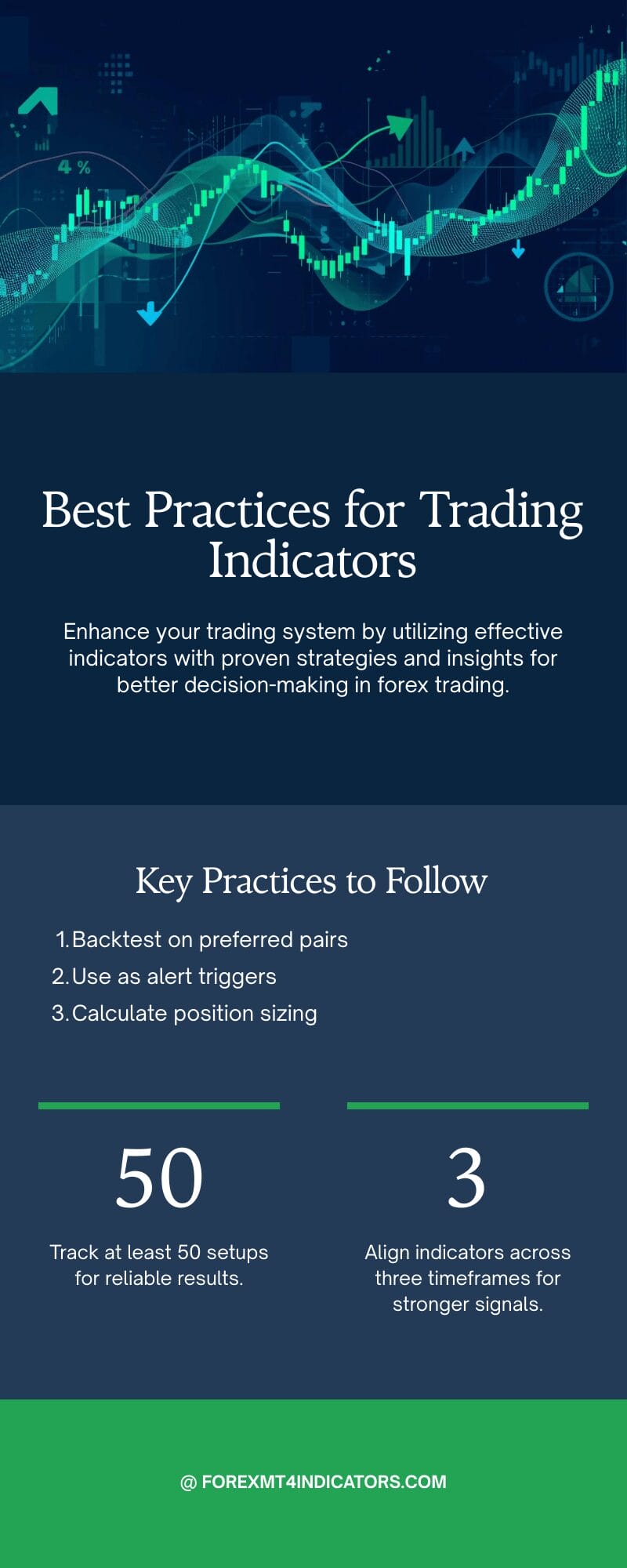
Start by backtesting the indicator on your preferred pairs and timeframes. Don’t just glance at a chart and assume it works—track at least 50 setups where price approached a marked zone. Note which ones held, which broke, and what market conditions surrounded each outcome. You’ll quickly discover whether the indicator’s logic aligns with how your chosen instruments actually move.
Use the zones as alert triggers, not automatic entries. When price approaches a marked support zone, that’s your cue to check other factors: Is momentum slowing? Are you seeing bullish candlestick patterns? Is volume increasing? The zone identifies where to pay attention; your analysis determines whether to actually trade.
Position sizing becomes critical with any zone-based approach. If you’re risking 30 pips on a trade because that’s the distance from the zone to your stop, and your account can only afford to lose 2% per trade, your position size is determined by math, not optimism. Trading forex carries substantial risk. No indicator guarantees profits, and a string of false signals can erode your account if you’re overleveraged.
The indicator works best when zones align across multiple timeframes. A support zone on the 1-hour chart gains credibility when the 4-hour chart shows a zone in the same area. This multi-timeframe confluence reduces the chance you’re trading a level that only matters to your specific lookback period.
Final Thoughts on Color Levels as a Trading Tool
The Color Levels Indicator MT4 does what it promises: it marks price zones visually and automatically, saving time and reducing chart clutter. For traders who build systems around support and resistance—and that’s most of us—it provides a solid foundation for identifying where price might react. The color-coding helps quick decision-making when scanning multiple charts, and the customization options let you adapt it to different trading styles.
That said, it’s not a standalone solution. Markets don’t reverse just because an indicator drew a line. Context matters—trend direction, momentum, volume, and broader market sentiment all influence whether a zone holds or breaks. Use this tool as part of a complete trading system that includes entry rules, risk management, and realistic expectations about win rates.
The best traders treat indicators like the Color Levels as helpers, not decision-makers. They provide information, highlight possibilities, and focus attention on specific price areas. What you do with that information—how you manage risk, size positions, and maintain discipline through both winning and losing streaks—determines your success far more than any colored band on a chart ever will.
Level up your trading Learn to read the chart — not just the indicator eBook · Instant PDF Video Course · 12 modules Trading forex and CFDs carries a significant risk of loss and is not suitable for everyone. Broker links are affiliate links — we may earn a commission at no cost to you.Recommended MT4/MT5 Brokers
Free MT4 Indicator Download

Enter Your Email Address below, download link will be sent to you.