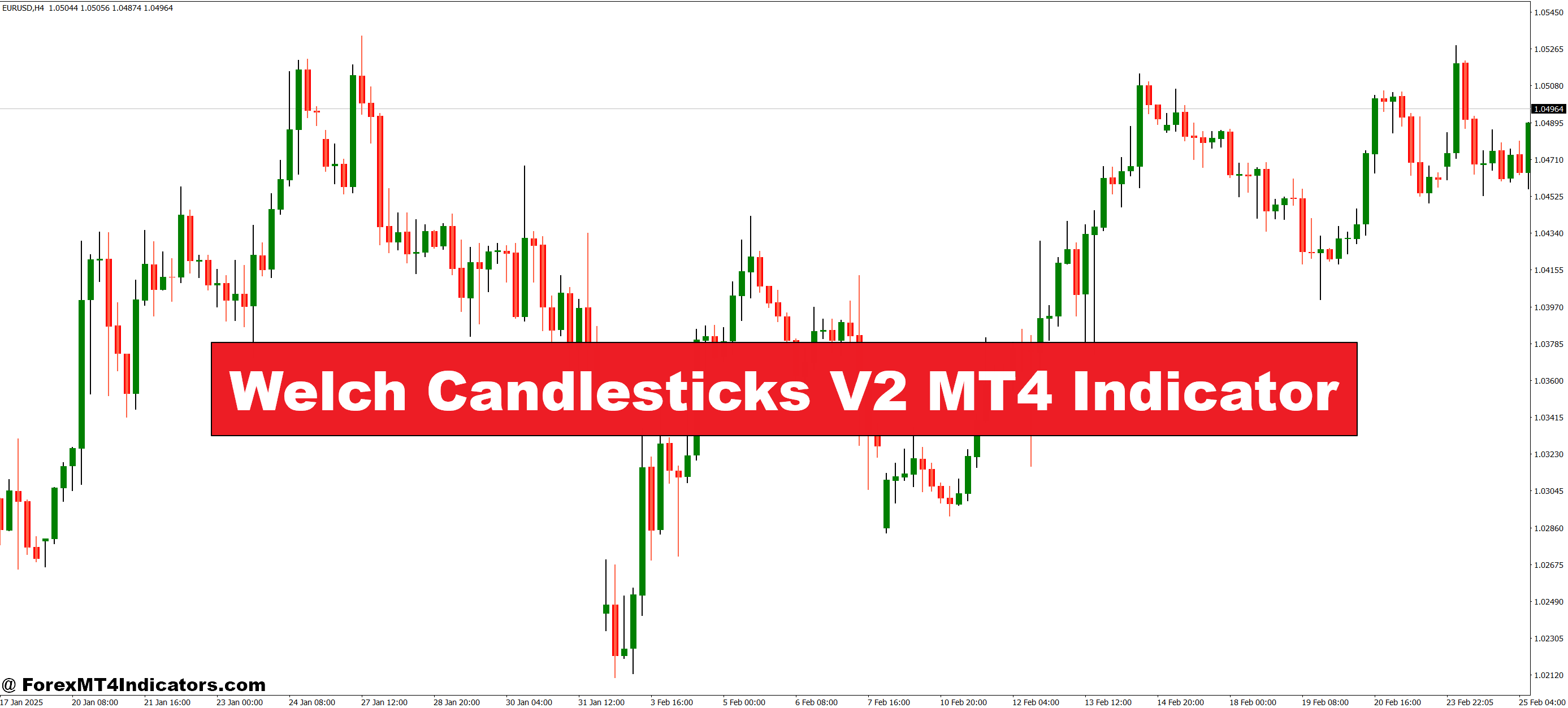
The Welch Candlesticks V2 MT4 Indicator replaces standard chart candles with color-coded ones that reflect market momentum. This makes it easy for traders to see whether buyers or sellers are dominating instantly. Instead of trying to interpret dozens of price bars, they get a quick visual signal that simplifies decision-making. This feature is especially useful for beginners who may find traditional candlestick analysis overwhelming.
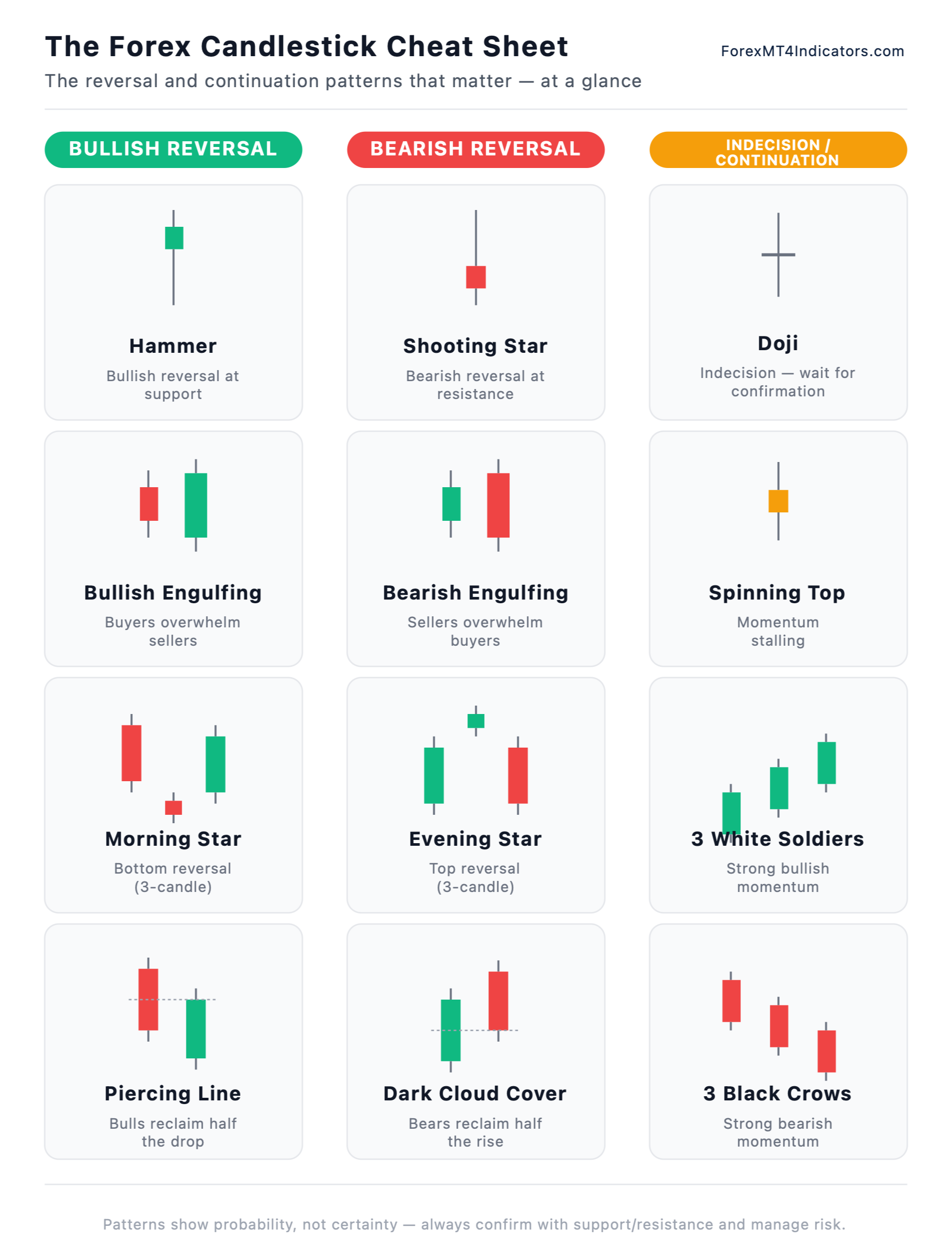

Spotting Trends and Reversals Early
A major advantage of this indicator is its ability to highlight trend shifts early. The changing colors help traders see when momentum starts fading, signaling a possible reversal. Whether trading forex, commodities, or indices, spotting these moments can mean entering at the right time and maximizing profits. Making trend recognition more intuitive reduces hesitation and boosts confidence in trade entries.
Works with Any Strategy
Another benefit of the Welch Candlesticks V2 MT4 Indicator is its versatility. Traders can use it alongside moving averages, oscillators, or support and resistance levels for stronger confirmation. Because it works on all timeframes, scalpers, swing traders, and even long-term investors can benefit from its clear visual cues. This adaptability makes it a valuable addition to almost any trading style.
Easy to Install and Customize
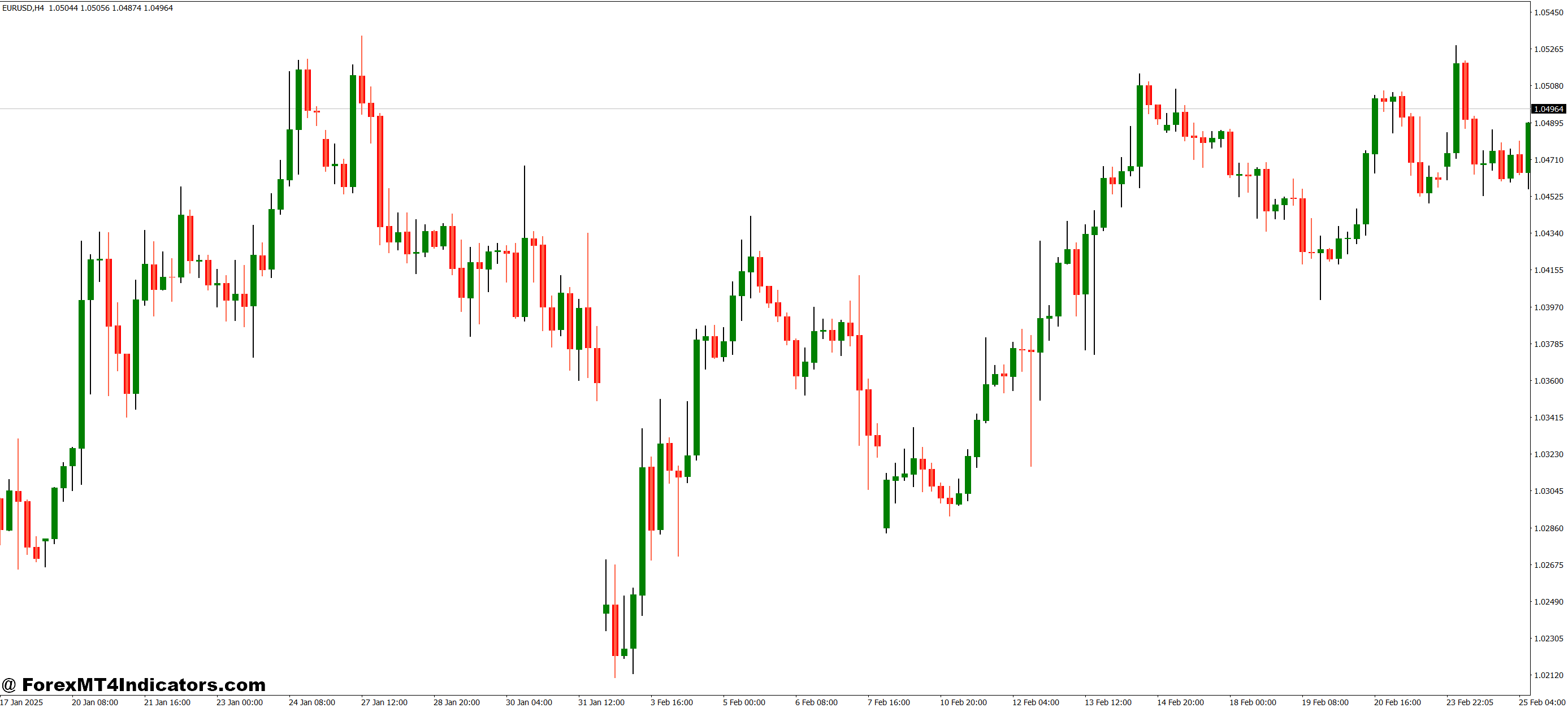
The indicator is simple to install on MT4 and comes with customizable settings. Traders can adjust the colors, candle styles, and timeframes to match their personal preferences. This means they can create a chart layout that feels natural while still benefiting from enhanced market insights. A clean and easy-to-read chart can significantly improve focus during fast-moving markets.
How to Trade with Welch Candlesticks V2 MT4 Indicator
Buy Entry
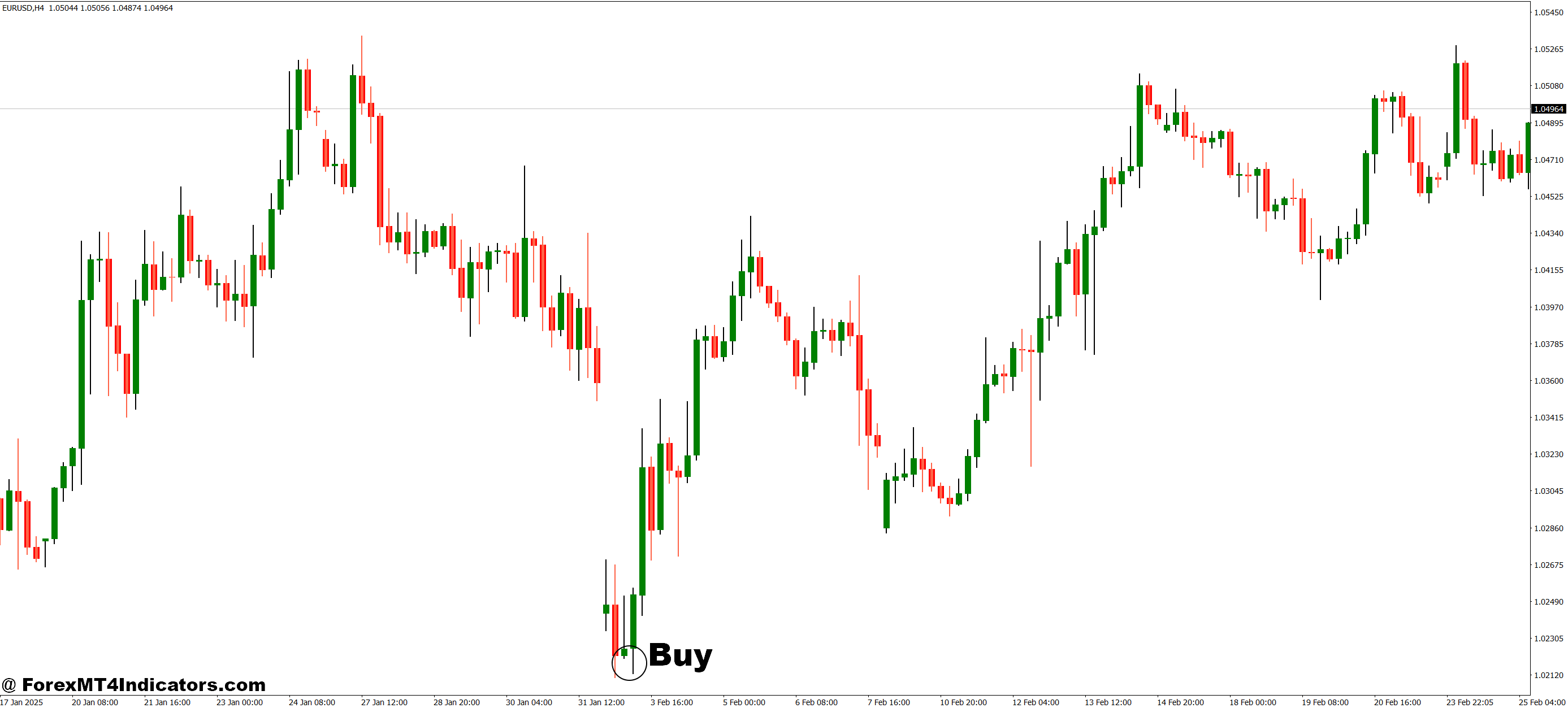
- Wait for the candlestick color to change to the bullish color (as set in your indicator settings).
- Confirm that the price is trending upward or breaking above a recent resistance level.
- For stronger confirmation, check that other indicators (e.g., moving averages or RSI) also support bullish momentum.
- Enter a buy trade at the open of the next candle after the bullish signal appears.
- Place a stop loss below the most recent swing low or key support zone.
Sell Entry
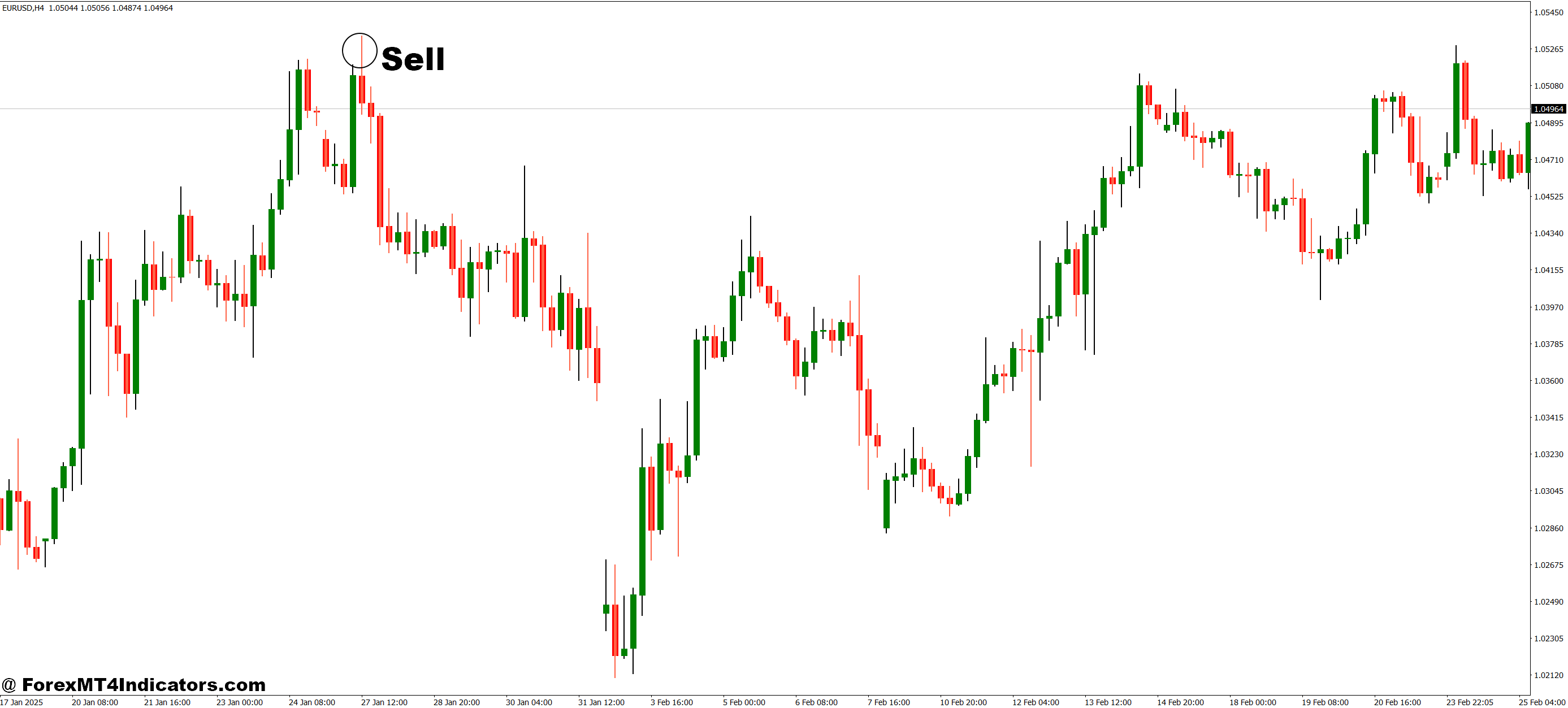
- Wait for the candlestick color to change to the bearish color (as set in your indicator settings).
- Confirm that the price is trending downward or breaking below a recent support level.
- For stronger confirmation, verify that other indicators also signal bearish momentum.
- Enter a sell trade at the open of the next candle after the bearish signal appears.
- Place a stop loss above the most recent swing high or resistance zone.
Conclusion
The Welch Candlesticks V2 MT4 Indicator offers traders a powerful way to read the market at a glance. By making price movements more visible and trends easier to spot, it removes much of the guesswork from trading decisions. Whether someone is just starting out or has years of experience, this tool can help them trade with greater confidence and accuracy.
Level up your trading
Learn to read the chart — not just the indicator
eBook · Instant PDF
Video Course · 12 modules
Recommended MT4/MT5 Brokers
- ✓ *FREE *$50 to start (withdrawable)
- ✓ Deposit bonus up to $5,000
- ✓ Negative balance protection
Trading forex and CFDs carries a significant risk of loss and is not suitable for everyone. Broker links are affiliate links — we may earn a commission at no cost to you.
Free MT4 Indicator Download

Enter Your Email Address below, download link will be sent to you.