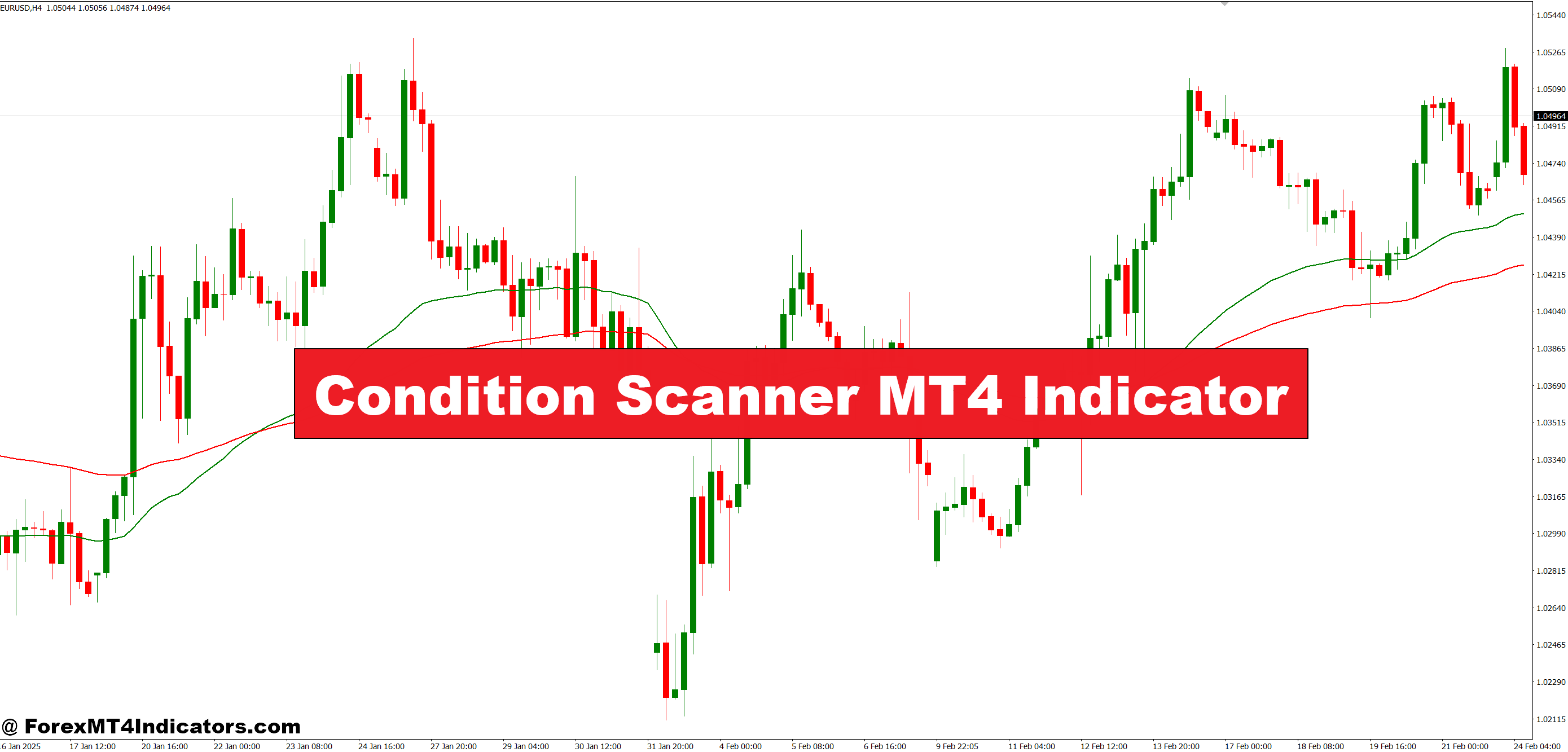
The Condition Scanner MT4 Indicator is designed to monitor multiple pairs and timeframes at once. Instead of manually checking each chart, the indicator automatically highlights conditions that match a trader’s strategy. For example, it can scan for trend direction, moving averages, or candlestick patterns. This makes it easier for traders to identify opportunities without missing key setups.
Why It Matters for Traders
Traders in the U.S. markets and beyond often face fast-moving conditions. Missing even a single entry point can mean losing potential profits. The Condition Scanner helps solve this problem by providing instant alerts when conditions are met. This eliminates the stress of constant chart-watching and helps traders stick to their trading plan. With clear signals and easy-to-read displays, even beginner traders can benefit from its features.
How It Improves Trading Decisions
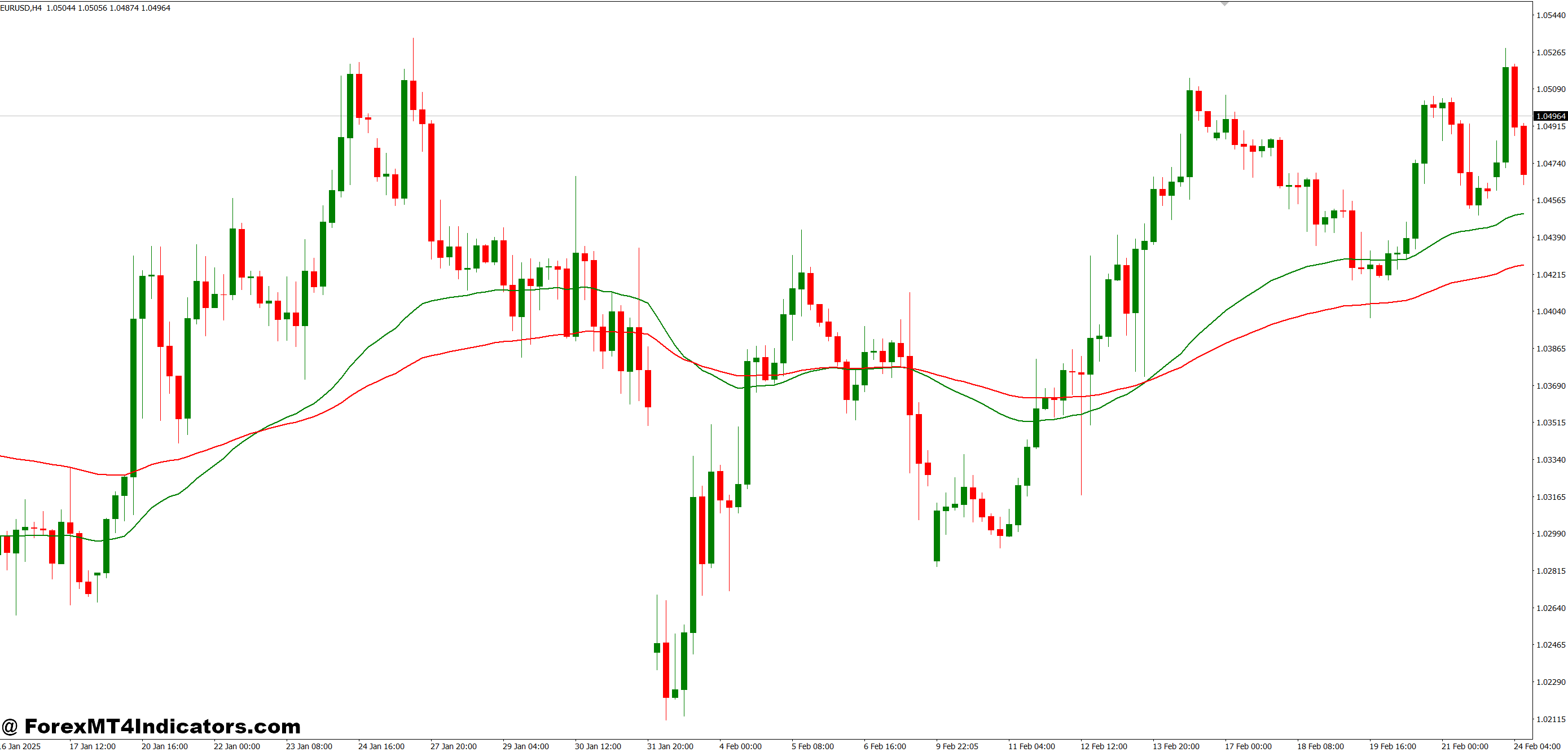
By using the Condition Scanner, traders can cut down on guesswork and reduce emotional trading. The indicator provides consistent updates that keep traders focused on data rather than emotions. It also works across multiple instruments, which is ideal for those trading forex, commodities, or indices. This versatility gives traders more control over their strategies and helps them stay ahead of the market.
How to Trade with Condition Scanner MT4 Indicator
Buy Entry
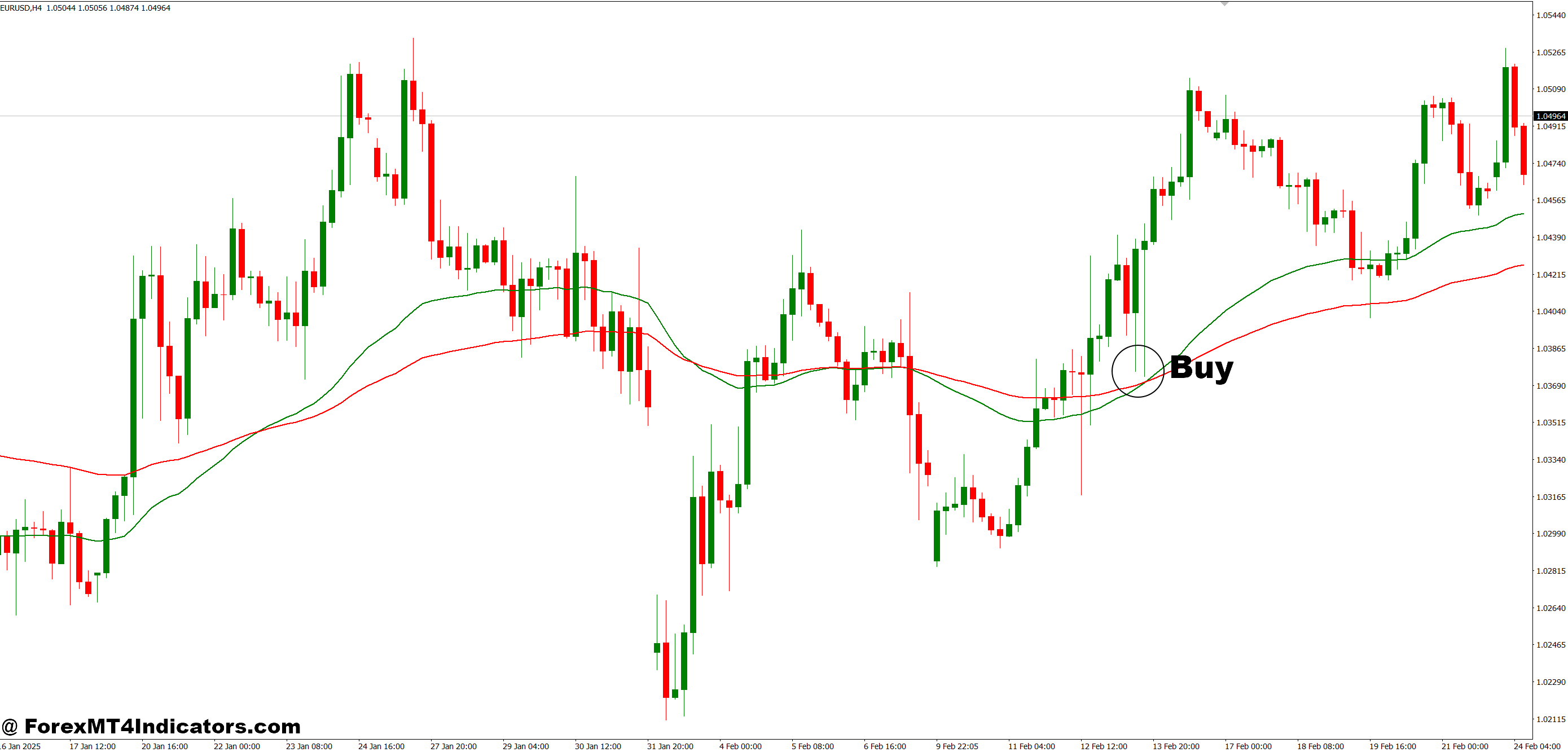
- Wait for the Condition Scanner to highlight bullish conditions across your selected timeframes.
- Confirm that the trend is upward (moving averages or higher highs forming).
- Enter a buy trade when the scanner aligns with your trading strategy (e.g., RSI confirmation, bullish candlestick pattern).
- Place a stop-loss below the recent swing low to manage risk.
- Set your take-profit at the next resistance level or use a trailing stop to maximize profits.
Sell Entry
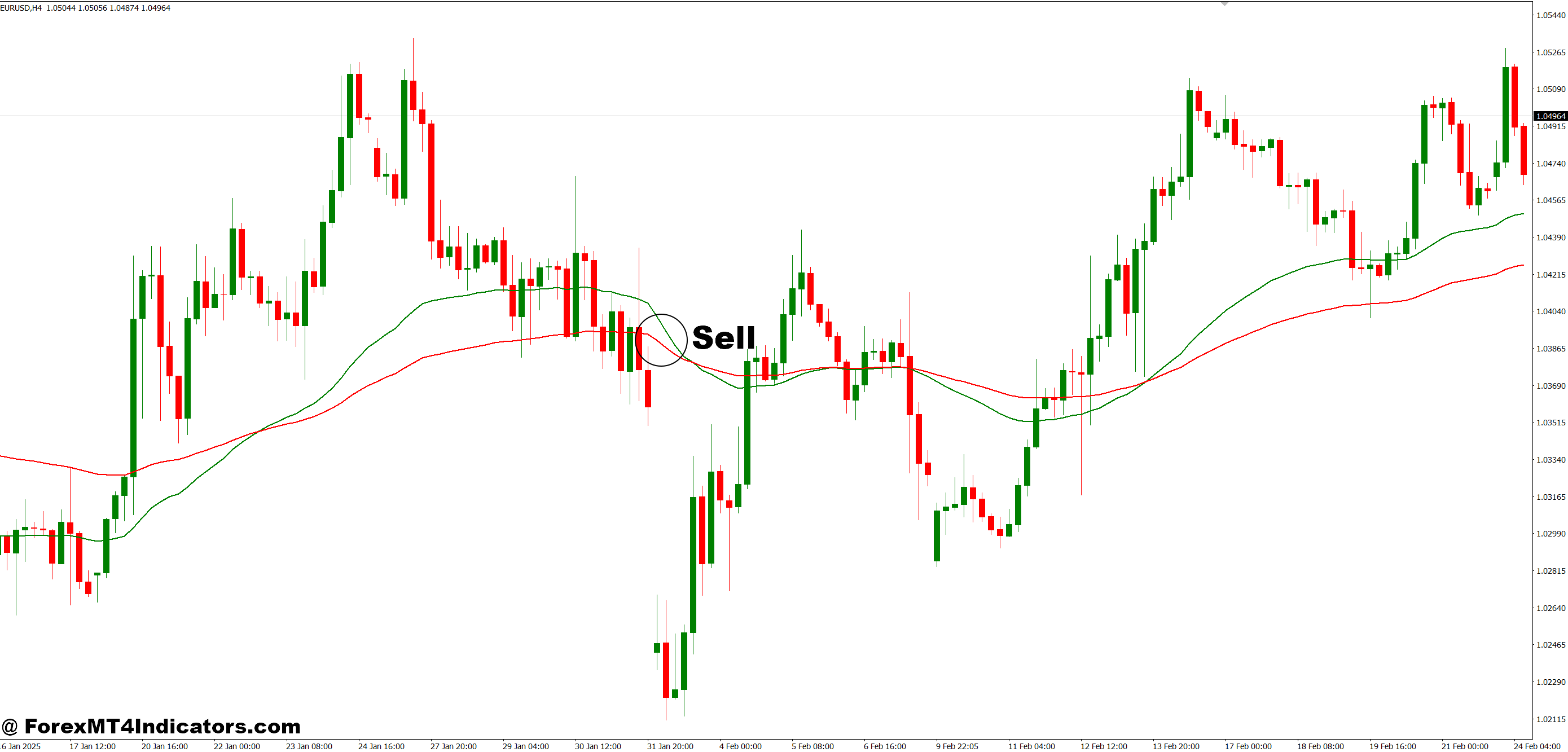
- Wait for the Condition Scanner to identify bearish conditions on your chosen charts.
- Confirm that the market is trending downward (lower lows and lower highs).
- Enter a sell trade when the scanner matches your entry rules (e.g., MACD crossover, bearish candlestick formation).
- Place a stop-loss above the recent swing high to protect your position.
- Set your take-profit at the next support level or trail your stop for extended moves.
Conclusion
The Condition Scanner MT4 Indicator is a valuable tool for traders who want to simplify their workflow and improve efficiency. By automatically identifying setups and providing instant alerts, it saves time and reduces stress. Whether for beginners or experienced traders, this indicator can help make smarter, faster, and more confident trading decisions.
Level up your trading
Learn to read the chart — not just the indicator
eBook · Instant PDF
Video Course · 12 modules
Recommended MT4/MT5 Brokers
- ✓ *FREE *$50 to start (withdrawable)
- ✓ Deposit bonus up to $5,000
- ✓ Negative balance protection
Trading forex and CFDs carries a significant risk of loss and is not suitable for everyone. Broker links are affiliate links — we may earn a commission at no cost to you.
Free MT4 Indicator Download

Enter Your Email Address below, download link will be sent to you.