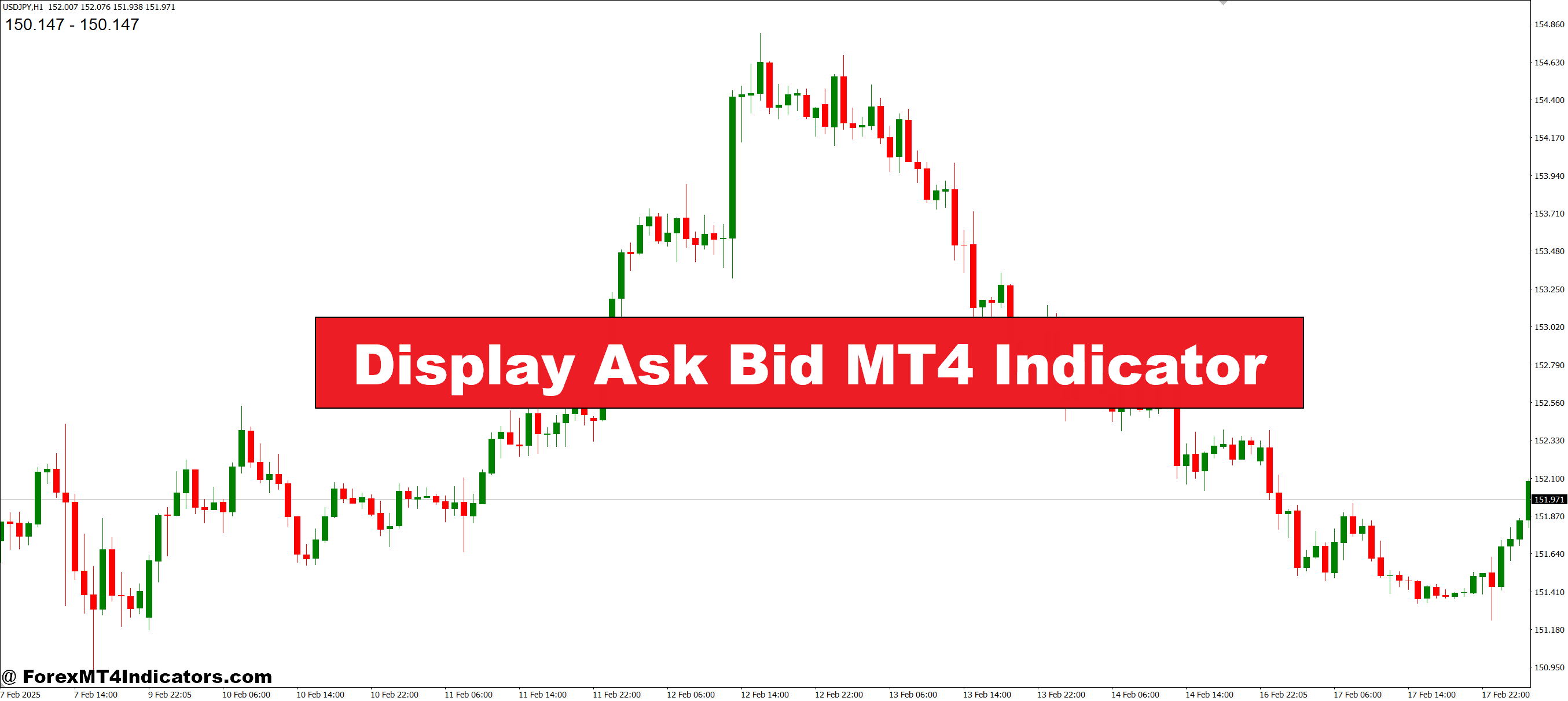
The Display Ask Bid MT4 Indicator is designed to show the current bid and ask prices clearly on the trading chart. Instead of switching between different windows or relying on the default platform display, traders can view both values instantly. This makes it easier to track price movements and understand the spread. For new traders, this feature is especially helpful since it simplifies how the market quotes prices.
Why It Matters in Trading
In forex trading, spreads can change quickly depending on market conditions. A stable spread may indicate normal trading activity, while a sudden increase often signals volatility. The Display Ask Bid MT4 Indicator keeps traders aware of these changes in real time. By always knowing the bid and ask prices, they can avoid entering trades when the spread is too wide, which helps reduce unnecessary losses. This small advantage can make a big difference in long-term results.
How Traders Use It Effectively
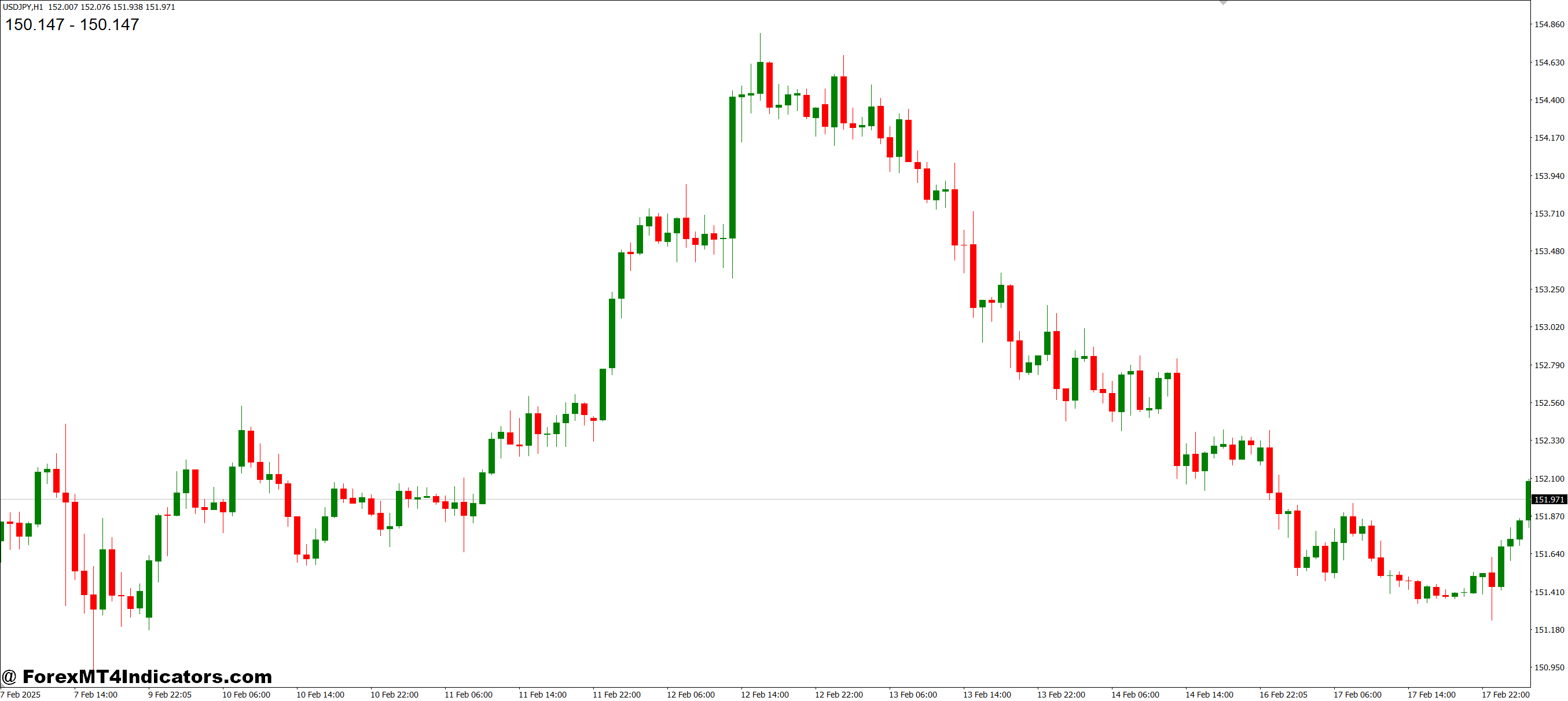
Traders often use this indicator as part of their risk management strategy. For example, they may decide not to open a position until the spread narrows to a reasonable level. Others use it to confirm their entry and exit timing, ensuring they’re not paying extra costs during volatile moments. Since the Display Ask Bid MT4 Indicator works smoothly with other tools, it can easily fit into almost any trading system.
How to Trade with Display Ask Bid MT4 Indicator
Buy Entry
- Wait for the ask price to remain stable or narrow compared to the bid price (tight spread).
- Confirm that the overall market trend is moving upward using another indicator (e.g., moving average).
- Enter a buy trade when the ask price aligns with your entry strategy and the spread is acceptable.
- Place a stop-loss just below the recent support level to limit risk.
Sell Entry
- Monitor the bid price closely when the spread stays reasonable or becomes tighter.
- Confirm that the overall market trend is moving downward with a secondary tool.
- Enter a sell trade when the bid price matches your entry strategy and the spread favors execution.
- Place a stop-loss just above the recent resistance level for protection.
Conclusion
The Display Ask Bid MT4 Indicator is a simple but powerful tool that improves transparency in forex trading. Showing live bid and ask prices directly on the chart helps traders avoid costly mistakes and make smarter decisions. Whether they’re beginners or experienced traders, having this information in front of them ensures they stay one step ahead of market changes.
Level up your trading
Learn to read the chart — not just the indicator
eBook · Instant PDF
Video Course · 12 modules
Recommended MT4/MT5 Brokers
- ✓ *FREE *$50 to start (withdrawable)
- ✓ Deposit bonus up to $5,000
- ✓ Negative balance protection
Trading forex and CFDs carries a significant risk of loss and is not suitable for everyone. Broker links are affiliate links — we may earn a commission at no cost to you.
Free MT4 Indicator Download

Enter Your Email Address below, download link will be sent to you.