

Before downloading, decide what you need the app to do: manage the account, move money or place and manage trades. Those actions may share an account list, but they do not use identical screens or credentials.
What the JustMarkets app does
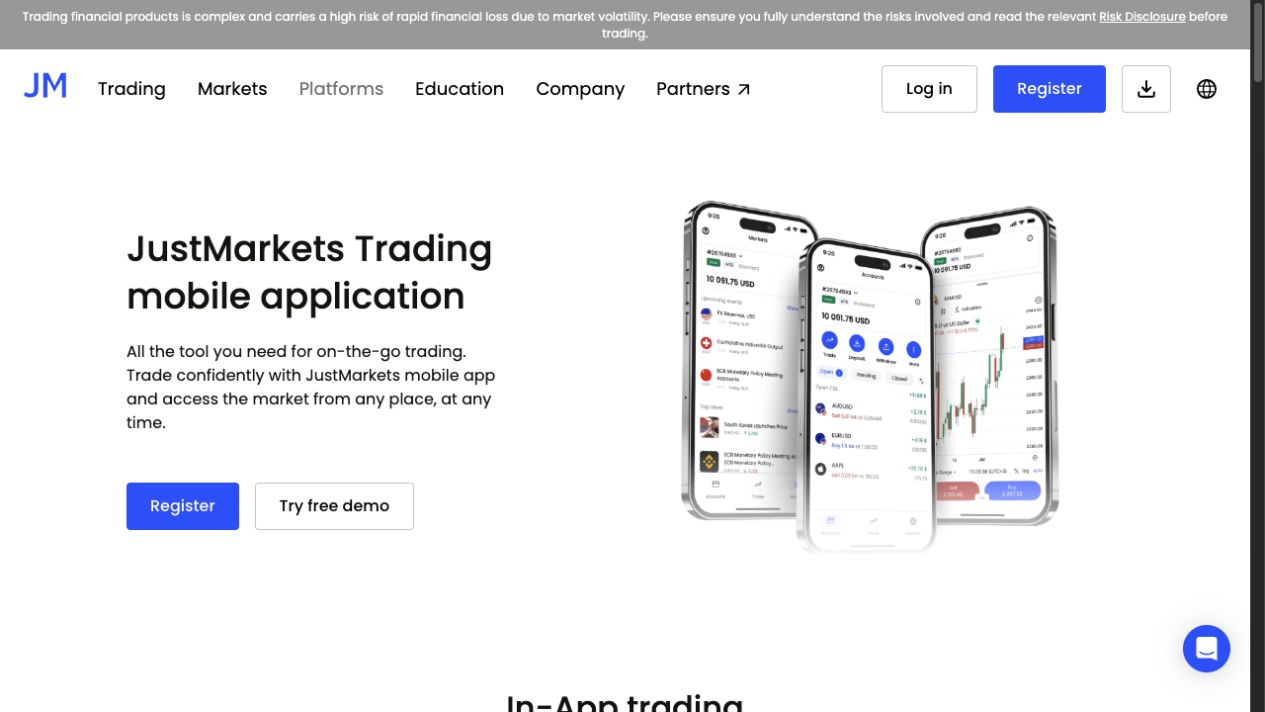
The broker’s app trading guide says real and demo MT5 accounts can be created, managed and traded within the JustMarkets Trading app. For MT4 execution, it directs users to the separate MT4 mobile app. A claim that every account trades entirely inside the same app would miss that distinction.
| Task | What to check |
|---|---|
| Manage Personal Area | Your registered login and selected account |
| Trade MT5 | The MT5 account connection and in-app order screen |
| Trade MT4 | The separate MT4 app and matching server credentials |
| Deposit or withdraw | Account, eligible method and provider confirmation |
Install through the official route
Follow the Android or iOS link from the company website or official installation guide. Review the destination store listing rather than installing a file supplied by an unsolicited message. Existing clients should sign into their Personal Area instead of registering a duplicate account.
Help documentation describes a four-digit local app PIN and optional biometrics. These protect access on the device; they do not replace the registered account password or every transaction-authentication request. Use the options actually offered by your OS and app version. Social sign-in choices can differ.
Keep the device locked and recovery access current. If you lose access, use the login and recovery guide rather than giving remote control of the phone to someone claiming to be support.
Select the account before selecting a market
Check the account number, platform and demo/real status in the account list. A small label matters when the same instrument is available in several accounts. Before confirming any order, review the symbol and lot volume on the actual ticket.
The documented MT5 flow uses Markets or Trade, then the instrument chart and order settings. Closing an existing position and deleting a pending order are different actions. After changing a stop or submitting an exit, verify the new state; a tap or a notification is not a reason to stop checking exposure.
For the underlying platform details, use the MT5 guide or MT4 guide. Custom desktop tools should not be assumed to run in a phone interface merely because the account can be opened there.
Account funding is a separate confirmation
The app deposit instructions say to select the account, choose Deposit and review the currency and limits before completing the payment provider’s page. Returning to the app does not by itself prove that an external payment settled.
Use the deposit guide to compare the amount paid with the amount credited, and keep the reference if the balance has not updated. When several accounts are listed, check the destination number again before a second payment.
Choose another interface when it helps
A phone is useful for checking account state, but a small screen can make it harder to review several instruments or a long order history. Use a desktop when the task needs more space. If installation is impractical, the WebTrader and TradingView guide separates browser access from any unverified direct broker integration.
We reviewed the public app descriptions and official help, not a funded account. Feature availability, device support and the actual account interface can change. If a function is absent, establish the platform and app version before treating it as an account fault.
Frequently asked questions
Does the JustMarkets app trade MT4 and MT5 in the same way?
No. Official help describes in-app trading for real and demo MT5 accounts, while MT4 trading uses the separate MetaTrader 4 mobile app.
Should an existing client register again in the app?
No. Use the existing Personal Area login unless official support identifies a specific account issue. Another installation does not require another registration.
Is the app PIN the trading password?
No. The local app PIN protects device access. Personal Area credentials, trading-account credentials and transaction authentication serve different purposes.
Does a deposit button mean the payment completed?
No. Complete the payment provider’s authorised flow and check Transaction History and the selected account. Keep the original reference if settlement is uncertain.
Sources and scope
Official public documentation checked on 14 September 2026. Account-specific screens and the agreement with your assigned company govern. This guide does not claim a funded-account or execution test.