

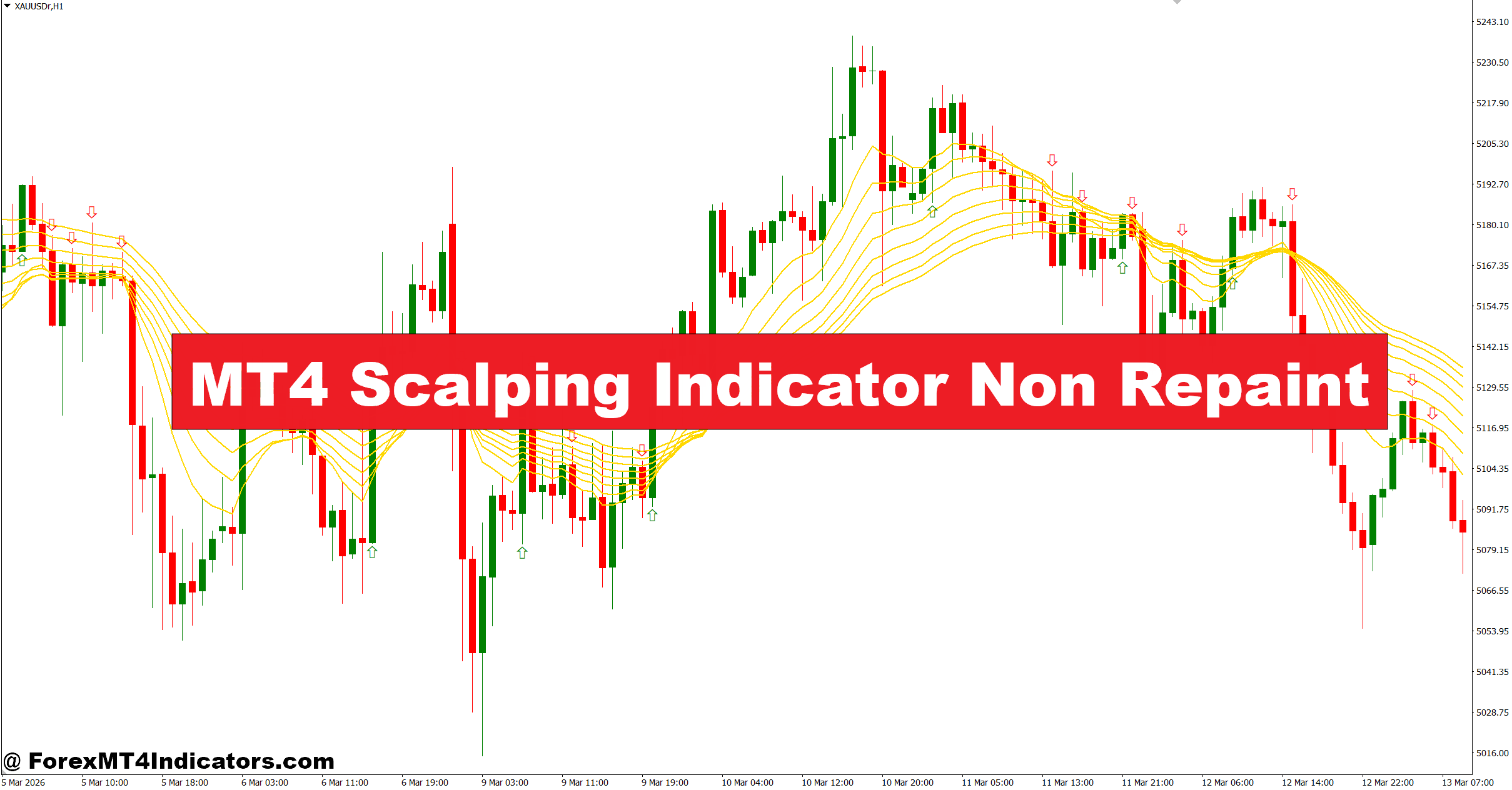
The MT4 Scalping Indicator Non Repaint is a technical tool designed for short-term traders who operate on lower timeframes like M1, M5, and M15. Its main purpose is to identify quick entry and exit points without altering past signals.
Unlike repainting indicators, this tool locks its signals once a candle closes. That means if a buy arrow appears on a closed candle, it stays there—no disappearing or shifting later.
Most versions combine multiple components:
- Moving averages for trend direction
- Momentum filters like RSI or stochastic
- Price action triggers (breakouts or pullbacks)
For example, when testing on GBP/USD M5, traders often notice the indicator marking entries after small retracements within a trend. This helps avoid chasing price at extremes.
How It Works in Real Trading Conditions
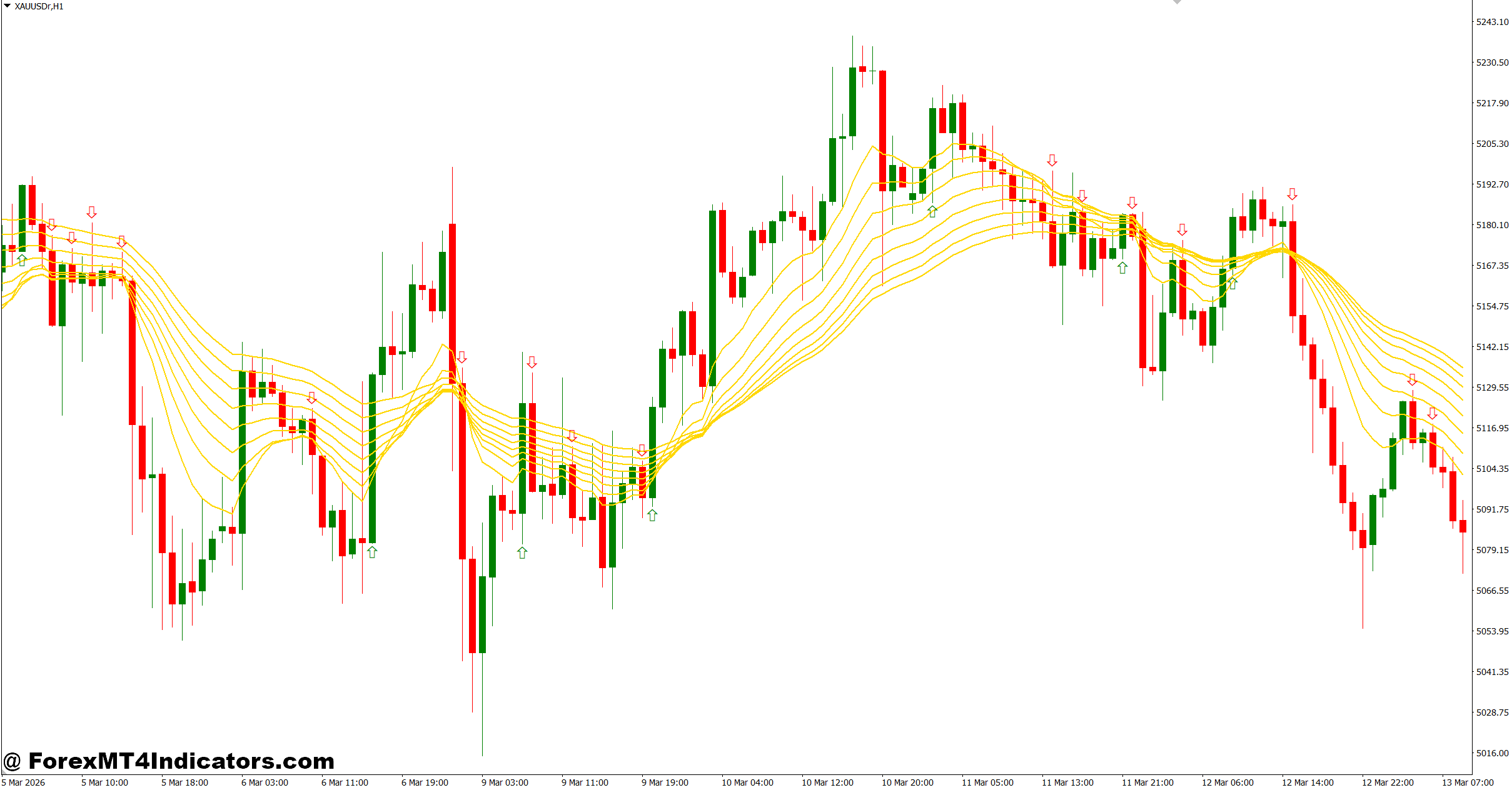
At its core, the MT4 Scalping Indicator Non Repaint uses confirmation logic rather than prediction. It waits for conditions to align before printing a signal.
Here’s a simplified breakdown of the logic:
- Trend is identified using fast and slow moving averages (e.g., 10 EMA and 50 EMA)
- Momentum confirms direction (RSI above 55 for buys, below 45 for sells)
- Entry trigger occurs when price pulls back and resumes the trend
Let’s take a real scenario. On EUR/USD M15 during the London session:
- Price stays above the 50 EMA
- RSI holds around 60
- A pullback of 10–15 pips occurs
- A bullish candle closes above the short-term average
At this point, the indicator prints a buy signal. Since it doesn’t repaint, that signal remains fixed.
But here’s the thing—during high-impact news like NFP, even non-repaint indicators can struggle. Volatility spikes can create sudden reversals. When testing this on NFP days, signals often appear late or get stopped out quickly. That’s not a flaw in the indicator; it’s market behavior.
Practical Application and Trading Examples
Using this indicator effectively requires context. It works best in trending or semi-trending markets, not during heavy consolidation.
Example 1: EUR/USD (M5 Chart)
- Trend: Uptrend during London session
- Signal: Buy arrow after a 12-pip pullback
- Entry: 1.0850
- Stop Loss: 10 pips below recent swing
- Take Profit: 15–20 pips
Price moved smoothly and hit the target within 25 minutes. This is a typical scalping setup.
Example 2: USD/JPY (M1 Chart)
- Market: Sideways (choppy)
- Multiple signals appeared within 30 minutes
- Result: Two small losses (-8 pips each), one breakeven
This highlights a key limitation. In ranging markets, even a non-repaint indicator can produce multiple false signals.
A practical tip many traders follow: avoid trading when price is stuck within a 15–20 pip range. Wait for clear structure or breakout.
MT4 Scalping Indicator Non Repaint Settings and Customization
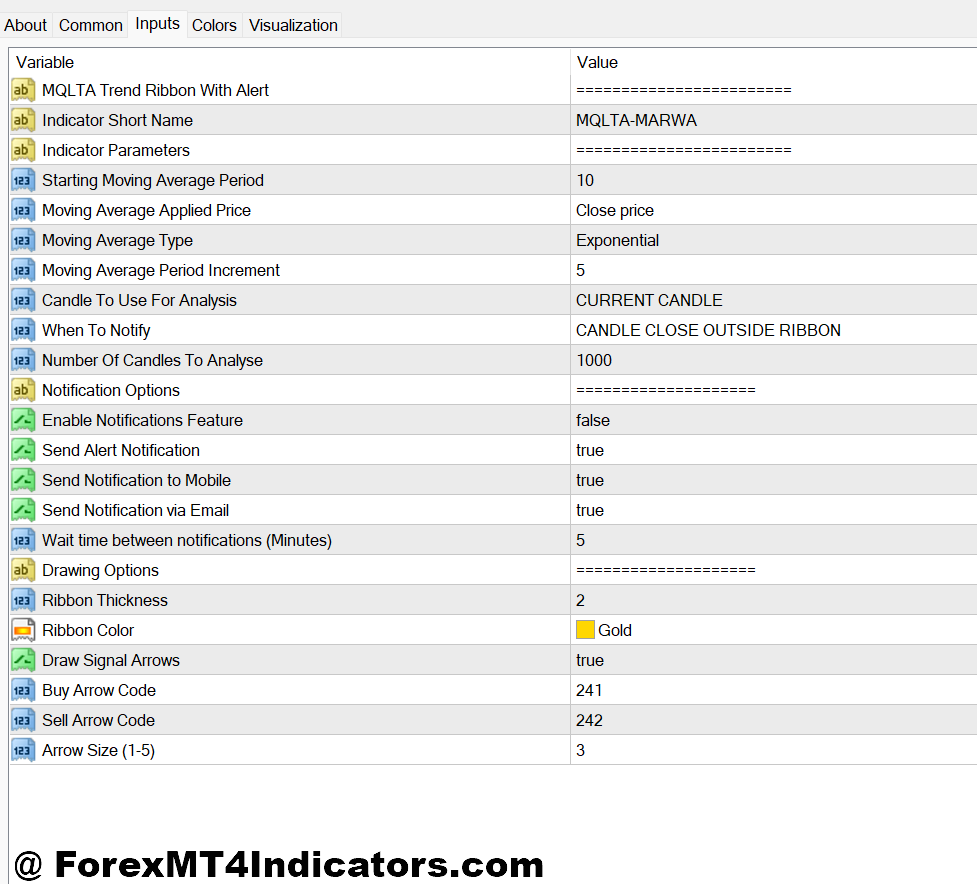
The MT4 Scalping Indicator Non Repaint usually comes with adjustable parameters. Fine-tuning these can improve performance based on trading style.
Common Settings:
- Moving Average Periods:
- Fast MA: 5–10
- Slow MA: 40–60
- RSI Period:
- Default: 14
- Scalping tweak: 9 for faster signals
- Signal Sensitivity:
- Higher sensitivity = more signals (but more noise)
- Lower sensitivity = fewer, stronger signals
Timeframe Adjustments:
- M1 Chart: Use tighter stops (5–8 pips), reduce sensitivity
- M5 Chart: Balanced approach, 10–15 pip stops
- M15 Chart: More reliable signals, wider stops (15–25 pips)
For example, a trader using GBP/JPY on M5 may increase the MA periods slightly to filter out noise. This reduces whipsaw trades during volatile sessions.
Advantages and Limitations
No indicator is perfect, and this one is no exception. A balanced view helps traders use it wisely.
Advantages:
- Signals do not repaint after candle close
- Suitable for fast-paced scalping strategies
- Works well in trending markets
- Easy to combine with support/resistance levels
Limitations:
- Struggles in sideways or low-volume markets
- Can give late entries during strong moves
- Requires confirmation from price action
- Performance drops during major news events
One trader noted that combining this indicator with horizontal support and resistance improved win rate significantly. Instead of taking every signal, they only entered trades near key levels.
Comparison With Similar Indicators
Many scalping tools exist on MT4, but not all behave the same way.
- Standard Moving Average Crossovers: Faster but often produce false signals. They also don’t filter momentum well.
- ZigZag Indicator: Useful for structure but repaints heavily. Not suitable for entry timing.
- MACD-Based Scalping Tools: More reliable for trend confirmation but slower for entries.
The MT4 Scalping Indicator Non Repaint sits somewhere in the middle. It offers better stability than repainting tools while still being responsive enough for scalping.
What makes it stand out? It focuses on confirmed conditions rather than guessing future price moves.
How to Trade with MT4 Scalping Indicator Non Repaint
Buy Entry
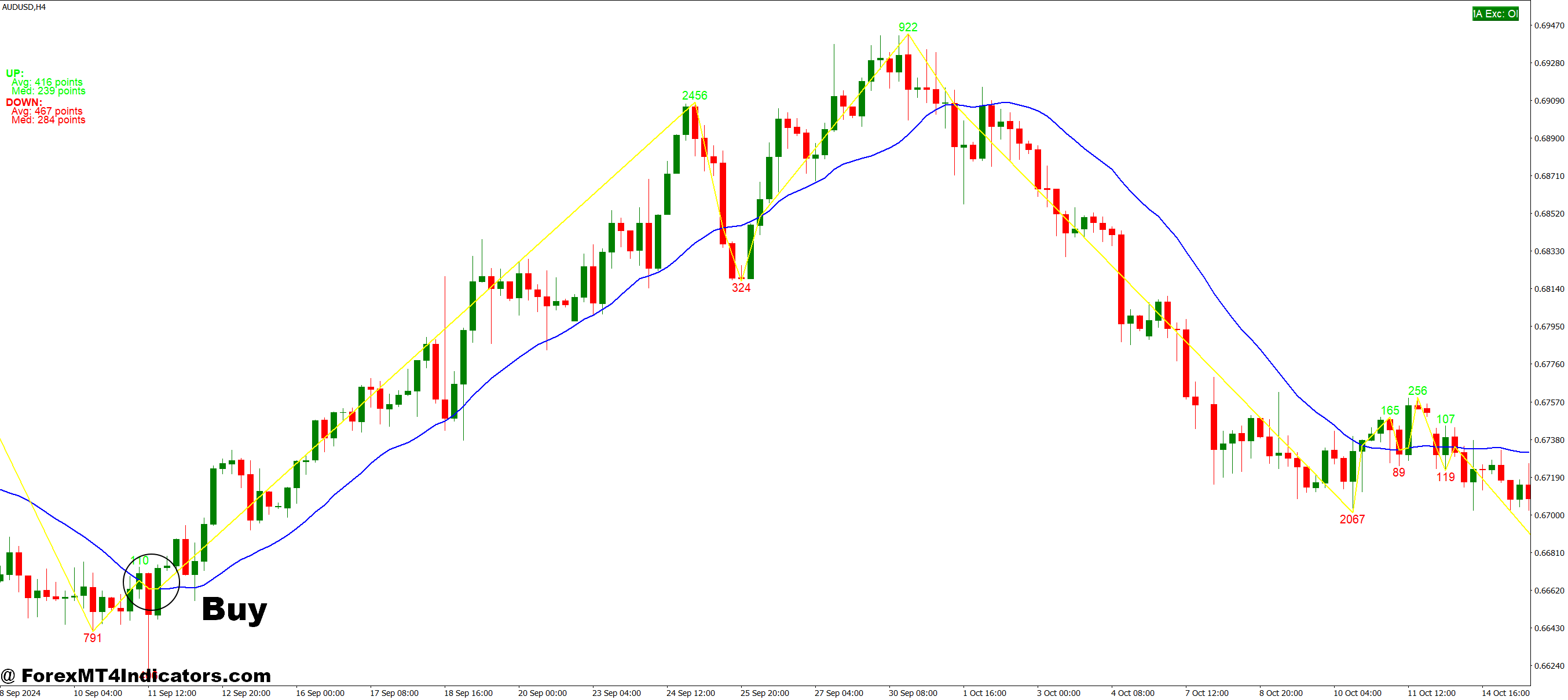
- Trade with confirmed uptrend – Enter buy only when price stays above the 50 EMA on M5 or M15 chart; this filters weak signals and improves accuracy on pairs like EUR/USD.
- Wait for non-repaint buy arrow close – Take entry only after the candle closes with a buy signal; entering early can cause 5–10 pip fake-outs.
- Use pullback entries (10–15 pips) – Look for small retracements before buying; for example, GBP/USD M5 pullback of 12 pips often gives safer entries.
- Confirm with RSI above 55 – Buy when momentum supports trend; RSI below 50 usually leads to weak moves or sideways chop.
- Set tight stop loss (8–15 pips) – Place SL below recent swing low; this keeps risk controlled during fast scalping sessions.
- Target quick profits (10–20 pips) – Scalping works best with small consistent gains, especially during London or New York sessions.
- Avoid ranging markets (15–20 pip box) – Skip trades if EUR/USD is stuck in tight consolidation; signals will likely fail.
- Avoid high-impact news time – Don’t enter trades during events like NFP; volatility can reverse price within seconds.
Sell Entry
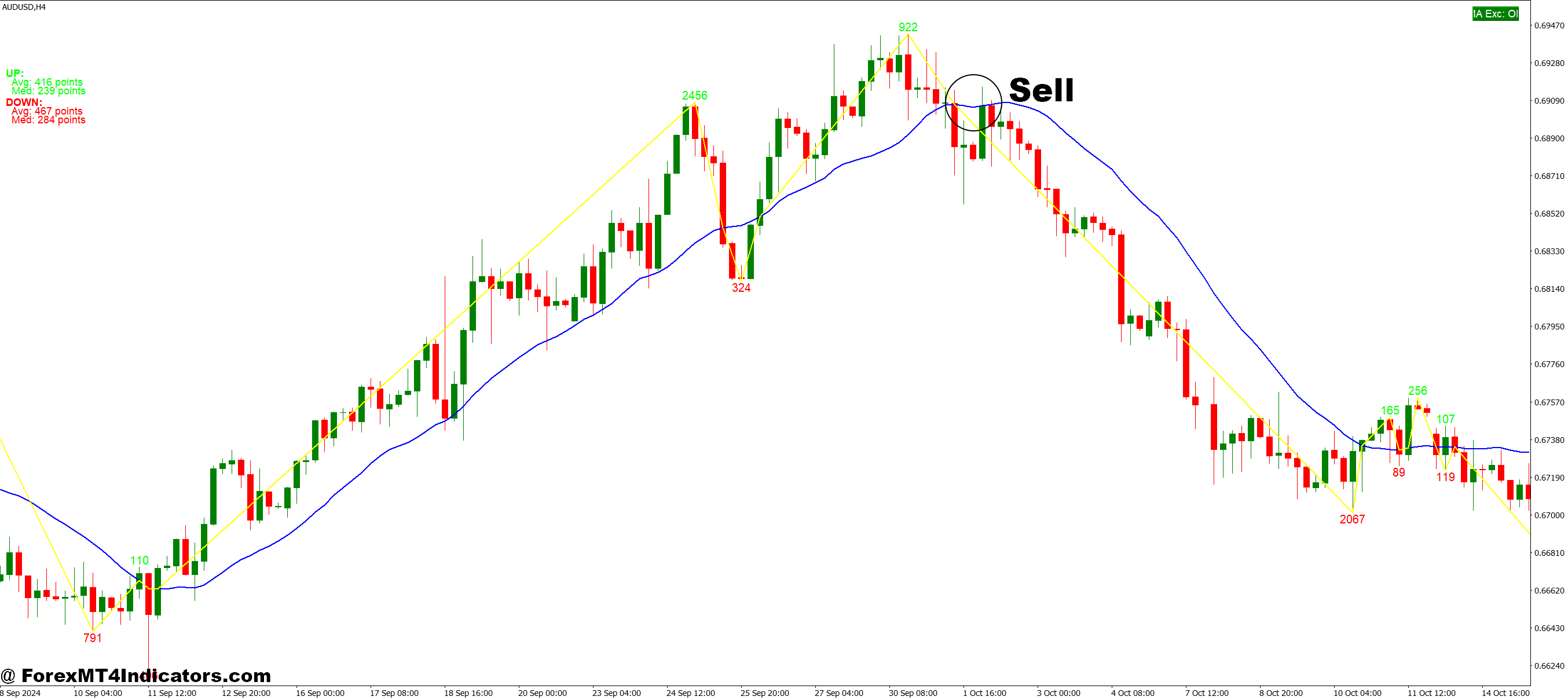
- Trade with confirmed downtrend – Enter sell only when price is below 50 EMA on M5 or M15; this aligns with market direction on pairs like GBP/USD.
- Wait for confirmed sell signal close – Only sell after candle closes with a non-repaint arrow; early entries often result in 5–12 pip losses.
- Enter after pullback (10–20 pips) – Sell during retracement in a downtrend; for example, EUR/USD M15 retrace before continuation gives cleaner setups.
- Check RSI below 45 – Strong bearish momentum improves probability; RSI above 50 may signal weak or fake move.
- Place stop loss above swing high (10–18 pips) – This protects against sudden reversals and keeps risk consistent.
- Aim for quick targets (12–25 pips) – In scalping, holding longer increases exposure to reversals, especially on lower timeframes.
- Avoid choppy conditions – If price moves sideways on M1 or M5, skip signals; multiple entries can lead to consecutive losses.
- Stay out during low-volume sessions – Avoid late Asian session trades; lack of volatility reduces follow-through on sell signals.
Conclusion
The MT4 Scalping Indicator Non Repaint offers a practical approach for traders who need consistent signals without the confusion of repainting. It performs best when used with proper market context and discipline.
Traders often find value in three key areas: stable signals after candle close, better performance in trending conditions, and flexibility across timeframes like M5 and M15. At the same time, they must accept its limits—especially in choppy markets and during major news releases.
Trading forex carries substantial risk. No indicator guarantees profits. That said, when combined with solid risk management and basic price action, the MT4 Scalping Indicator Non Repaint can become a useful part of a scalper’s toolkit. The next step is simple: test it on a demo account and see how it behaves in live market conditions.
Level up your trading Learn to read the chart — not just the indicator eBook · Instant PDF Video Course · 12 modules Trading forex and CFDs carries a significant risk of loss and is not suitable for everyone. Broker links are affiliate links — we may earn a commission at no cost to you.Recommended MT4/MT5 Brokers
Free MT4 Indicator Download

Enter Your Email Address below, download link will be sent to you.