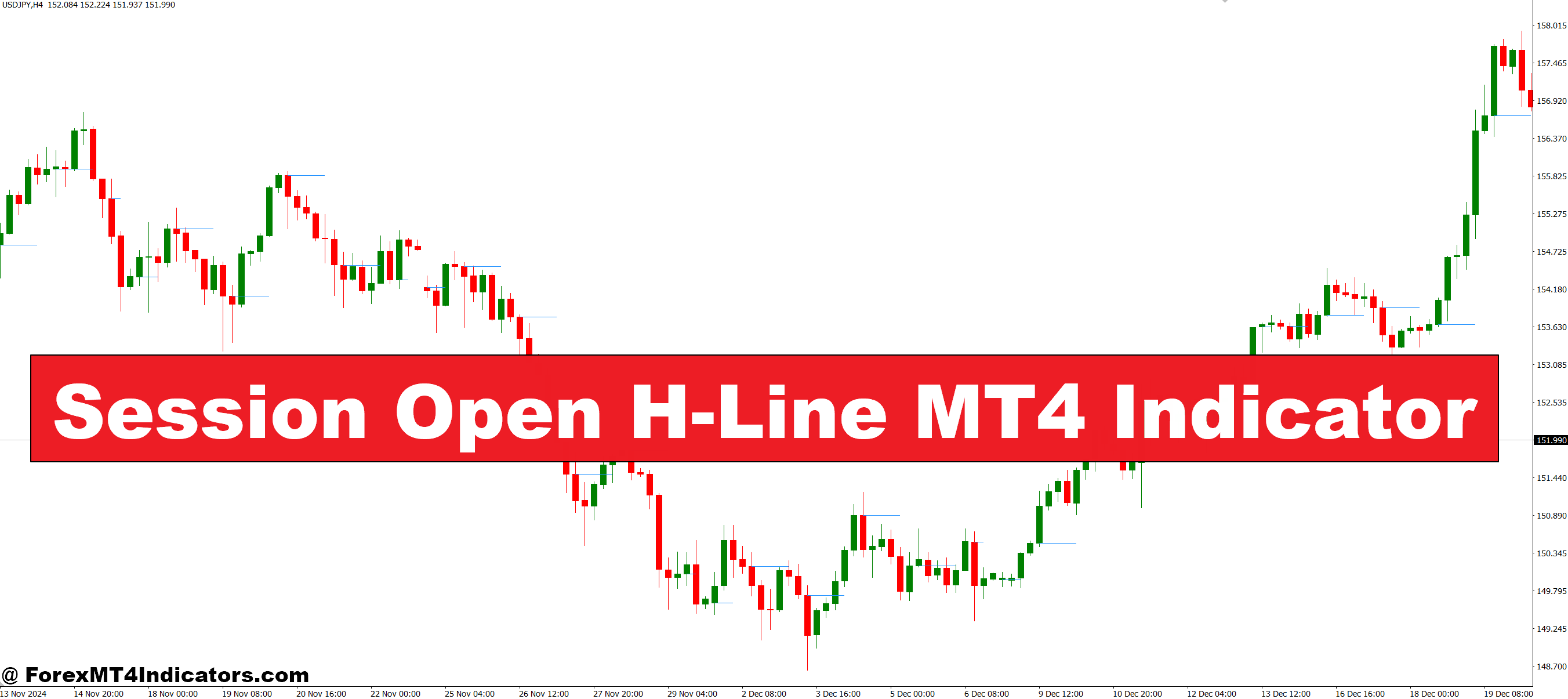
The Session Open H-Line MT4 Indicator automatically plots a horizontal line on the chart at the session’s opening price. This line acts as a key reference point that traders can use to measure price behavior. Whether the market moves above or below this level, the indicator highlights possible support or resistance zones. For intraday traders, this is especially helpful because it provides a clear starting framework for analysis right from the beginning of the session.
Why This Indicator Matters
Market sessions such as London, New York, and Tokyo often bring strong volatility. Many traders jump in too early without understanding where price action is headed. The Session Open H-Line helps avoid this mistake by showing if the price is respecting or rejecting the session’s open. For example, when the price stays above the H-Line, it signals bullish strength; when it stays below, it often indicates bearish sentiment. This context can help traders avoid false entries and increase their accuracy.
Practical Uses in Trading
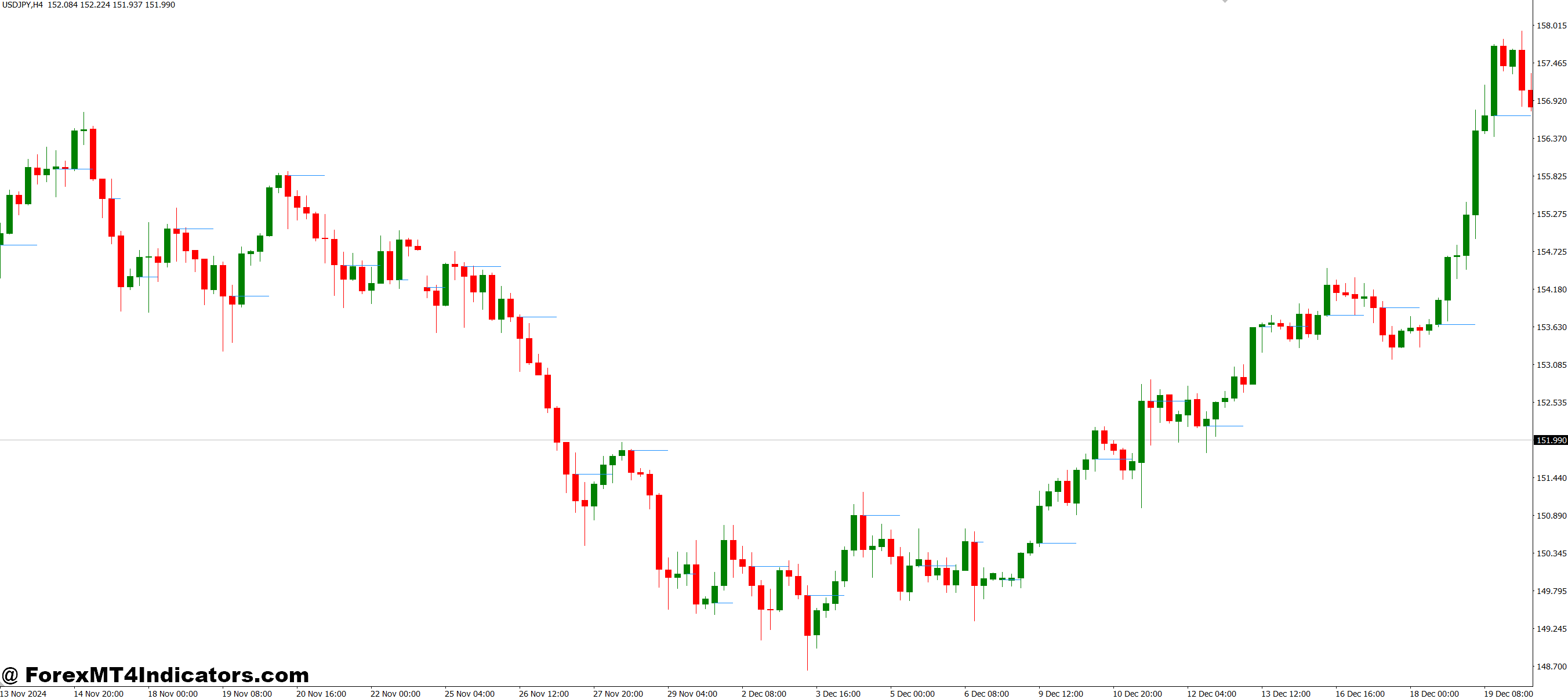
The indicator is versatile and works with different trading styles. Scalpers use it to time quick entries near the session open, while swing traders may use it to confirm trends across multiple sessions. It also works well with other indicators, like moving averages or oscillators, to strengthen confirmation. By combining it with price action strategies, traders can better understand whether the market is likely to continue in the same direction or reverse.
How to Trade with Session Open H-Line MT4 Indicator
Buy Entry
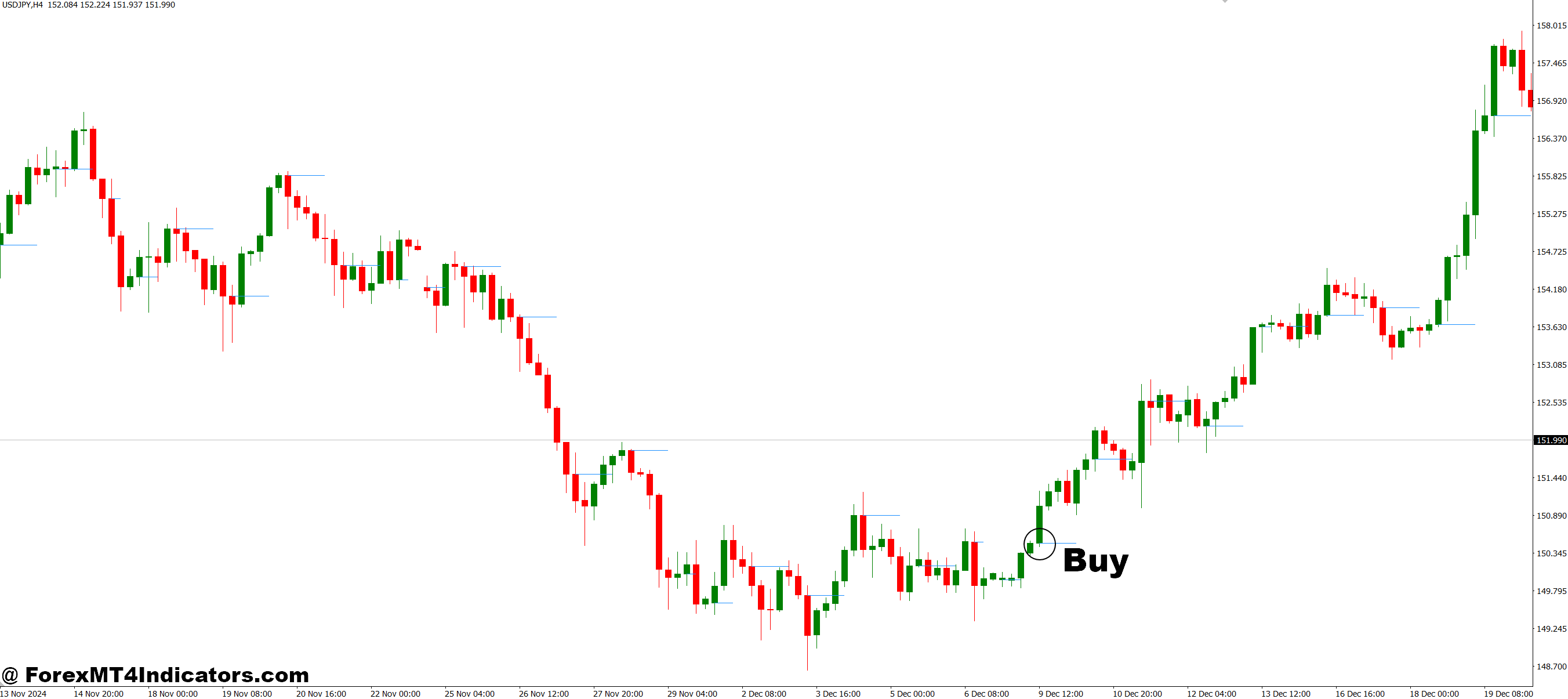
- Wait for the new trading session to begin and observe the H-Line plotted at the open.
- Enter a buy trade if the price stays above the session open H-Line and shows bullish candles.
- Look for additional confirmation from indicators like RSI, MACD, or a moving average crossover.
- Place a stop-loss just below the H-Line or the nearest support level.
- Set a take-profit at the next resistance level or use a risk-to-reward ratio 1:2.
Sell Entry
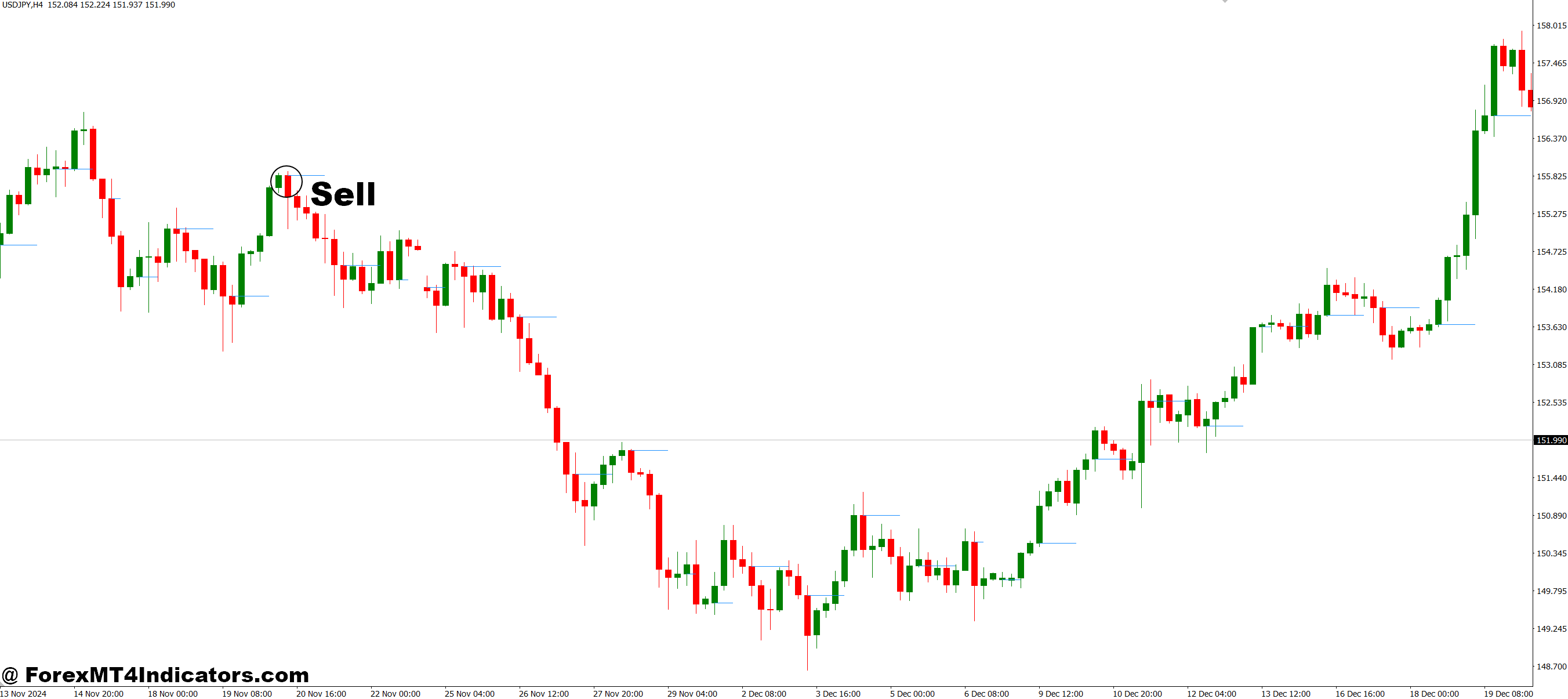
- Wait for the session to open and note the H-Line.
- Enter a sell trade if the price remains below the session open H-Line and bearish candles form.
- Confirm the move with another indicator or price action signal (e.g., bearish engulfing).
- Place a stop-loss just above the H-Line or the nearest resistance level.
- Set a take-profit at the next support level or use a 1:2 risk-to-reward ratio.
Conclusion
The Session Open H-Line MT4 Indicator is a straightforward yet powerful tool for traders who want clarity at the start of every trading session. By marking the session’s open price, it provides direction, improves decision-making, and reduces confusion. For traders in the fast-paced forex market, this indicator is a reliable guide that can turn uncertainty into opportunity.
Level up your trading
Learn to read the chart — not just the indicator
eBook · Instant PDF
Video Course · 12 modules
Recommended MT4/MT5 Brokers
- ✓ *FREE *$50 to start (withdrawable)
- ✓ Deposit bonus up to $5,000
- ✓ Negative balance protection
Trading forex and CFDs carries a significant risk of loss and is not suitable for everyone. Broker links are affiliate links — we may earn a commission at no cost to you.
Free MT4 Indicator Download

Enter Your Email Address below, download link will be sent to you.