

Last updated:
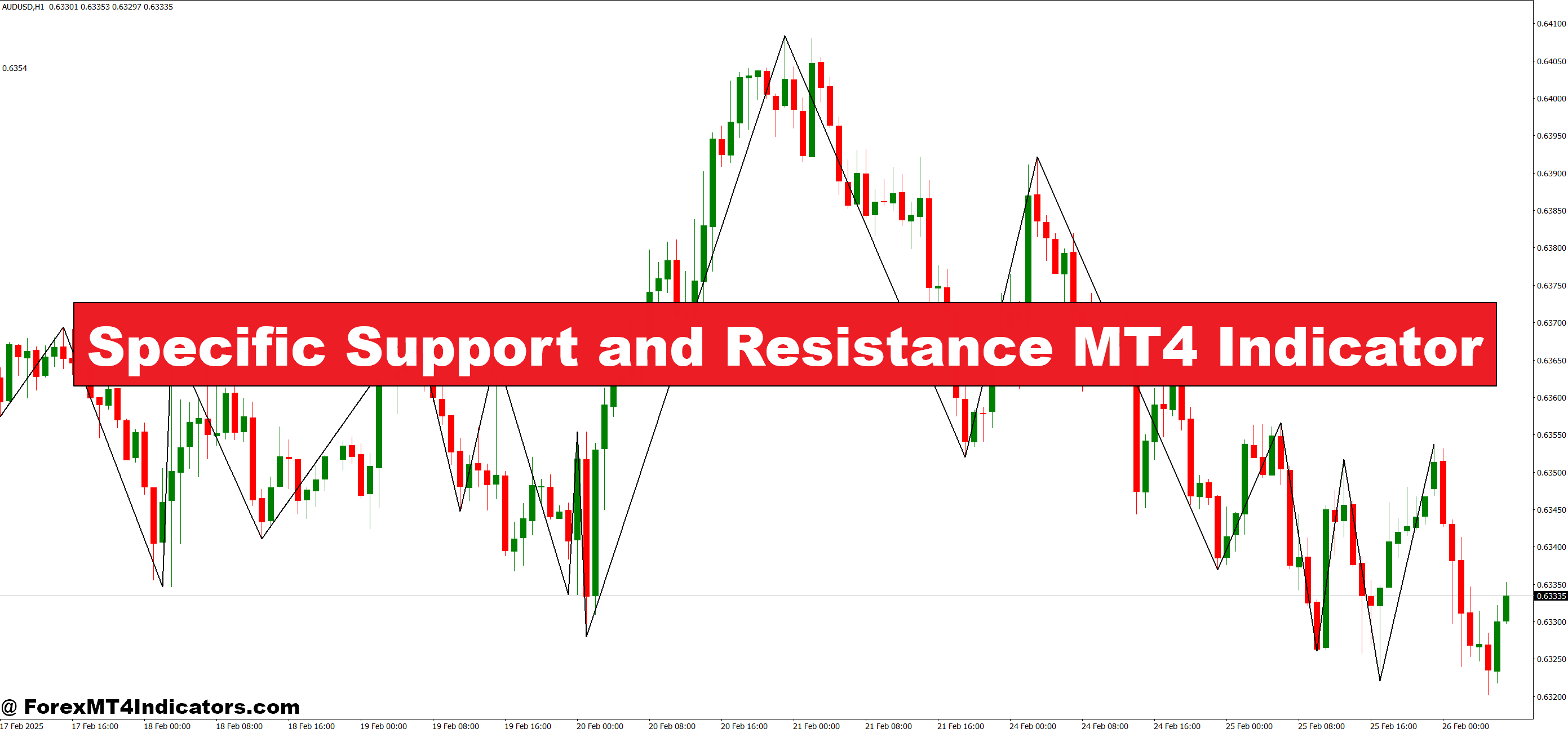
This indicator is designed to highlight the most important price levels where the market has shown repeated reactions. Unlike drawing lines manually, it automatically updates as the market changes, ensuring accuracy and efficiency. Traders can easily see where buyers or sellers are likely to step in, making it easier to plan. Since these zones are key to market psychology, having them displayed visually gives users an edge in decision-making.
Why It Matters for Traders
Support and resistance levels are the backbone of technical analysis. They represent areas where price tends to bounce or reverse, which can lead to high-probability setups. Without an accurate tool, traders may end up cluttering their charts with unnecessary lines. The Specific Support and Resistance MT4 Indicator cleans up the process by focusing only on the most relevant levels. This helps traders avoid confusion and keeps their strategies simple but effective.
Practical Use in Trading
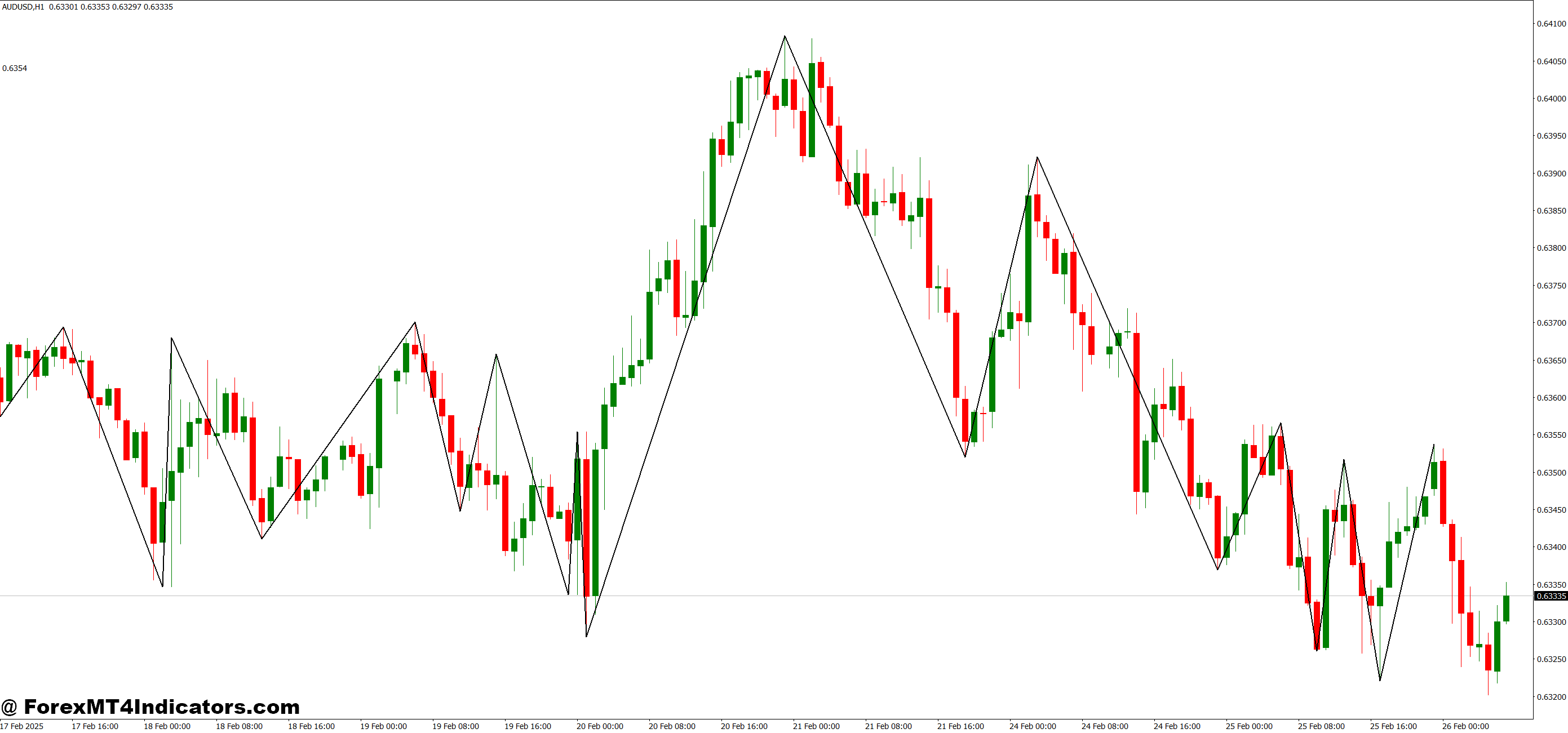
Whether someone is day trading, swing trading, or holding longer-term positions, this indicator can adapt to different styles. It works well on all timeframes and instruments, including forex, stocks, and commodities. Traders can use it to plan entries near support zones, place stops beyond resistance, or confirm breakout trades. When combined with other strategies, it adds clarity and confidence, improving the overall trading plan.
How to Trade with Specific Support and Resistance MT4 Indicator
Buy Entry
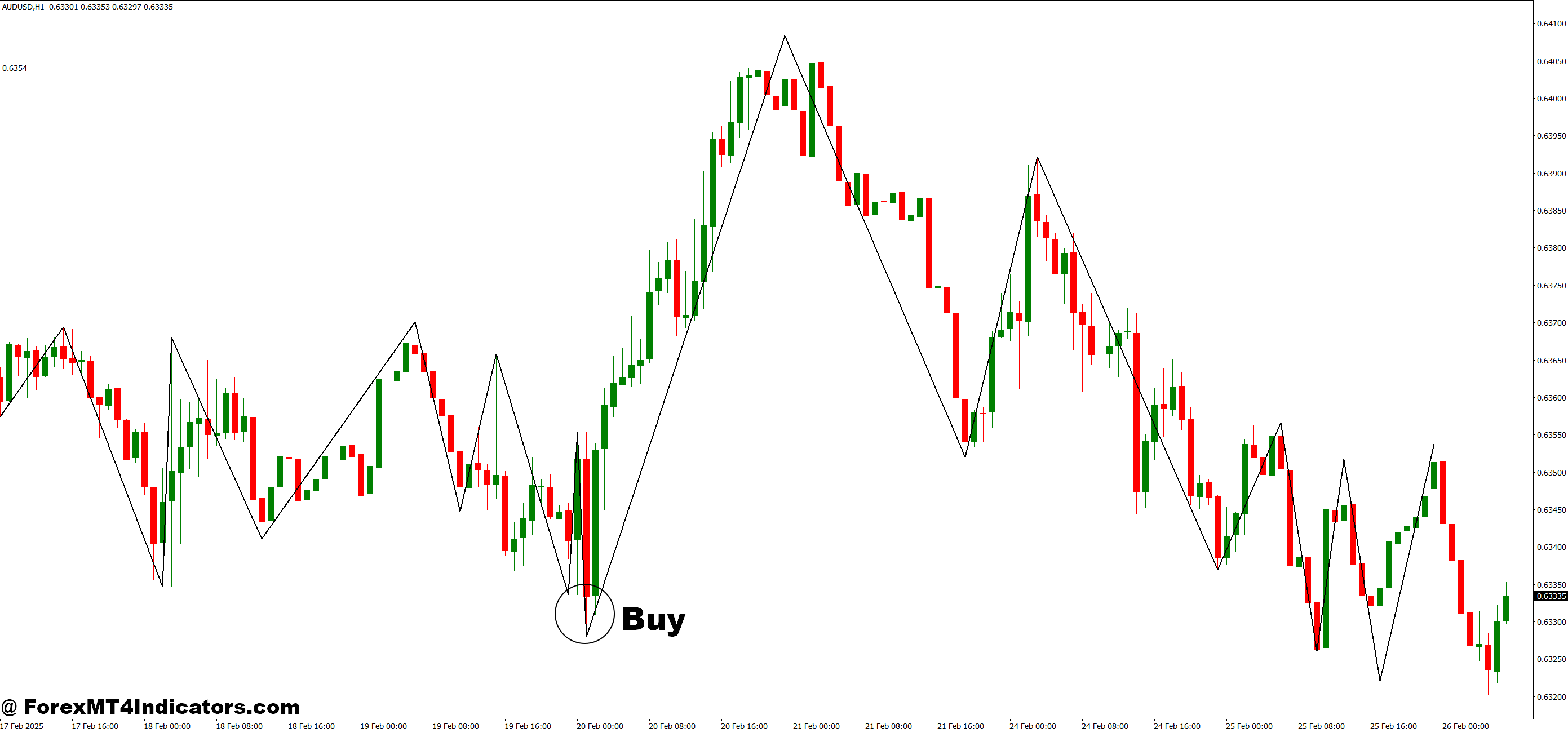
- Wait for the price to approach a strong support level marked by the indicator.
- Look for bullish confirmation such as a candlestick reversal pattern (e.g., hammer, bullish engulfing).
- Enter a buy trade once price respects the support zone.
- Place a stop-loss just below the support level.
- Set a take-profit near the next resistance zone or based on risk-to-reward ratio.
Sell Entry
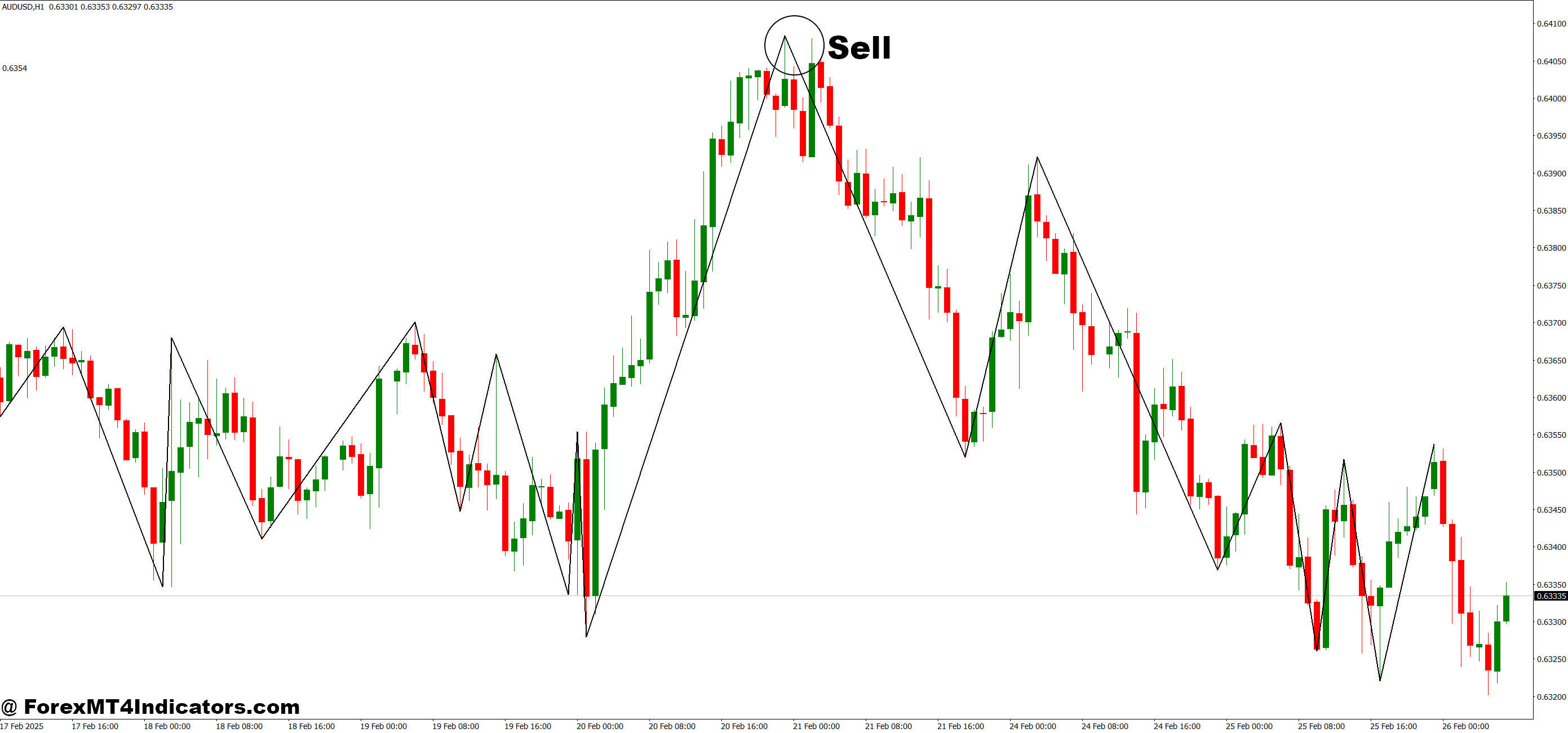
- Wait for the price to move near a key resistance level shown by the indicator.
- Watch for bearish signals like a rejection candle or bearish engulfing pattern.
- Enter a sell trade once the price confirms resistance rejection.
- Place a stop-loss just above the resistance level.
- Set a take-profit near the next support zone or using a chosen risk-to-reward target.
Conclusion
The Specific Support and Resistance MT4 Indicator is more than just a charting tool—it’s a guide that simplifies trading decisions. By removing guesswork and highlighting the most critical levels, it allows traders to focus on execution rather than endless analysis. For anyone looking to strengthen their strategy and trade with more confidence, this indicator can be a valuable addition to their trading toolkit.
Level up your trading
Learn to read the chart — not just the indicator
eBook · Instant PDF
Video Course · 12 modules
Recommended MT4/MT5 Brokers
- ✓ *FREE *$50 to start (withdrawable)
- ✓ Deposit bonus up to $5,000
- ✓ Negative balance protection
Trading forex and CFDs carries a significant risk of loss and is not suitable for everyone. Broker links are affiliate links — we may earn a commission at no cost to you.
Free MT4 Indicator Download
Enter Your Email Address below, download link will be sent to you.