

Tickmill verification checks your identity and address. Use clear, current documents that match your application, then follow the specific request shown in your Client Area.
A failed document upload does not tell you that the entire account has been rejected. It may be a blurred photograph, an incomplete page or a mismatch with the application. Find the reason before sending the same file again.
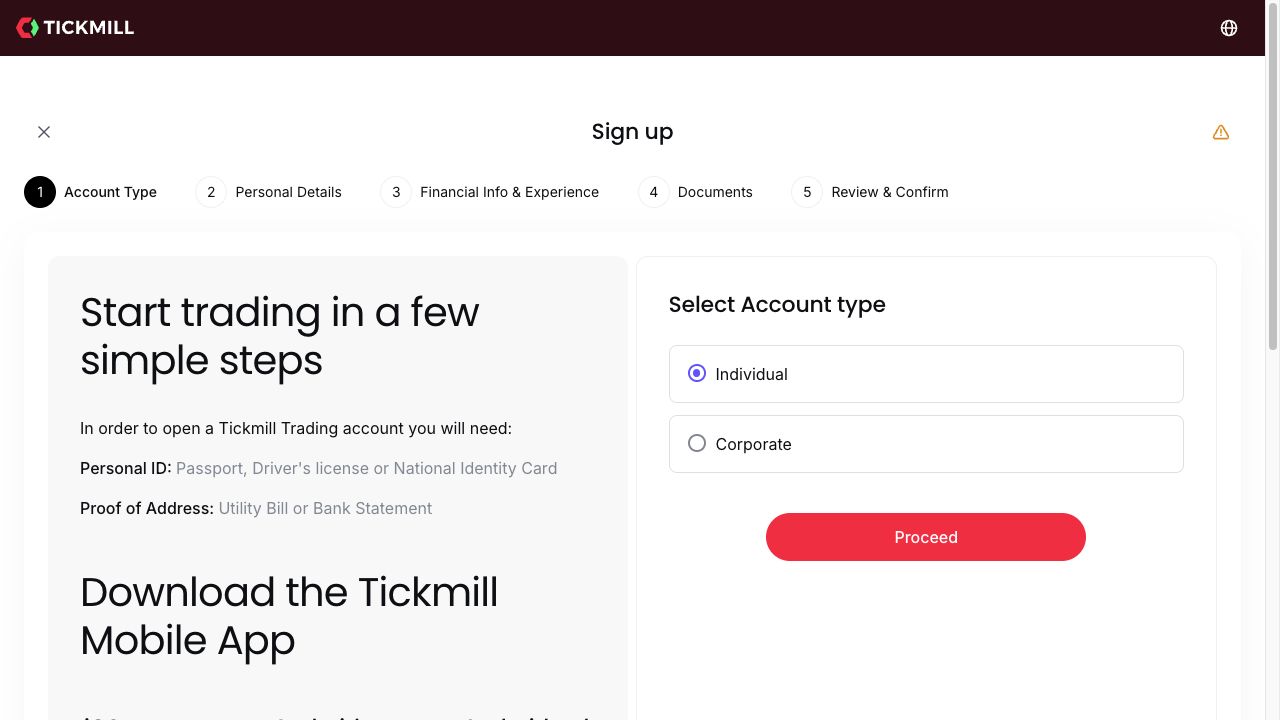
The public application lists identity and address evidence as requirements. We inspected that screen; we did not upload personal documents or test a private verification decision.
Which documents should you prepare?
| Purpose | Public examples | What to check |
|---|---|---|
| Identity | Passport, driving licence or national ID | Name, photograph, date of birth, validity and all requested sides |
| Address | Utility bill or bank statement | Your name, residential address, issuer and required issue date |
| Additional review | The specific document requested in your account | Read the request rather than assuming the initial checklist is complete |
The examples on a public page do not override an entity’s document policy. Follow the current upload instructions for accepted formats, file size and document age. We have not verified one universal file-size or proof-of-address age limit across all Tickmill entities.
How to complete verification
- Finish the personal-details section. Check spelling, full legal name and actual residential address against the documents. Start with the registration walkthrough if you have not created a profile.
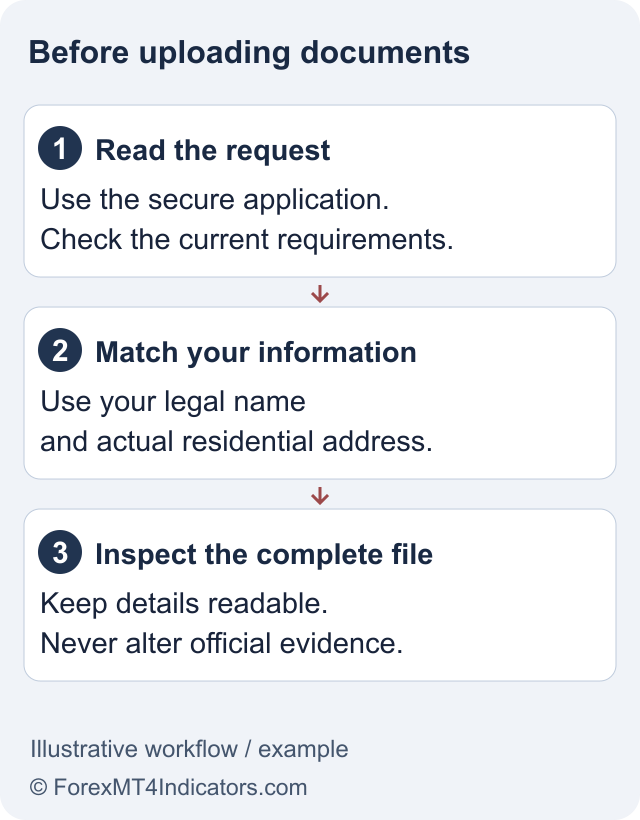
- Open the official document request. Use your secure Client Area. Do not send an ID to a social-media account that offers faster approval.
- Capture the complete document. Use good light, keep the text readable and avoid glare. Include the edges and both sides when requested. Do not cover information the reviewer needs.
- Upload each file to the correct category. A bank statement used for address evidence belongs in the relevant address field, not whichever slot happens to be open.
- Check the result and messages. A successful upload is not the same as an approved account. Look for the document status or a request for more information.
- Respond to the stated problem. Correct the underlying issue and retain your case reference. Wait for confirmation before relying on a feature that requires verification.
Why documents may need another upload
Unreadable details: retake the photo in even light. Zooming a tiny image or applying a sharpening filter cannot restore information that was never captured clearly.
Different names or addresses: check whether the application contains a typo or the document reflects an old address. Use the proper profile-update or support process. Never edit a document to make it match.
Incomplete evidence: a cropped bank-app balance screen may not show the issuer, name, address and date required for address verification. Obtain an appropriate official document instead.
Expired or unsupported document: select an accepted current document. If none is available, ask support which alternatives the entity permits before spending time on repeated uploads.
A further compliance request: the provider may need information beyond the initial identity check. Ask what is missing and where to submit it securely; another passport upload may not answer that request.
What verification does and does not unlock
Verification is one condition of account use. It does not guarantee eligibility for every promotion, payment method, leverage level or platform. Compare account types and your country route separately.
Payment checks can also arise after identity approval. The names and ownership of the funding method still matter. Read the deposit guide before transferring funds and the withdrawal troubleshooting guide if money is already waiting for review.
For the Welcome Account, a verified matching Client Area is only part of the profit-transfer conditions. Use the dedicated bonus guide instead of assuming verification makes the initial promotional credit withdrawable.
How to ask for a useful status update
Give support your case reference, the document category, submission date and the exact status shown. Ask whether the file is awaiting review or whether something specific is missing. Do not include your password, a one-time security code or an unredacted ID in a public review.
If you cannot enter the Client Area, solve the login or recovery problem first. The support guide explains how to distinguish an ordinary status query from a formal complaint.
Frequently asked questions
Can I trade before verification?
Do not assume it. Access depends on the entity and account status. Complete the required checks and confirm the permissions displayed for your account before funding or trading.
Does a clear photo guarantee acceptance?
No. Image quality is only one requirement; the document must also meet identity, validity and entity-specific rules.
Should I alter a document to fix an address mismatch?
No. Update the application through the correct process or provide a valid document showing your actual address. Do not modify official evidence.
How long does Tickmill verification take?
We did not submit documents or measure review times. Use the current account message and support response for your application rather than a universal approval-time claim.
Sources and review scope
Checked on 11 September 2026 using public provider documents and public screens. We did not open or fund an account, submit identity documents or test live order execution. Screenshots show the public interface; instructions after sign-in describe the documented workflow. Available features depend on your residence, legal entity and account.
Official broker websites
Read the current terms and restrictions for your actual residence. These links do not establish that a broker or service is available or authorised where you live.
Forex and CFD trading carries a significant risk of loss and is not suitable for everyone. These are affiliate links; we may earn a commission if you use them.