

A working portal login and a working trading-platform login prove different things. If you can see your profile but cannot connect a terminal, repeatedly changing the portal password can add confusion. Start with the Main account and trading-account setup, then identify the screen that is refusing access.
Match the login to the job
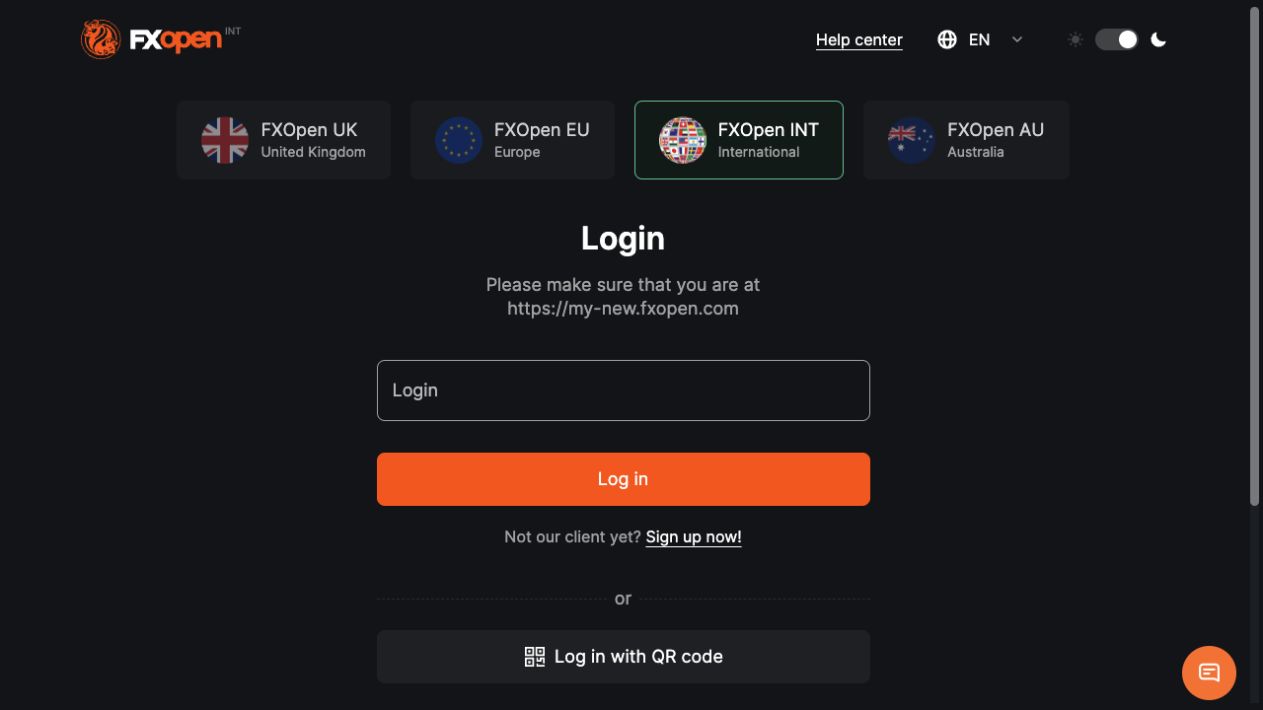
For an existing international account, open the official FXOpen Client Portal and confirm the company shown before entering credentials. UK and EU clients should use the route associated with their agreement.
| Access point | What to identify | Common mismatch |
|---|---|---|
| Client Portal | Registered email, Main account password and enabled security check | Entering a trading-account number instead of the registered email |
| MetaTrader | Trading-account number, trader password and assigned server | Using portal credentials or a different entity’s server |
| TickTrader trading-account login | The account’s server and trading credentials | Choosing a demo server for a live account, or the reverse |
| Connected mobile account | The correct Main account or trading-account connection | Assuming every app opens the same account view |
The provider’s login and recovery instructions distinguish the registered email from a terminal account number. Do not copy a server address from a stranger’s screenshot; use the one assigned to your own account.
Recover the portal in a controlled sequence
- Confirm the official entity route. Enter from the relevant FXOpen site or your established bookmark. Search ads and messages can lead to a different domain or impersonator.
- Check the email and password carefully. Look for unwanted spaces, an old saved password or a different email account. Password case matters.
- Use the portal’s password-recovery option. Send the request to the registered email and follow the current reset message. Work with one recovery attempt at a time.
- Check spam and the destination address. If the expected message does not arrive, use official support to investigate instead of changing identity details through an unsolicited link.
- Complete the enabled security check. A new password does not automatically replace two-factor authentication. Keep your registered email and authentication device secure.
After access returns, check the account and contact details before initiating a payment. If anything has changed without your instruction, stop and report the discrepancy. Our support-route guide explains what information helps identify the case without exposing credentials.
When the password works but the security code does not
FXOpen documents two-factor authentication under the security settings, including email and Google Authenticator. Its 2FA guide describes the additional code prompt after the first login stage.
Confirm which method the screen requests. An email code, a code from an authenticator and a Main account PIN are not interchangeable. Use the most recent message for the current attempt. As a general troubleshooting step, an authenticator device should have the correct automatic time; this does not establish that every code failure is a clock problem.
If the registered phone or email is inaccessible, ask the entity’s official support team for its identity-checked recovery procedure. Do not disable security merely because an unknown helper asks you to, and do not read one-time codes to another person.
If only the terminal fails
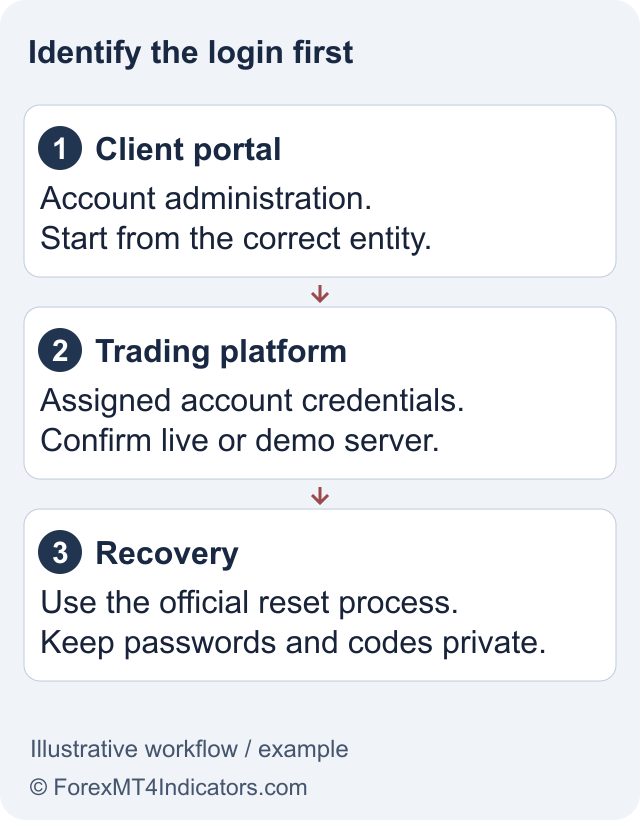
Confirm that the account exists on the selected platform and is still available under your entity’s current offering. Installing MT5 does not convert an MT4 account. Read the separate MT4, MT5 and TickTrader guides before changing software.
Use the account-specific reset option in the portal if the trading password is the problem. If a platform opens in viewing mode but cannot place orders, check whether the credentials are read-only. Do not use a failed order as a reason to keep increasing deposit amounts.
For an archived, migrated or disabled account, ask support to confirm its status and any applicable conditions. Older help articles contain account-reactivation instructions that should not be assumed current for every entity. Creating duplicate Main accounts is not a reliable recovery method.
Check the mobile connection separately
The TickTrader mobile instructions distinguish connecting a Main account from logging directly into a trading account. A supported QR-code or access-code flow must originate from your own authenticated account, not a code sent by an unknown contact.
Example: the app displays the Main account but no tradeable account is selected. First inspect the accounts associated with that profile and the active entity. Reinstalling the app may remove useful local settings without solving the missing account relationship. The app guide helps identify which official app performs each task.
Record a useful error report
Note the entity, platform, device, approximate time and exact error. Explain whether portal access works and whether the account is live or demo. A cropped screenshot of the message is useful; the password field, recovery codes and full document images are not. If the failure blocks a verification request, link the case to your verification status rather than starting a new application.
Frequently asked questions
Is my portal password the same as my trading password?
They serve different account layers and should not be assumed identical. Use the credentials assigned to the specific portal or trading account.
Which FXOpen server should I select?
Use the server assigned to your account by the correct entity. Do not assume a server from an old article or another trader applies to you.
Why can I view an account but not trade?
Read-only credentials are one possible cause. Also check the account status and platform. Ask support to identify the reason before changing account settings.
Can a password reset remove 2FA?
A password reset should not be treated as a way to bypass another security check. Use the official identity-checked process if your second factor is unavailable.
Sources and review scope
Checked on 11 September 2026 against public provider instructions and documents. We did not open, fund or verify an account, contact support, place an order or test a withdrawal. These are documented workflows; current account prompts, entity terms and individual eligibility can differ.
Official broker websites
Read the current terms and restrictions for your actual residence. These links do not establish that a broker or service is available or authorised where you live.
Forex and CFD trading carries a significant risk of loss and is not suitable for everyone. These are affiliate links; we may earn a commission if you use them.