

MT5 can display charts, place orders and test automated systems, but those capabilities do not select a suitable account or trade size for you. Set up the account connection first, then check the instrument and order behaviour before importing any strategy.
Use the current official download route
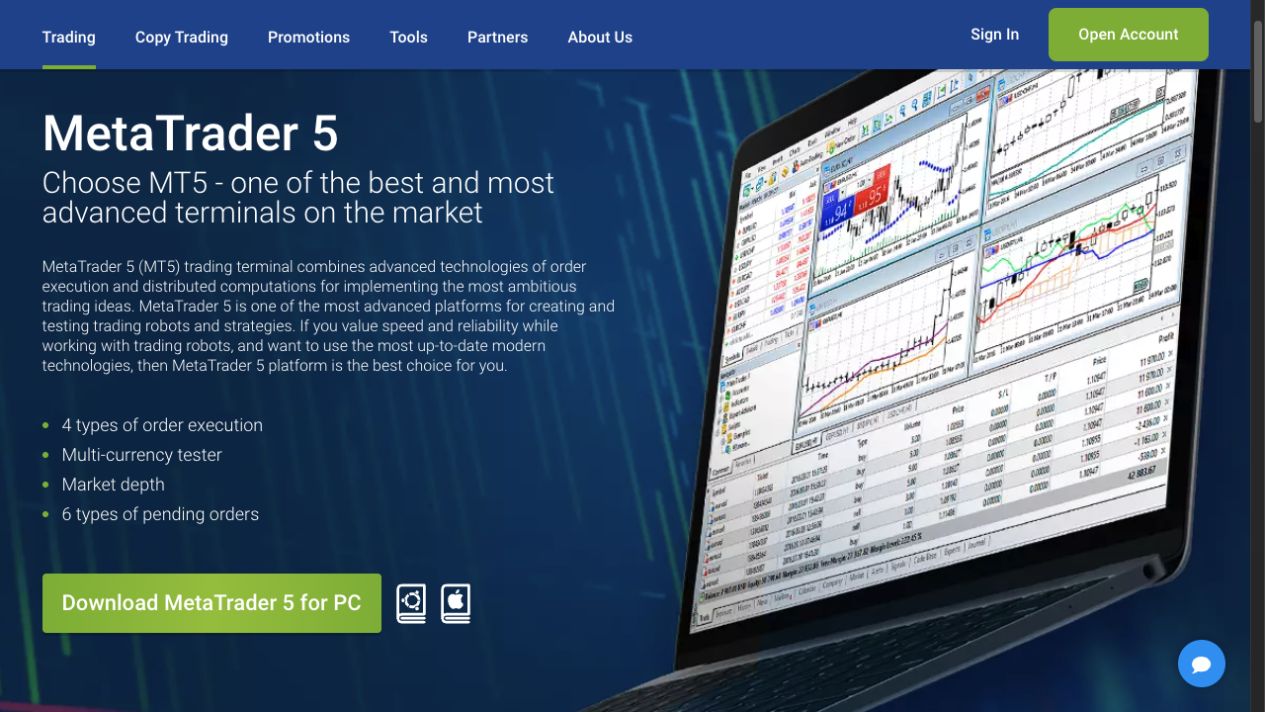
The RoboForex MT5 page links the desktop terminal, mobile applications and browser terminal. Choose the route for your device and keep it separate from the proprietary MobileTrader/WebTrader platform. Read the application name and publisher at the destination rather than relying on a familiar-looking icon.
If migrating from MT4, keep your original platform settings until you have checked compatibility. An MT4 indicator or EA is not made into an MT5 program by renaming the file. Ask the software provider for the correct platform version and a clear test procedure.
Record the account and server together
- Open the account details in Members Area. Confirm that the account was created for MT5 and whether it is real or demo.
- Identify the assigned server. Record the complete server name with the account number so the two are not mixed with another login.
- Use the desktop trading-account login. Choose File > Login to Trade Account, or use the same command in Navigator. Enter the account number, its password and the assigned server. A community/marketplace login is not the broker’s trade-server login.
- Check the connected account. Review the balance currency and account identity before interacting with the order panel.
- Diagnose a failure in context. Note the error and follow our login guide if the platform, password or server does not match.
The account-types guide helps distinguish trading terms; the MT4 guide covers the other terminal. Platform choice and account type are related, but they are not the same field.
Understand the order, deal and position
Use MetaQuotes’ MT5 help when learning the terminal’s controls. In practical terms, a request to trade, its executions and the resulting position are separate records. Read the history after a demo trade so that a partial execution or several deals does not look like an unexplained duplicate.
Check the account’s position-accounting behaviour. Do not assume that placing an opposite order will always create a separate hedge rather than reduce or reverse an existing position. Rehearse that behaviour in the same type of demo account before relying on it with real exposure.
Keep one-click trading off until you understand the default volume and confirmation behaviour. A convenient shortcut can make it easier to send an unintended size, especially after switching symbols or accounts.
Read the symbol specification
For the intended instrument, inspect contract size, minimum volume, volume step, trading session and charges. Use the values for this account’s exact symbol. A maximum leverage shown on a marketing page is not enough to calculate every instrument’s margin.
Work through the margin calculation guide and commission and spread guide with the relevant units. If the account displays cents, consult ProCent sizing before entering a risk percentage into an EA. An accurate percentage formula can still produce the wrong trade if the cash units are misunderstood.
Test the workflow before the strategy
Open the demo through Members Area, following the provider’s current demo-support policy. Practise placing, modifying and closing orders; inspect history and connection recovery. Our demo guide uses those tasks as a readiness check rather than a prediction of live returns.
For an EA, separate a historical test from forward demo observation. Review its symbol assumptions, inputs, drawdown and reaction to restart before enabling live trading. A fast tester or an attractive equity curve does not remove spread, execution or overfitting risk.
Treat the sponsored VPS as a separate decision
The current MT5 page advertises sponsored MetaQuotes hosting after a USD 500 deposit, until 31 December 2026. Detailed eligibility must be confirmed through the account’s offer. It is distinct from RoboForex’s ordinary remote-desktop VPS and its activity requirements.
Before activating any hosting, use the VPS comparison and setup guide. MetaQuotes virtual hosting migrates an environment; it is not a full desktop for every Windows program. Do not keep two copies of the same trading automation active simply because one is local and one is hosted.
Frequently asked questions
Can I sign into MT5 with an MT4 account?
Use an account created for MT5 and its assigned server. Installing another terminal does not convert the underlying account. Check the platform and server in Members Area before repeating password attempts in the wrong application.
Can an MT4 indicator be renamed to work in MT5?
No. Use a compatible MT5 version and test it. The platforms have different program formats and trading interfaces. Renaming an EX4 file to EX5 does not convert it; compare the intended settings and outputs in a compatible test environment.
Where should I check the minimum lot size?
Read the exact symbol specification in the connected account and compare it with the provider’s current account conditions. Do not borrow another account’s contract assumptions. Contract size and volume step matter alongside the minimum when checking the actual cash risk.
Does an opposite order always open a separate hedge?
Do not assume so. Position accounting depends on the account setup. Test whether the order adds a position or changes the existing position in the relevant demo. Confirm the behaviour with a small simulated test before using the same order sequence on a live account.
Is sponsored MT5 hosting the same as the ordinary RoboForex VPS?
No. The current MT5-sponsored promotion has a USD 500 deposit headline and a 31 December 2026 end date. The ordinary remote-desktop VPS has separate equity, activity and fee conditions. Read the selected hosting environment's actual conditions before migrating any automated program.
Sources and scope
Checked 15 September 2026. RoboForex Ltd public instructions and the platform documentation below inform this guide. Public pages and blank forms were reviewed; we did not open or fund an account, upload identity documents, place an order or test a withdrawal. Source conditions and the account-specific screen take priority where availability differs.
- MT5 provider downloads
- MetaQuotes MT5 platform guide
- Demo account support update27June2025
- MetaQuotes virtual hosting migration
- Ordinary VPS terms
For the wider broker context, return to our Forex broker guide library.