

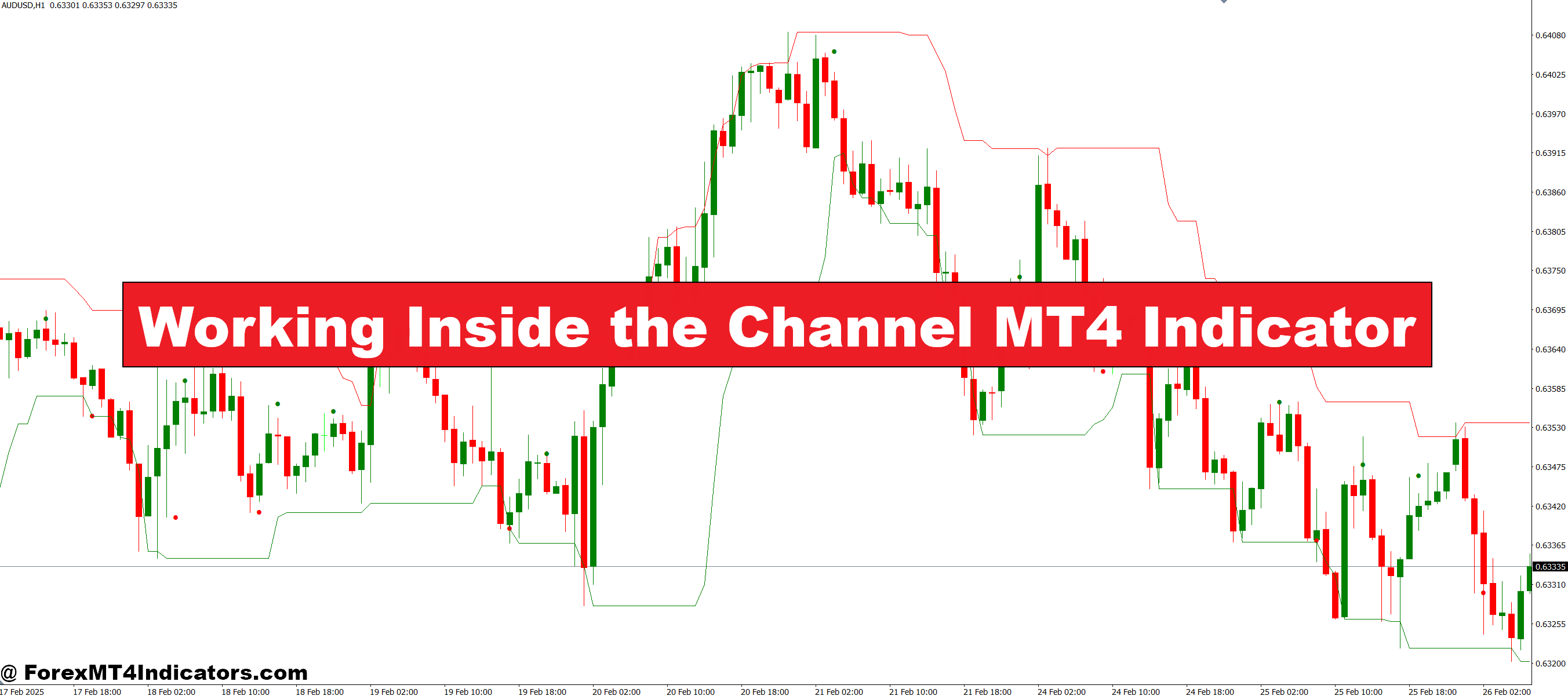
The Working Inside the Channel MT4 Indicator is designed to identify price channels on your chart. These channels show the upper and lower boundaries where price tends to move. Traders can see where the price is likely to reverse or continue its trend, making it easier to time entries and exits. It works on all timeframes and can be adjusted to fit different trading styles, whether short-term or long-term. Simplifying complex price movements into visible channels provides a clear visual guide that makes decision-making easier.
Benefits of Using the Indicator
One of the main advantages of this indicator is clarity. Instead of guessing where the price might go next, traders can see defined zones of support and resistance. This reduces emotional trading and helps avoid unnecessary losses. The indicator also allows traders to identify trends early. When the price stays within a channel, traders can anticipate potential breakouts or reversals. It’s a practical tool that works for beginners and experienced traders alike, providing an organized view of market movements that can improve overall strategy.
Trading Strategies with the Indicator
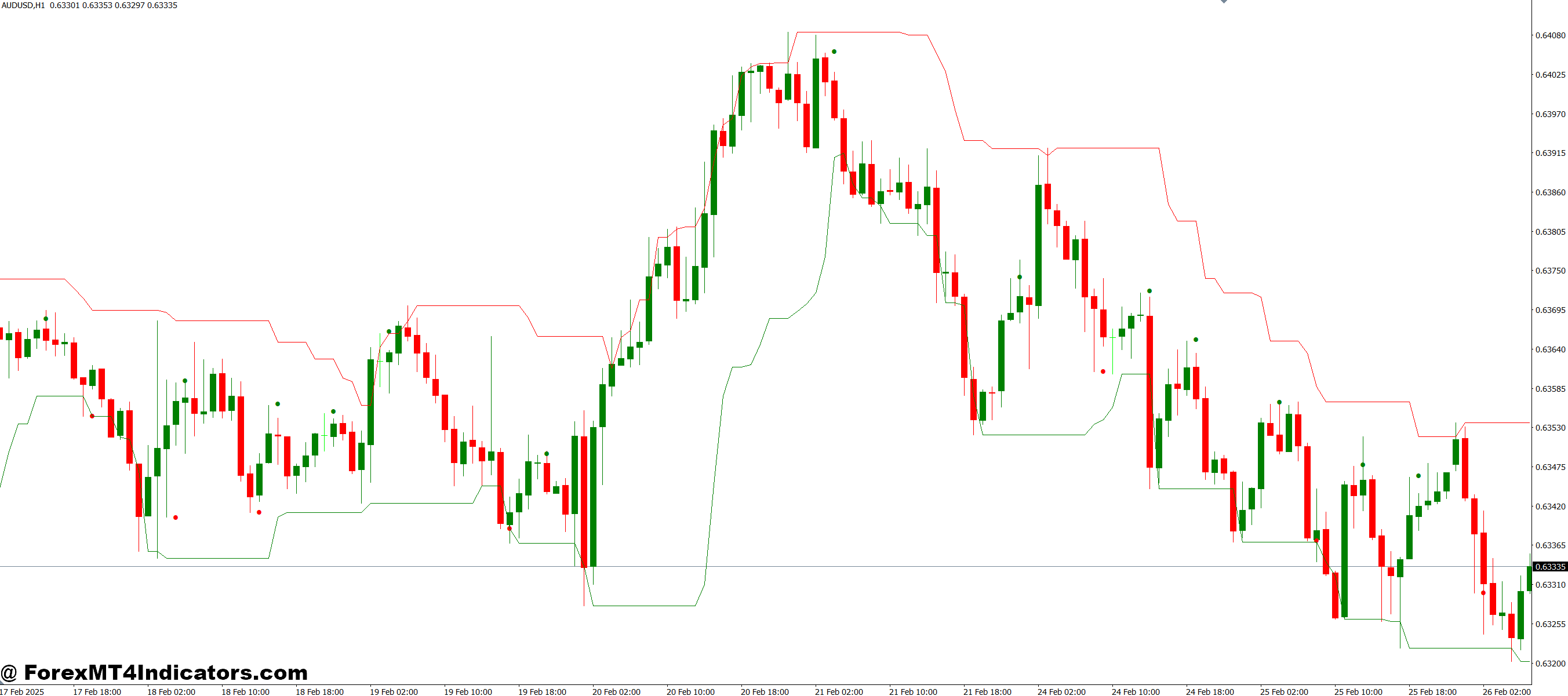
Traders can use the Working Inside the Channel MT4 Indicator in several ways. For instance, buying near the lower channel line and selling near the upper line is a simple but effective strategy. Breakouts above or below the channel can signal strong trend continuation, offering high-probability trade opportunities. Combining the indicator with other tools, like oscillators or moving averages, can further improve accuracy. By focusing on the channel, traders can make more disciplined decisions rather than relying on gut feeling or guesswork.
How to Trade with Working Inside the Channel MT4 Indicator
Buy Entry
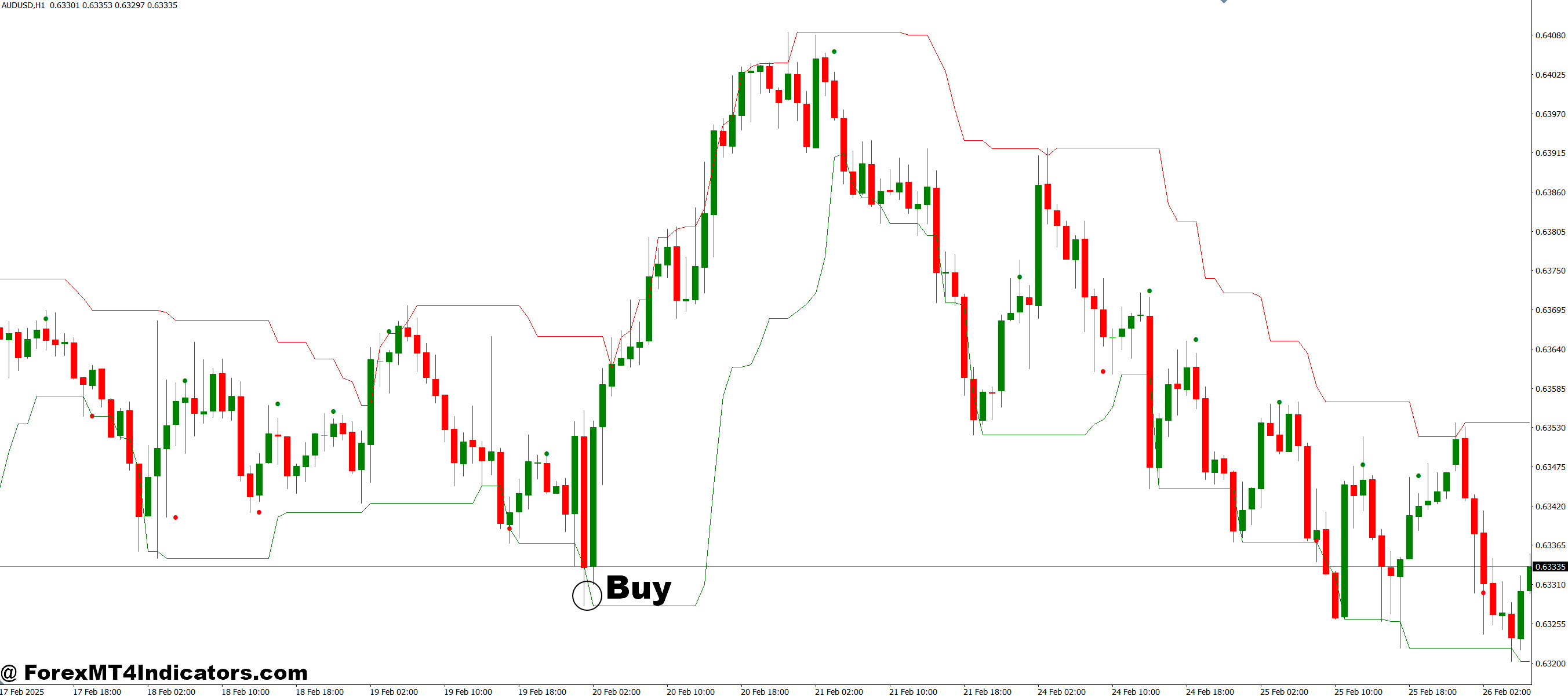
- Look for the price approaching or bouncing off the lower channel line (support zone).
- Confirm the bounce with a bullish candlestick pattern (e.g., hammer, engulfing).
- Ensure the channel trend is either upward or at least sideways to reduce risk.
- Optional: Use an additional momentum indicator (like RSI) to confirm oversold conditions.
- Place a stop-loss slightly below the lower channel line to manage risk.
- Take profit near the upper channel line (resistance zone) or based on your risk-reward ratio.
Sell Entry
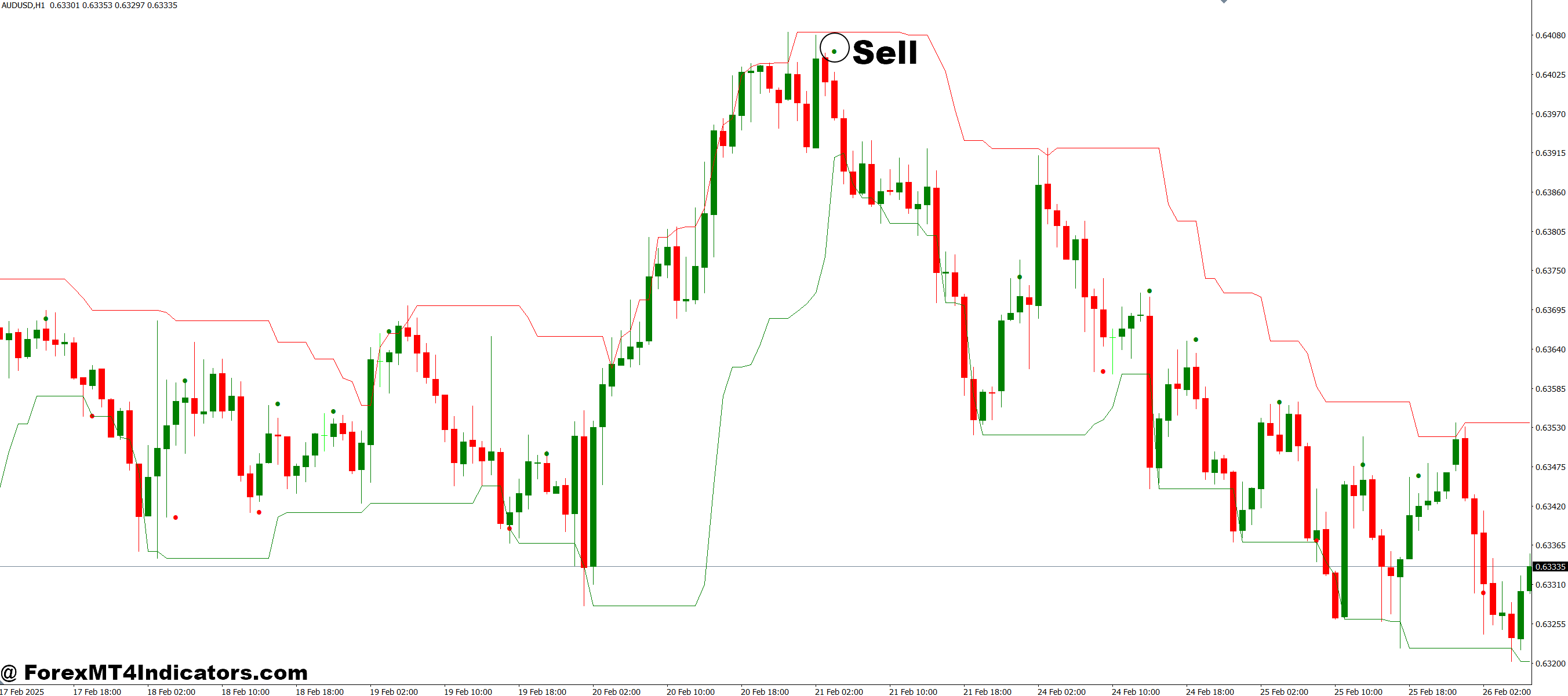
- Look for the price approaching or bouncing off the upper channel line (resistance zone).
- Confirm the bounce with a bearish candlestick pattern (e.g., shooting star, engulfing).
- Ensure the channel trend is either downward or at least sideways to avoid counter-trend trades.
- Optional: Use an additional momentum indicator (like RSI) to confirm overbought conditions.
- Place a stop-loss slightly above the upper channel line to manage risk.
- Take profit near the lower channel line (support zone) or based on your risk-reward ratio.
Conclusion
The Working Inside the Channel MT4 Indicator provides a straightforward solution to the challenges of trading in unpredictable markets. By clearly showing price channels, it helps traders identify trends, plan entries and exits, and trade with confidence. Whether you’re a beginner looking for guidance or an experienced trader aiming for better timing, this indicator can simplify market analysis and improve trading results. Using it consistently can turn confusion into clarity and make trading more structured and less stressful.
Level up your trading
Learn to read the chart — not just the indicator
eBook · Instant PDF
Video Course · 12 modules
Recommended MT4/MT5 Brokers
- ✓ *FREE *$50 to start (withdrawable)
- ✓ Deposit bonus up to $5,000
- ✓ Negative balance protection
Trading forex and CFDs carries a significant risk of loss and is not suitable for everyone. Broker links are affiliate links — we may earn a commission at no cost to you.
Free MT4 Indicator Download

Enter Your Email Address below, download link will be sent to you.