

The FBS app combines provider account tasks and mobile trading features. Check the actual download link, device and account before treating it as the same product as MetaTrader mobile.
First identify which app you mean
FBS app, MT4 mobile and MT5 mobile are different names for different products. The FBS app page promotes account management, funding, chart analysis and trading functions. Its references to TradingView-provided charts do not prove that an FBS account can connect directly to tradingview.com.
This distinction matters when following a tutorial. A Funds button in the provider app is not necessarily a menu in MetaTrader. If you are looking for server-based terminal access, use MT4 setup or MT5 setup.
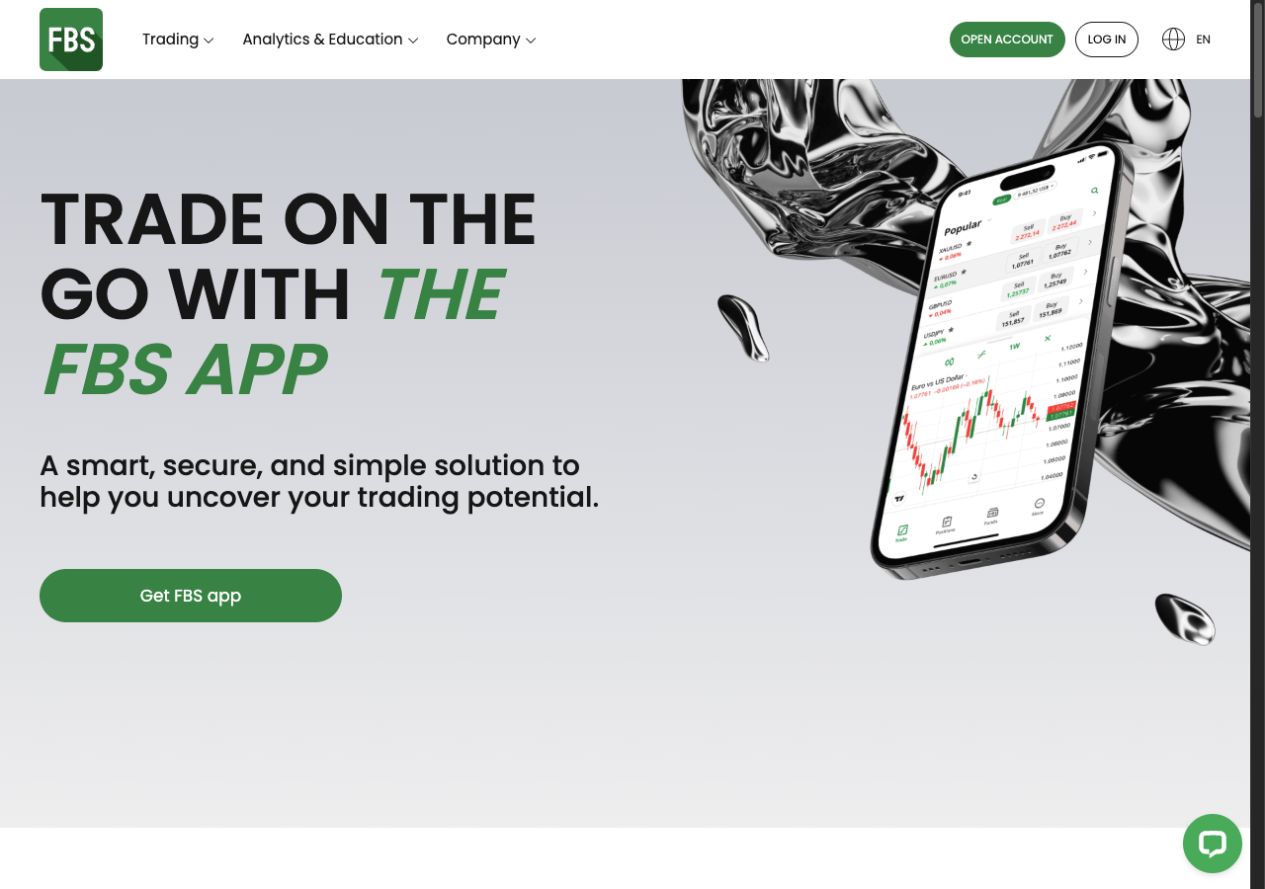
Verify the download route before installing
The page checked for this guide had Android and APK routes, while some iOS links on the wider site led to MetaTrader. An FAQ mentioned Android and iOS, but that wording alone did not verify a current standalone FBS app listing for every iPhone user. Check where the button actually leads, its publisher, your device and your region.
Open the official FBS app page. Use the provider website instead of a forwarded package or an app with a similar name.
Follow the device-specific link. Read the destination product name and publisher before installing. Do not assume a MetaTrader store page is the standalone FBS app.
Check account access. Use the sign-in method requested by that product. Keep provider-profile credentials separate from MetaTrader account credentials.
Review permissions and the chosen account. Confirm which real or demo account is selected before exploring funding or trade controls.
We did not install or log into the app for this review. The screenshots are the public page or provider documentation, and do not demonstrate device compatibility, execution or payment performance.
Match the task to the appropriate place
| Task | Useful starting point |
|---|---|
| Register or manage the provider profile | Registration and the official authenticated account area. |
| Complete identity checks | Verification through the provider process. |
| Make or track a payment | Deposit or withdrawal instructions for the displayed method. |
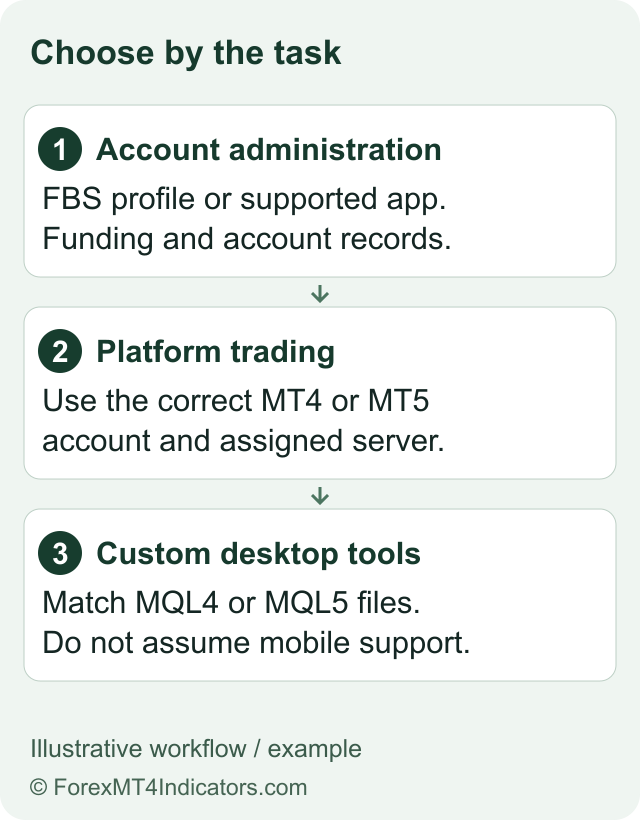
| Connect MT4 or MT5 | Trading-account login using the assigned number, password and server. |
| Learn order controls | Demo practice before risking real money. |
A convenient dashboard does not change the account agreement. The company, instruments and cash costs still need checking in the FBS review and fees guide.
Inspect a demo order before confirming it
If the app offers a demo account for your route, select it deliberately and check the virtual balance. The public page describes selecting Trade, choosing an instrument and then examining the Buy/Sell ticket. Use that as an orientation aid, not an instruction to open a real position.
Before any demo confirmation, identify volume, order type and any stop or target field. Check how the quoted price relates to bid and ask. For a cash-risk estimate, use the position-size calculator and confirm the instrument’s contract details. A stop setting is not a guarantee against every loss or execution difference.
A useful practice record describes what you expected each control to do and what the demo showed. It does not convert a simulated result into evidence of real fills, slippage or withdrawal reliability.
Know what the app does not establish
Charts powered by one vendor do not establish every other integration sold under that vendor’s name. Likewise, a mobile trading interface should not be presented as running custom desktop Expert Advisors. Our software comparison explains these platform distinctions.
If an expected app or feature is missing, first check product name, country, device and account. Ask official support rather than installing an unofficial replacement. An old review of the discontinued FBS CopyTrade app is not a guide to the current provider app.
Questions traders ask
Is the FBS app the same as MT5?
No. Identify the specific product. The provider app and MetaTrader have different access and account-management workflows.
Can I definitely download a standalone FBS app on iPhone?
We did not verify that for every region or current listing. Inspect the official link and product name; some FBS iOS links lead to MetaTrader.
Do TradingView charts mean I can connect FBS to tradingview.com?
No. Embedded chart technology does not by itself establish broker integration on the separate TradingView service.
Does the app replace verification?
No. Identity checks and payment conditions still belong to the provider’s account process.
Choose your next step
Understand the login types. Set up demo practice. Check deposit steps. Check CopyTrade status.
Sources and review scope
Reviewed on 9 September 2026. This guide uses public provider instructions and our educational explanation. We did not open or fund an FBS account, submit identity documents, place a trade, or test a withdrawal. Screenshots identify their source and show only the steps or documentation described in their captions.
Official broker websites
Read the current terms and restrictions for your actual residence. These links do not establish that a broker or service is available or authorised where you live.
Forex and CFD trading carries a significant risk of loss and is not suitable for everyone. These are affiliate links; we may earn a commission if you use them.