

Tickmill MT5 needs an MT5 trading account and the correct server credentials. Download it from the official route, connect the account, then check symbol specifications before practising orders.
MT5 is worth considering when you need its additional chart periods, order types or MQL5 testing tools. It does not make a weak trading method stronger simply by being newer than MT4.
Tickmill’s current public guide lists Classic and Raw account choices for MT5, together with desktop, mobile and browser access. Product availability and trading conditions still depend on the entity and account.
Pick a device and use the official download
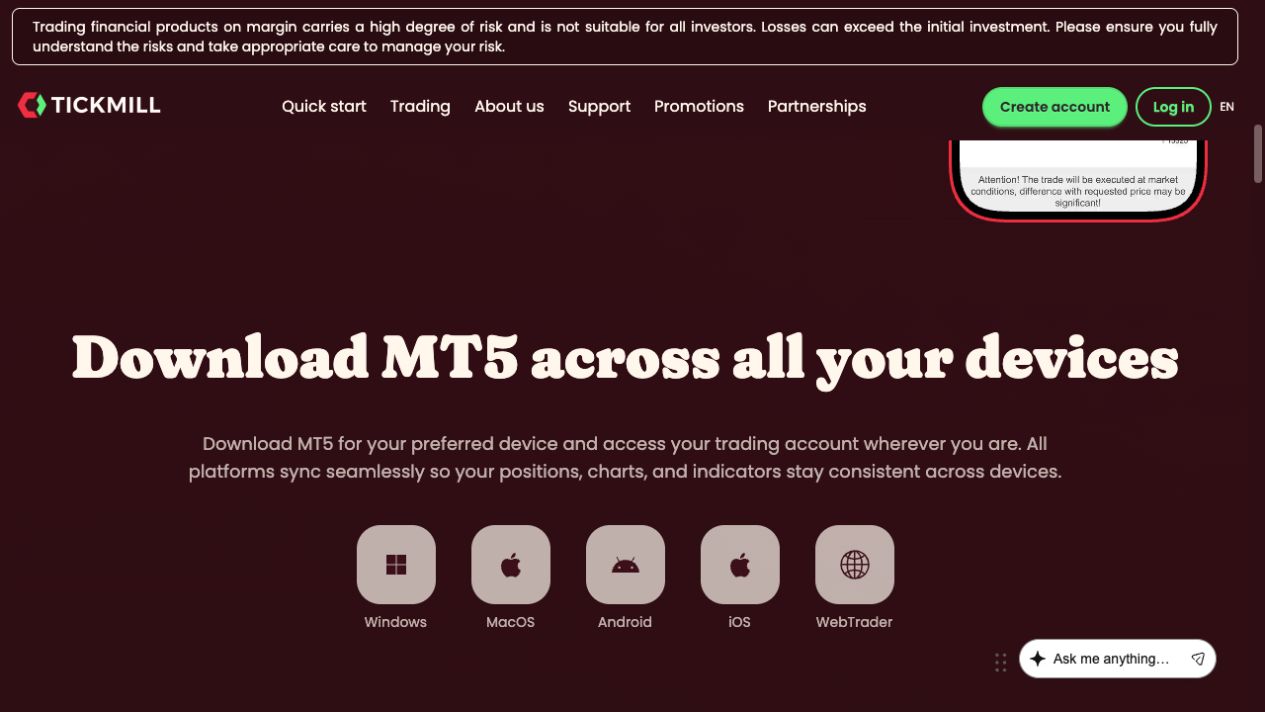
The Tickmill MT5 page separates Windows, Mac, Android, iOS and WebTrader. Use the link for your device and read the current requirements. Its page also provides illustrated Windows and Mac installation manuals.
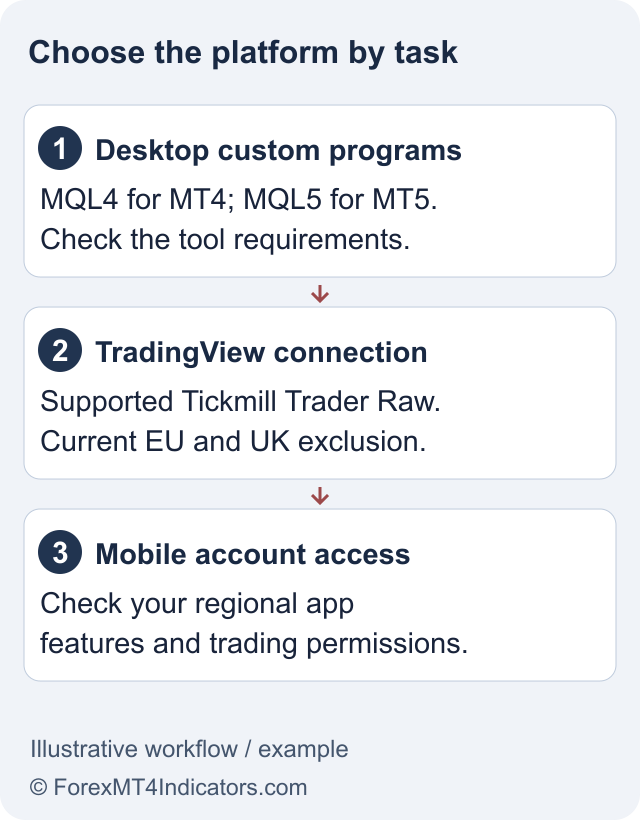
Desktop is the relevant environment for compatible custom MQL5 programs and the full strategy-testing workflow. A phone or browser can serve a different task, such as monitoring positions or manual order entry. Do not assume custom indicators, EAs or local chart settings automatically transfer between them.
We inspected the public platform page and installation routes. We did not install Tickmill’s package or test a live login, so the instructions below describe the documented setup rather than a measured installation result.
Set up Tickmill MT5, step by step
- Choose a demo or live route. A demo uses virtual funds. A live application requires the relevant registration and verification.
- Select an MT5 trading account. Compare Classic and Raw and check the account currency. An existing MT4 account is not converted by installing MT5.
- Download the appropriate platform. Follow Tickmill’s current official download and device instructions.
- Connect to the account. Use the trading-account number, trading password and exact server shown in the account details. MetaQuotes’ account-management guide explains the connection process.
- Confirm account identity and permissions. Distinguish live from demo and trading access from investor access.
- Inspect the instrument before ordering. Open the symbol specification and check volume step, contract size, margin, swap and trading session.
If the account will not connect, follow the login checklist. Reinstalling the application will not fix credentials for the wrong platform or server.
Which MT5 differences matter in practice?
| Feature | Practical use | Limit to remember |
|---|---|---|
| 21 chart timeframes | Inspect a move at different intervals | More charts do not create independent evidence |
| Six pending order types | Specify different entry conditions, including stop-limit orders | An order condition does not guarantee a fill |
| MQL5 tools and strategy tester | Develop and test compatible desktop programs | A backtest is not a live performance record |
| Built-in economic calendar | Check scheduled events while analysing markets | Event timing does not predict the direction of a price move |
The official page lists 38 built-in technical indicators. That count does not include every possible custom tool, and it is not a reason to place all of them on one chart.
MQL5 tools need their own compatibility check
MT5 uses MQL5, including compiled EX5 programs. MT4’s EX4 files are not drop-in MT5 replacements. Obtain the correct version from the developer rather than changing the extension.
Install the program in the appropriate MT5 data-folder location, refresh the Navigator or restart as instructed, then review its inputs and permissions on a demo chart. Keep automated trading disabled until you understand whether the program places orders and how it sizes them.
When testing, record the symbol, timeframe, settings, data period and assumed costs. Optimising many combinations and showing only the winner can make an unstable method look convincing. Preserve losing runs and test changes on data not used to choose the settings.
Check costs and leverage separately from features
Tickmill’s MetaTrader Raw pricing differs from the separate TradingView Raw route. Use the fee breakdown rather than treating every platform with “Raw” in its name as identical.
Some global MT5 arrangements advertise leverage up to 1:1000 on selected instruments, with dynamic tiers. This is not a universal UK or EU retail limit, and a larger position can change its margin treatment. Read the leverage and margin guide before using a maximum-leverage headline in a calculation.
If you simply want chart-based TradingView execution, the TradingView integration uses a different supported account. Your MT5 login is not the connection for it.
Frequently asked questions
Can Tickmill MT4 indicators run on MT5?
Not as a direct file transfer. MT5 needs compatible MQL5 or EX5 programs; obtain or develop the correct version.
What is the MT5 server name?
Use the exact server assigned to your own trading account. It can differ by live or demo environment and account arrangement.
Does installing MT5 open a live trading account?
No. Installation and account creation are separate. You need an approved live account or valid demo credentials to connect.
Can I use MT5 on a Mac?
Tickmill provides a Mac route and an installation manual. Check current system requirements and custom-tool compatibility before relying on it.
Does a profitable MT5 backtest prove a strategy works?
No. Results depend on data, settings, costs and execution assumptions. A backtest cannot guarantee live results.
Sources and review scope
Checked on 11 September 2026 using public provider documents and public screens. We did not open or fund an account, submit identity documents or test live order execution. Screenshots show the public interface; instructions after sign-in describe the documented workflow. Available features depend on your residence, legal entity and account.
Official broker websites
Read the current terms and restrictions for your actual residence. These links do not establish that a broker or service is available or authorised where you live.
Forex and CFD trading carries a significant risk of loss and is not suitable for everyone. These are affiliate links; we may earn a commission if you use them.