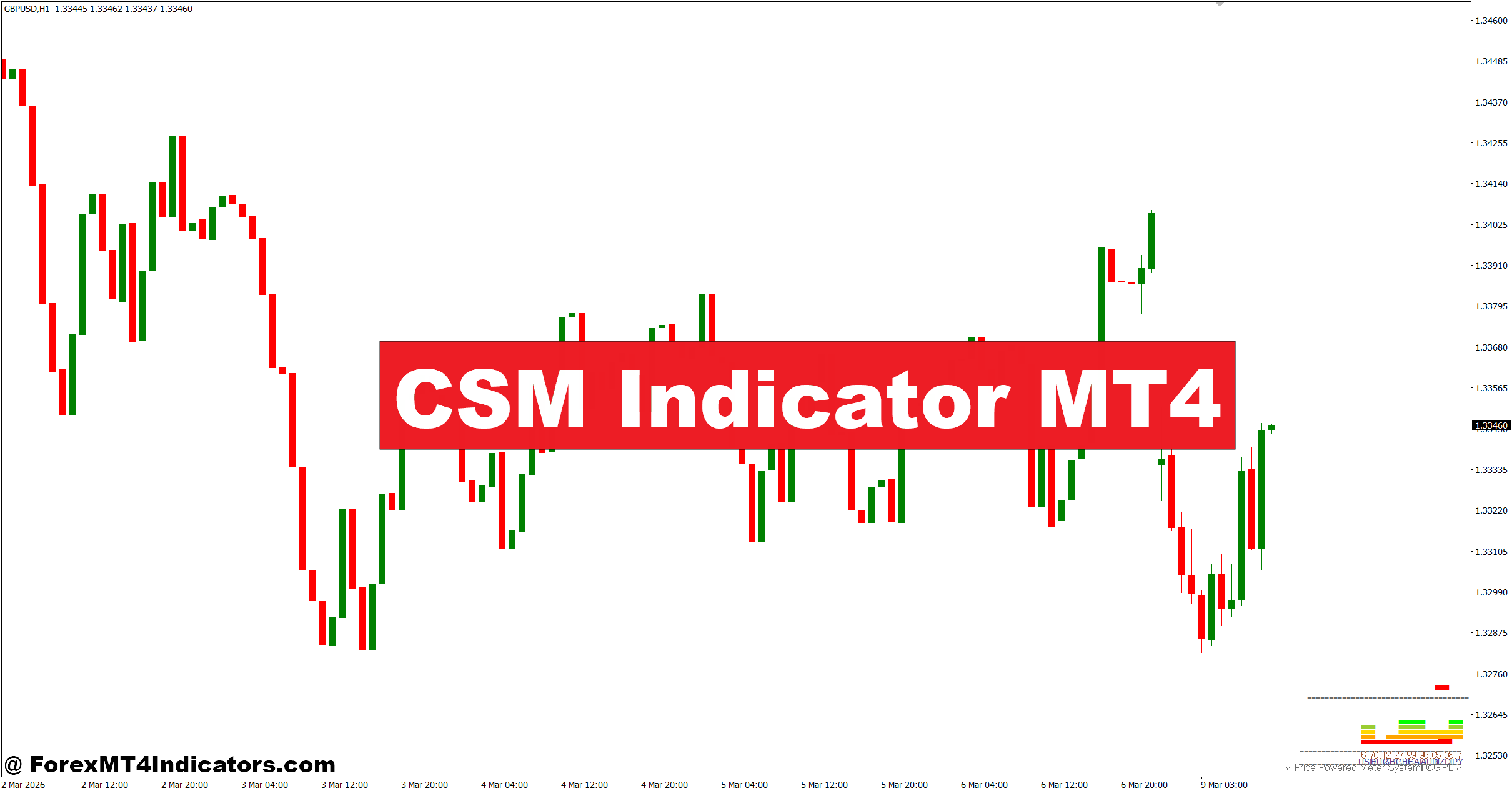
The CSM Indicator MT4 helps solve this by measuring the relative strength of individual currencies rather than only analyzing one currency pair. It gives traders a wider market view before they enter a position. Instead of guessing which side has more momentum, they can compare the strongest and weakest currencies first. That extra confirmation often improves trade quality and helps avoid low-probability setups. The sections below explain how the indicator works and how traders can use it in real market conditions.
What Is the CSM Indicator MT4?
The CSM Indicator MT4, short for Currency Strength Meter, measures the strength of the eight major currencies by analyzing price movement across multiple forex pairs. Instead of producing a simple buy or sell arrow, it ranks currencies based on their overall performance.
For example, if the Japanese Yen gains strength against several currencies while the Australian Dollar weakens across the board, the indicator highlights JPY as one of the strongest currencies and AUD as one of the weakest. Traders may then focus on AUD/JPY instead of randomly selecting another pair with less momentum.
Unlike moving averages that follow only one chart, the CSM Indicator looks at data from several currency pairs simultaneously. This broader approach helps traders identify which markets deserve attention before technical analysis begins.
Many traders use it as a market filter rather than a complete trading system. Price action, support and resistance, or candlestick confirmation still play an important role before placing an order.
How the CSM Indicator Calculates Currency Strength
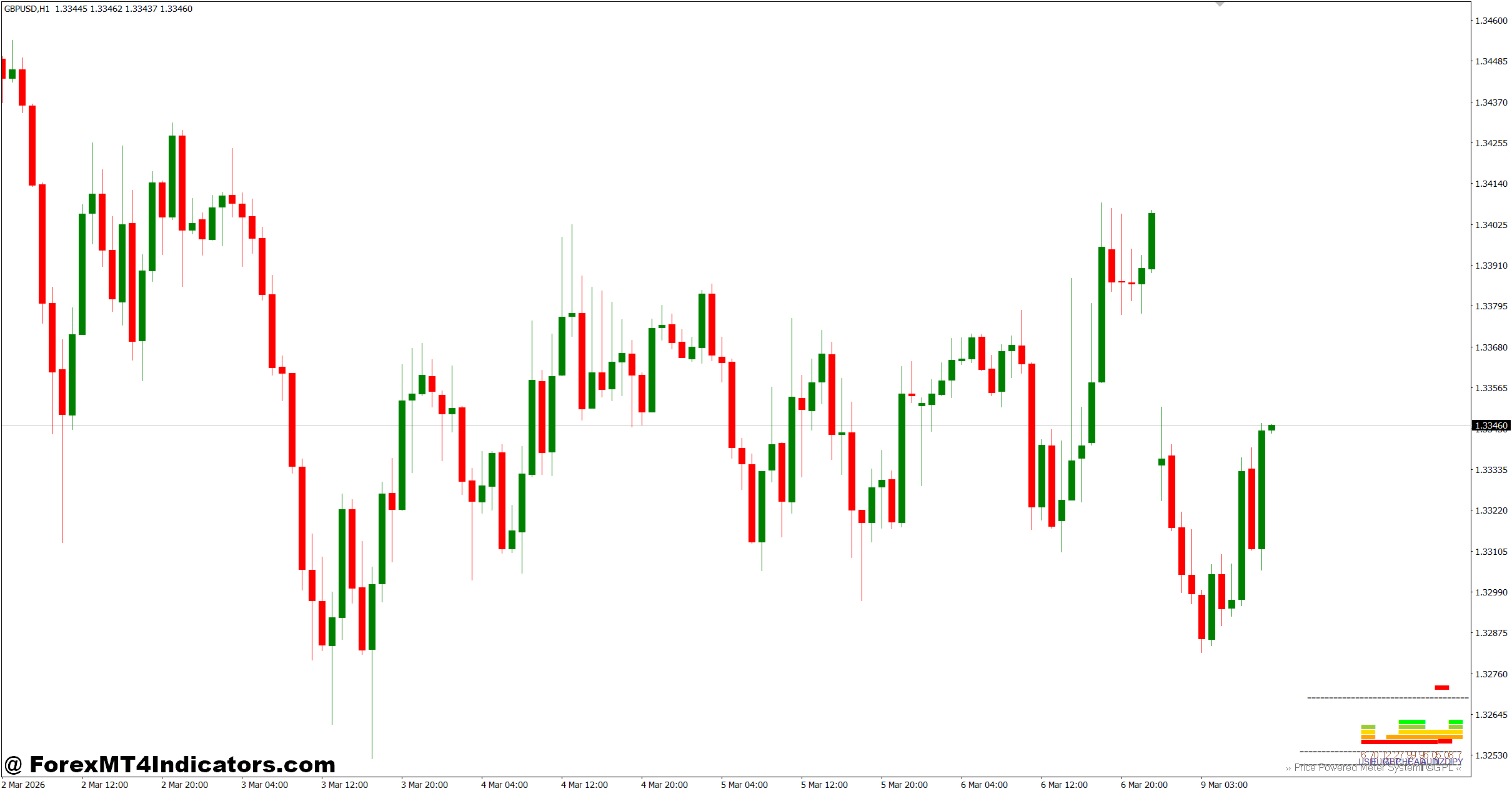
The indicator compares price movement from multiple currency pairs containing each major currency. Its algorithm calculates percentage changes or weighted price movement over a selected period, then combines those values into a strength score.
Imagine the Euro is rising against USD, GBP, CHF, CAD, and NZD while remaining stable against JPY. The indicator recognizes that buying pressure exists across several markets, not just one pair. As a result, EUR receives a higher strength reading.
When testing this during London sessions, traders often notice that the strongest currencies continue attracting buyers for several hours, especially after major economic releases. During Non-Farm Payroll (NFP) announcements, however, strength values can change quickly as volatility increases. Waiting 10 to 15 minutes after the news often provides more reliable readings.
The indicator usually displays colored lines or numerical values. Rising lines indicate increasing strength, while falling lines suggest weakening momentum. Crossovers between the strongest and weakest currencies often attract traders looking for fresh trends.
Still, currency strength should never replace market structure analysis. A strong currency approaching major weekly resistance may still struggle to continue higher.
Using the CSM Indicator MT4 in Real Trading
One practical method involves pairing the strongest currency with the weakest one.
Suppose the indicator shows GBP with a strength reading above 7.5 while CHF falls below 2.5. Instead of scanning dozens of charts, traders immediately focus on GBP/CHF for buying opportunities.
On a 1-hour GBP/CHF chart, price pulls back toward the 20-period Exponential Moving Average while forming a bullish engulfing candle. At the same time, the Currency Strength Meter continues showing GBP gaining strength and CHF weakening. This combination creates a higher-quality trade than relying on the candlestick alone.
Another example comes from EUR/USD during the New York session. The chart may show a breakout above resistance, but if the CSM indicates USD is strengthening almost as quickly as EUR, the breakout may lack enough momentum. Passing on that trade can prevent getting caught in a fake-out.
Some experienced traders also combine the indicator with:
- Relative Strength Index (RSI) for momentum confirmation.
- Average True Range (ATR) for stop-loss placement.
- Support and resistance zones for precise entries.
- Trendlines or market structure for directional bias.
The strongest results usually come when multiple forms of confirmation agree rather than depending entirely on one indicator.
Trading forex carries substantial risk. No indicator guarantees profits.
Best Settings and Customization
The CSM Indicator MT4 offers several adjustable settings depending on trading style.
Scalpers trading the 5-minute or 15-minute charts often prefer shorter calculation periods between 10 and 20. These settings react quickly to changing momentum but also produce more fluctuations during choppy markets.
Swing traders using the 4-hour or daily chart generally choose longer calculation periods such as 40 or 60. The signals appear later, yet they usually filter out more market noise.
For highly active pairs like EUR/USD, GBP/USD, and USD/JPY, default settings often perform well because these markets have strong liquidity throughout London and New York sessions.
Exotic currency pairs may require additional confirmation since lower liquidity can distort short-term strength readings.
One useful habit is checking the indicator before every trading session instead of leaving it open continuously. Market leadership often changes after major central bank announcements or unexpected economic news.
Strengths, Weaknesses, and Comparison with Similar Indicators
The biggest advantage of the CSM Indicator MT4 is market perspective. Instead of asking whether EUR/USD looks bullish, traders first identify whether the Euro is actually stronger than the Dollar across multiple markets.
It also helps reduce random trade selection. Many traders stop forcing setups because the strongest-versus-weakest comparison naturally narrows their watchlist.
But the tool has limitations.
Currency strength can change rapidly during high-impact news events. In ranging markets, readings may fluctuate frequently without producing lasting trends. That’s why experienced traders still analyze support, resistance, and price action before entering a position.
Compared with a Moving Average, the CSM provides broader market information instead of trend direction on one chart.
Compared with the RSI, it measures relative currency performance rather than overbought or oversold conditions.
Compared with the MACD, it reacts to shifts in overall currency strength instead of focusing only on momentum within one trading pair.
That difference makes it an excellent confirmation tool rather than a replacement for traditional technical indicators.
How to Trade with CSM Indicator MT4
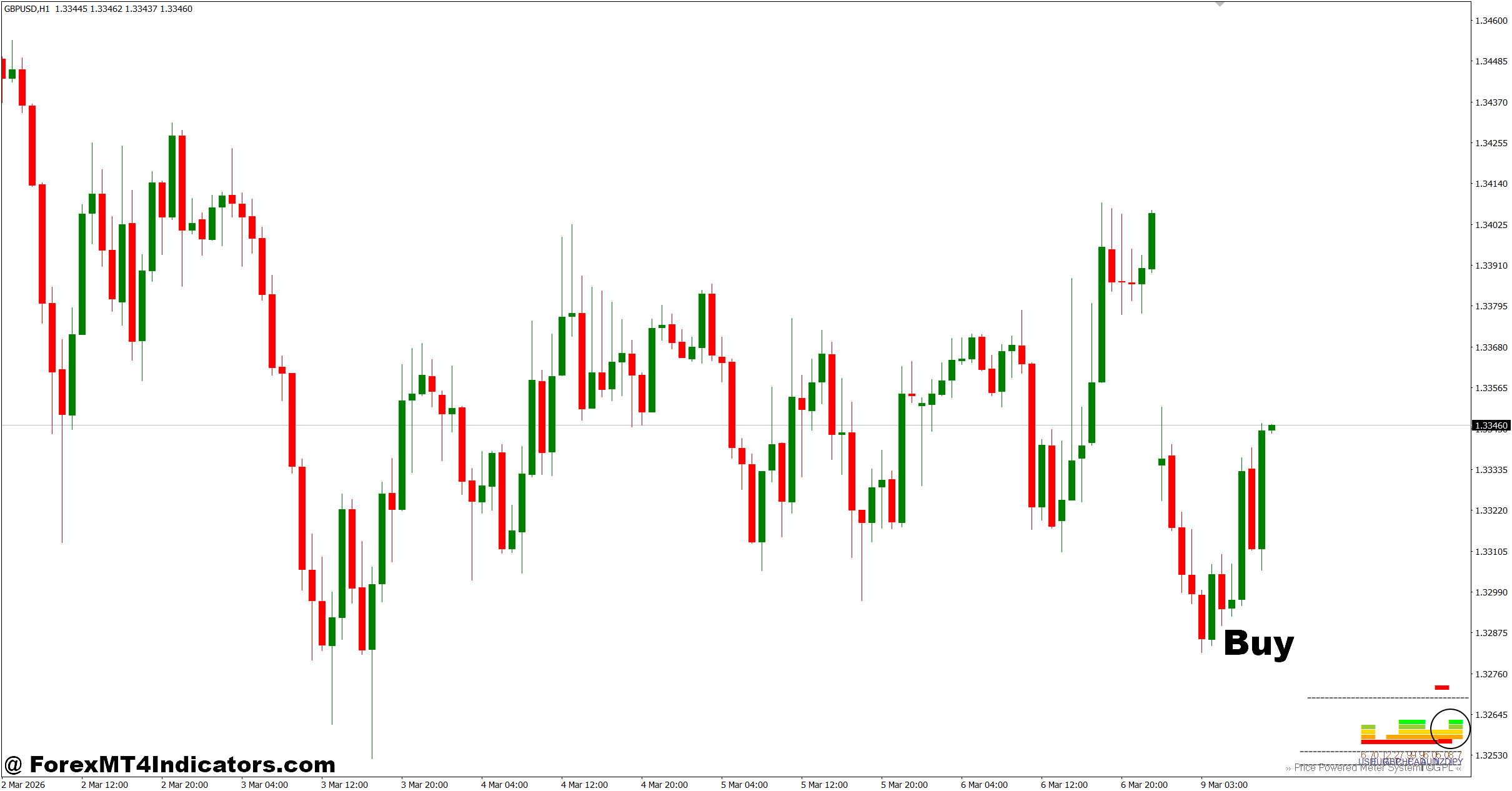
Buy Entry
- Trade the strongest vs. weakest currency – Buy EUR/USD when EUR strength is above 7 and USD is below 3 on the 1-hour chart.
- Wait for a pullback – Enter after a 20–30 pip pullback to support instead of chasing price.
- Confirm trend direction – Only buy when price stays above the 50 EMA on the 4-hour chart.
- Use bullish candle confirmation – Enter after a bullish engulfing or pin bar closes near support.
- Place a protective stop-loss – Keep the stop 20–35 pips below the recent swing low.
- Target a solid reward – Aim for at least a 1:2 risk-to-reward ratio or 40–70 pips.
- Trade active sessions – Focus on the London or New York session for stronger momentum.
- Avoid weak conditions – Don’t buy when strength lines are flat or before major news releases.
Sell Entry
- Sell the weakest against the strongest – Sell GBP/USD when GBP strength falls below 3 and USD rises above 7 on the 1-hour chart.
- Wait for a retracement – Enter after a 20–30 pip rally into resistance.
- Confirm the downtrend – Only sell when price remains below the 50 EMA on the 4-hour chart.
- Use bearish price action – Enter after a bearish engulfing or rejection candle forms.
- Protect the trade – Set the stop-loss 20–35 pips above the recent swing high.
- Take realistic profits – Target 40–70 pips or maintain a 1:2 risk-to-reward ratio.
- Check higher timeframe bias – Make sure the daily trend also favors sellers before entering.
- Skip choppy markets – Don’t sell when currency strength lines frequently cross or during low-volume sessions.
The CSM Indicator MT4 gives traders valuable insight into which currencies currently control market momentum. It works best when combined with solid chart analysis instead of replacing it. Traders who remember three key ideas often get better results: compare the strongest currency with the weakest one, wait for price action confirmation before entering, and adjust settings to match the trading timeframe. The indicator won’t eliminate losing trades, especially during volatile news events or sideways markets, but it can improve trade selection and reduce unnecessary entries. Used with disciplined risk management, the CSM Indicator MT4 becomes a practical addition to a well-structured forex trading plan rather than a shortcut to quick profits.
Level up your trading
Learn to read the chart — not just the indicator
eBook · Instant PDF
Video Course · 12 modules
Recommended MT4/MT5 Brokers
- ✓ *FREE *$50 to start (withdrawable)
- ✓ Deposit bonus up to $5,000
- ✓ Negative balance protection
Trading forex and CFDs carries a significant risk of loss and is not suitable for everyone. Broker links are affiliate links — we may earn a commission at no cost to you.
Free MT4 Indicator Download

Enter Your Email Address below, download link will be sent to you.